PlanOn - Shift Calendar
Snap your nursing schedule
Designed for iPhone
In-app purchases
- Age rating4+
- CategoryLifestyle
- DeveloperJongHoon Baek
- LanguagesKorean+ 4 more
- Size64.1 MB
Links to the official App Store page
Download.org hosts no file of PlanOn - Shift Calendar. The button opens its official App Store page, published by JongHoon Baek. Listing last checked on Nov 23, 2026.
Screenshots


About
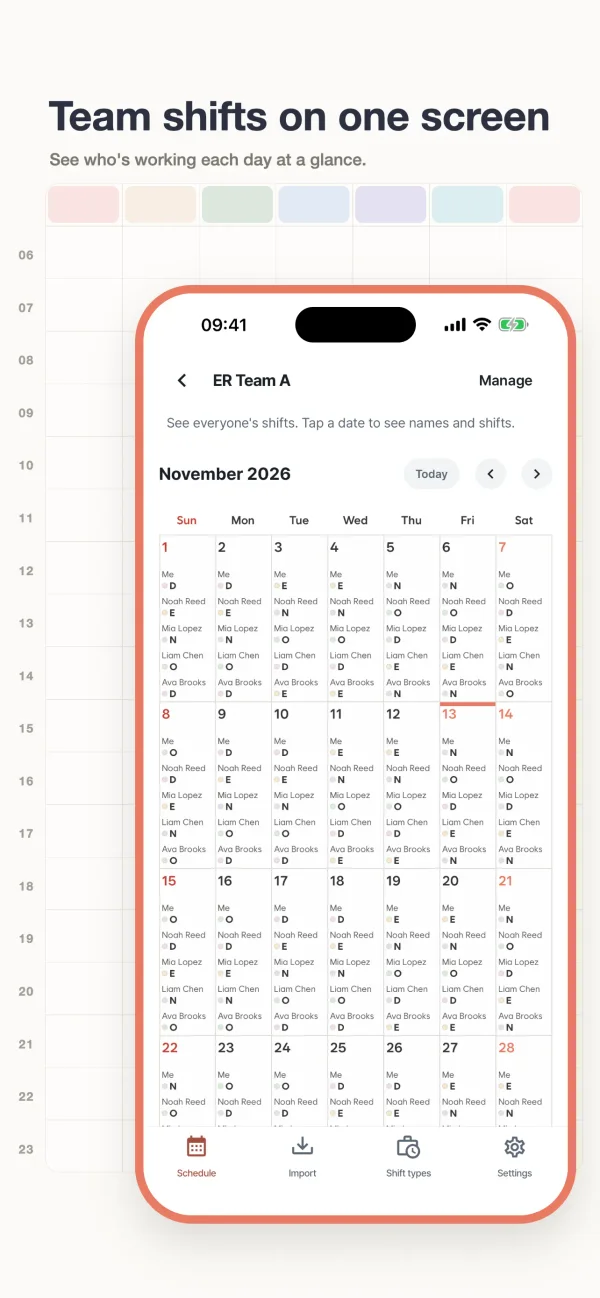
Typing out a new schedule every month gets old. Take a photo of your work schedule, or pick one from your library, and PlanOn finds your row by name and turns it into this month's shifts. It also works when the schedule lists your whole team, like a nursing unit schedule.
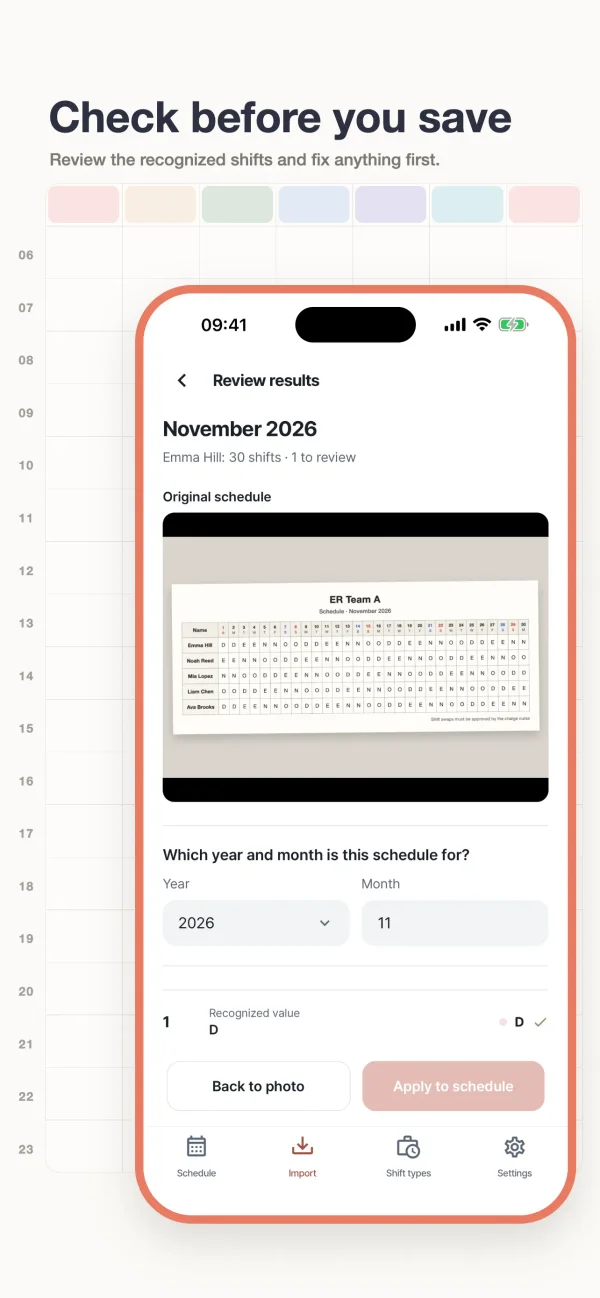
Nothing is saved until you check it. Review the dates and shift types, fix anything that was misread, then add it to your calendar.
You can also tap any date to add, change, or delete a shift by hand.
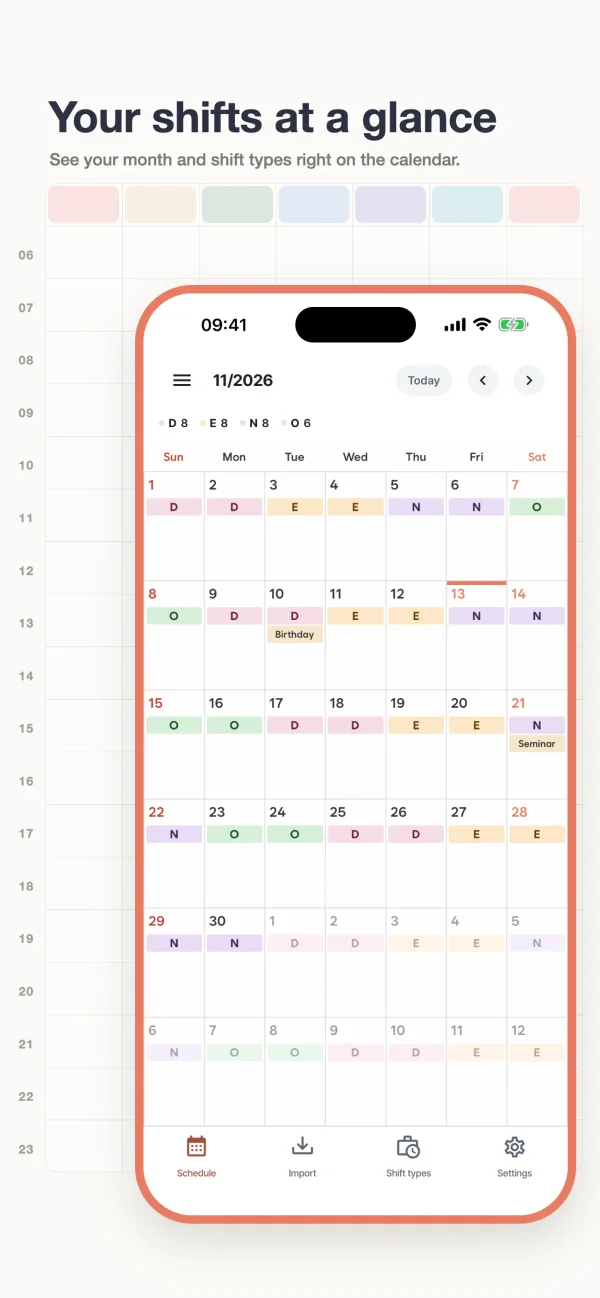
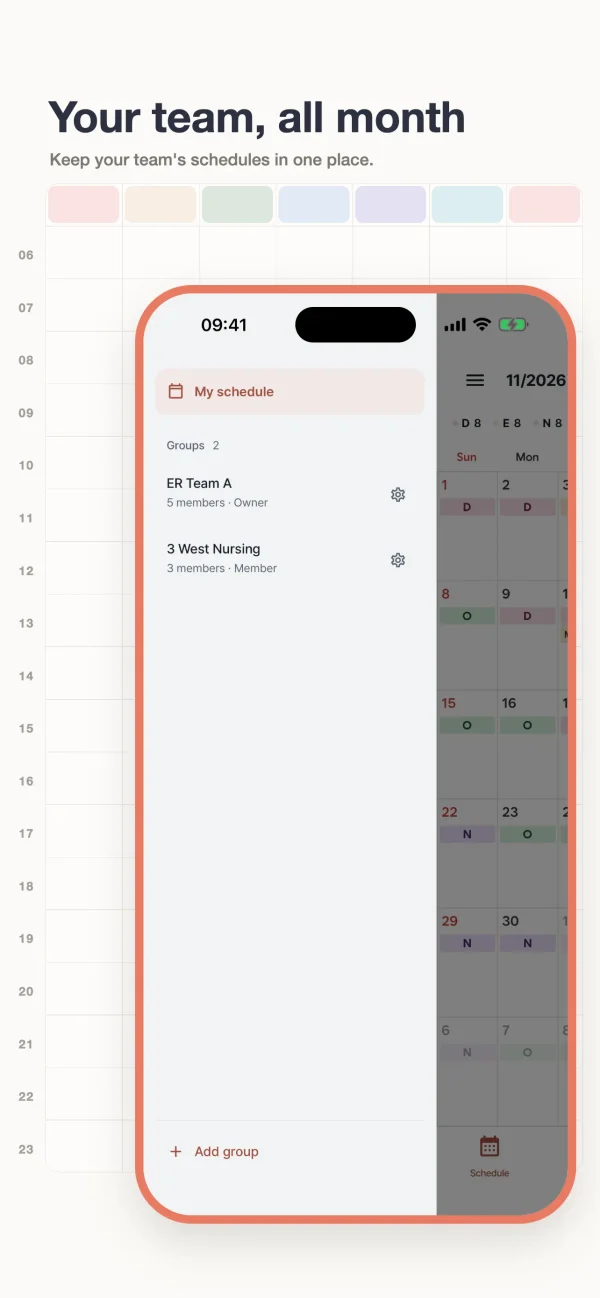
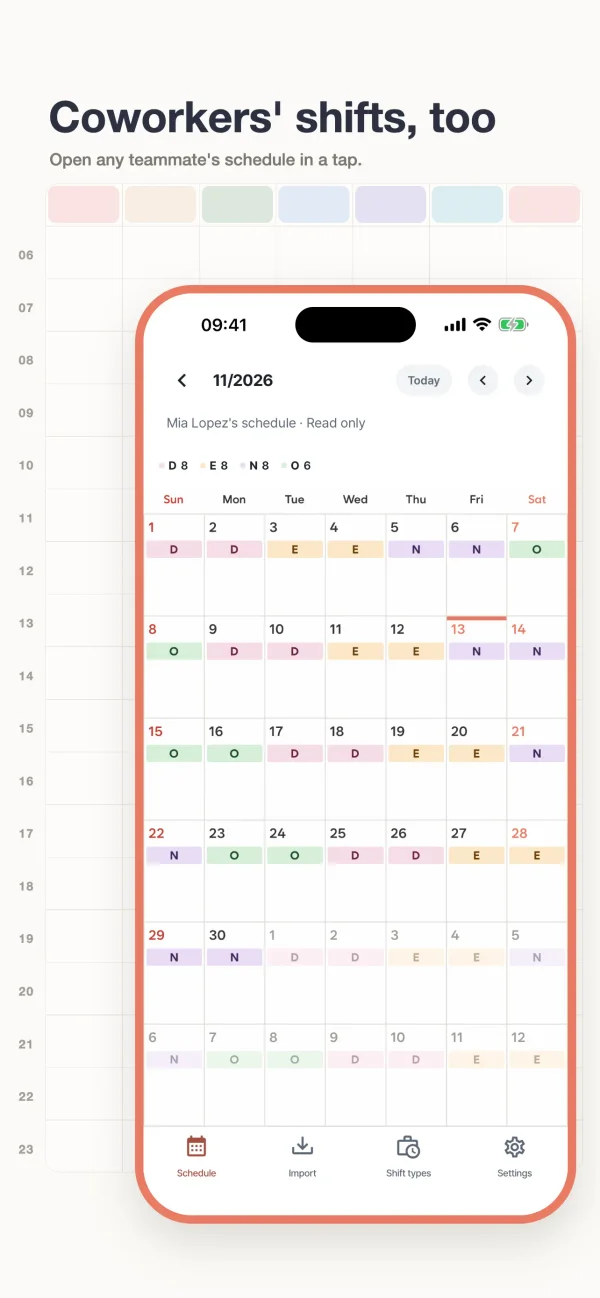
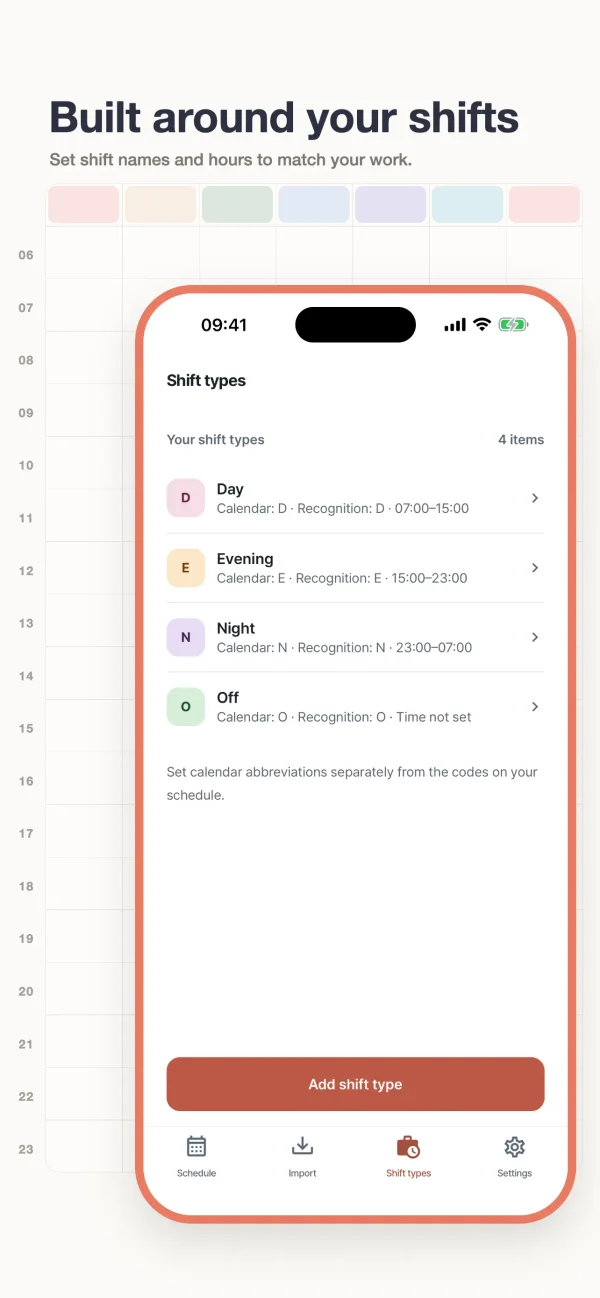
Each shift type shows a short label next to its color, so they're easy to tell apart. Add the home screen widget to see this month's shifts without opening the app. Join a group to see your coworkers' schedules.
About photos
Schedule photos are sent to an AI service for recognition and are never shown to your group. They may include coworkers' names and shifts, so please upload with care.
Recognition credits
• At the start of each month, your balance is topped up to 2 if it's below 2.
• Watch a short ad to get 1 more.
• Only successful scans use a credit.
• The Remove Ads purchase hides banner ads. You can still choose to watch ads for extra credits.
Available in English, Japanese, Korean, and Chinese (Simplified and Traditional).
What’s new
Version 0.3.1 · Nov 20, 2026
When you import a schedule, days to check and recognized days are now shown separately. Unclear days are only suggested, not filled in, and you can zoom into the original schedule to compare.
The time wheel scrolls more smoothly, and the time only changes when you tap OK.
Fixed an issue where earning a credit by watching an ad could get stuck on "Confirming credit."
Buttons now show when they are pressed, and screen transitions feel smoother.
App privacy
What JongHoon Baek declares on the App Store about how this app handles data.
-
Data used to track you
May be used to track you across apps and websites owned by other companies.
- Identifiers
-
Data linked to you
May be collected and linked to your identity.
- Location
- Contact info
- User content
- Identifiers
- Usage data
-
Data not linked to you
May be collected but is not linked to your identity.
- Diagnostics
Privacy practices may vary, for example with the features you use or your age.
Information
- Seller
- JongHoon Baek
- Category
- Lifestyle
- Version
- 0.3.1
- Updated
- Nov 20, 2026
- Released
- Oct 3, 2026
- Size
- 64.1 MB
- Requires
- iOS 16.4 or later
- Age rating
- 4+
- In-app purchases
- Yes
- Languages
- Korean, English, Japanese, Simplified Chinese, Traditional Chinese
- Copyright
- © 2026 BackSlash