
Just Plan — планировщик задач
Задачи под контролем
Designed for iPhone, iPad, Mac
Free
- Age rating4+
- CategoryProductivity
- DeveloperAlexey Zhirov
- LanguagesEnglish
- Size25.4 MB
Links to the official App Store page
Download.org hosts no file of Just Plan — планировщик задач. The button opens its official App Store page, published by Alexey Zhirov. Listing last checked on Nov 18, 2026.
Screenshots



About
Just Plan does not show a list of tasks. It shows one flow of your day.
DAY FEED
Every task from every folder lands in a single feed: overdue, today, tomorrow, this week, later, no date. You no longer walk through five lists to find out what today looks like. The folder is just a coloured mark on the card. Swipe right to complete, swipe left to reschedule.
SMART REMINDERS
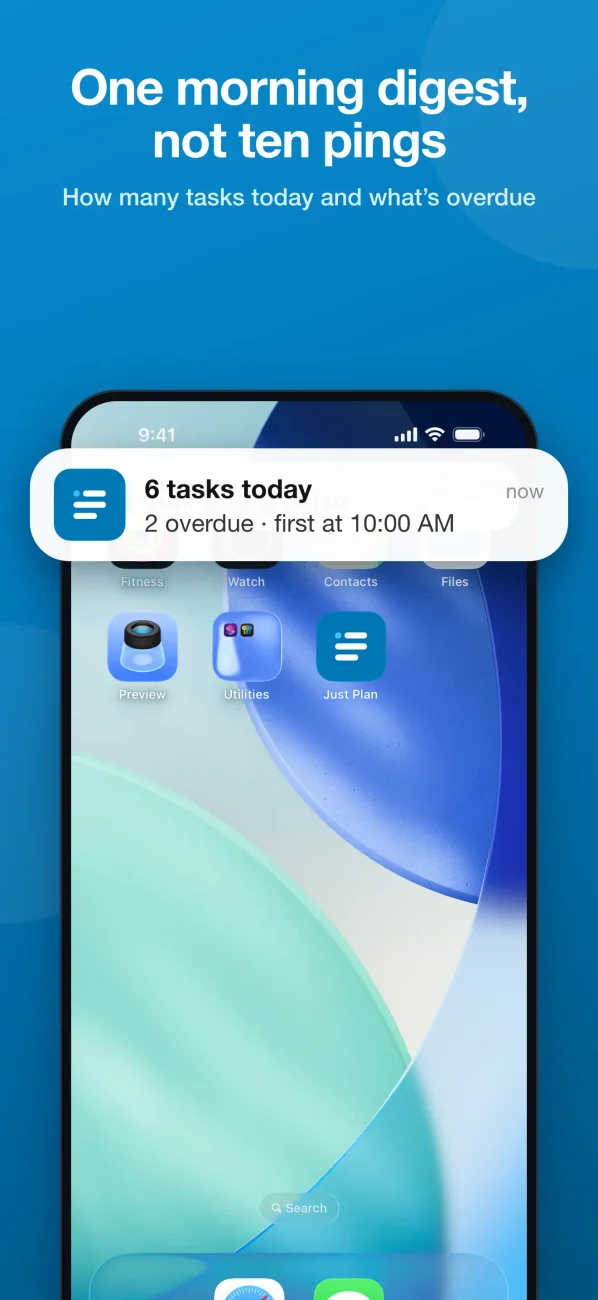
• Morning digest — one notification instead of ten: how many tasks today, how many overdue.
• Timed reminders only for tasks that actually have a time.
• Quiet hours: a notification that falls into the quiet interval is moved to an allowed time instead of being lost.
• Persistent reminder: for an important task, repeat the alert every N minutes until it is done.
• Snooze for 15 minutes straight from the notification, without opening the app.
WEEK
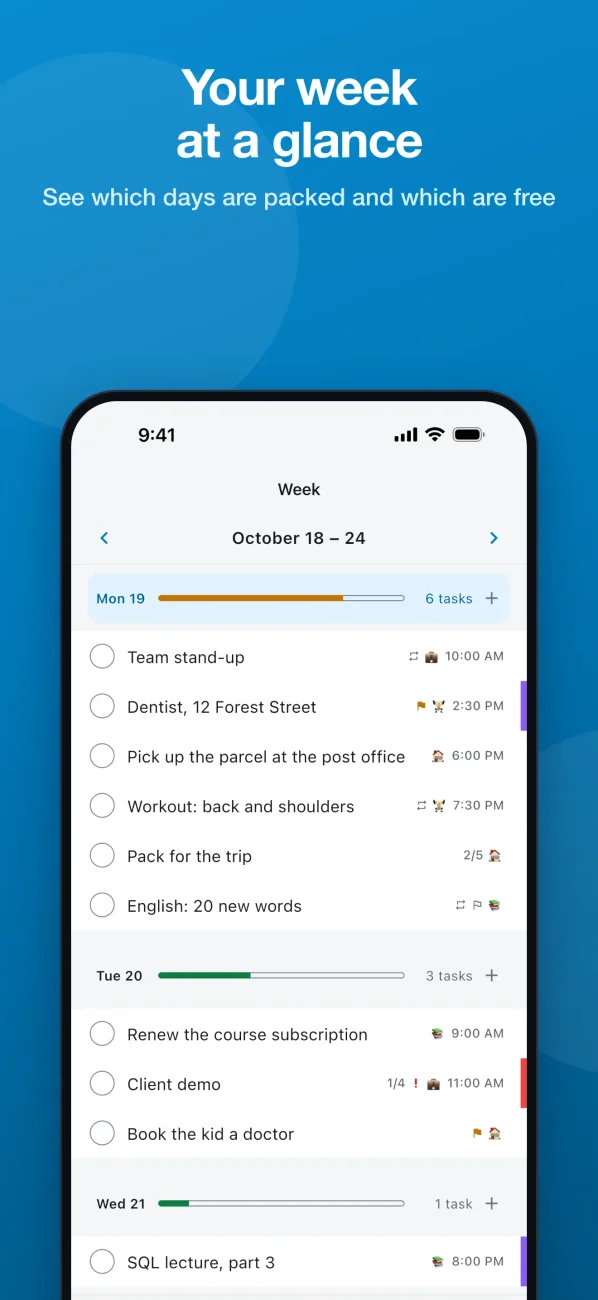
Seven days side by side: you can see that Tuesday is overloaded and Thursday is empty. Drag a task from one day to another.
SYNC THROUGH YOUR OWN iCLOUD
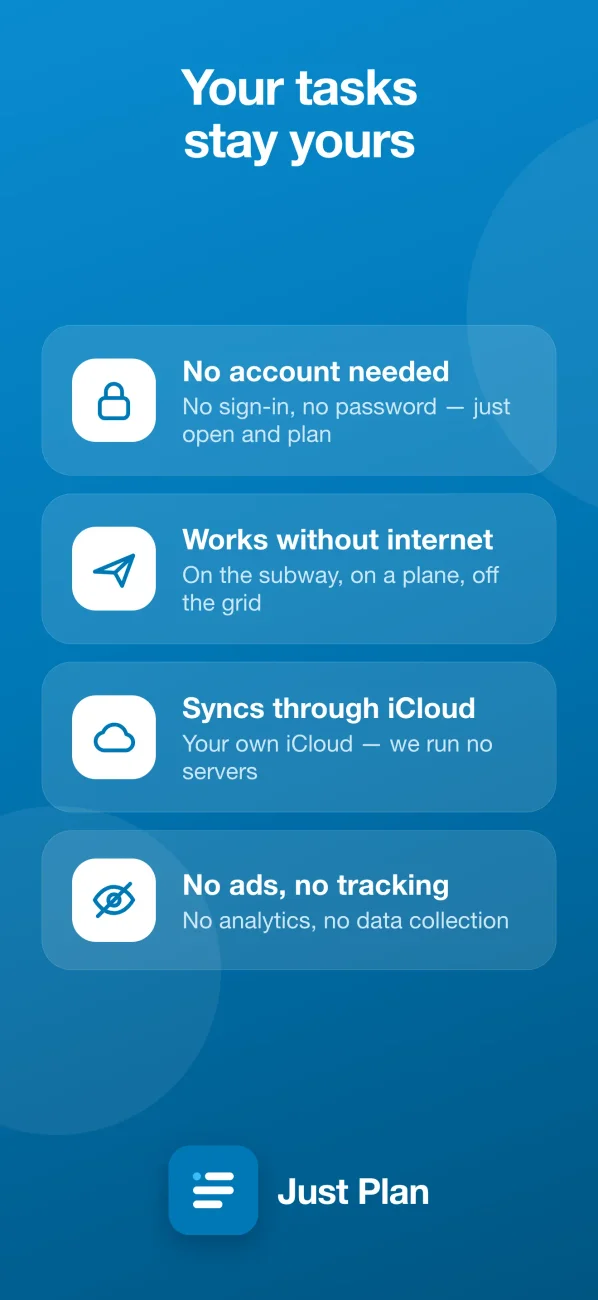
Tasks, folders, subtasks, templates and settings are the same on every Apple device signed in to the same Apple ID. No sign-up, no login, no password: it works with the Apple ID you are already using. Offline the app works exactly as before, and your edits find the other devices once you are back online. Edited the same task on two devices? Changes are merged, not overwritten. You can turn sync off at any time.
ALSO INSIDE
• Repeating tasks: daily, weekdays, weekly, monthly, yearly or a custom interval.
• Subtasks with progress.
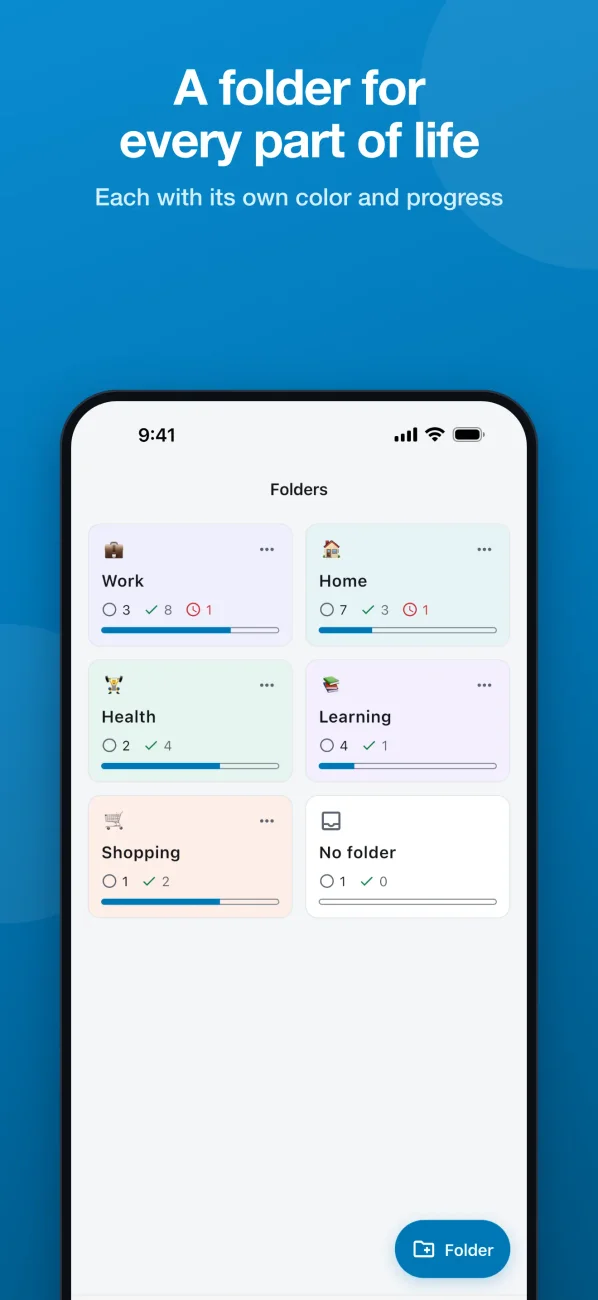
• Folders with their own colour and emoji.
• Four priority levels and labels.
• Search by title and note.
• Templates for tasks you create again and again.
• Completion statistics.
• Trash: deleted items are kept for 30 days.
• Export and import as a file — a backup and a way to move to a new phone.
• Light and dark theme, English and Russian.
YOUR DATA STAYS YOURS
Sync runs through your own iCloud. The app has no server of its own, and the developer never sees your tasks. No account, no sign-up, no password. No analytics, no tracking, no ads. With sync switched off the app does not touch the cloud at all. The backup is an ordinary file, and you decide where to keep it.
Two permissions in total: showing notifications, and putting the app's own files into your iCloud storage. No camera, no location, no contacts, no microphone.
Free, with no in-app purchases, subscriptions or ads.
What’s new
Version 2.1.1 · Oct 20, 2026
Just Plan is now even nicer to use: we polished the little things you notice every day.
• Cleaner settings: the essentials on the first screen, everything else neatly grouped.
• Completing tasks feels great: the circle, a smooth strike-through and a soft highlight. And an accidental double tap no longer completes a task twice.
• Week opens right on today. Add tasks straight from the week screen — just tap a free day.
• A task you were typing is kept, even if you swipe the panel away by accident.
• Trash, templates and statistics have a fresh, tidier look.
• Plus dozens of small improvements to layout, wording and accessibility.
App privacy
What Alexey Zhirov declares on the App Store about how this app handles data.
-
Data not collected
The developer does not collect any data from this app.
Privacy practices may vary, for example with the features you use or your age.
Information
- Seller
- Alexey Zhirov
- Category
- Productivity
- Version
- 2.1.1
- Updated
- Oct 20, 2026
- Released
- Sep 10, 2026
- Size
- 25.4 MB
- Requires
- iOS 17.0 or later
- Age rating
- 4+
- Price
- Free
- Languages
- English
- Copyright
- © 2026 Жиров А.А.
You might also like
-
 Listo PlannerTasks, calendar, habits
-
 Galka: Tasks & ProjectsProjects, Tasks & Daily Plan
-
 TaskLifeProductivity
-
 HarkEcho: Focus & RemindersTasks that ring until you act
-
 Love Todo by Omar RzaevProductivity
-
 Plandy: Calendar & To Do ListDaily Planner, Notes & Habits
-
 DayOnProductivity
-
 vSysteme: tasks & remindersReminds you until it’s done
-
 Kitfox: Brain Dump, AI PlannerVisual Focus Timer, To-Do List
-
 ПланероProductivity