
SheMi: Private Photo Vault
Hide Photos & Private Camera
Designed for iPhone, iPod touch
Free · In-app purchases
- Age rating12+
- CategoryPhoto & Video
- Developer广州锐狮信息科技有限公司
- LanguagesEnglish+ 2 more
- Size29.6 MB
Links to the official App Store page
Download.org hosts no file of SheMi: Private Photo Vault. The button opens its official App Store page, published by 广州锐狮信息科技有限公司. Listing last checked on Nov 26, 2026.
Screenshots

About
Shoot. Hide. Done. SheMi is a private camera: every photo you take goes straight into a locked space the system album never sees — no camera roll, no cloud, no account.
HOW IT WORKS
1. Open SheMi and snap a photo. It never lands in your camera roll — the Photos app, chat apps, and file browsers simply can't see it.
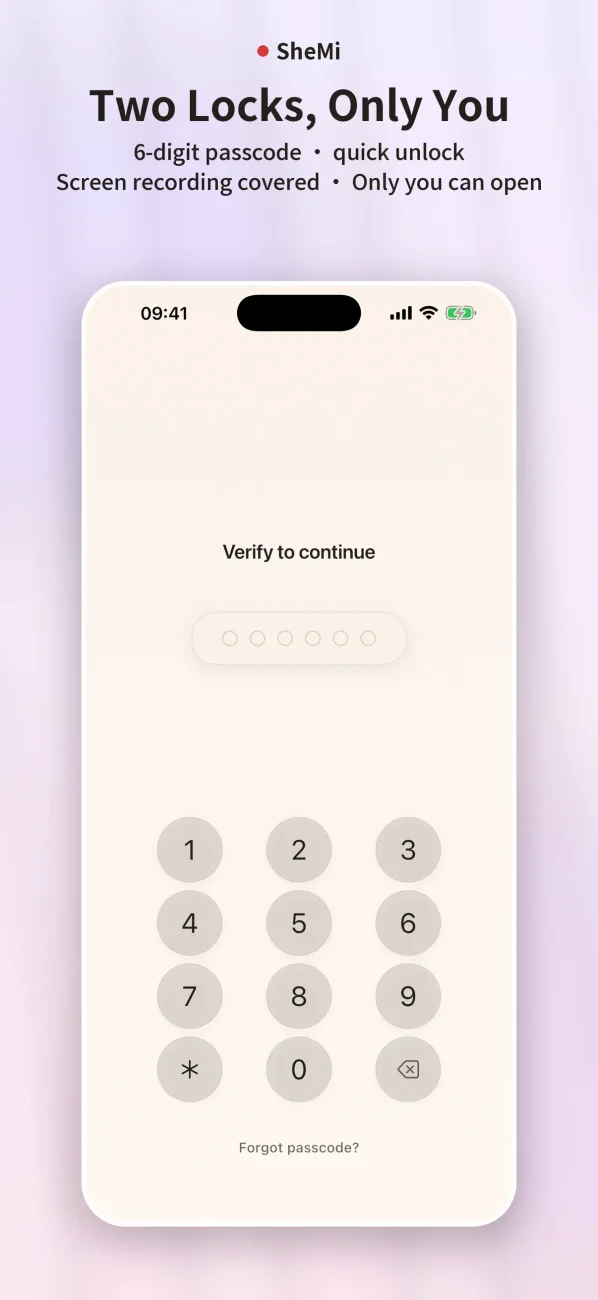
2. Your photos live behind a 6-digit passcode and Face ID / Touch ID, in an album only you can open.
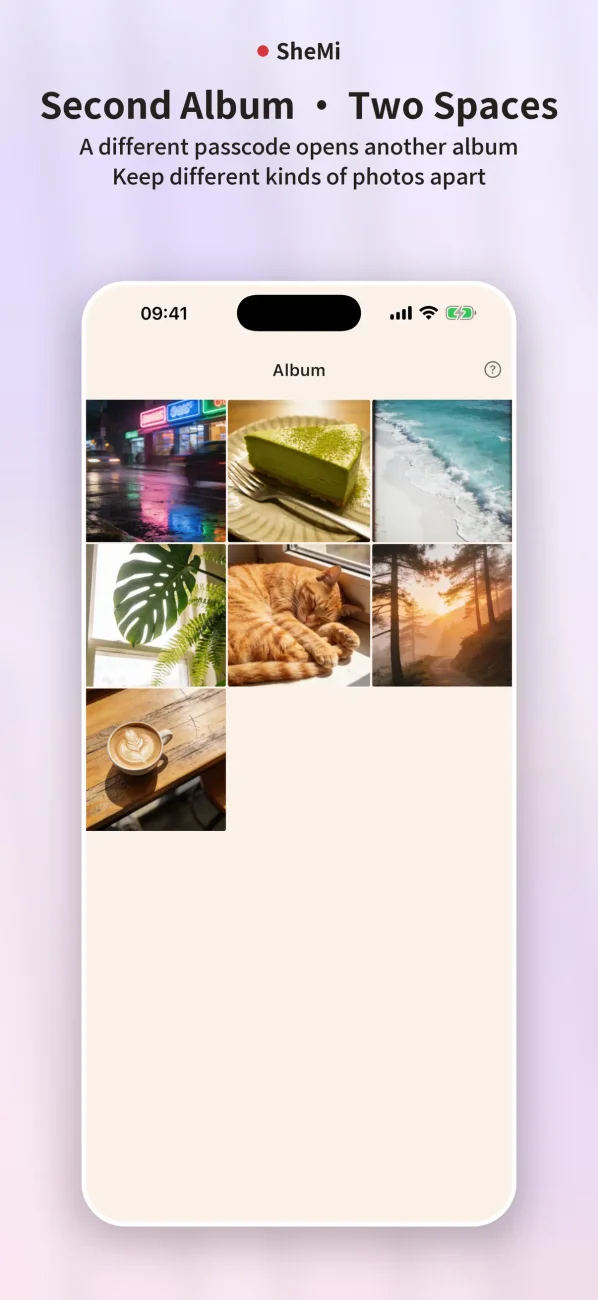
3. Set a second passcode to open a separate "decoy" album — a plain space you can show if someone insists on unlocking.
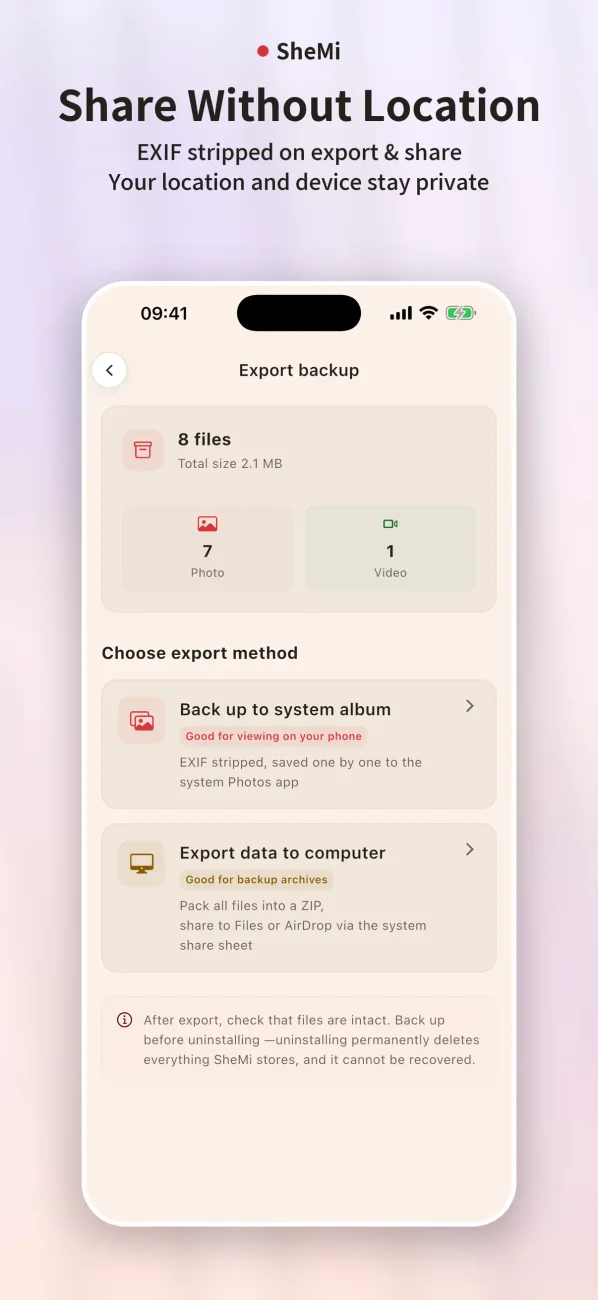
4. Take your photos out whenever you want: export to your camera roll, share as files, or send them over Wi-Fi to your own computer — with location and device info automatically stripped.
BACKUP & RESTORE
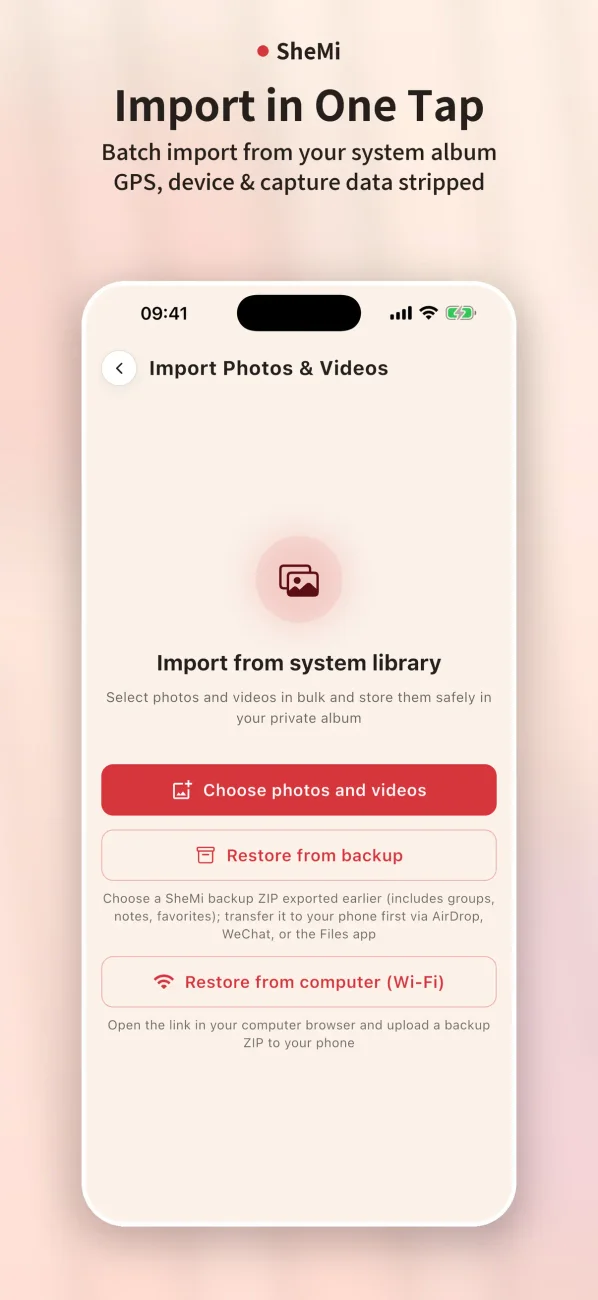
Export a ZIP of your entire vault to your computer — download it directly over Wi-Fi, or save it to Files. The backup carries photos, videos, groups, notes, and favorites. On a new phone, import the ZIP in one step: everything comes back, and restoring the same backup twice won't create duplicates. You can also upload a backup from your computer's browser to restore it on the phone.
INTRUDER ALERT
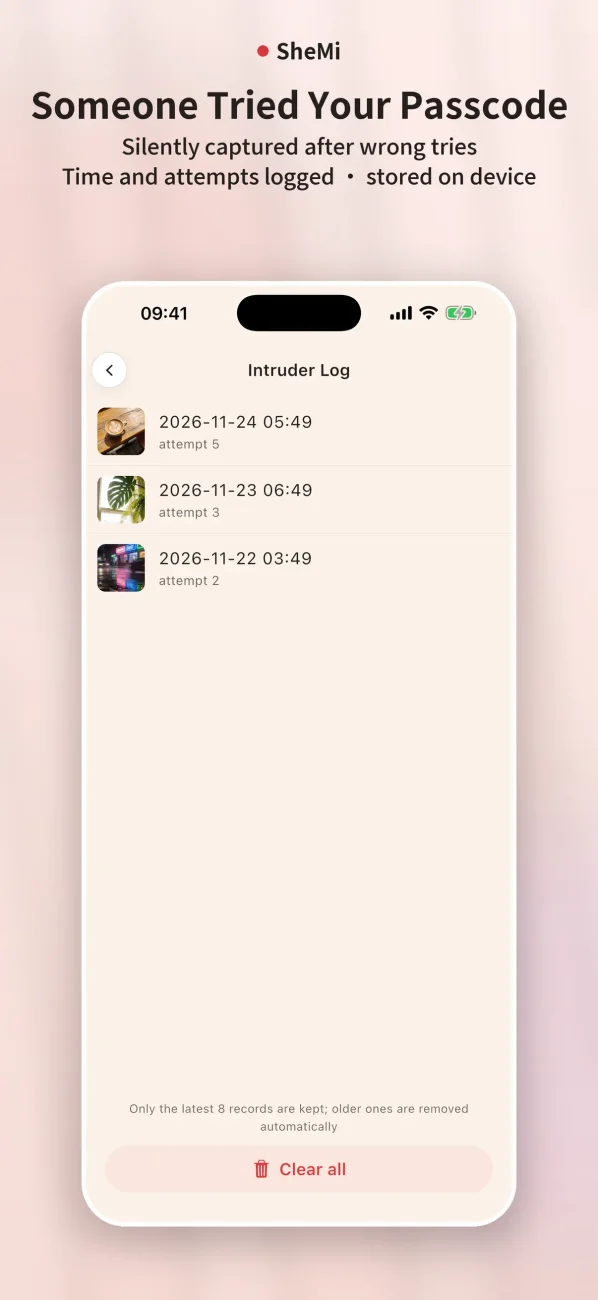
Turn it on and SheMi quietly takes a front-camera photo after repeated wrong passcodes, logging the time and number of attempts. Open Intruder Records to see who tried. Photos and logs stay on your device only; the latest 8 records are kept and older ones are removed automatically.
WHAT MAKES SHEMI DIFFERENT
Most privacy apps hide photos you've already taken — after they've passed through your camera roll, chat apps, and cloud backup. SheMi is a camera first: your private shots never enter the system album at all. What's never there can't leak.
PRIVACY FACTS
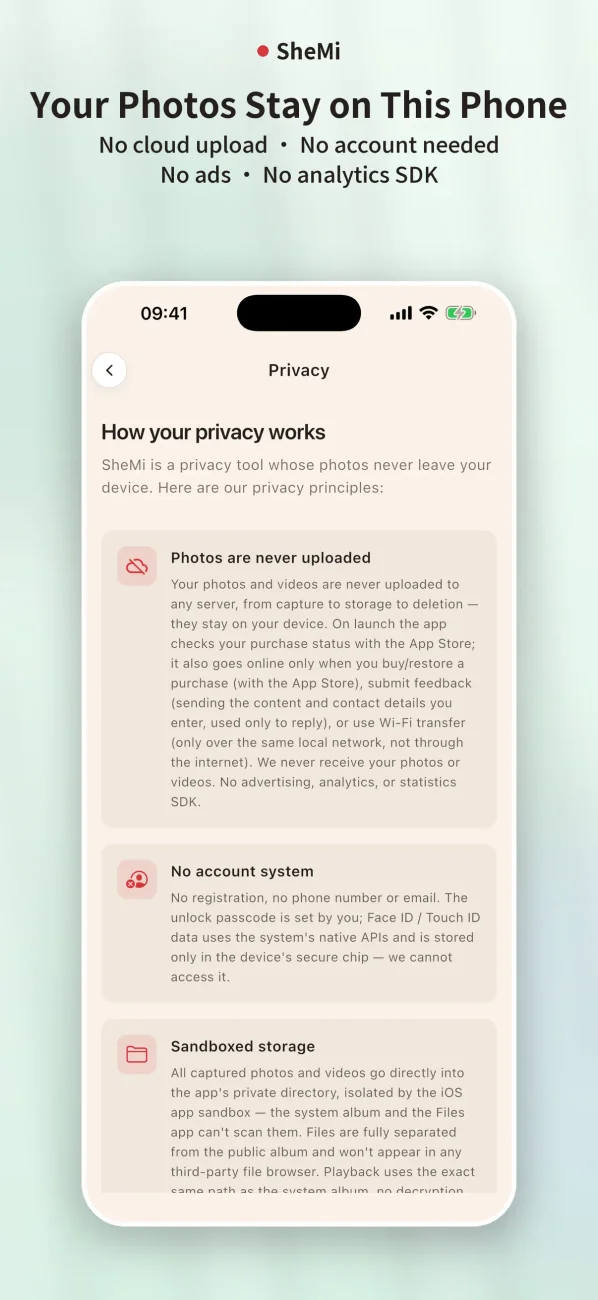
• No photo uploads. SheMi contains no code that uploads your photos. The app goes online only for three things: in-app purchase, feedback you submit yourself (which goes straight to our support inbox), and Wi-Fi export/restore — files travel directly between your phone and your own computer over the local network, never through our servers.
• No account. No email, no phone number, no sign-in. Your photos aren't tied to any identity.
• No ads, no analytics SDK, no third-party data services.
• Screen-recording cover: while your iPhone records the screen, SheMi shows a cover until recording stops. iOS doesn't let any app block user-taken screenshots — SheMi reminds you to delete them.
• Automatic metadata removal: GPS location, device model, and capture parameters are stripped from JPEG, PNG, and HEIC when you shoot, import, or export.
PRICING
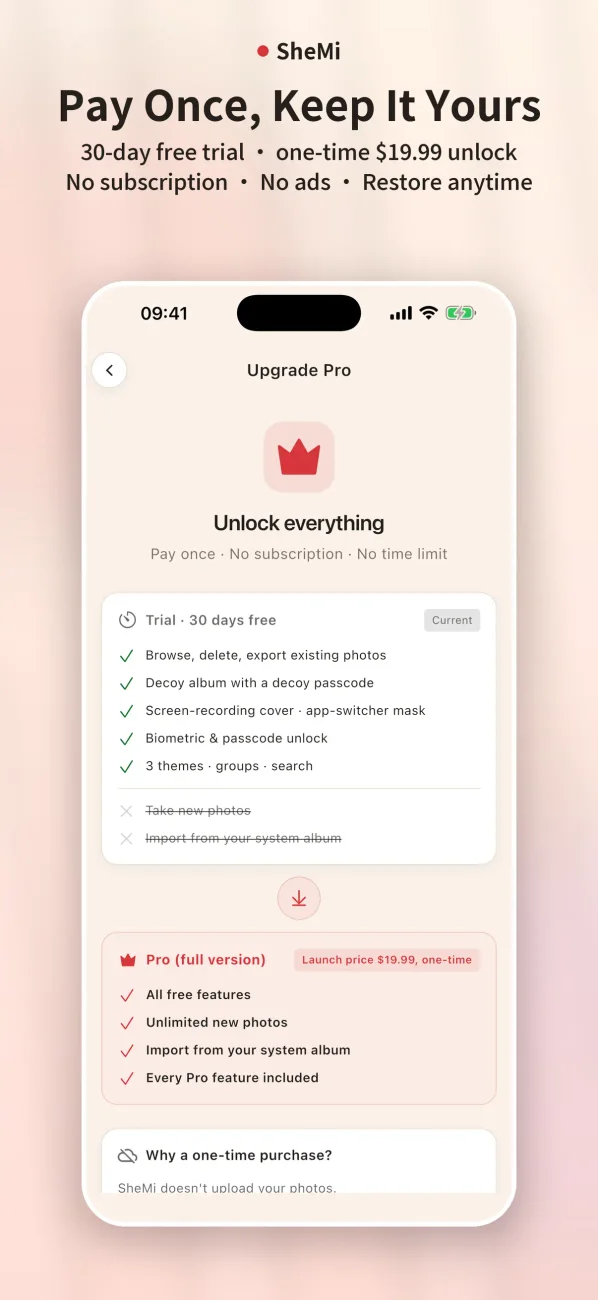
All features free for 30 days. After the trial, your saved photos are never locked — you can always view, export, and delete them. Unlock the full app to keep shooting and importing: $19.99, one-time purchase. No subscription, no auto-renewal. Your purchase is tied to your Apple ID and restores on a new iPhone.
ORGANIZE YOUR WAY
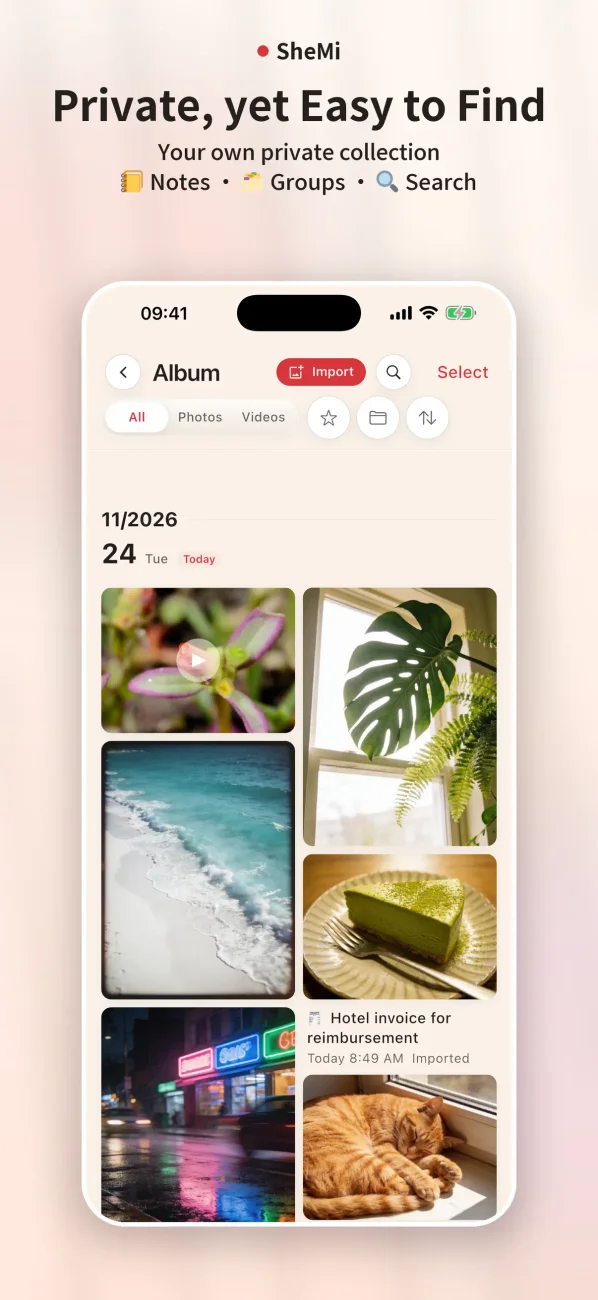
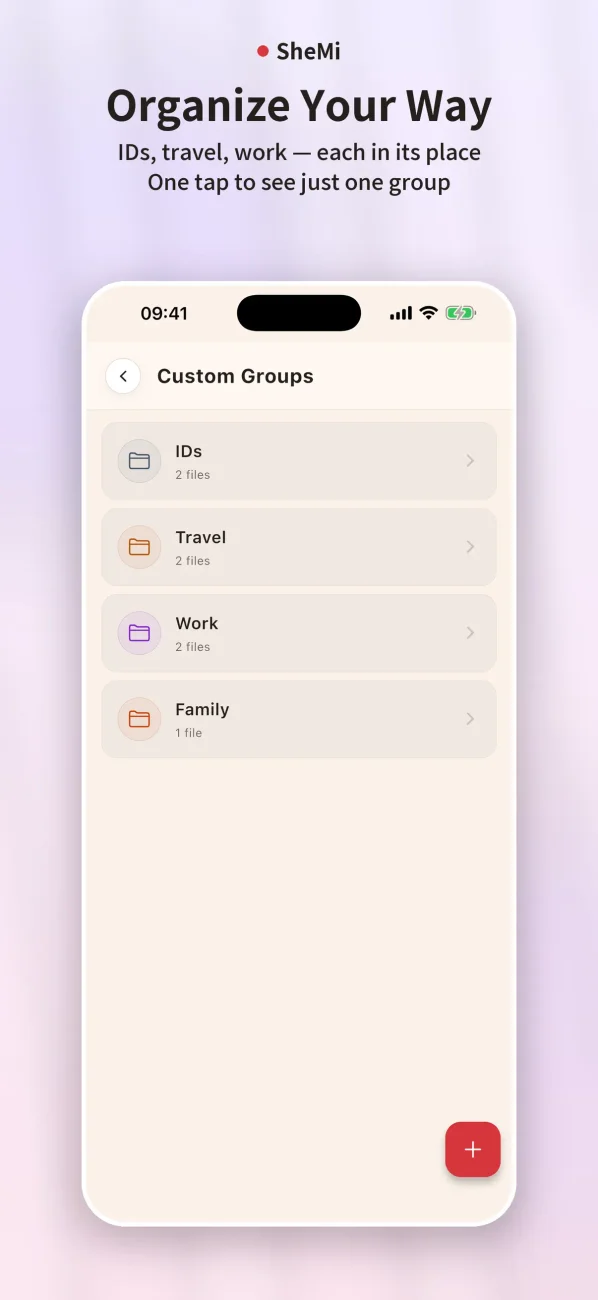
Groups, keyword search, notes, and date browsing keep a growing vault findable. Batch import from your system album in one go. Imported media is filed under the date you imported it, while the original capture time stays in the details.
REQUIREMENTS
iPhone with iOS 15.0 or later. Compatible with Face ID and Touch ID.
———
Guangzhou Ruishi Information Technology Co., Ltd.
Support: https://www.ruisstech.com/en/shemi/
Privacy Policy: https://www.ruisstech.com/shemi/privacy/en/
Terms of Service: https://www.ruisstech.com/shemi/terms/en/
What’s new
Version 1.1.1 · Nov 25, 2026
- Video frame rate options: 24 / 30 / 60 fps
- Swipe up on a photo or video to delete it. You'll be asked to confirm.
- Long-press and drag to select a range of photos, just like the system album
- Shortcuts support: open SheMi with one tap (unlock first if you set a passcode)
- New Usage Notes: lawful use, where your data lives, and how recovery works
- Accurate paid status, plus a confirmation after unlocking the full version
- More reliable photo saving; fixed a rare case where groups could be lost
App privacy
What 广州锐狮信息科技有限公司 declares on the App Store about how this app handles data.
-
Data linked to you
May be collected and linked to your identity.
- Contact info
-
Data not linked to you
May be collected but is not linked to your identity.
- User content
Privacy practices may vary, for example with the features you use or your age.
Information
- Seller
- Guangzhou Ruishi Information Technology Co., Ltd.
- Category
- Photo & Video
- Version
- 1.1.1
- Updated
- Nov 25, 2026
- Released
- Nov 5, 2026
- Size
- 29.6 MB
- Requires
- iOS 15.0 or later
- Age rating
- 12+
- Price
- Free
- In-app purchases
- Yes
- Languages
- English, Simplified Chinese, Traditional Chinese
- Copyright
- © 2026 Guangzhou Ruishi Information Technology Co., Ltd.
You might also like
-
 KeepPic - 轻松整理手机相册Photo & Video
-
 Zero Pixel - Photo Art Studio30 Photo Effects & Art Filters
-
 Timeless CamRecreate moments across time
-
 EZPhotos: Photo OrganizerOrganize photos with ease
-
 映光 ScanColor拍立得照片扫描与色彩还原
-
 PicSeek: Photo SearchFind photos in your own words
-
 LensMind: AI Photo OrganizerSearch & Edit in One Chat
-
 ProCamera+: Manual RAW CameraNight, Log Video & Film Looks
-
 一卷 RollbookFilm:Meter,Convert&Develop
-
 Lamp: Sort Photos, Free SpaceKeep the best of similar shots