
PinPhoto: Fit to Page
Photo Fit on Page
Designed for iPhone
Free · In-app purchases
- Age rating4+
- CategoryPhoto & Video
- Developer琳 周
- LanguagesEnglish+ 4 more
- Size27.1 MB
Links to the official App Store page
Download.org hosts no file of PinPhoto: Fit to Page. The button opens its official App Store page, published by 琳 周. Listing last checked on Nov 23, 2026.
Screenshots
About
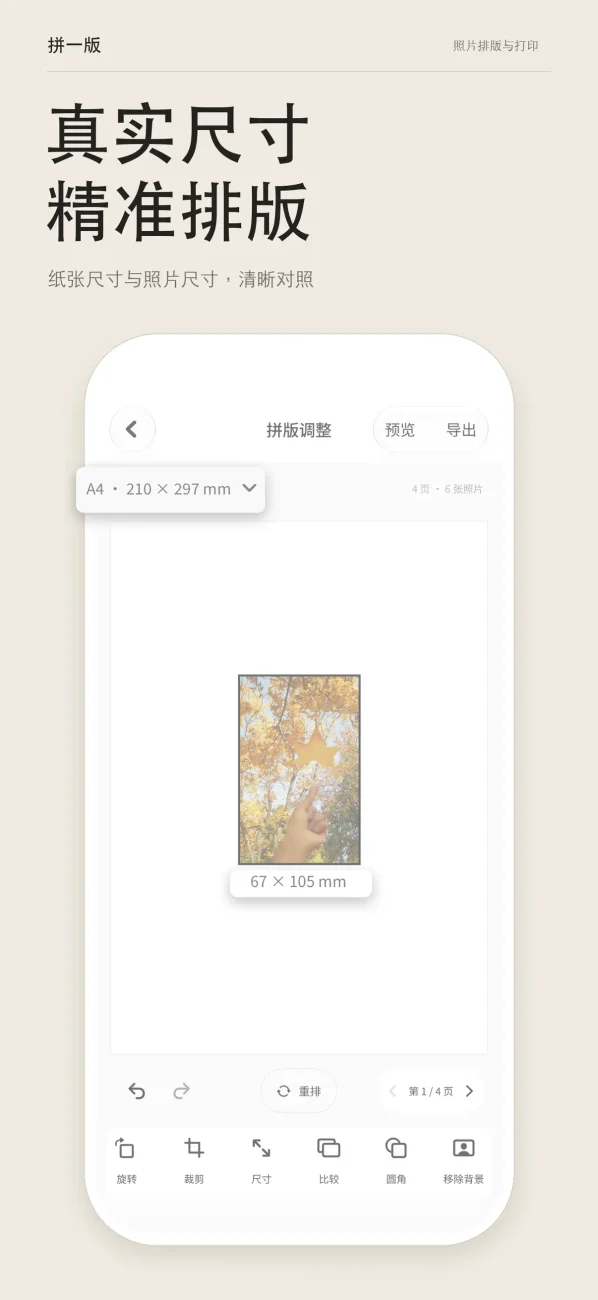
PinPhoto is an on-device layout tool for photo printing. Set photo sizes, arrange photos on paper, and export print-ready files without registration or login.
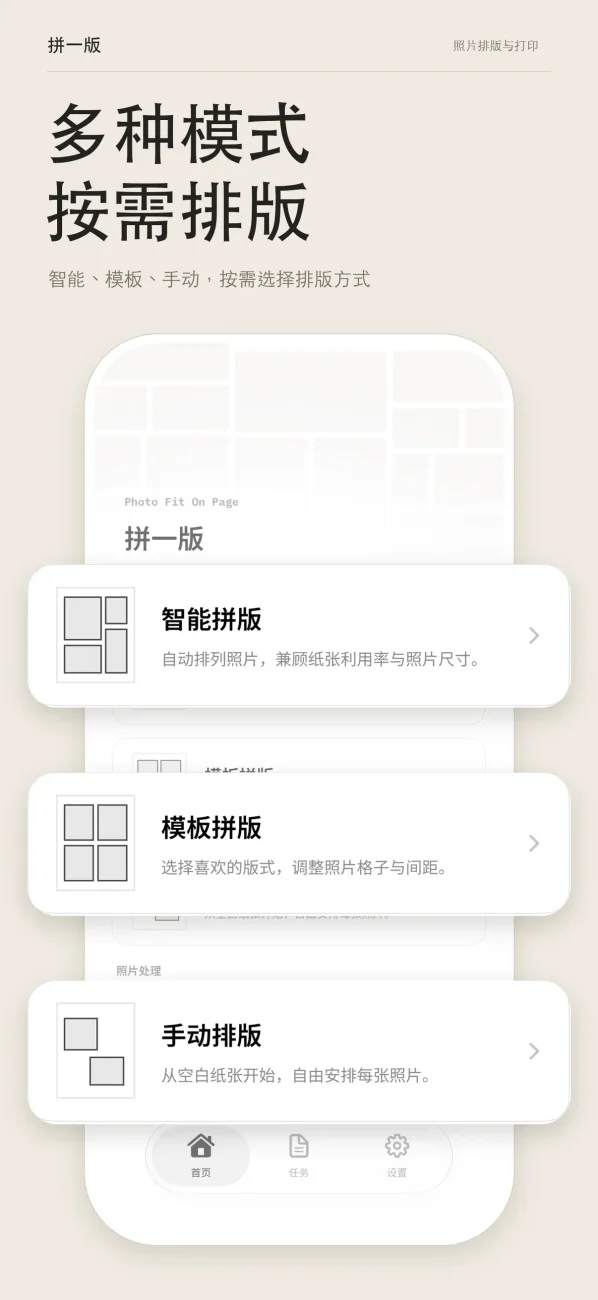
Three layout modes
Smart layout: prioritize saving paper or photo size, arrange photos by short-edge range or a target number of sheets, and preserve fixed photo dimensions.
Template layout: use preset grid layouts, adjust cropping, margins, spacing, and background.
Manual layout: start with a blank sheet and freely adjust photo size, position, and rotation.
Photo sizing and cropping
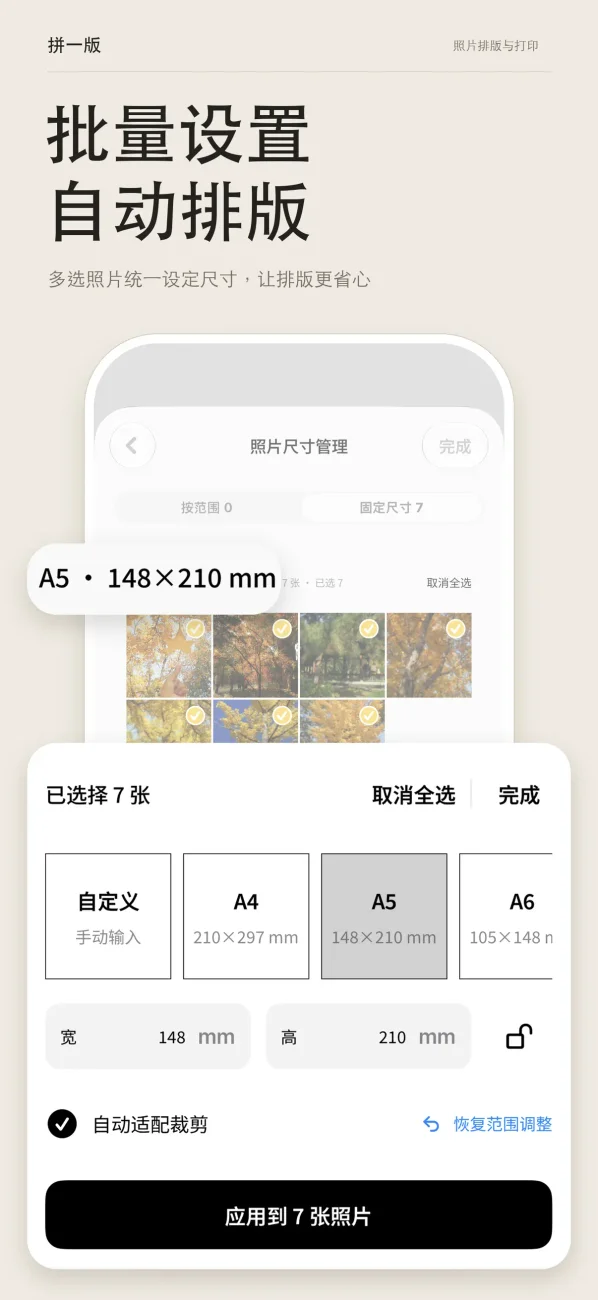
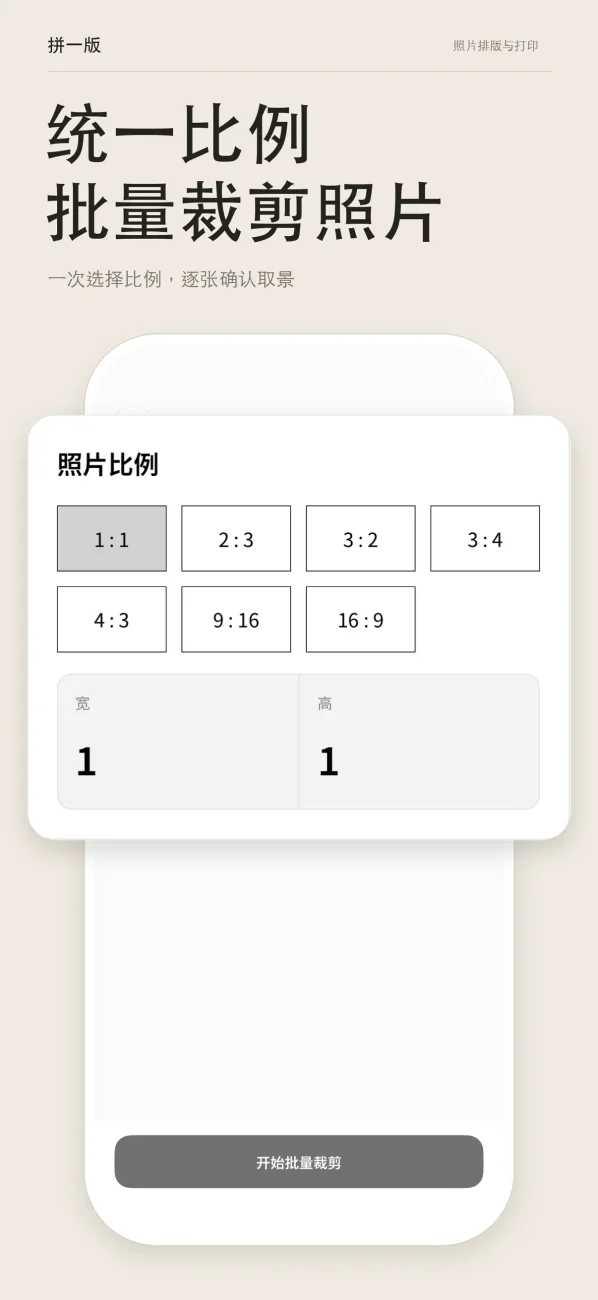
Set photo and paper dimensions in millimeters and apply sizes in batches. PRO batch crop supports a common aspect ratio, per-photo framing, and crop confirmation.
Export and continue editing
Export layouts as PDF, JPG, or PNG, then share, save to Files, or print with the system print service. Tasks are saved on the device for later editing. Actual print results depend on printer and paper settings.
PRO features
PRO unlocks smart layout, custom template rows and columns, grid merging and splitting with proportion adjustment, and batch cropping for the complete workflow. Preset grids and manual layout remain available with basic features. Choose monthly auto-renewing, yearly auto-renewing, or one-time lifetime access; all plans provide the same PRO benefits. Restore purchases in the app and manage subscriptions through your Apple Account. A lifetime purchase does not automatically cancel an existing subscription.
Privacy Policy: https://zlinlab.github.io/pinyiban/privacy.html
Terms of Use: https://zlinlab.github.io/pinyiban/terms.html
Apple Standard EULA: https://www.apple.com/legal/internet-services/itunes/dev/stdeula/
What’s new
Version 1.1.2 · Nov 20, 2026
• Improved smart layout to use empty paper space more efficiently and increase paper utilization.
• Improved template grid merging, including merged-cell borders and divider dragging feedback.
• Improved photo management with batch auto-fit cropping and markers for photos already added to a task.
• Updated the app name and Home title to PinPhoto in the English, Japanese, and Korean versions.
App privacy
What 琳 周 declares on the App Store about how this app handles data.
-
Data not collected
The developer does not collect any data from this app.
Privacy practices may vary, for example with the features you use or your age.
Information
- Seller
- 琳 周
- Category
- Photo & Video
- Version
- 1.1.2
- Updated
- Nov 20, 2026
- Released
- Nov 13, 2026
- Size
- 27.1 MB
- Requires
- iOS 17.0 or later
- Age rating
- 4+
- Price
- Free
- In-app purchases
- Yes
- Languages
- English, Japanese, Korean, Simplified Chinese, Traditional Chinese
- Copyright
- © 2026 拼一版