App Declutter: Unused Apps
Spot what you stopped using
Designed for iPhone
Free · In-app purchases
- Age rating4+
- CategoryUtilities
- DeveloperYUYA SATO
- LanguagesEnglish+ 1 more
- Size2.3 MB
Links to the official App Store page
Download.org hosts no file of App Declutter: Unused Apps. The button opens its official App Store page, published by YUYA SATO. Listing last checked on Nov 18, 2026.
Screenshots
About
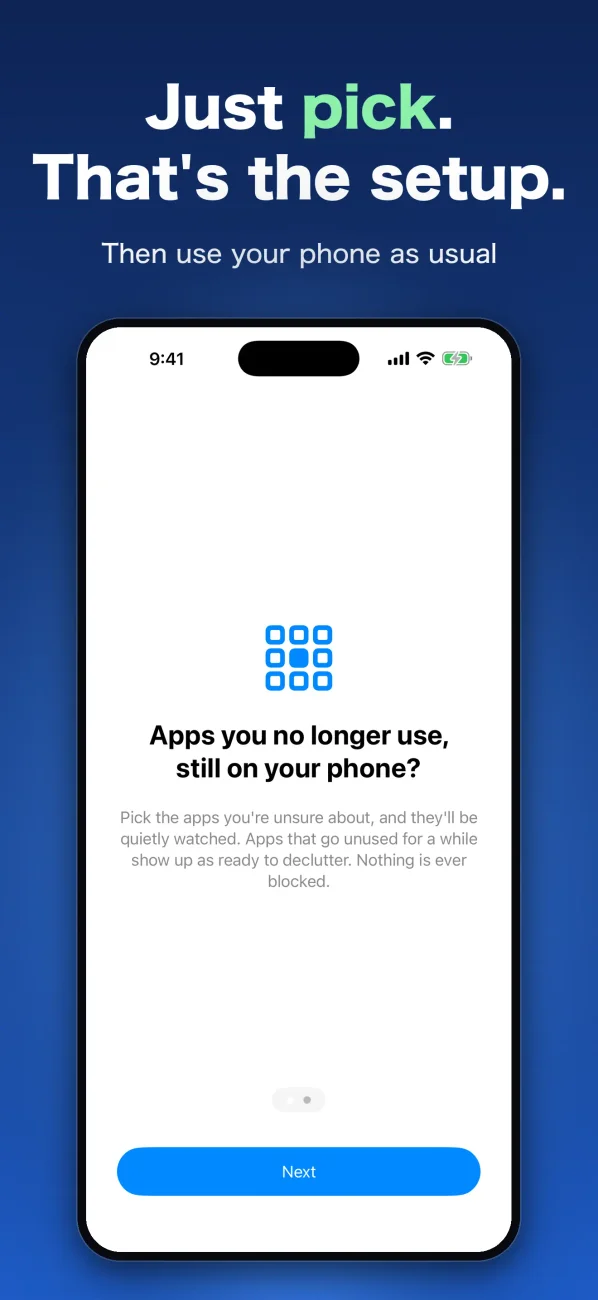
Apps you no longer use, still on your phone?
Your Home Screen is full, but figuring out which apps are safe to delete means going through them one by one. App Declutter does that one job for you.
WHAT IT DOES
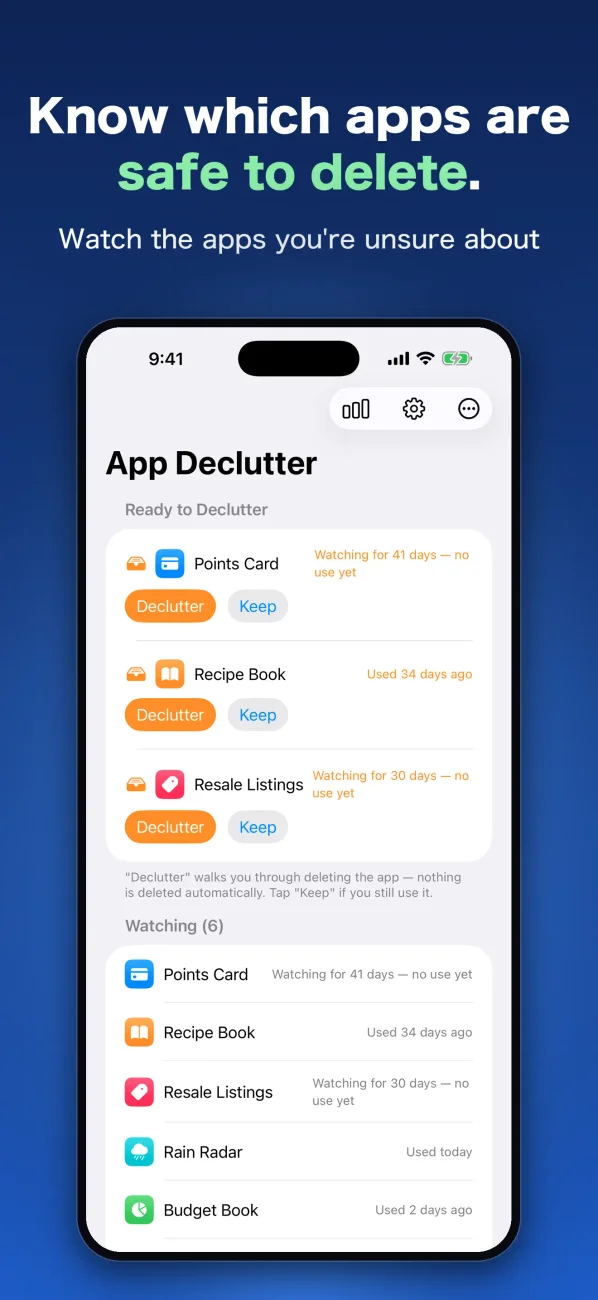
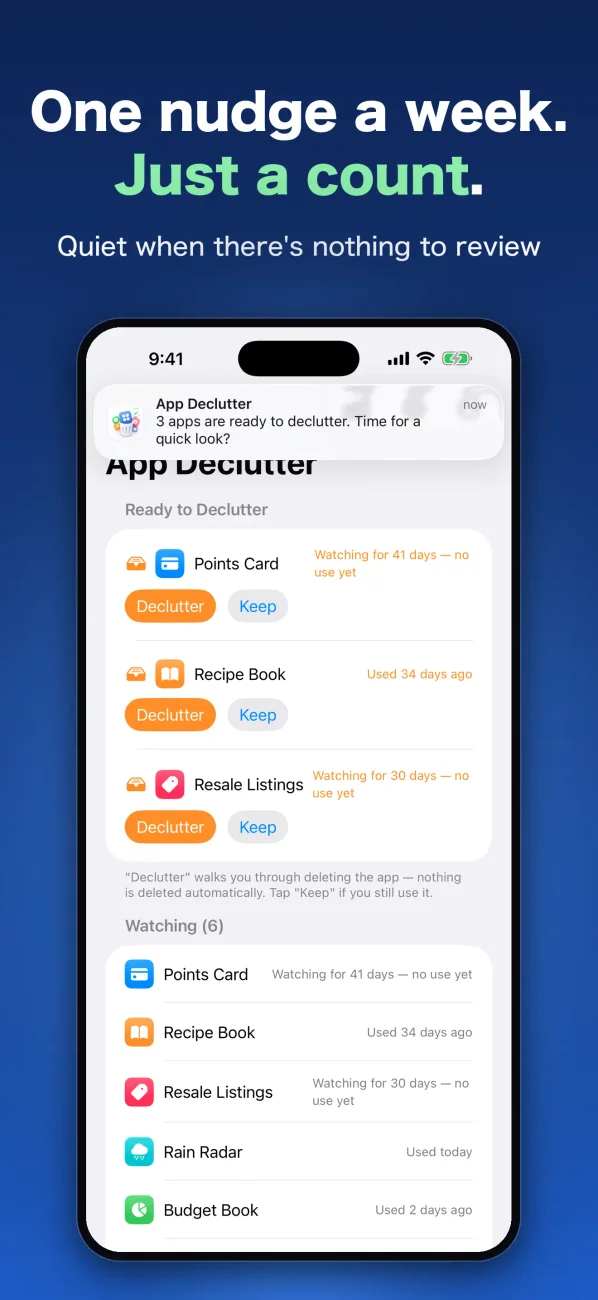
Pick the apps you're unsure about. App Declutter quietly watches whether you actually use them. When an app goes unused for your chosen number of days (7, 14, 30, or 60), it shows up as ready to declutter — and you get one reminder a week, only when there's something to review.
GOOD FOR
• Home Screens cluttered with apps you can't remember installing
• "I might need it someday" apps that keep piling up
• Notifications and updates from apps you never open
• Deciding what to delete based on real use, not guesswork
THREE STEPS
1. Choose the apps to watch
2. Use your phone as usual
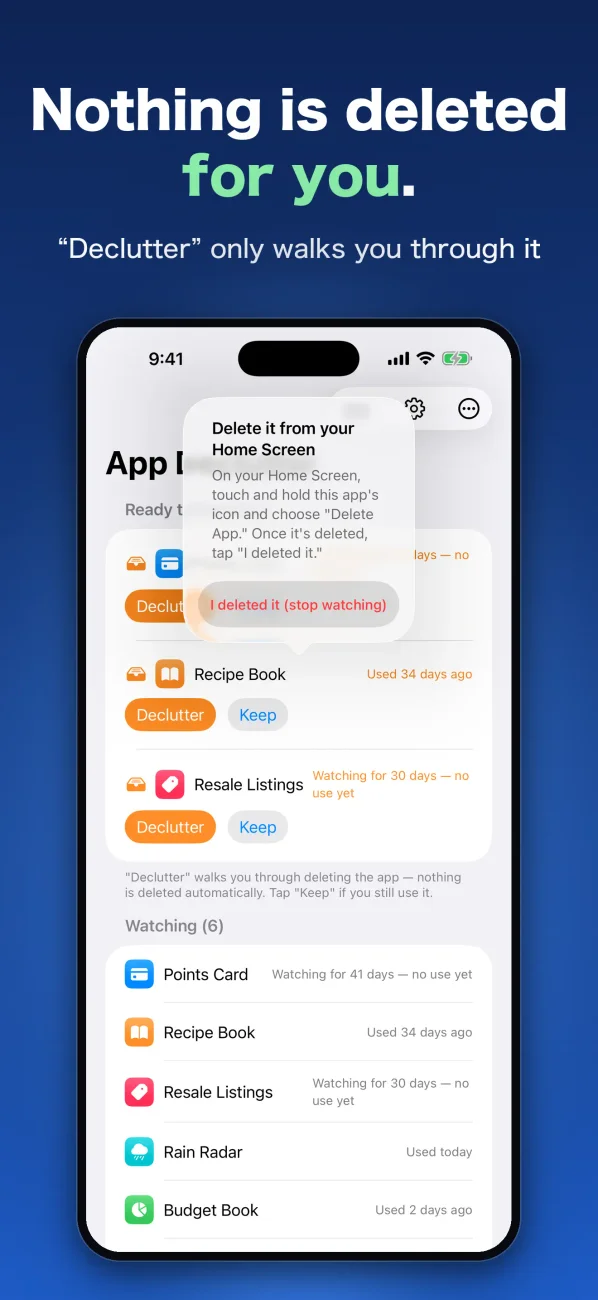
3. When something is flagged, tap Keep or Declutter
That's the whole interface. Declutter walks you through deleting the app from your Home Screen. Nothing is ever deleted automatically.
NOT A BLOCKER
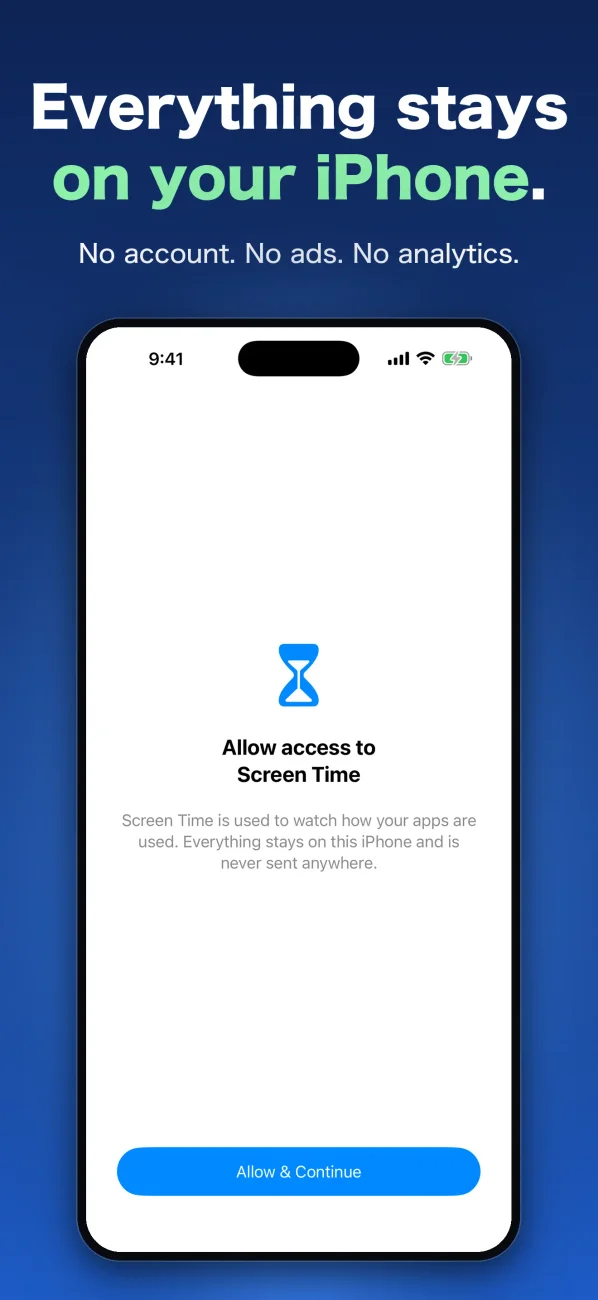
App Declutter uses Screen Time, but it never blocks apps or limits your time. It does one thing: find what you stopped using.
EVERYTHING STAYS ON YOUR PHONE
• Records are stored on your device and never sent anywhere
• No account, no sign-up
• No ads, no analytics SDKs
• Reminders include only a count — never app names
PRICING
Watch up to 3 apps for free. Want more? Unlock unlimited apps with a single one-time purchase. No subscriptions, ever.
GOOD TO KNOW
• iOS doesn't allow looking back at past usage. Watching starts the day you add an app
• An app counts as used when it's open for at least 1 minute in a day
• Screen Time access is required
Start with the three apps you suspect you've stopped using.
What’s new
Version 1.0.1 · Nov 16, 2026
Minor improvements.
App privacy
What YUYA SATO declares on the App Store about how this app handles data.
-
Data not collected
The developer does not collect any data from this app.
Privacy practices may vary, for example with the features you use or your age.
Information
- Seller
- YUYA SATO
- Category
- Utilities
- Version
- 1.0.1
- Updated
- Nov 16, 2026
- Released
- Aug 24, 2026
- Size
- 2.3 MB
- Requires
- iOS 17.0 or later
- Age rating
- 4+
- Price
- Free
- In-app purchases
- Yes
- Languages
- English, Japanese
- Copyright
- © 2026 Yuya Sato
You might also like
-
 TidyQ: Seal Unused AppsTidy up apps you never open
-
 Intelli-Calc/Magic calculatorintelligente Formula Analyzer
-
 ScreenwipeClean your screenshots fast.
-
 LithosPOS KDSLithosPOS Kitchen Display
-
 AppPin - Save Apps & SpaceSave Apps, Free Up Space
-
 BALTECH Mobile IDUtilities
-
 WoWSkillWoW Character Stats Tracker
-
 FaceBlur AIFast & Private Face Blurring
-
 ValueLens:Scan, Value, SellKnow What Your Stuff is Worth
-
 neneruブラウザUtilities