App Icons & Transparent Theme
Icon Changer - Custom Screen
Designed for iPhone, iPod touch
Free · In-app purchases
- Age rating4+
- CategoryGraphics & Design
- DeveloperPlane Cubes
- LanguagesEnglish
- Size88.4 MB
Links to the official App Store page
Download.org hosts no file of App Icons & Transparent Theme. The button opens its official App Store page, published by Plane Cubes. Listing last checked on Nov 21, 2026.
Screenshots

About
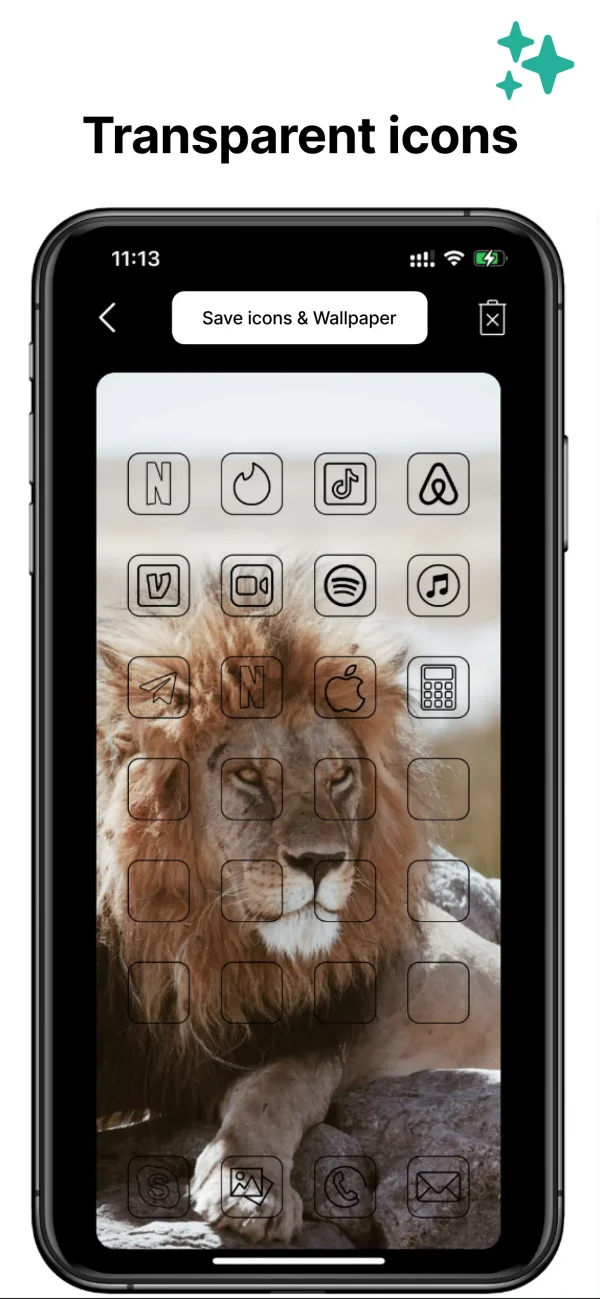
+ Create liquid home screen with Transparent Icons !
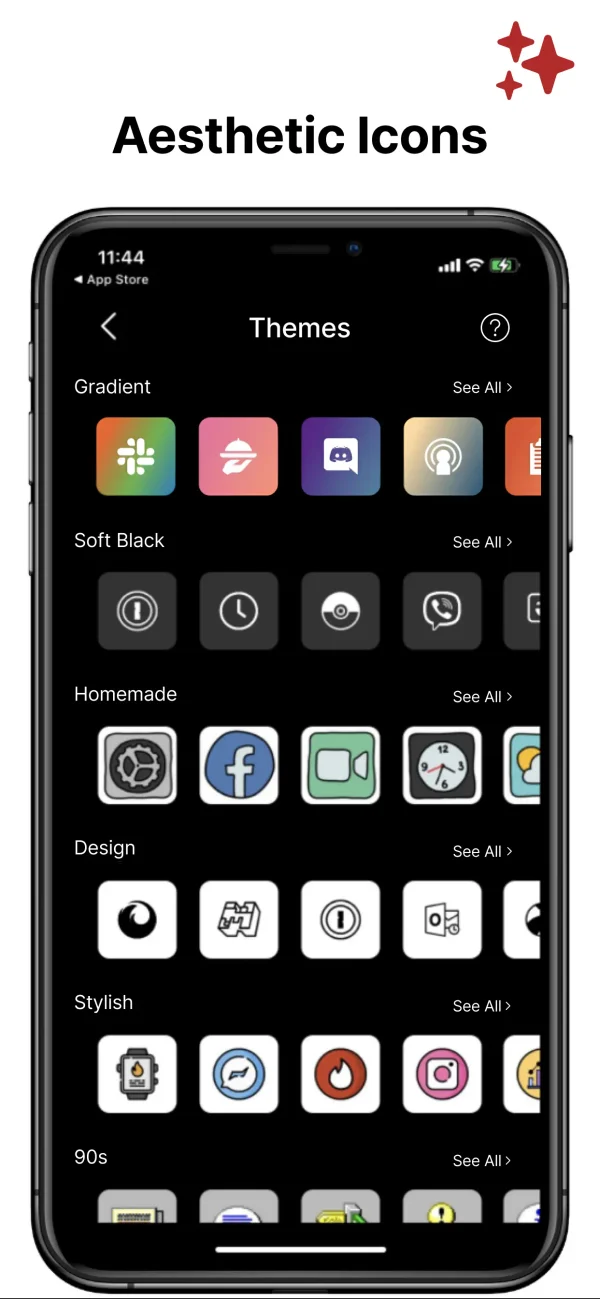
+ Choose cool App Icons Themes to express your style.
"It is amazing how my screens looks with TRANSPARENT App Icons!!!"
FEATURES:
- Thousands of Aesthetic icons packs. Choose per category and create your custom home screen. Themes also includes great Wallpapers.
- Create a minimalist home screen with Transparent icons. You can choose one of our curated wallpapers to create stunning liquid transparent home screen.
- Import your own photo to create a wallpaper and transparent app icons skins
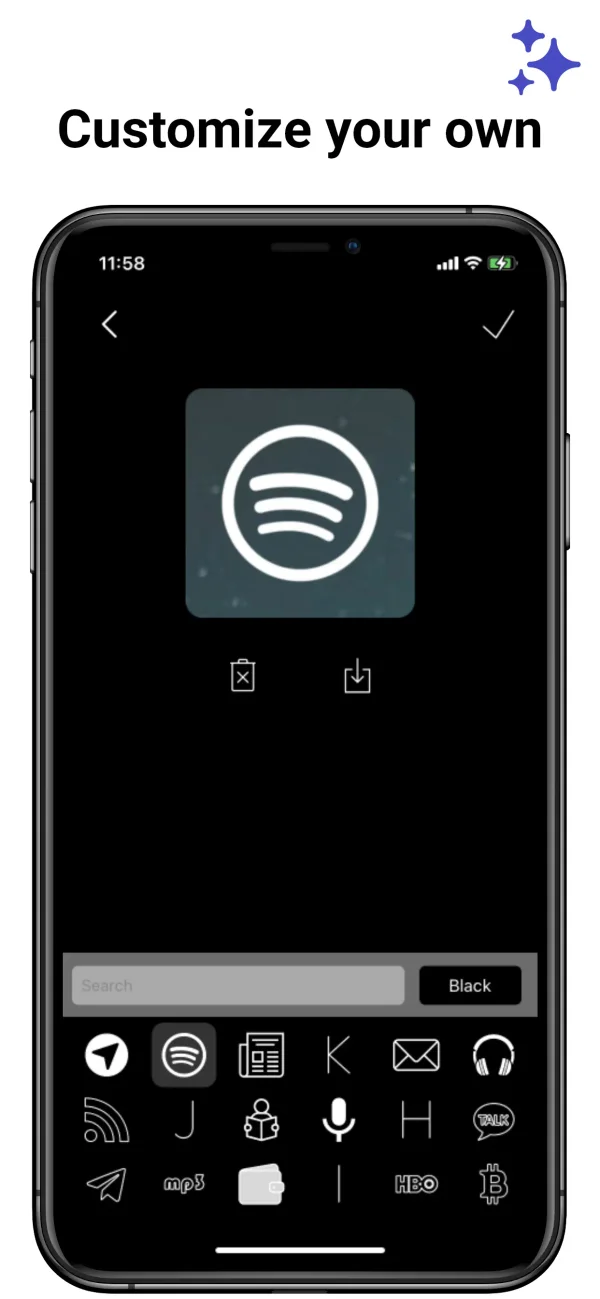
- Use our icon builder to change and save your own icons board.
Download and create a unique Aesthetic Home Screen design!
NB:
Shortcuts can be implemented from iOS14, to customize your screen with icons kit
SUBSCRIPTION:
We offer 2 auto-renewing subscriptions:
- Length: weekly and yearly
- Payment will be charged to iTunes Account at confirmation of purchase
- You will be able to access the Premium features of the app for the duration of the subscription
- Subscription automatically renews for the same price and duration period as the original period unless auto-renew is turned off at least 24-hours before the end of the current period
- The account will be charged for renewal within 24-hours prior to the end of the current period at the cost of the chosen package.
- Subscriptions may be managed by the user and auto-renewal may be turned off by going to the user's iTunes Account Settings after purchase
- No cancellation of the current subscription is allowed during the active subscription period
- You may cancel a subscription during its free trial period via the subscription setting through your Apple account. This must be done 24 hours before the end of the subscription period to avoid being charged. Please visit https://support.apple.com/en-us/HT202039 for more information on how to proceed.
- You may turn off the auto-renewal of your subscription via your Apple Account Settings. However, you are not able to cancel the current subscription during its active period
- Any unused portion of a free-trial period will be forfeited when the user purchases a subscription.
Privacy Policy: https://planecubes.com/privacy/
Terms of Use: https://planecubes.com/terms/
What’s new
Version 1.2.1 · Nov 18, 2026
Performance improvements
App privacy
What Plane Cubes declares on the App Store about how this app handles data.
-
Data used to track you
May be used to track you across apps and websites owned by other companies.
- Location
- Identifiers
- Usage data
- Diagnostics
-
Data linked to you
May be collected and linked to your identity.
- Location
- Identifiers
- Usage data
- Diagnostics
-
Data not linked to you
May be collected but is not linked to your identity.
- Purchases
- Diagnostics
Privacy practices may vary, for example with the features you use or your age.
Information
- Seller
- Plane Cubes
- Category
- Graphics & Design
- Version
- 1.2.1
- Updated
- Nov 18, 2026
- Released
- Dec 15, 2020
- Size
- 88.4 MB
- Requires
- iOS 15.0 or later
- Age rating
- 4+
- Price
- Free
- In-app purchases
- Yes
- Languages
- English
- Copyright
- © Plane Cubes
You might also like
-
 Icon Themer: Custom App IconsIcon Dealer, Changer & Maker
-
 Icon Changer - Custom Maker#1 Customize Home Screen Theme
-
 Icon Changer: Widget.s, ThemesAesthetic Icons, Wallpaper App
-
 Brass - Icon Themes & WidgetsAesthetic Custom Icon Themes
-
 Icon, Widgets & ThemesAesthetic, Custom Home Screen
-
 Widgets, Themes & WallpapersCustomize Home Screen
-
 Customize Icon・Themes, WidgetsAesthetic pack for Home Screen
-
 Aesthetic Kit: Photo WidgetIcon,Theme,Pack,Wallpaper,Home
-
 Themes Widgets & Icons by VegaCustom Homescreen: Kit Changer
-
 Transparent App IconsCustomize home screen icons