- Age rating4+
- CategoryProductivity
- Developer宝锋 张
- LanguagesEnglish+ 18 more
- Size32.9 MB
Links to the official App Store page
Download.org hosts no file of App Lock - Block Apps . The button opens its official App Store page, published by 宝锋 张. Listing last checked on Nov 18, 2026.
Screenshots

About
See your focus, don't just lock your Phone.
Most focus tools are designed to block distractions. This app focuses on something more important: helping you understand your habits and build lasting, sustainable focus over time.
With Focus Reports and Focus Mode, you can gain clear insights into your focus trends, distraction patterns, and usage habits. Move from being constantly interrupted by your phone to gradually taking control of your time.
FEATURES
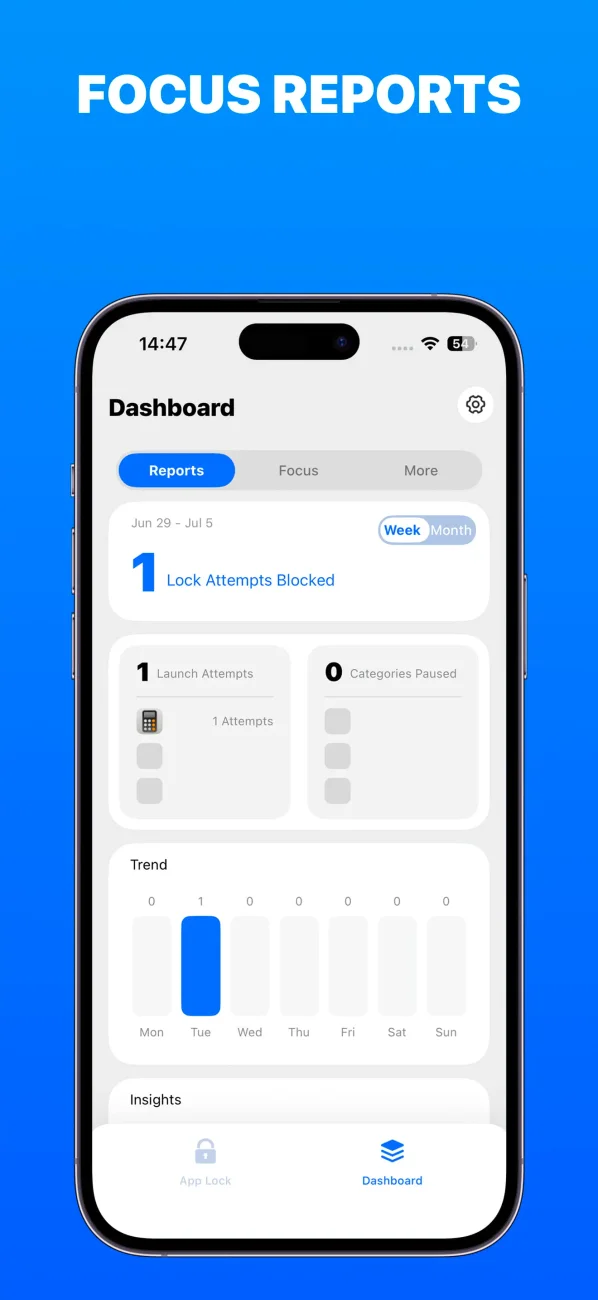
Focus Reports
The app continuously tracks and analyzes your focus behavior, providing intuitive data insights to help you identify key factors affecting your efficiency. Through these reports, you can monitor:
- Focus shielding count
- App launch attempts
- Category-specific access stats
- Focus trend changes
- Distraction-prone hour analysis
- Detailed unlock history
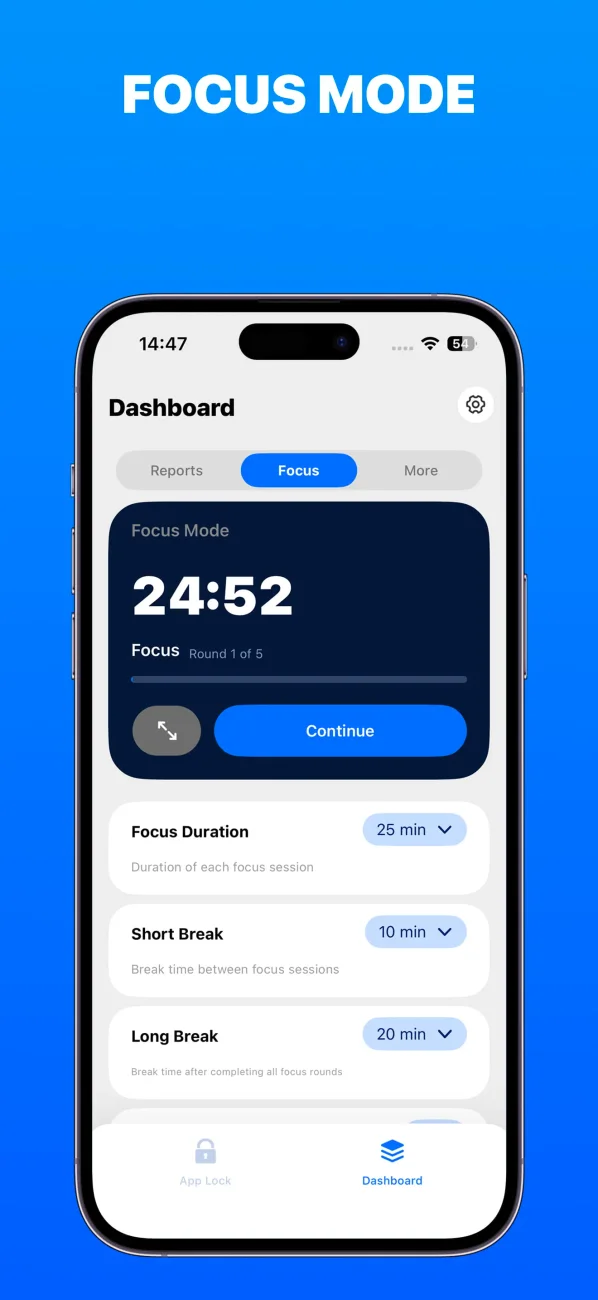
Focus Mode
Inspired by the Pomodoro Technique, Focus Mode helps you maintain a healthy rhythm between focused work and breaks.
App Lock
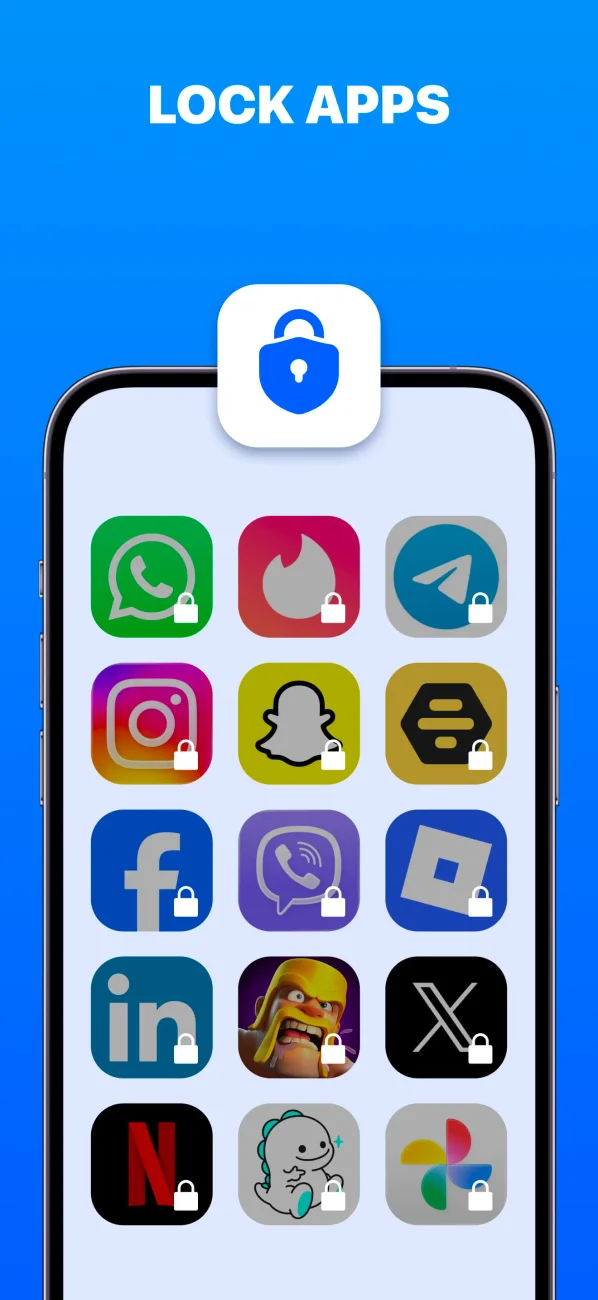
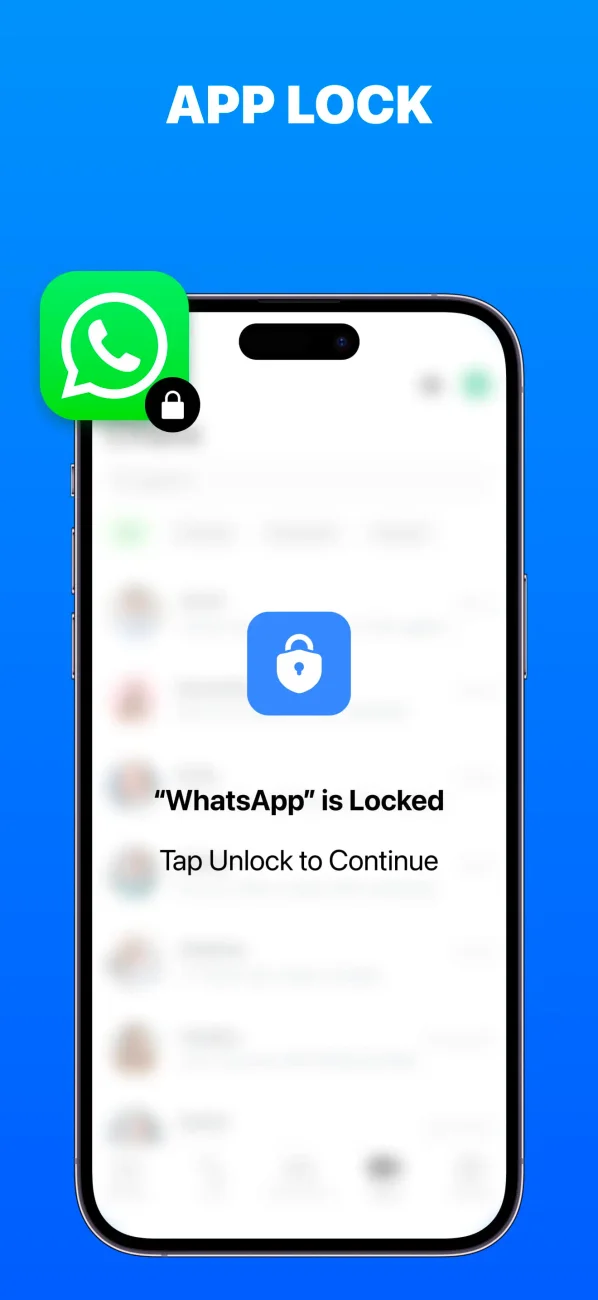
Quickly select apps that need management and configure exclusive locking modes based on different scenarios, keeping your attention strictly on what truly matters.
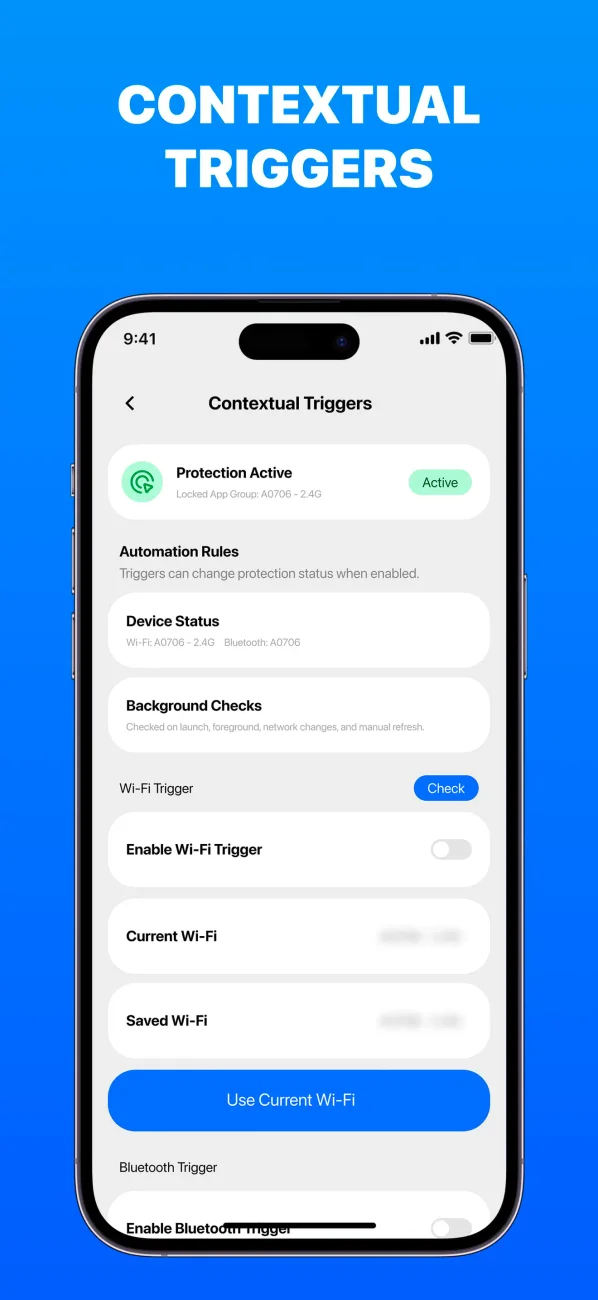
Contextual Triggers
Automatically switch focus modes based on changes in your device's environment, such as:
- Connecting to a specific Wi-Fi network
- Connecting to a specific Bluetooth device
Whether you are at the office, the library, home, or commuting, the app seamlessly adapts to the ideal focus state for your current environment.
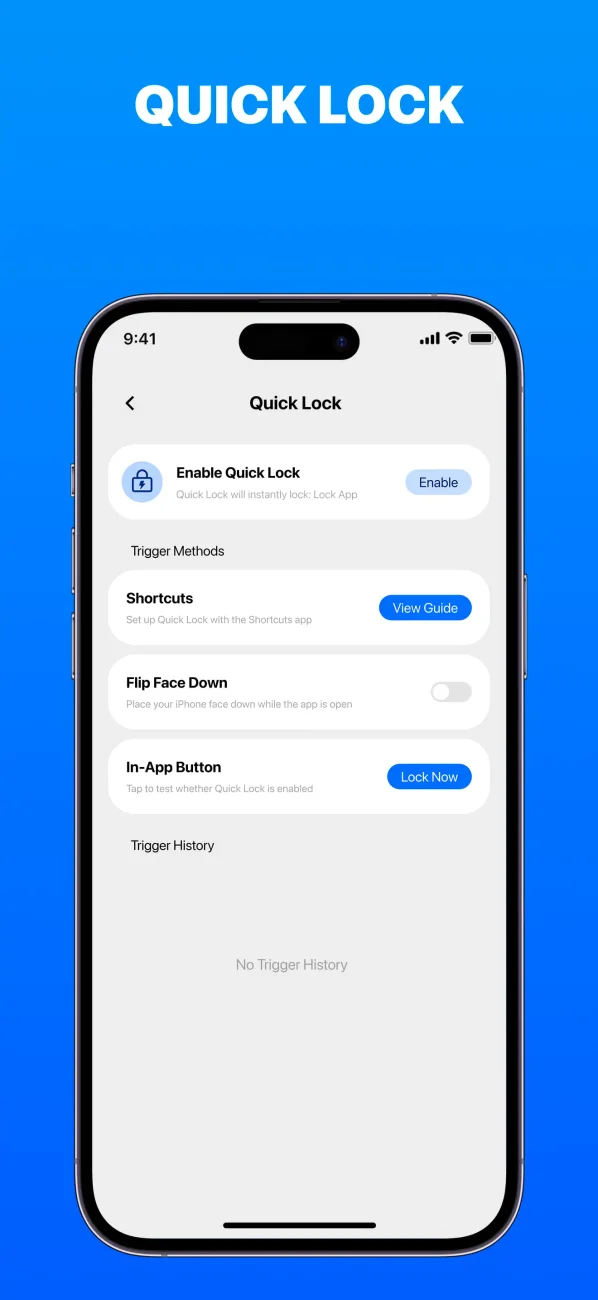
Quick Triggers
To make focusing second nature, the app provides multiple convenient shortcuts to trigger focus mode:
- Flip your phone face down
- Double/Triple tap the back of your phone
- Configure via the Action Button
Privacy Protection
Beyond managing your focus, we prioritize your privacy. The app supports multitasking preview blurring, minimizing the risk of sensitive information being accidentally exposed in public spaces.
WHO IS IT FOR?
- Students and exam candidates
- Working professionals
- Freelancers
- Creators and developers
- Deep work practitioners
- Anyone looking to reduce screen time and phone distractions
Focus isn’t about willpower alone. It’s a skill that can be measured, understood, and continuously improved. Gain insights through data, stay on track with Focus Mode, and reduce distractions with powerful automations. Start taking control of your time today.
What’s new
Version 1.0.3 · Jul 21, 2026
- Refined interaction details for a smoother, more intuitive experience.
- Updated parts of the interface to improve overall usability.
- Fixed several issues reported by users.
- Improved overall stability and performance.
App privacy
What 宝锋 张 declares on the App Store about how this app handles data.
-
Data used to track you
May be used to track you across apps and websites owned by other companies.
- Identifiers
-
Data not linked to you
May be collected but is not linked to your identity.
- Identifiers
Privacy practices may vary, for example with the features you use or your age.
Information
- Seller
- 宝锋 张
- Category
- Productivity
- Version
- 1.0.3
- Updated
- Jul 21, 2026
- Released
- Jun 23, 2026
- Size
- 32.9 MB
- Requires
- iOS 16.6 or later
- Age rating
- 4+
- Price
- Free
- Languages
- English, Arabic, Catalan, Dutch, French, German, Indonesian, Italian, Japanese, Korean, Malay, Portuguese + 7 more
- Copyright
- © BAOFENG
You might also like
-
 App Lock - Lock Apps ™App Locker For iPhone
-
 aLock - App LockApp Block & Lock Apps
-
 AppLocker: Face ID App LockBlock Apps - Privacy Locker
-
 App LockLock Apps, Hide,Block Websites
-
 AppBlock: Block Apps, WebsitesApp Blocker. Limit Screen Time
-
 iSenhas - Password ManagerSecure passwords & 2FA codes
-
 Secret Photo Vault - Hide AppApp Lock - Private Photo vault
-
 App Lock: Secure FolderHide Photos Videos-Video Vault
-
 AppLocker • Passcode lock appsPassword protect secret apps
-
 App Blocker - Website BlockerBlock Apps, Social Media