
AppIcon AI: Icon Maker
AI Icon & Logo Generator
Designed for iPhone, iPod touch
Free · In-app purchases
- Age rating4+
- CategoryDeveloper Tools
- Developerakira kawata
- LanguagesEnglish
- Size68.3 MB
Links to the official App Store page
Download.org hosts no file of AppIcon AI: Icon Maker. The button opens its official App Store page, published by akira kawata. Listing last checked on Nov 14, 2026.
Screenshots

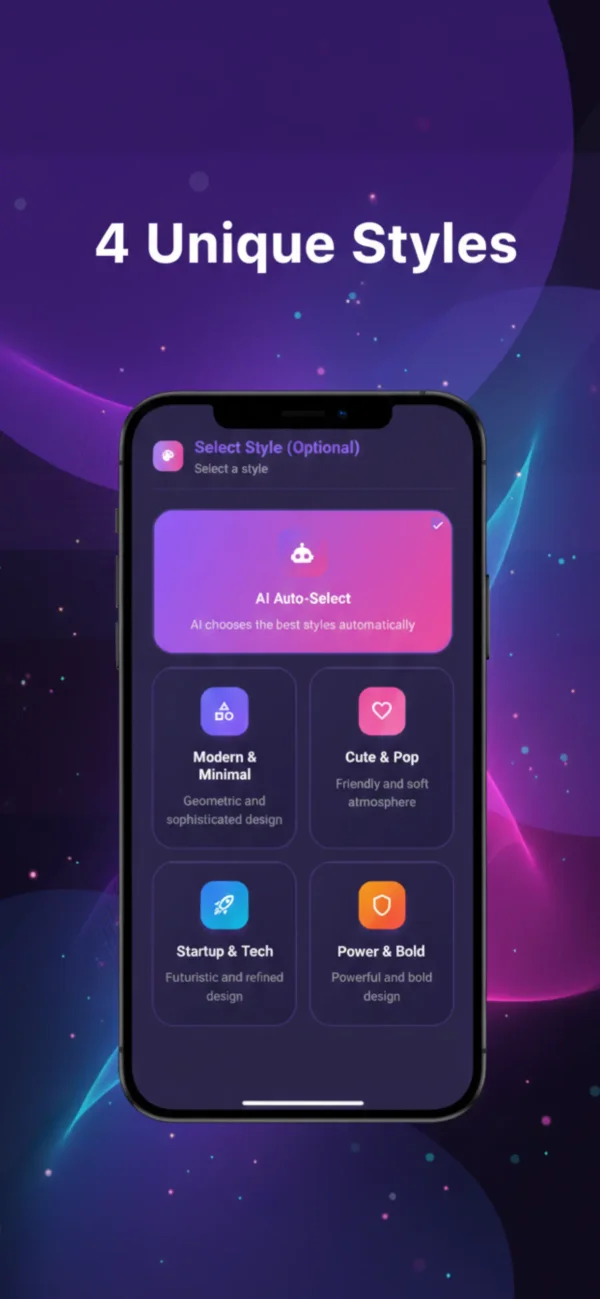
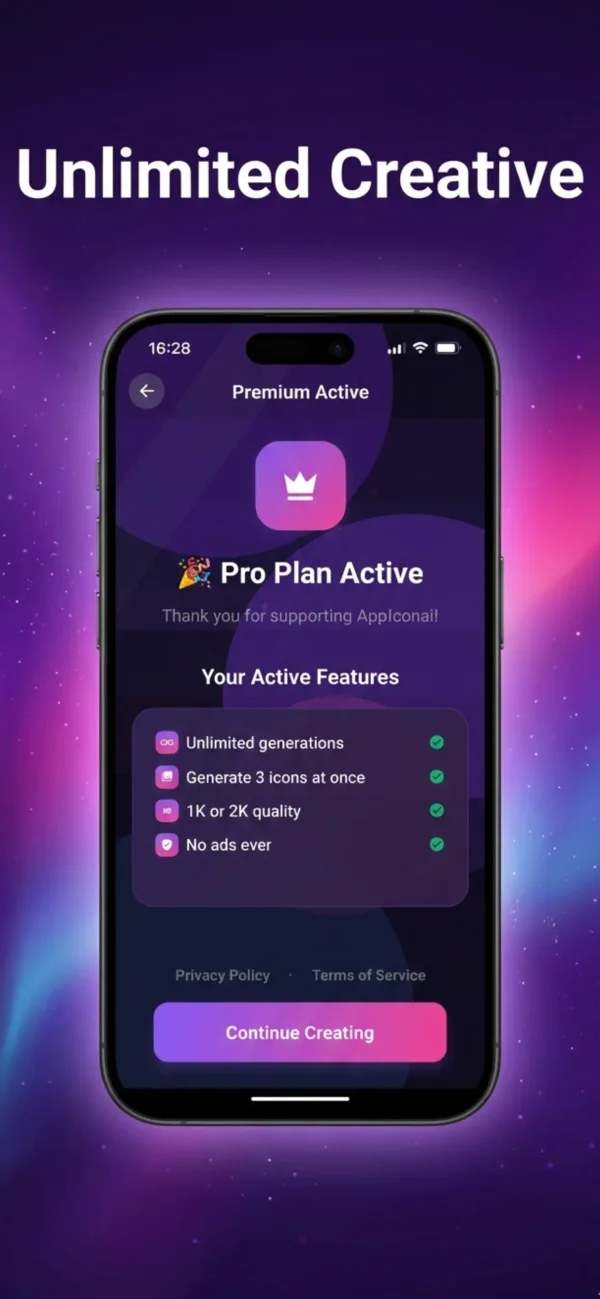
About
**Create stunning app icons without design skills. No prompts required.**
You've built an amazing app, but a poor icon on the app store prevents downloads. Professional designers are expensive, and learning Illustrator takes time. Other AI tools require complex prompt engineering that's too difficult.
**AppIcon AI** solves all these problems.
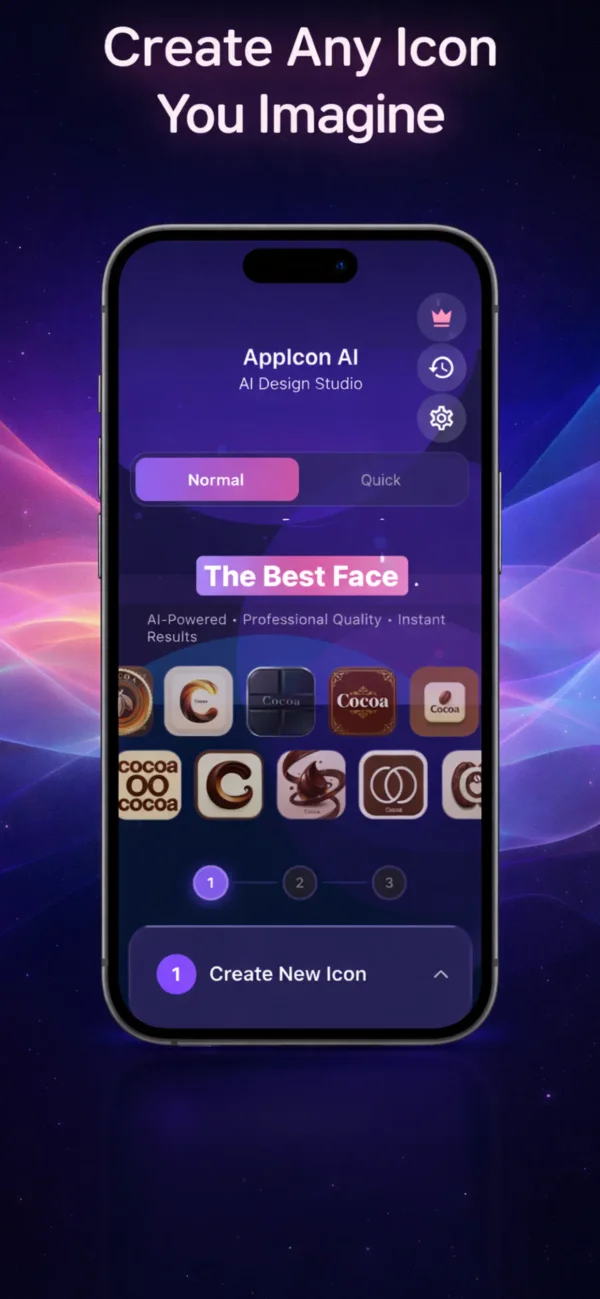
AppIcon AI generates perfect app icons and logos by simply entering your app name and concept. The revolutionary feature: **AI automatically creates the image generation prompts for you**. Just describe your app in plain language.
**Key Features:**
**Automatic Prompt Engineering**
From simple keywords like "fitness app" or descriptions like "blue base, simple and bold," AI constructs complex, optimized English prompts for image generation AIs automatically.
**3 Unique Design Variations**
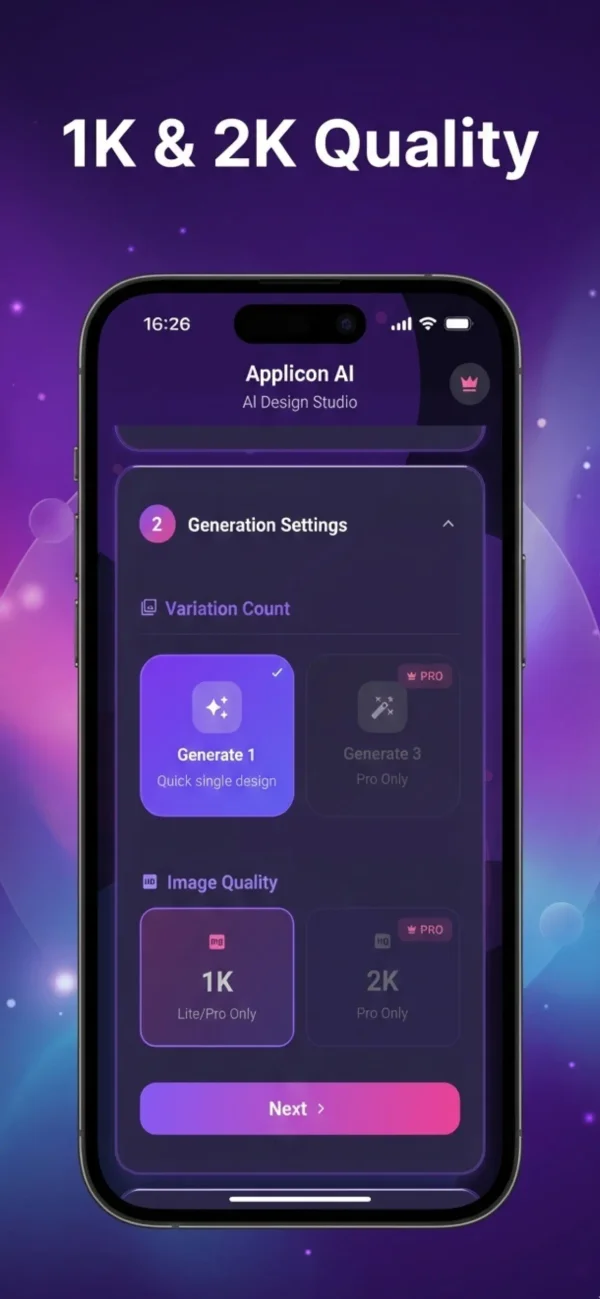
Generate 3 different icon styles simultaneously. Flat, 3D, minimal—find your perfect match every time.
**Save & Manage History**
Download instantly to your device. All generated prompts and images are saved in history for easy reference and regeneration.
**High-Resolution Output**
Supports high-resolution formats optimized for app store requirements.
**Perfect For:**
- **Indie Developers**: Professional appearance from day one, even with zero design budget
- **MVP Validation**: Skip icon creation time, focus on core features
- **Brainstorming**: Get inspiration from AI suggestions when ideas aren't clear
- **A/B Testing**: Create multiple variations to test conversion rates
**How It Works:**
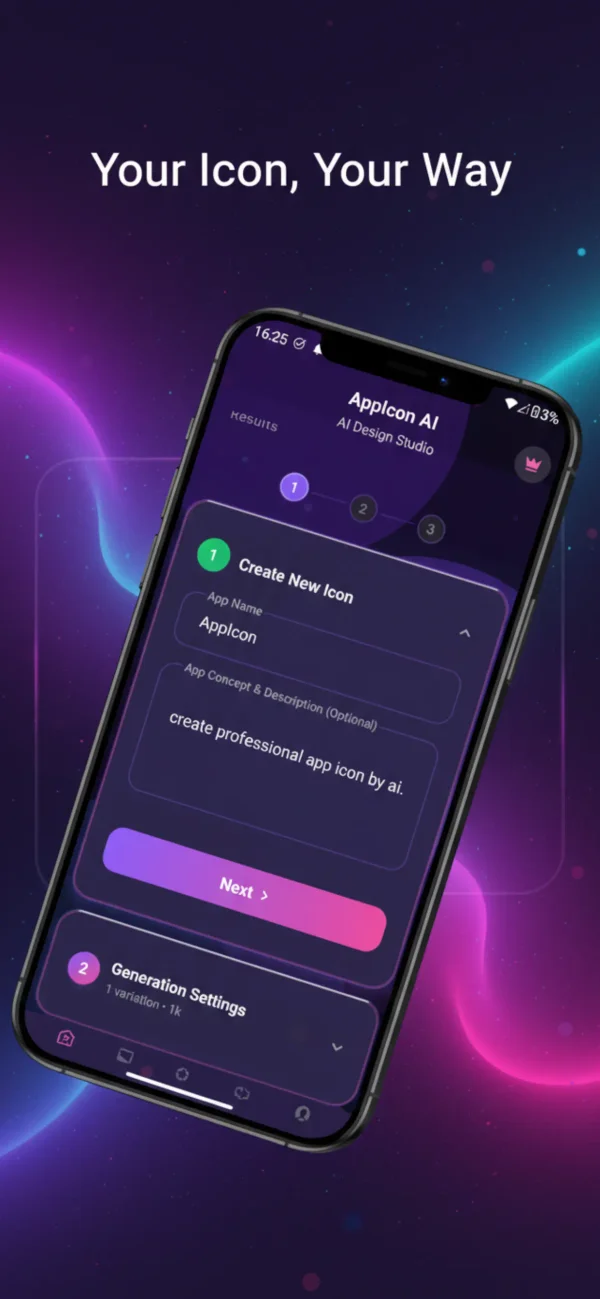
1. Enter your app name
2. Describe your app concept (e.g., "cat health tracker, cute and pop style")
3. Tap generate
That's it. Your unique, original icon is ready in seconds.
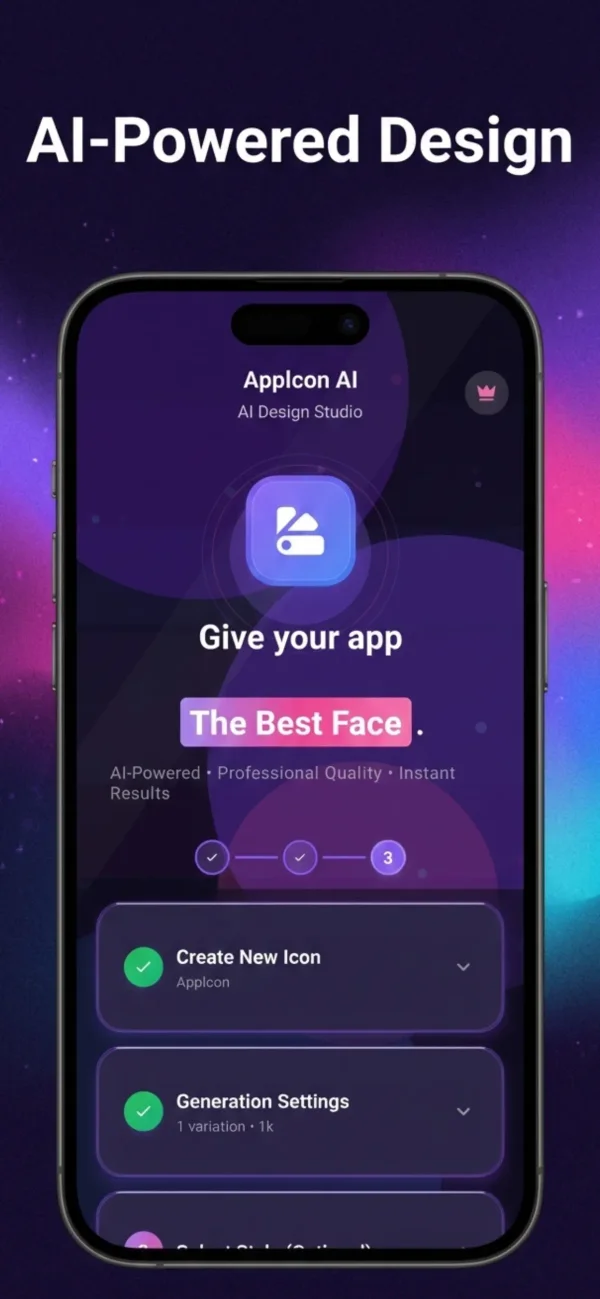
**Give your app the perfect face it deserves.**
Break through design barriers and reach more users with AppIcon AI. Download now and experience the magic of AI-powered design!
What’s new
Version 2.0.1 · Apr 27, 2026
- Fixed an issue where deleted history items left image files on device
- Improved tap responsiveness of header buttons
- Fixed mixed language display issues
- Performance improvements and bug fixes
App privacy
What akira kawata declares on the App Store about how this app handles data.
-
Data used to track you
May be used to track you across apps and websites owned by other companies.
- Identifiers
- Usage data
-
Data linked to you
May be collected and linked to your identity.
- Identifiers
- Usage data
-
Data not linked to you
May be collected but is not linked to your identity.
- User content
Privacy practices may vary, for example with the features you use or your age.
Information
- Seller
- akira kawata
- Category
- Developer Tools
- Version
- 2.0.1
- Updated
- Apr 27, 2026
- Released
- Feb 9, 2026
- Size
- 68.3 MB
- Requires
- iOS 15.1 or later
- Age rating
- 4+
- Price
- Free
- In-app purchases
- Yes
- Languages
- English
- Copyright
- © 2026 akira kawata
You might also like
-
 Pensiero LateraleAssistant with cited sources
-
 PL AnalyticsAnalytics for Cloudflare zones
-
 Gopher+Gopherspace at Your Fingertips
-
 Icon Atelier - App Icon MakerDesign app icons
-
 App Screenshot: Design StudioMarketing Asset Tool for Store
-
 C/C++$-LLVM ClangGood Helper in C/C++ Language
-
 DevFest NantesDeveloper Tools
-
 Hogit - PostHog Analytics3rd Party Posthog Client
-
 Iconery - Create IconsMake and share icons for apps
-
 Supastats : Track SupabaseSupabase metrics & stats