- Age rating4+
- CategoryUtilities
- Developershogo isaji
- LanguagesJapanese+ 1 more
- Size35.9 MB
Links to the official App Store page
Download.org hosts no file of AppMock3D. The button opens its official App Store page, published by shogo isaji. Listing last checked on Nov 14, 2026.
Screenshots

About
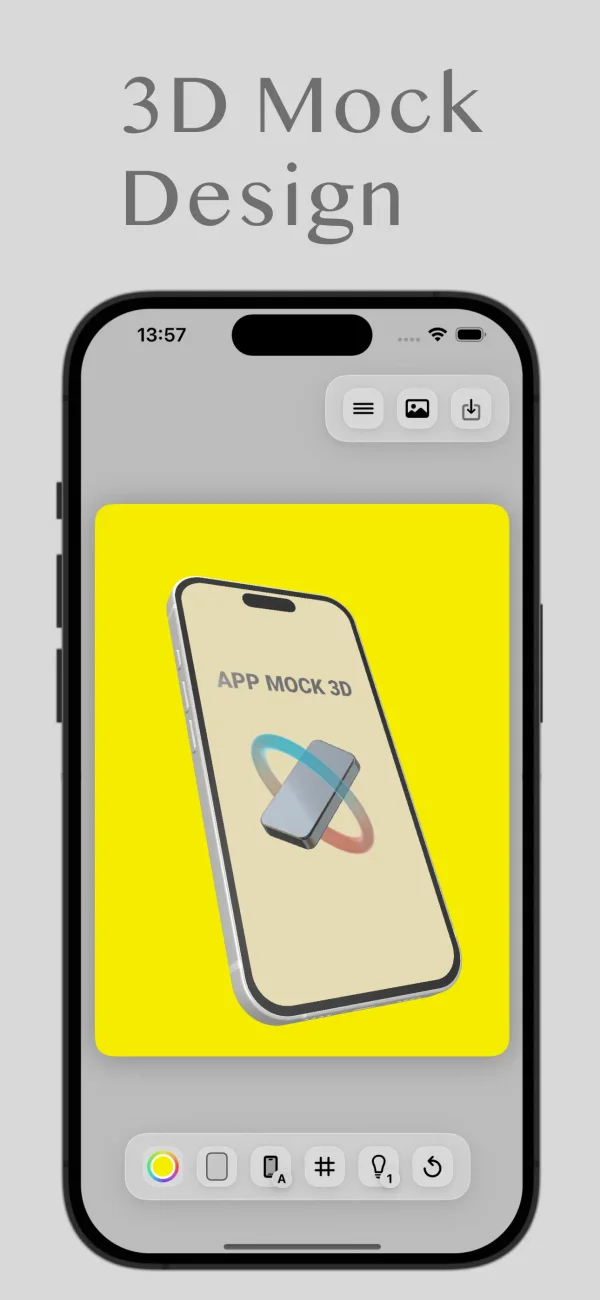
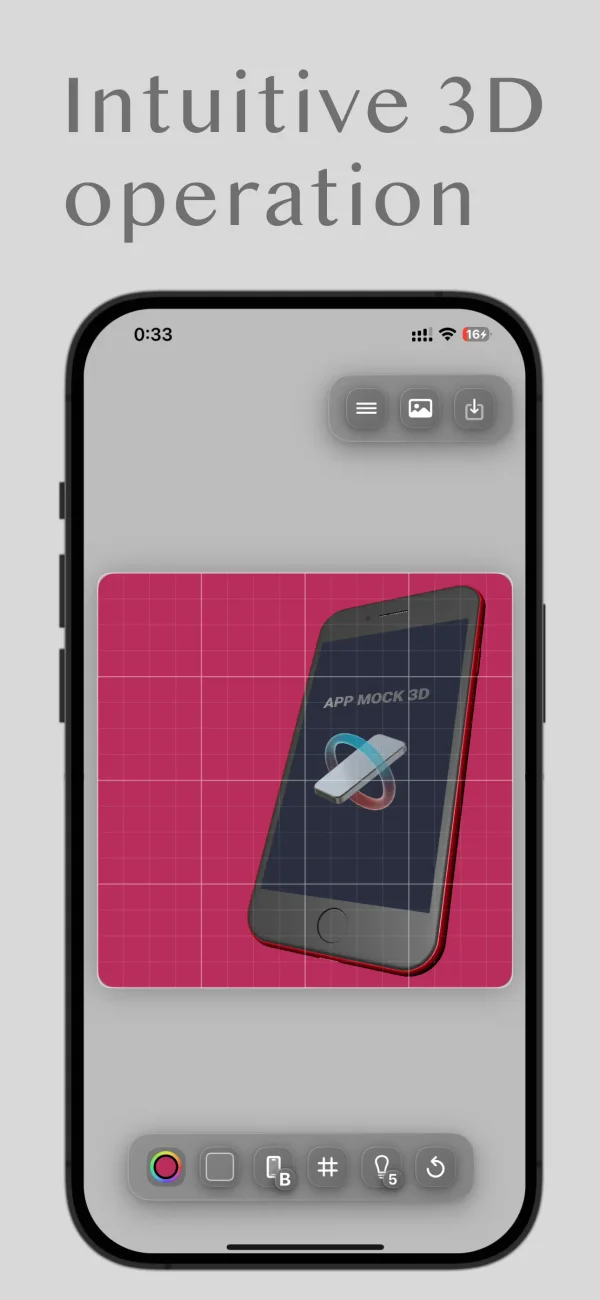
With AppMock3D, you can create professional-quality mockups in seconds by displaying images on realistic 3D device models.
Simple to use.
1. select an image from your photo library
2. select a device model
3. Adjust the angle and size in 3D
4. set background and lighting
5. save in high quality
What’s new
Version 0.2.0 · Oct 11, 2025
- Add camera mode
- Changing the icon
App privacy
What shogo isaji declares on the App Store about how this app handles data.
-
Data used to track you
May be used to track you across apps and websites owned by other companies.
- Location
- Identifiers
- Usage data
- Diagnostics
-
Data linked to you
May be collected and linked to your identity.
- Location
- Identifiers
- Usage data
- Diagnostics
-
Data not linked to you
May be collected but is not linked to your identity.
- Diagnostics
Privacy practices may vary, for example with the features you use or your age.
Information
- Seller
- shogo isaji
- Category
- Utilities
- Version
- 0.2.0
- Updated
- Oct 11, 2025
- Released
- Aug 13, 2025
- Size
- 35.9 MB
- Requires
- iOS 18.5 or later
- Age rating
- 4+
- Languages
- Japanese, English
- Copyright
- © 2025 Shogo Isaji
You might also like
-
 MockordingsMock and frame UI and media
-
 MockMock - MockupEasily make shell shots
-
 Monivo: Wake Up by VoiceAlarms in a loved one's voice
-
 MyCalc: Flexible CalculatorFeaturing A Rolling History
-
 PDF Converter: JPG, Word, SignPhotos to PDF & ID Scanner
-
 Mobile MockupFast screen mockup generator!
-
 Screenshot Framer MockupFrame Screenshots Fast
-
 3Dify: Image to 3D ModelTurn Image to 3D Model
-
 Coding KeyboardEsc, Ctrl, and a Tab key
-
 OmniClip - Universal ClipboardCopy text across all devices