
- Age rating4+
- CategoryFinance
- DeveloperFIRST SNOW COMPANY LIMITED
- LanguagesEnglish
- Size47.5 MB
Links to the official App Store page
Download.org hosts no file of AQON Wallet. The button opens its official App Store page, published by FIRST SNOW COMPANY LIMITED. Listing last checked on Nov 12, 2026.
Screenshots

About
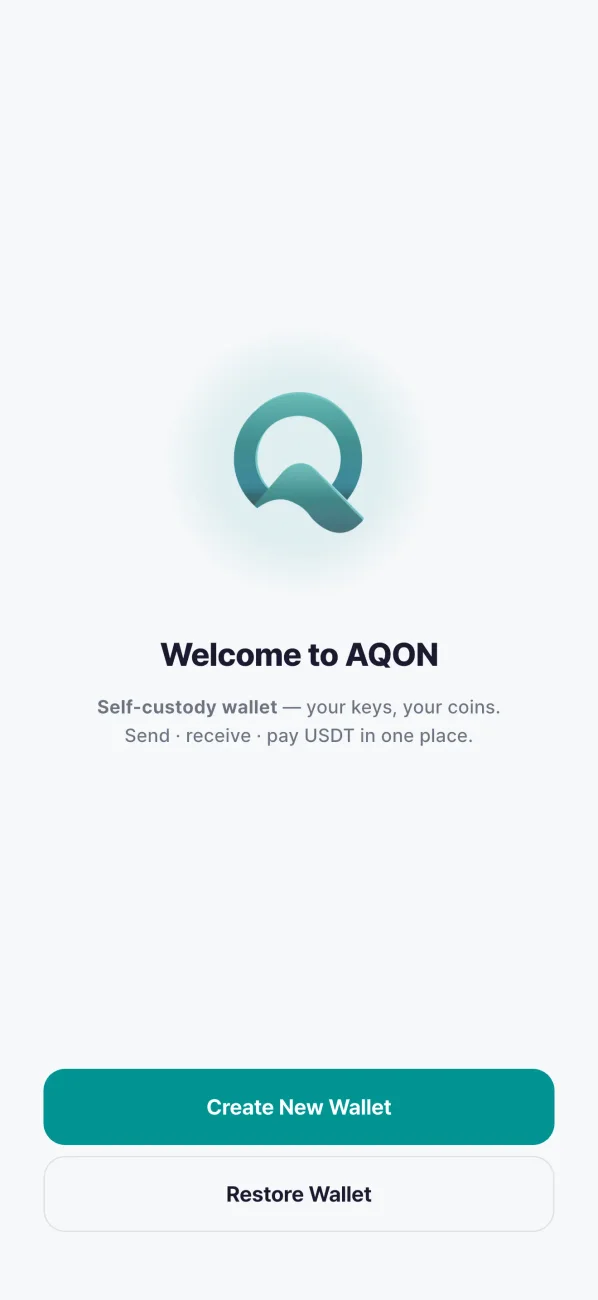
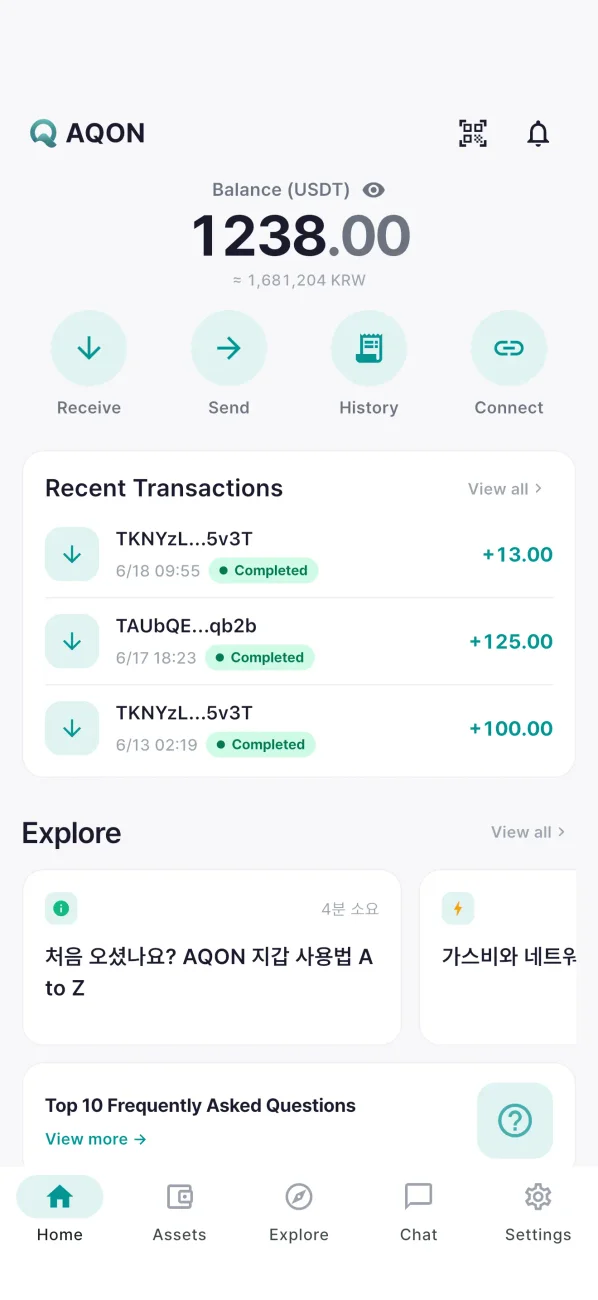
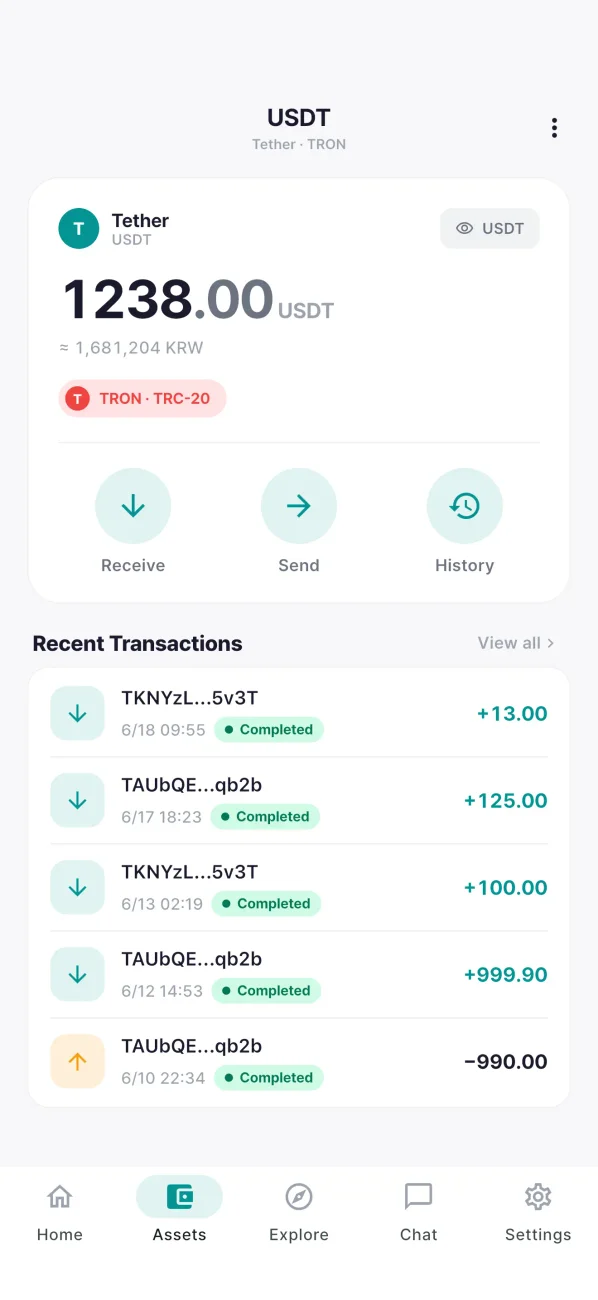
AQON Wallet is a secure, self-custodial mobile wallet for managing TRON-based USDT (TRC-20) assets. Designed for everyday use, AQON gives you full control over your digital assets with an intuitive interface.
SEND & RECEIVE USDT
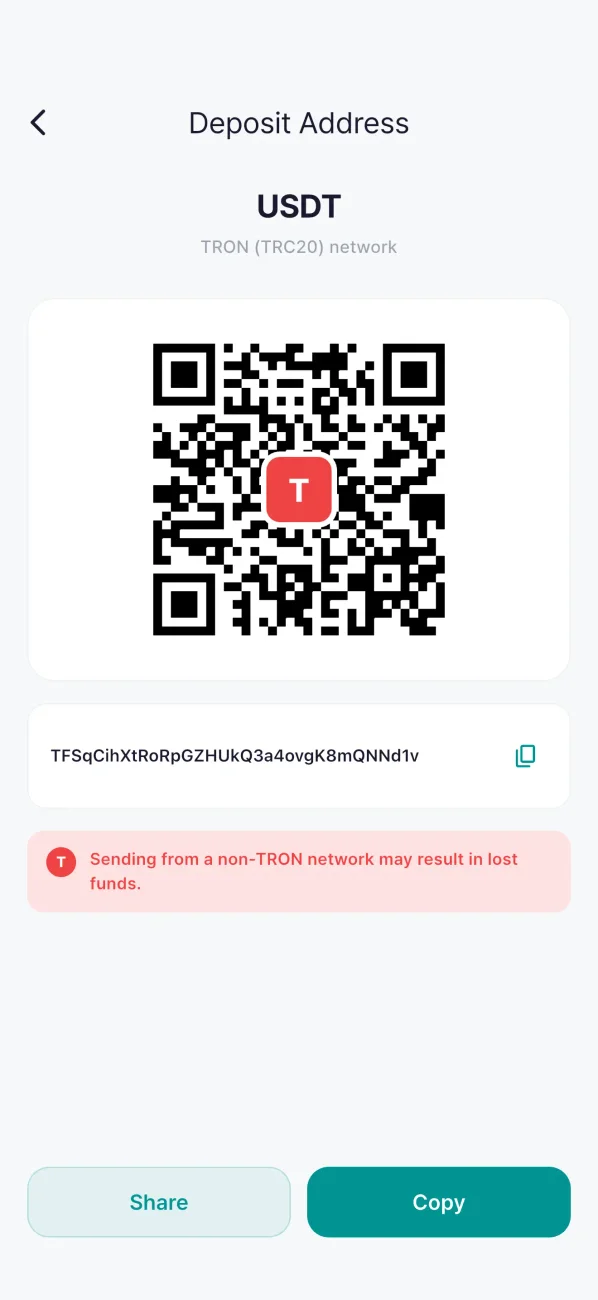
Transfer USDT instantly on the TRON network with minimal fees. Scan QR codes or enter addresses directly. Save frequently used addresses for quick access.
QR CODE PAYMENTS
Accept and make payments through scannable QR codes. Perfect for merchants and peer-to-peer transactions.
CONNECT & PAY ON MERCHANT SITES
Scan a merchant site's connection QR code with "Connect" in the app to link your wallet. Connecting never gives the site permission to send or withdraw. Approving a connection shares your wallet address with the merchant, and anyone can see that address's balance and history on the blockchain. When a payment request arrives, check the amount, fee and total, then approve it with your PIN or biometrics. See your connected sites in Settings and disconnect any time.
CHAT — REACH PEOPLE BY HANDLE
Find someone by their handle and start a conversation. Notifications arrive one per message, and opening a room clears its notifications. Delete a room just for yourself or for both sides, and block or report anyone who makes the conversation unwelcome.
PROFILE PHOTOS
Add a profile photo and crop the part you want into a circle. It appears in the user list, your chats, and your profile, and tapping a photo opens it larger. Change or remove your photo at any time, and report a profile photo that isn't appropriate.
EXPLORE — A BROWSER INSIDE YOUR WALLET
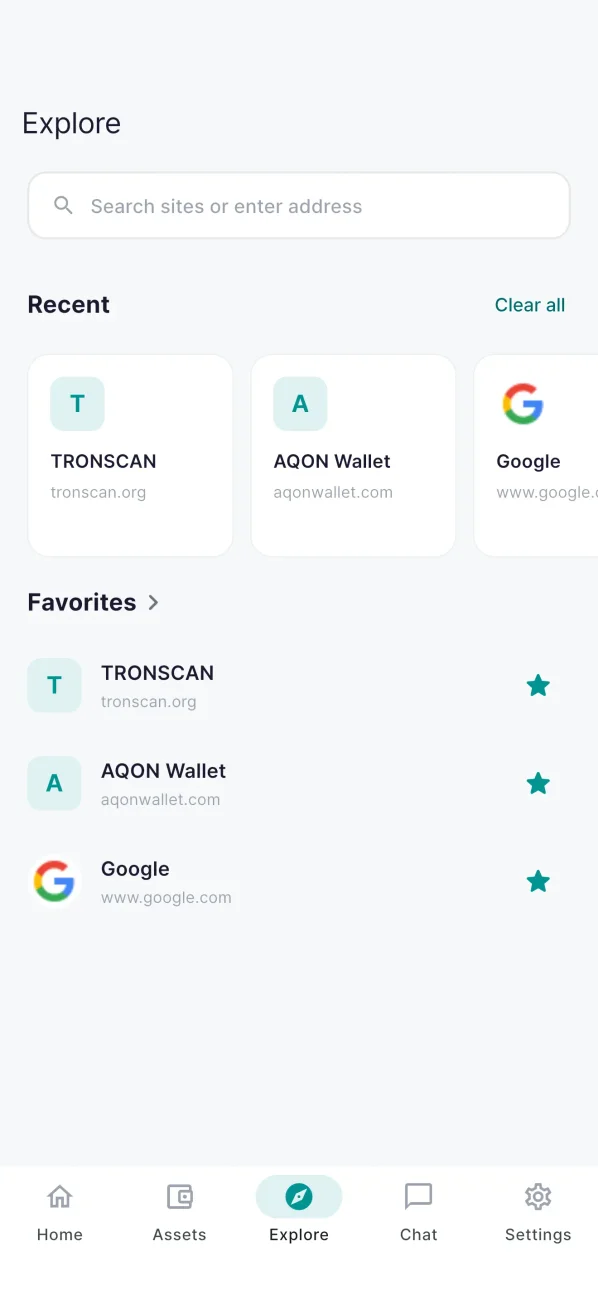
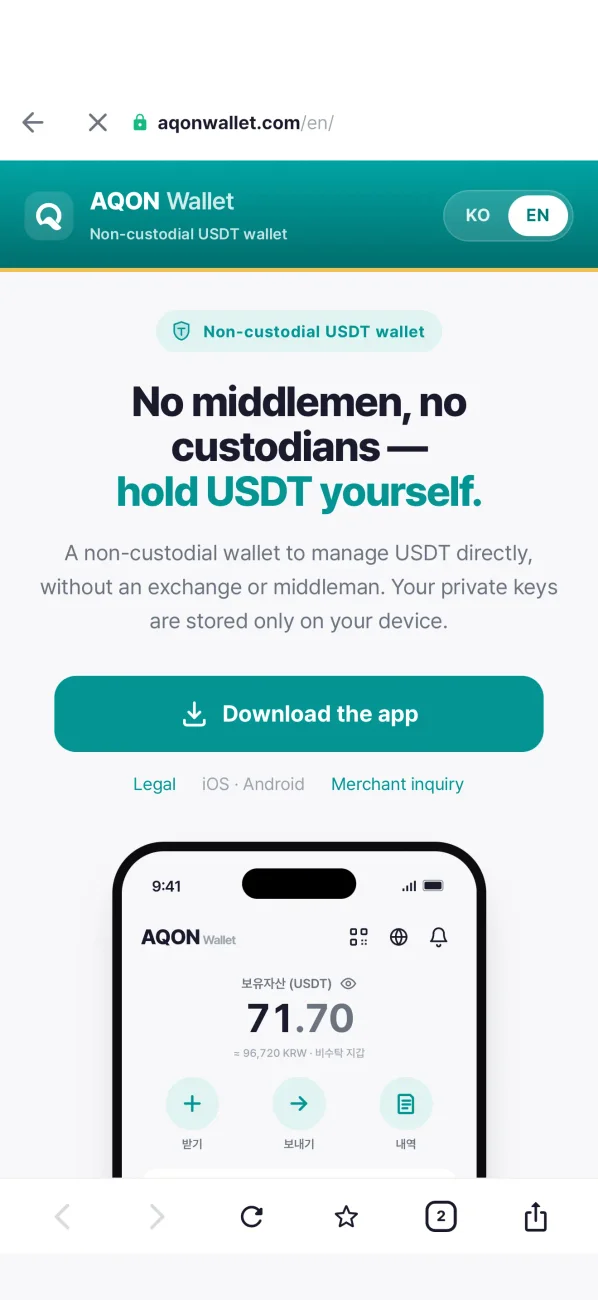
Open websites without leaving the app. Keep several tabs open at once and move between them freely, save the places you visit often to Favorites, and drag them into the order you want. The address bar always highlights the real domain, so you can see exactly which site you are on.
SELF-CUSTODIAL SECURITY
Your private keys never leave your device. AQON uses Keychain and biometric authentication (Touch ID, Face ID) to protect your wallet.
TRANSACTION HISTORY
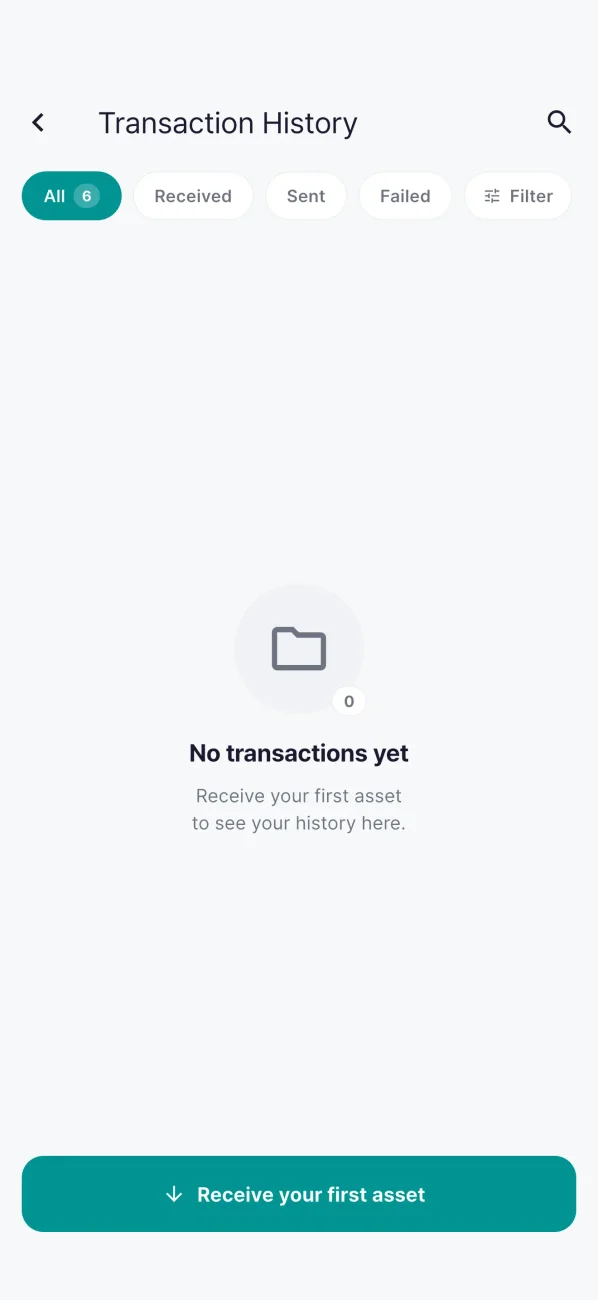
Track all incoming and outgoing transactions with detailed history. Filter, search, and view complete transaction details on-chain.
SECURITY HIGHLIGHTS
- Private keys stored in iOS Keychain
- Biometric authentication (Touch ID, Face ID)
- PIN protection for transaction authorization
- Connecting to a merchant site grants no send or withdraw permission; every payment needs your PIN or biometrics
- Mnemonic backup phrase for wallet recovery
- The in-app browser opens encrypted (HTTPS) connections only, with the real domain highlighted in the address bar
- Block or report other people and their profile photos; reports are reviewed
- No third-party access to your funds
AQON Wallet puts you in control of your USDT. No intermediaries, no custodians.
What’s new
Version 1.2.1 · Nov 3, 2026
Better guidance on poor connections, and clearer merchant connect and pay screens.
- When the server doesn't respond because of a poor connection, the wait on the logo screen after launch is down from about 30 seconds to about 5. In that case the app opens Home with your saved sign-in first
- If you reach Home without reaching the server, a "Can't reach the server" notice with Retry appears at the top. It goes away once the connection works again: tap Retry, pull down on Home, or leave the app briefly and come back. If Home shows a balance of 0.00 then, your assets are unchanged
- Announcements, Explore on Home and the FAQ in Settings now show only articles in your app language (Korean or English), and switch as soon as you change it, without restarting the app
- If a chat message is sent but the connection drops before the app gets a reply, the app briefly checks whether it arrived. If it did, the message is shown as sent instead of failed; if not, you get the usual notice and your text is put back in the input box
- The merchant connect screen now says "Your wallet address is shared with this merchant" and that anyone can see this address's balance and history on the blockchain. Connections that share your address show "Address shared" in Settings > Connected sites
- Declining a merchant payment now tells the site right away, so its payment window shows it as cancelled instead of waiting to expire. After declining in the in-app browser, tap "Back to the site now" to return
- If you open a merchant payment in an app whose wallet is not the one connected to the site, the app stops before the PIN and shows "Pay with the connected wallet" with the connected wallet's shortened address
- When the countdown on the merchant connect screen reaches zero, it changes to "This request has expired"
- If you close the update prompt with "Later", it comes back after 24 hours. To stop it for that version, tap "Skip this version" at the bottom. It does not appear while you create or restore a wallet, pay, approve a connection or send
App privacy
What FIRST SNOW COMPANY LIMITED declares on the App Store about how this app handles data.
-
Data linked to you
May be collected and linked to your identity.
- Financial info
- User content
- Identifiers
-
Data not linked to you
May be collected but is not linked to your identity.
- Diagnostics
Privacy practices may vary, for example with the features you use or your age.
Information
- Seller
- FIRST SNOW COMPANY LIMITED
- Category
- Finance
- Version
- 1.2.1
- Updated
- Nov 3, 2026
- Released
- Aug 6, 2026
- Size
- 47.5 MB
- Requires
- iOS 15.5 or later
- Age rating
- 4+
- Languages
- English
- Copyright
- © 2026 FIRST SNOW COMPANY LIMITED