
- Age rating4+
- CategoryUtilities
- DeveloperAquatechy
- LanguagesEnglish
- Size38.4 MB
Links to the official App Store page
Download.org hosts no file of Aquatechy. The button opens its official App Store page, published by Aquatechy. Listing last checked on Nov 23, 2026.
Screenshots


About
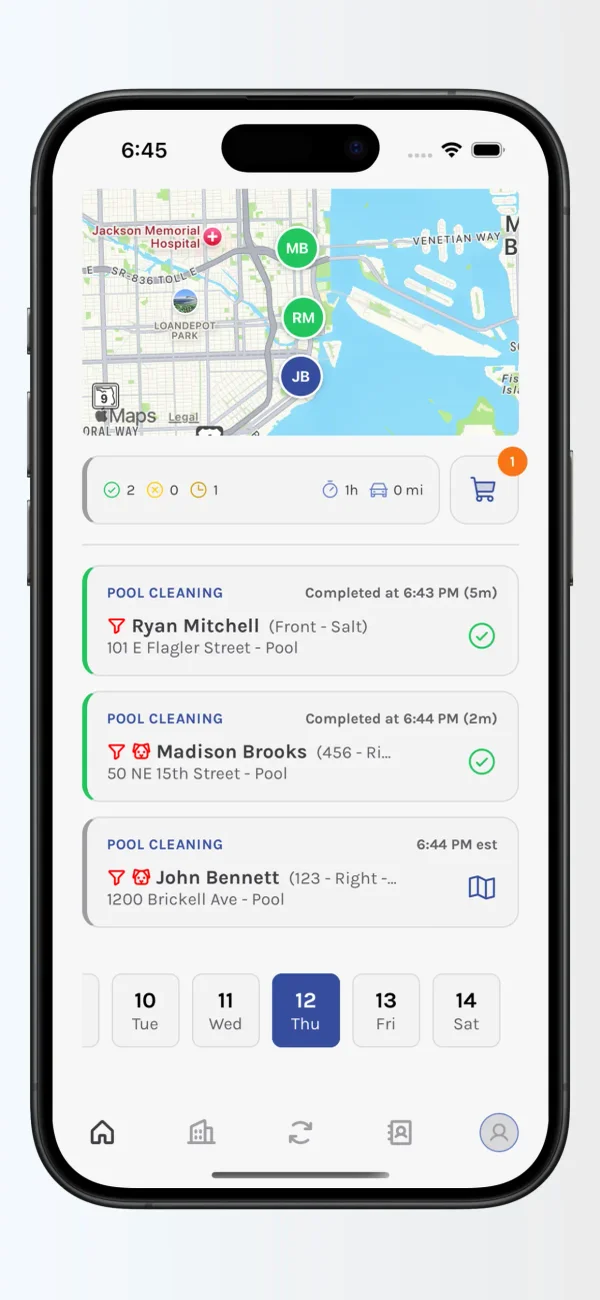
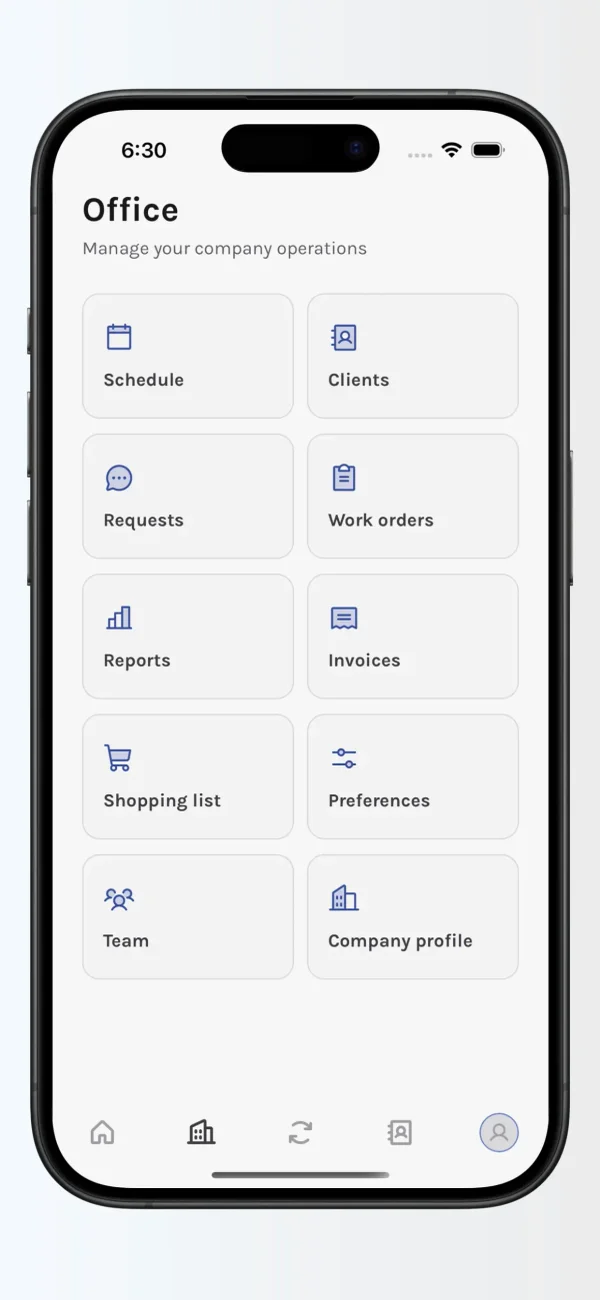
Aquatechy is the route book and the office for a pool company. Your tech runs the day from the phone. You run customers, the schedule, and billing on the phone and on your computer.
TODAY'S ROUTE
Each stop shows the street, gate code, entry side, gallons, and chlorine, salt, or other. A dog means watch the animal. A filter mark means that filter is due, late, or never logged.
Drag the stops into order. On Route and above, optimize the day and set the first and last stop, including the tech's home. The day shows miles and drive time. Directions open in Apple Maps or Google Maps. On Route and above, text the customer that the tech is on the way.
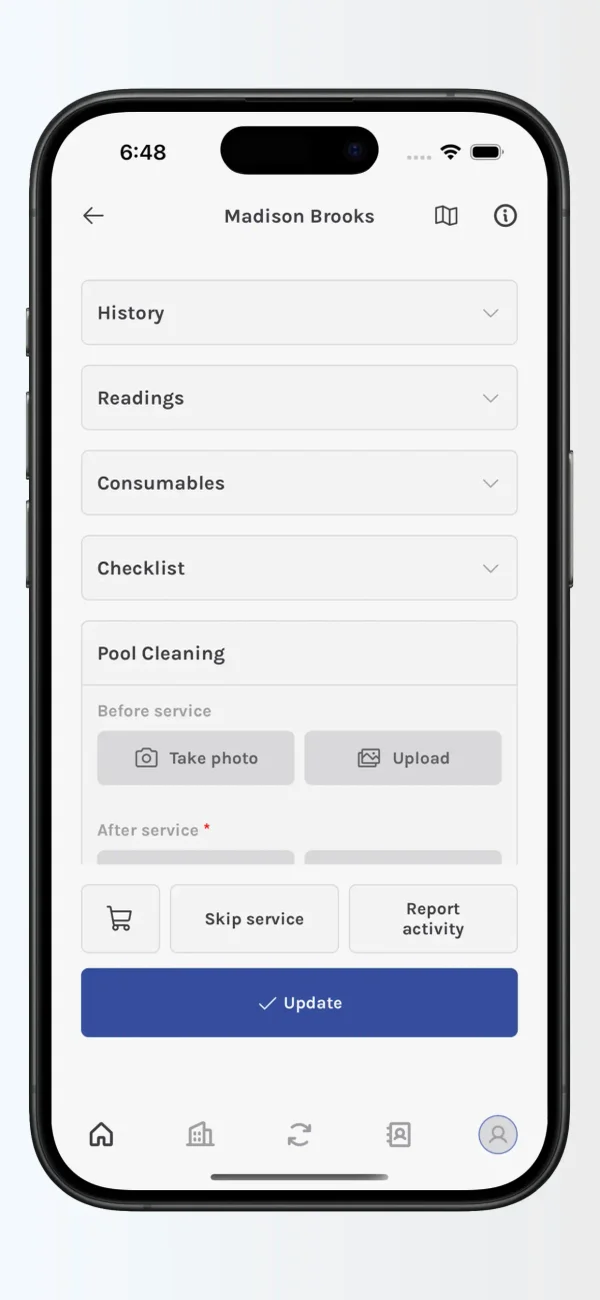
The visit is timed. Log chlorine, pH, alkalinity, calcium, cyanuric acid, phosphate, and salt, or your own readings. Log liquid chlorine, tablets, acid, shock, phosphate remover, salt, calcium, or your own products. Check off your list and take the required photos. A cleaned filter, a cleaned salt cell, and a replaced filter each ask for photos.
If the signal drops, the visit stays on the phone and syncs when the tech is back online.
Skip for weather, a locked gate, an unsecured animal, no answer, or storm debris, and email the customer the reason. Finish a stop early only when you allow it.
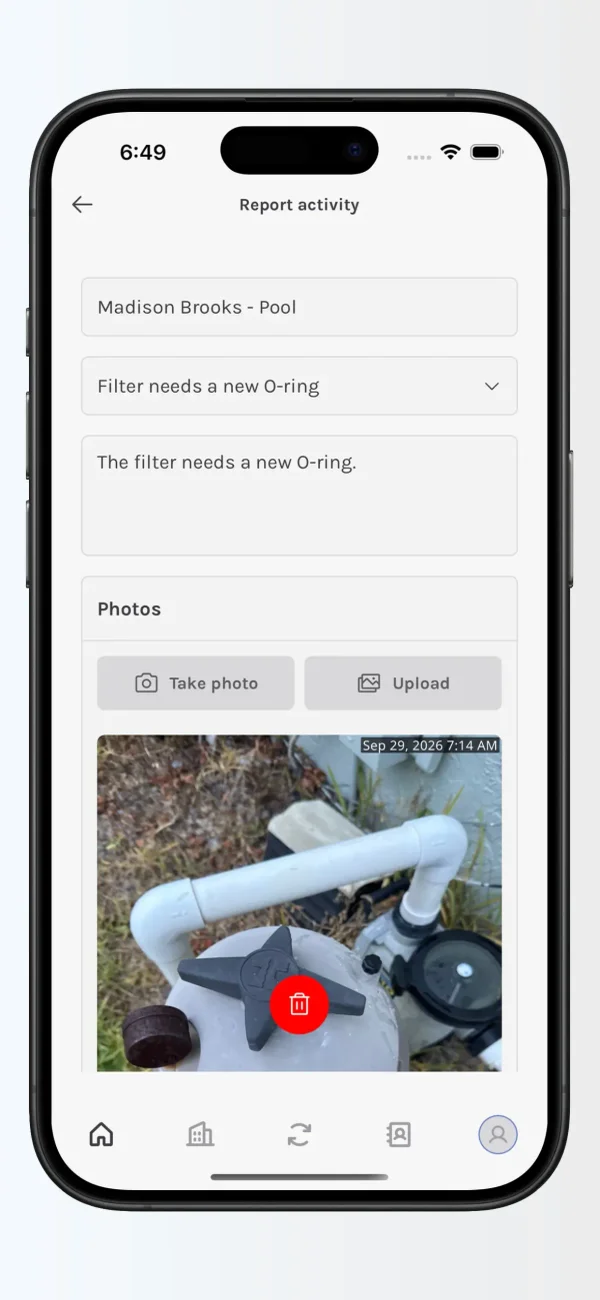
File a problem from the pool with photos, then move it from pending to done: a leak, a dead pump, a salt system, or the water level.
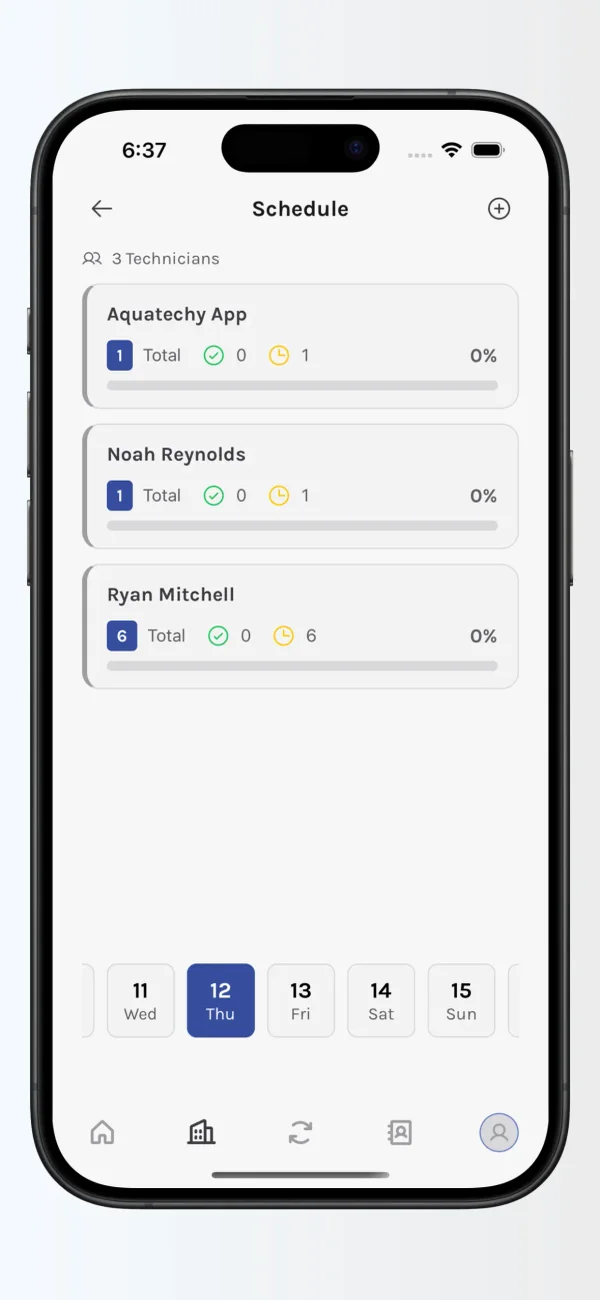
THE OFFICE
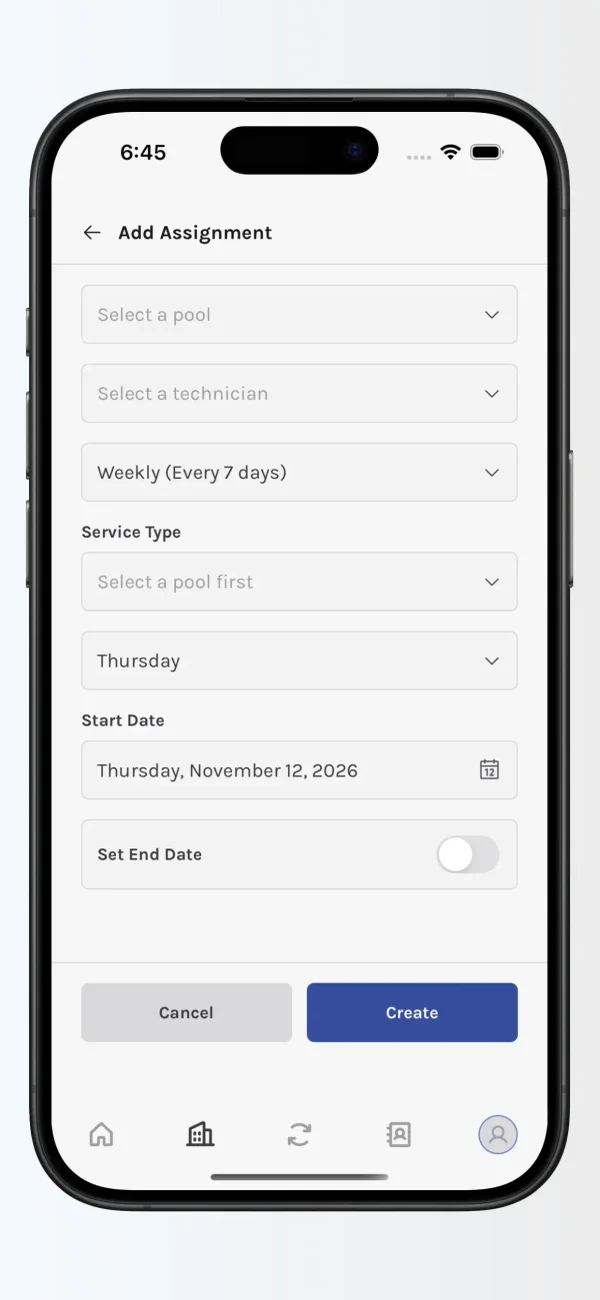
Owners and office staff see who is finished and who is still out. Add the customer and the pool: phones, invoice email, residential or commercial, gate code, entry side, gallons, spa or pool, chlorine or salt, and private notes. Schedule once, weekly, or every 2, 3, or 4 weeks, then move one visit or the weekly route to another tech.
Filters are sand, cartridge, DE, or other. Salt systems, pumps, and heaters keep their dates.
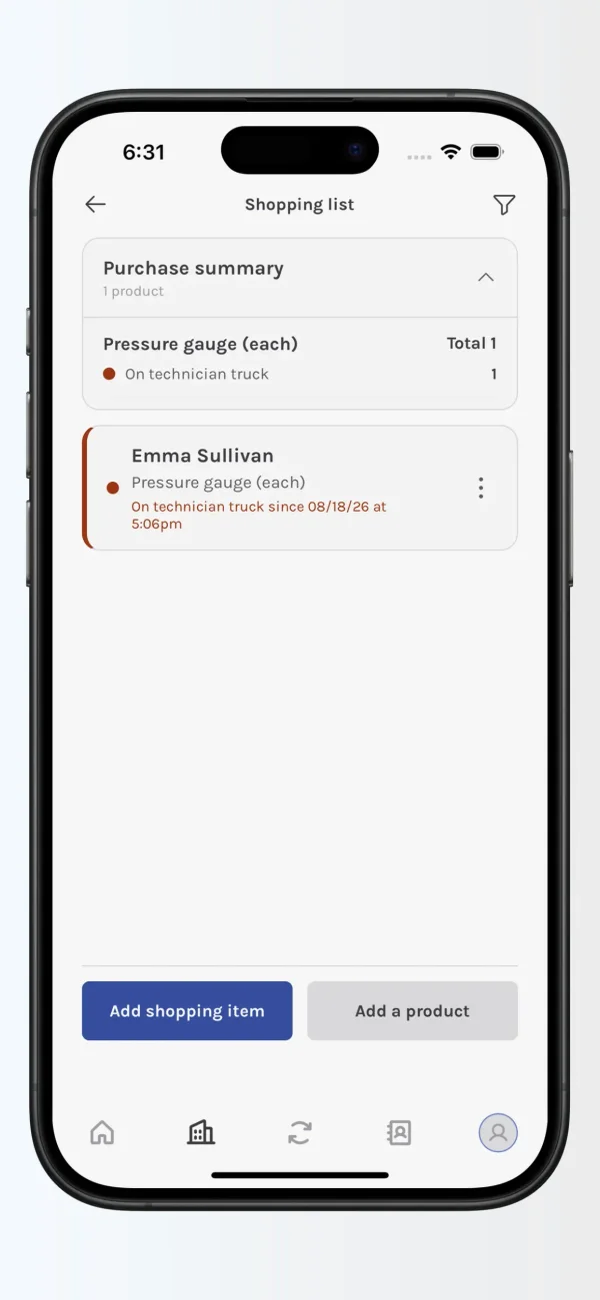
Morning shows the stops, the filters to watch, and what to buy. After the last stop, it lists what to buy for the drive home. Parts move from needs buying, to the shelf, to the truck, to installed.
On the computer: today's progress, route photos, pools with no route, late filters, and items to buy. Route Finder shows which day a new address fits. A lead can take one visit, then become a customer. Import a spreadsheet, Skimmer, or QuickBooks, then build the routes.
You choose the readings, photos, questions, and checklist for each kind of visit. The app is in English, Spanish, and Portuguese.
WHAT THE CUSTOMER GETS
Email the report after the visit. On Route and above, send a text too. Choose the photos, readings, chemicals, checklist, and notes, and write it yourself. Ask for a Google review only after finished visits, and stop after they leave one.
Customers pay an invoice, save a card, and accept or decline an estimate on their own page. Accepting creates the invoice. Bill once, or weekly, monthly, every few months, or yearly, as a draft or sent on its own. Record cash or check, charge a saved card, remind, or refund. Work orders are the repairs, with the same photos and report.
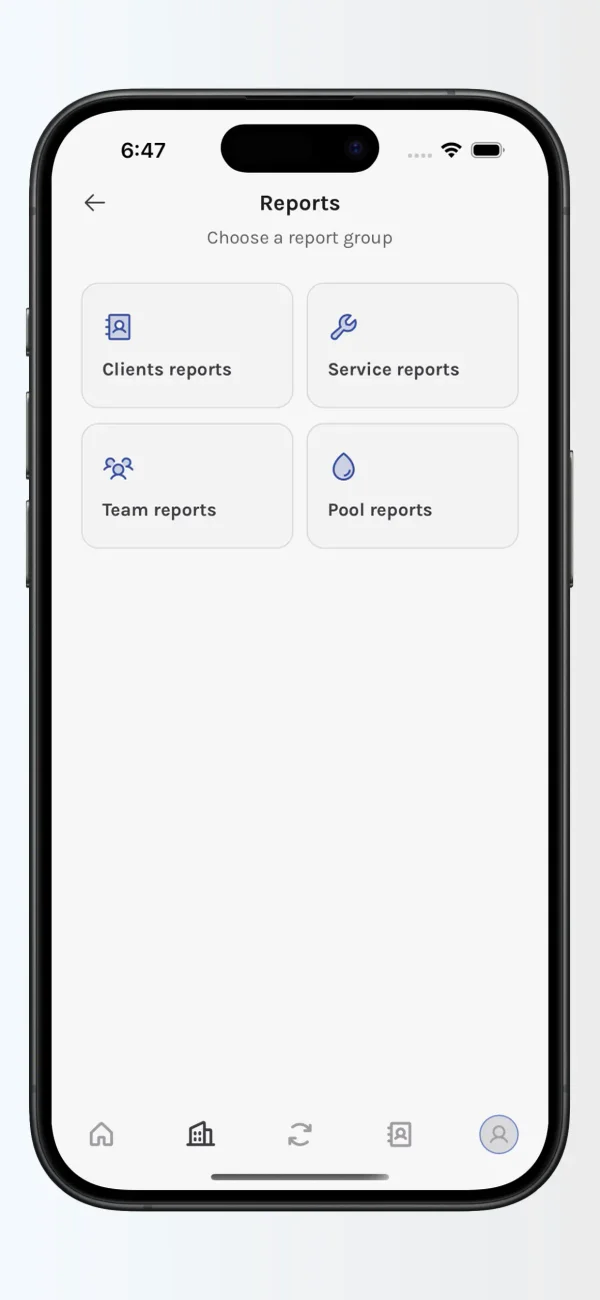
On Grow, see chemical cost, what you owe each tech, on-time filter cleanings, and cartridges due. Pay is a set amount per stop or a percent of the monthly price. Ask a question. Nothing changes.
PLANS
Starter is free for 20 active pools: the schedule, the mobile app, readings, photos, checklists, a service email, and import from a spreadsheet or from Skimmer.
Route is $39 a month for 75 active pools. It adds route optimization, card and ACH payments, estimates, repeating invoices, work orders, custom service emails, and 325 texts a month, then $0.02 each.
Grow is $89 a month for the first 200 active pools, then $0.45 each. It includes everything in Route, plus those reports, answers on your company data, 900 texts a month, then $0.02 each, and priority email.
Enterprise includes everything in Grow, priced with you for a larger book.
Move up when the route grows. Stay through the paid period, or cancel now and ask for the unused time back.
What’s new
Version 1.3.3 · Nov 16, 2026
- Now it's possible to change service status straight from the app.
- New design and colors
- Improved user experience
App privacy
What Aquatechy declares on the App Store about how this app handles data.
-
Data linked to you
May be collected and linked to your identity.
- Contact info
- Contacts
- User content
- Identifiers
Privacy practices may vary, for example with the features you use or your age.
Information
- Seller
- Strichard Clean Tech, Corp
- Category
- Utilities
- Version
- 1.3.3
- Updated
- Nov 16, 2026
- Released
- Aug 21, 2024
- Size
- 38.4 MB
- Requires
- iOS 15.1 or later
- Age rating
- 4+
- Price
- Free
- Languages
- English
- Copyright
- © 2026, Strichard Clean Tech
You might also like
-
 EZPoolBillerField Companion App
-
 SwimvuSmart Pool Inspections
-
 Poolsure MobileA smarter pool log!
-
 Leaktronics AppLeak Reports for Pool/Plumbers
-
 HomeGnome for ProvidersGet Pool & Handyman Jobs
-
 Gate Remote 2Utilities
-
 InfinityLinkUtilities
-
 Pro Pool InspectorsThe Definitive Inspection App
-
 poolbot for allUtilities
-
 GoldenMateUtilities