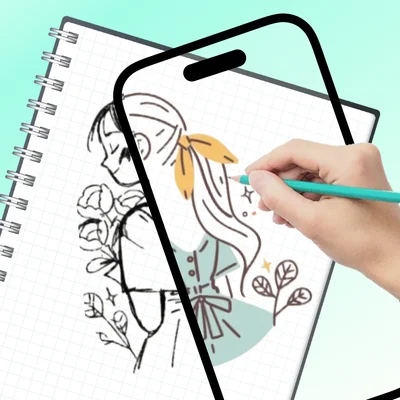
- Age rating4+
- CategoryEntertainment
- Developer彤彤 王
- LanguagesEnglish
- Size69.6 MB
Links to the official App Store page
Download.org hosts no file of AR Draw: Lighting. The button opens its official App Store page, published by 彤彤 王. Listing last checked on Nov 20, 2026.
Screenshots
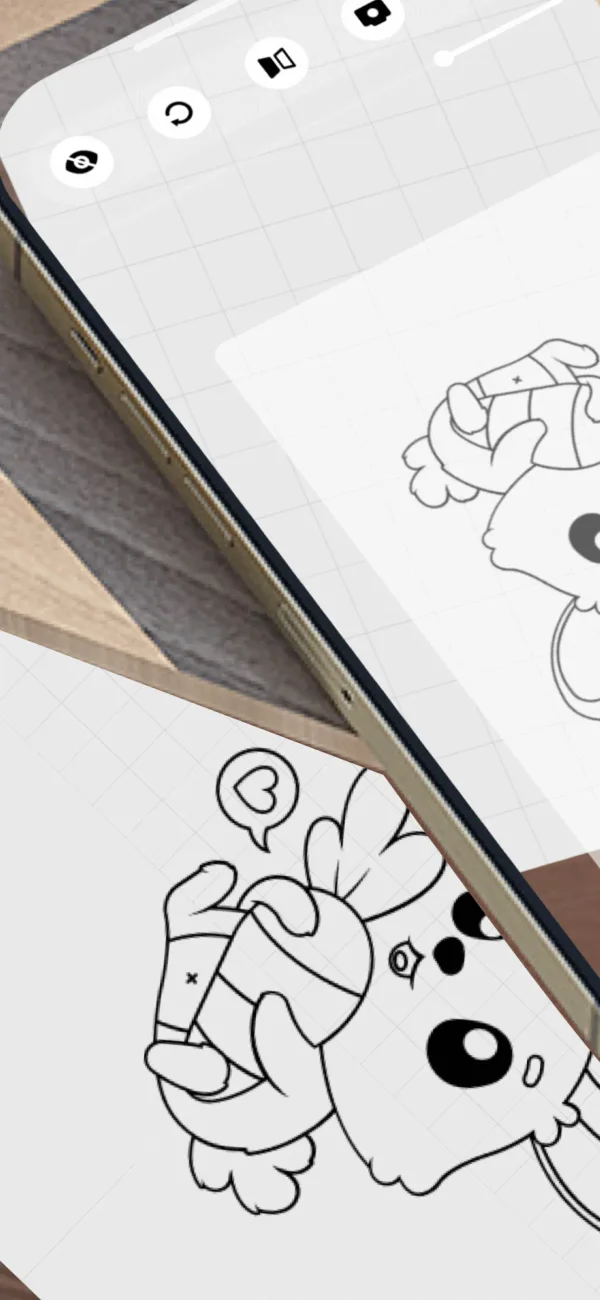
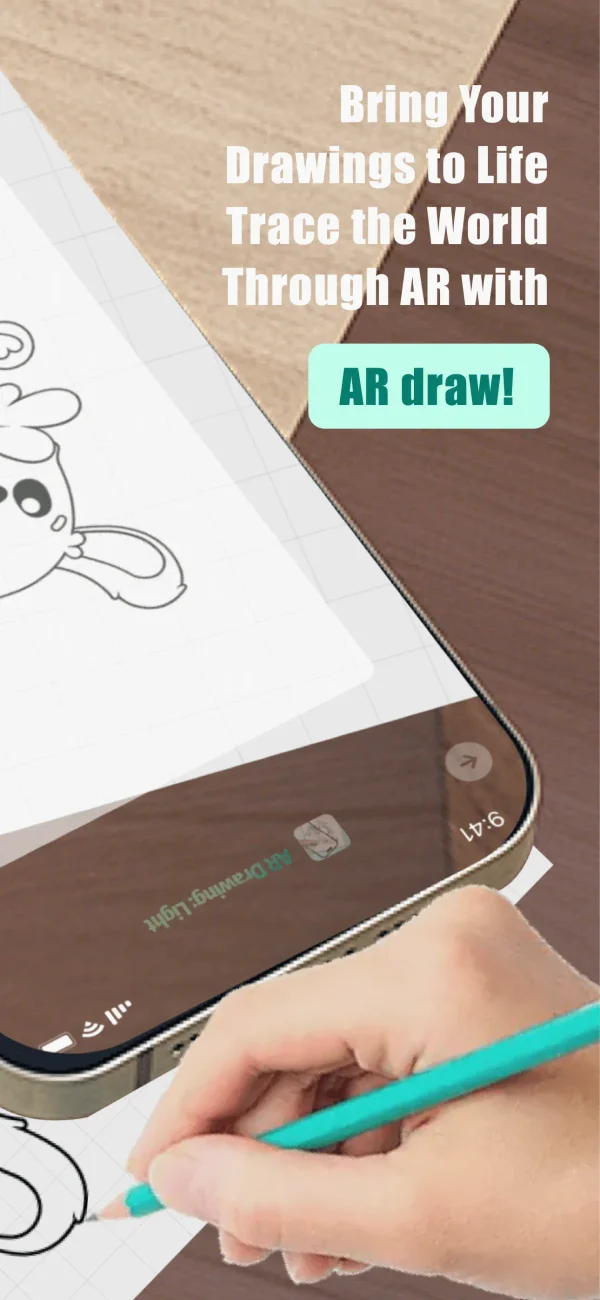
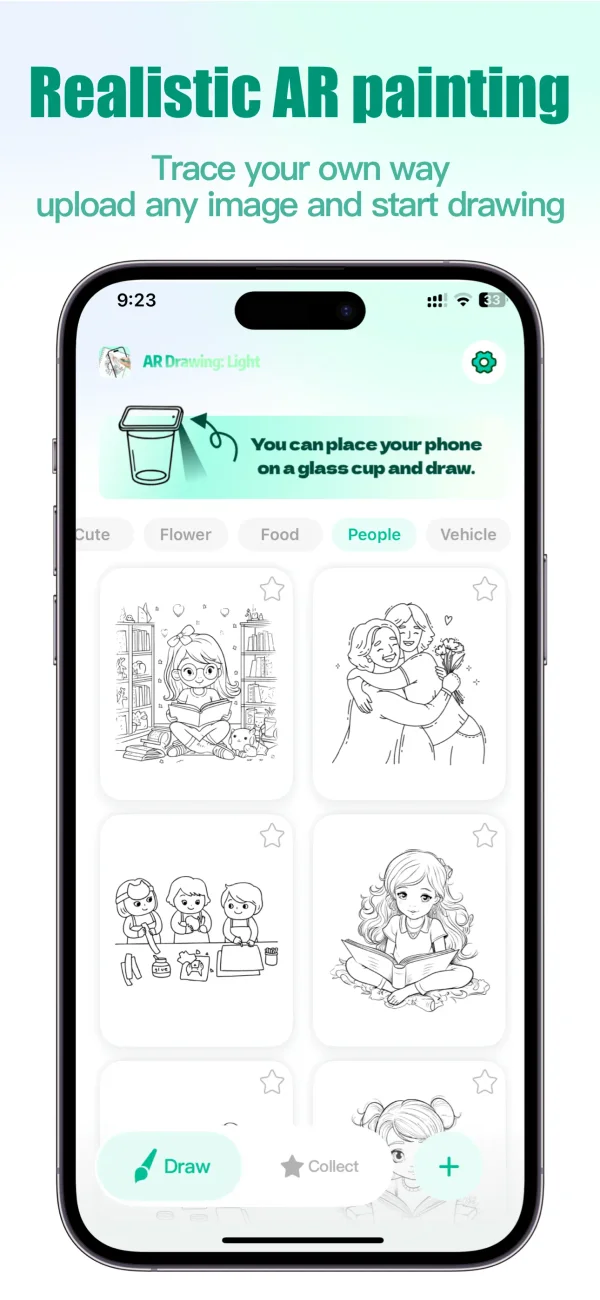
About
AR Draw: Light
Trace your own way — upload any image and start drawing.
AR Draw: Light lets you turn any image into a drawing guide.
Just place your phone above paper, adjust the image, and trace it smoothly by hand.
- Upload your own pictures to trace
-Light and flexible — draw anywhere, anytime
-Built-in templates: Animals, Objects, Nature, More
-Simple interface, no clutter
-Use your phone camera to project and draw
-Flashlight support for darker spaces
-Save or share your results with ease
What’s new
Version 1.1 · Jul 9, 2025
- Add realistic AR projection painting
- Fix bugs
App privacy
What 彤彤 王 declares on the App Store about how this app handles data.
-
Data used to track you
May be used to track you across apps and websites owned by other companies.
- Identifiers
- Usage data
-
Data not linked to you
May be collected but is not linked to your identity.
- User content
- Identifiers
- Usage data
Privacy practices may vary, for example with the features you use or your age.
Information
- Seller
- 彤彤 王
- Category
- Entertainment
- Version
- 1.1
- Updated
- Jul 9, 2025
- Released
- Jul 5, 2025
- Size
- 69.6 MB
- Requires
- iOS 14.0 or later
- Age rating
- 4+
- Price
- Free
- Languages
- English
- Copyright
- ©️ AR Draw Lighting Inc.
You might also like
-
 Sticker Lens: Meme BrainrotEntertainment
-
 FaceSketch - ArdrawEntertainment
-
 Stic Wallpaper: LightingEntertainment
-
 Wallpaper Swatch: 4k ScreenEntertainment
-
 Drawer Wall: WallpaperEntertainment
-
 AI Coloring StudioSmart Coloring with AI Tools
-
 Avatar Clothes Maker StudioEntertainment
-
 Neon Brush - Doodle MagicGlow Drawing for Everyone
-
 Battery Wallpaper: Charge showEntertainment
-
 How to Draw: Drawing ProjectorTrace & Draw picture on paper