
AR Image Mixer
Adding image files to AR space
Designed for iPhone, iPad, iPod touch
Free
- Age rating4+
- CategoryProductivity
- DeveloperYU NOZAWA
- LanguagesEnglish
- Size695.0 KB
Links to the official App Store page
Download.org hosts no file of AR Image Mixer. The button opens its official App Store page, published by YU NOZAWA. Listing last checked on Nov 17, 2026.
Screenshots

About
[Main Functions]
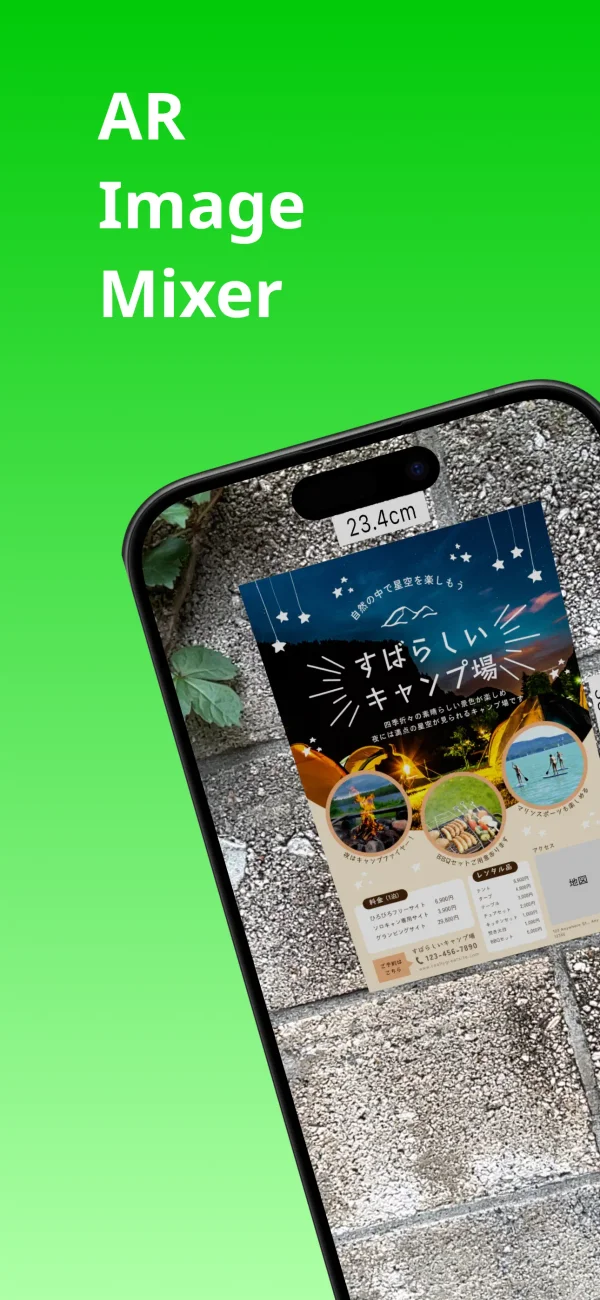
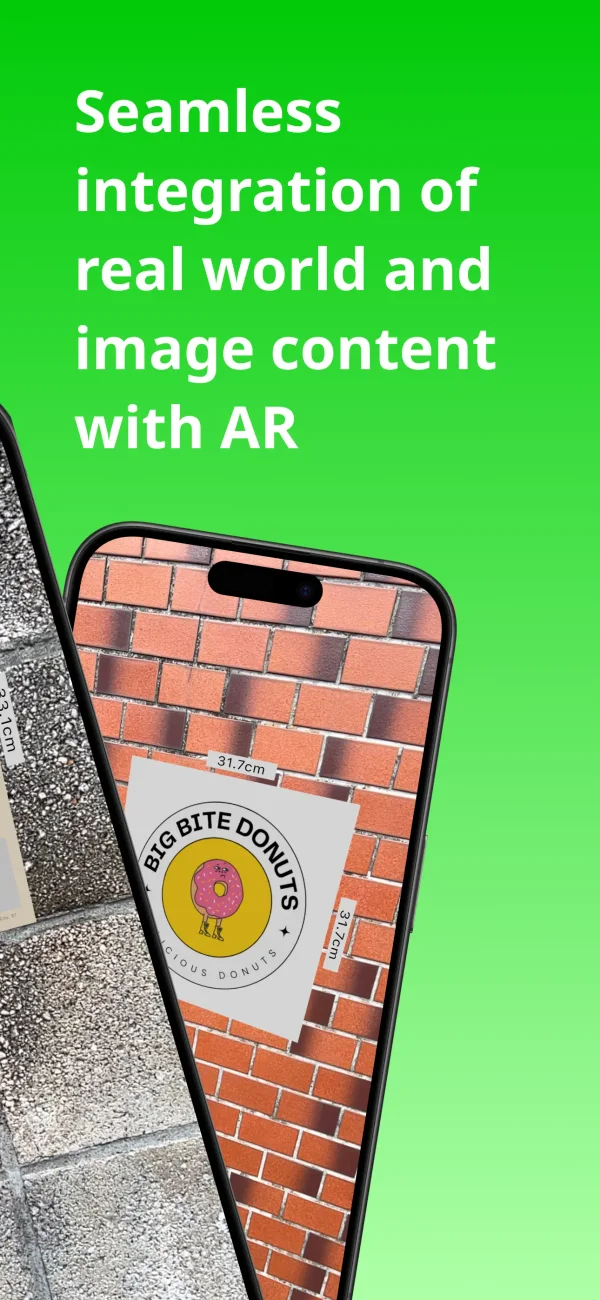
Placement of images in the AR space
Adjustment of position, size, and rotation angle
Display of dimensions (cm/m)
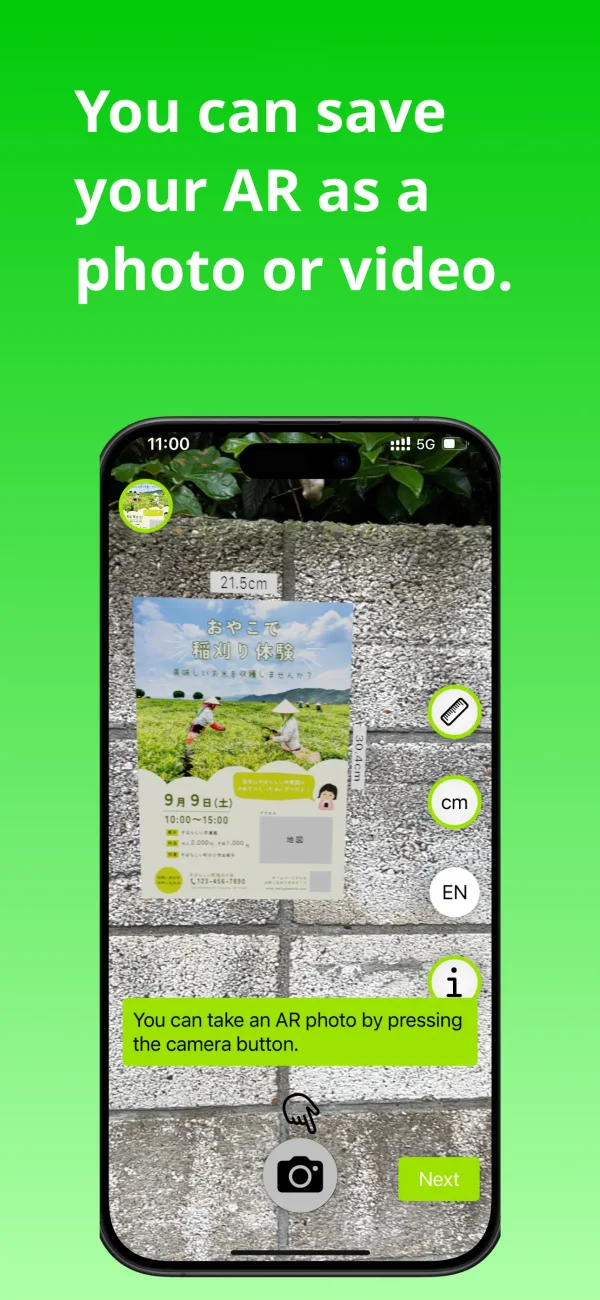
AR photography with photos and videos
Guidance display (Japanese/English/Chinese)
[How to use]
You can select image files such as photos, various logos, icons, etc. stored on your iPhone or iPad and place them on the AR space. The images can be placed on any plane (horizontal or vertical) recognized by the AR function, and the position, size, and rotation angle can be freely adjusted. The AR Image Mixer allows users to check the visual impression, design, and harmony with the surrounding landscape in advance by placing sample images on the wall surface. In addition, you can use the camera function to take photos and videos from various angles and instantly share the AR images with others.
No troublesome user registration is required. Just install the software and you can start using it right away.
[Operating environment]
iOS 14 or later with A9 chip or later.
[Language Support]
Japanese
English
Chinese
[Terms of Use]
Please refer to the following terms of use.
Privacy Policy: https://sordes1219.github.io/arimagemixerweb/ja/policy.html
Terms of Use: https://www.apple.com/legal/internet-services/itunes/dev/stdeula/
What’s new
Version 1.4.0 · Jul 11, 2024
Detected plane display function added
App privacy
What YU NOZAWA declares on the App Store about how this app handles data.
-
Data not collected
The developer does not collect any data from this app.
Privacy practices may vary, for example with the features you use or your age.
Information
- Seller
- YU NOZAWA
- Category
- Productivity
- Version
- 1.4.0
- Updated
- Jul 11, 2024
- Released
- Jun 5, 2024
- Size
- 695.0 KB
- Requires
- iOS 14.0 or later
- Age rating
- 4+
- Price
- Free
- Languages
- English
- Copyright
- © 2024 STROLL
You might also like
-
 Caffeinated NotesFast Notes, Instant Search
-
 SmartCalendar AI - Photo2TaskSmart Image to Calendar Tasks
-
 THING: ONE THINGDo one thing a day
-
 FieldARPrecision AR for Construction
-
 Text to Speech: AI Voice CloneAI Voice Generator & Reader
-
 Flat Counter AppProductivity
-
 Kazoeru: tally counterTap and count with ease
-
 quicklook multitaskingYour multitasking companion
-
 ApexHabits – Habit TrackerVision Board, Goals & Partner
-
 LaTeX NoteWrite and organize math notes