Arabic Alphabet: Learn & Write
Learning to trace letters KIDS
Designed for iPhone, iPad, iPod touch
Free · In-app purchases
- Age rating4+
- CategoryEducation
- DeveloperKIDA Apps L.L.C.
- LanguagesEnglish+ 18 more
- Size35.3 MB
Links to the official App Store page
Download.org hosts no file of Arabic Alphabet: Learn & Write. The button opens its official App Store page, published by KIDA Apps L.L.C. Listing last checked on Nov 29, 2026.
Screenshots
About
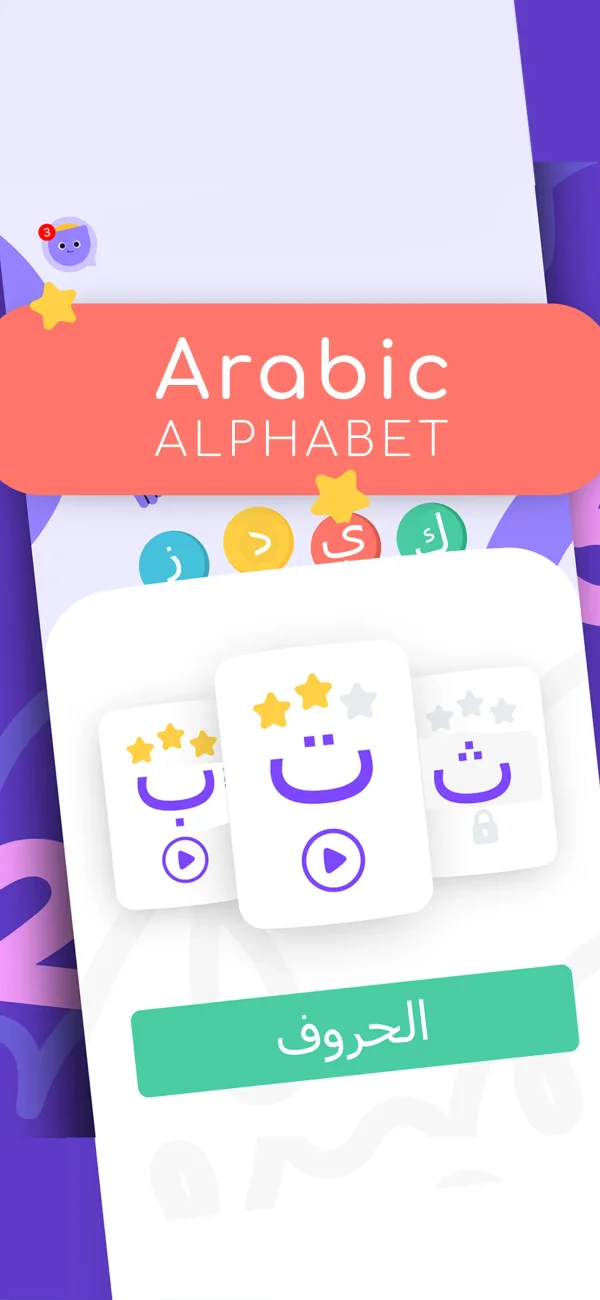
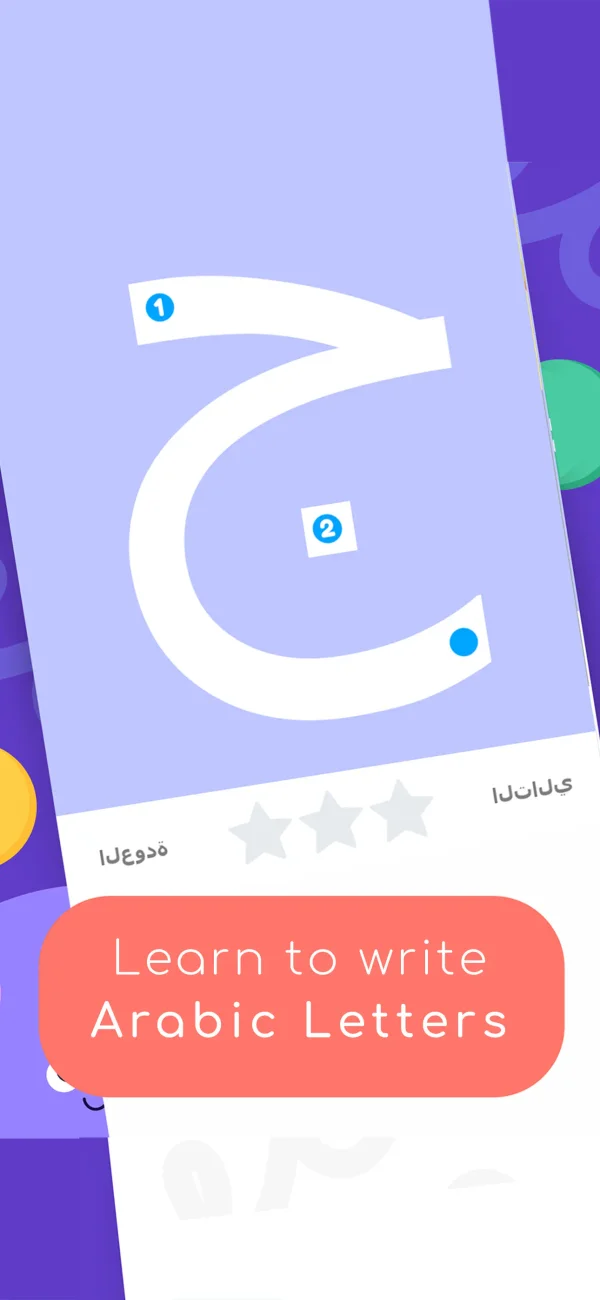
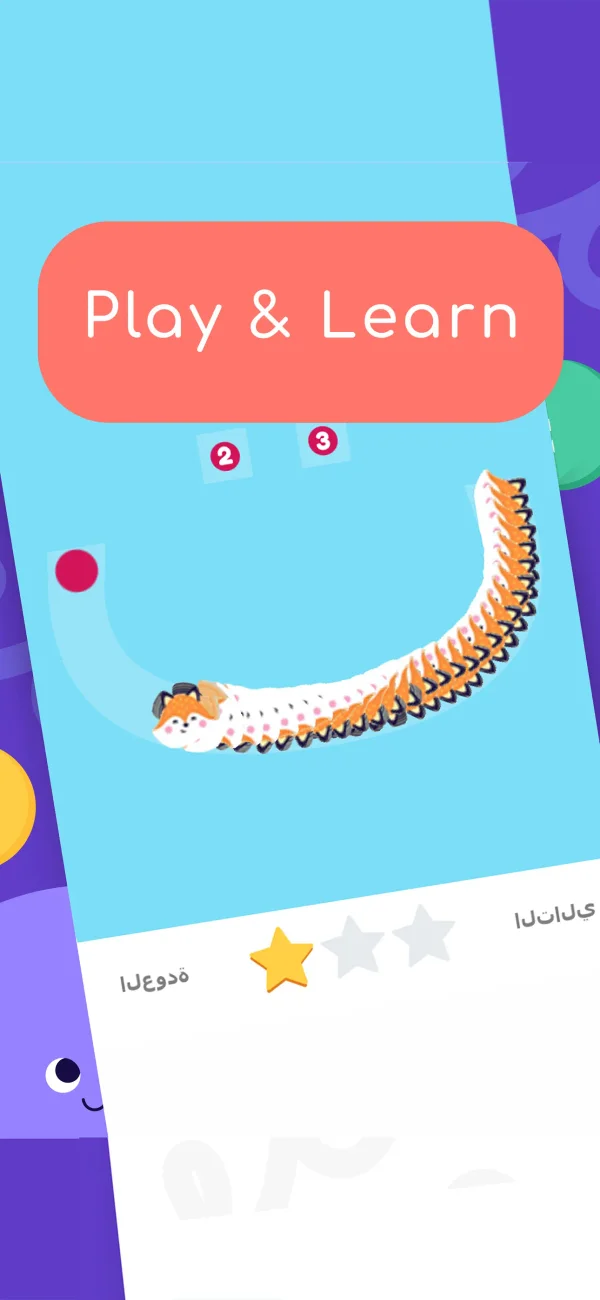
Arabic Alphabet: Learn & Write is a fantastic educational app that helps children master the skill of writing Arabic letters. Specifically designed for young learners, this app provides a fun and engaging way to learn how to write each letter of the Arabic alphabet using only their fingers.
Featuring a user-friendly interface and vibrant graphics, kids will enjoy tracing each letter and perfecting their technique with ease. Clear instructions for each letter, along with helpful tips and tricks, ensure that children can easily learn the correct way to write each Arabic letter.
With Arabic Letters: Tracing ABC, kids can also enjoy a freeform tracing mode to practice writing without the guidance of the app. The app provides feedback and positive reinforcement to encourage continuous learning and improvement.
Whether your child is just starting to learn Arabic or looking to enhance their writing skills, Arabic Alphabet: Learn & Write is the ideal educational tool to support their learning journey. Download the app now and let your child discover the joys of tracing uppercase Arabic letters!
App subscription:
You can subscribe for access to the full list of Write Letters. Payment will be charged to iTunes Account at confirmation of purchase. You will be able to do all exercises for the duration of the subscription. Subscription automatically renews for the same price and duration period as the original "one month" package unless auto-renew is turned off at least 24-hours before the end of the current period.
You may cancel a subscription during its free trial period via the subscription setting though your iTunes account. This must be done 24 hours before the end of the
subscription period to avoid being charged.
Please visit: http://support.apple.com/kb/ht4098 for more information.
You may turn off the auto-renewal of your subscription via your iTunes Account Settings. However, you are not able to cancel the current subscription during its active period.
Any unused portion of free-trial period, will be forfeited when the user purchases an app subscription.
Links to our Terms of Service and Privacy Policy can be found below.
Privacy Policy: https://kida.app/privacy-policy.html
Terms of Use: https://kida.app/terms-and-conditions.html
* Prices are equal to the value that "Apple's App Store Pricing Matrix" determines as the equivalent of the subscription price in $ USD
What’s new
Version 2.1.97 · Sep 18, 2026
Keep learning! This version includes several bug fixes and performance improvements.
App privacy
What KIDA Apps L.L.C. declares on the App Store about how this app handles data.
-
Data not collected
The developer does not collect any data from this app.
Privacy practices may vary, for example with the features you use or your age.
Information
- Seller
- KIDA Apps L.L.C.
- Category
- Education
- Version
- 2.1.97
- Updated
- Sep 18, 2026
- Released
- Jan 8, 2024
- Size
- 35.3 MB
- Requires
- iOS 15.6 or later
- Age rating
- 4+
- Price
- Free
- In-app purchases
- Yes
- Languages
- English, Arabic, Catalan, Croatian, Danish, Dutch, Finnish, French, German, Hindi, Indonesian, Italian + 7 more
- Copyright
- © 2024 Kida Apps
You might also like
-
 Arabic Alphabet Learn & WriteArabic Letters with Sound Game
-
 Arabic Alphabet with soundsLearn Arabic letters / Quran
-
 Learn & write Arabic alphabetLearn arabic الحروف العربية
-
 Learn Arabic Alphabet: GamesQuran & Islamic Games for Kids
-
 Arabic for Kids - AlphabetArabic Letters & Writing Games
-
 Amal: Learn Arabic for KidsWords in context, not drills
-
 Learn Arabic for Kids 3-7Letters, Numbers & Games
-
 Arabic Alphabet for Kids 3-6Trace Letters, Phonics & Games
-
 ABC Letter Tracing for KidsLearn to Write the Alphabet
-
 Teach writing Arabic lettersTeaching writ Arabic letters