
arc Money
Budget, banks & stocks
Designed for iPhone, iPad
Free · In-app purchases
- Age rating4+
- CategoryFinance
- DeveloperQUANTINI OU
- LanguagesEnglish+ 8 more
- Size97.5 MB
Links to the official App Store page
Download.org hosts no file of arc Money. The button opens its official App Store page, published by QUANTINI OU. Listing last checked on Nov 25, 2026.
Screenshots
About
Your spending, logged before you put your phone away.
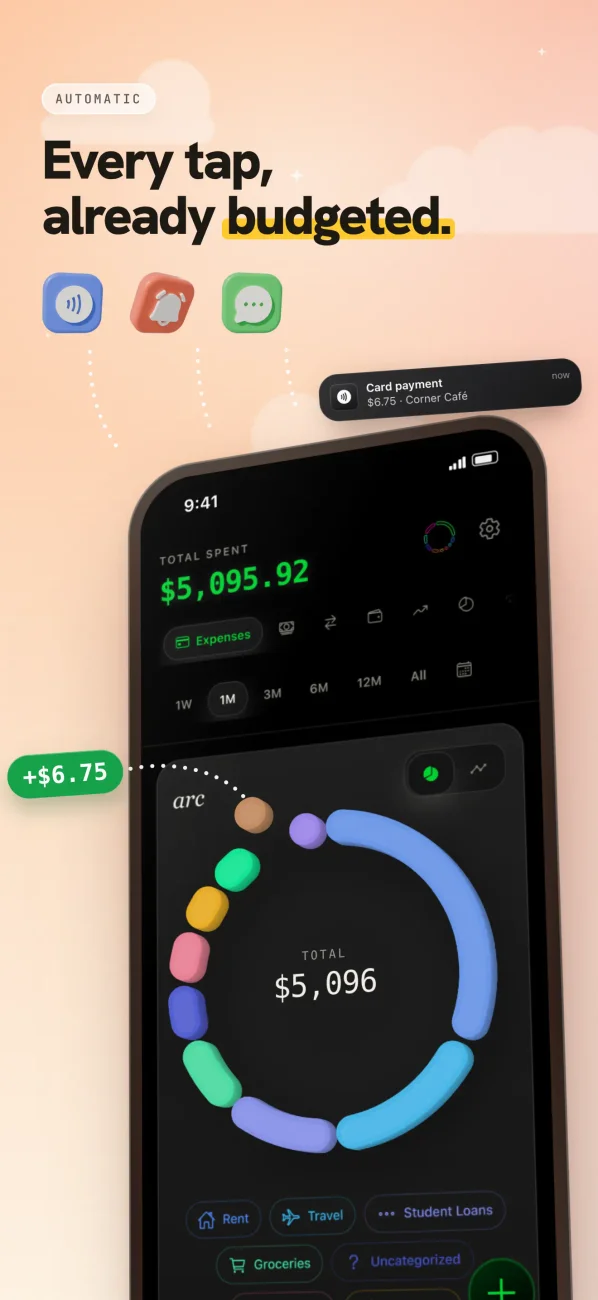
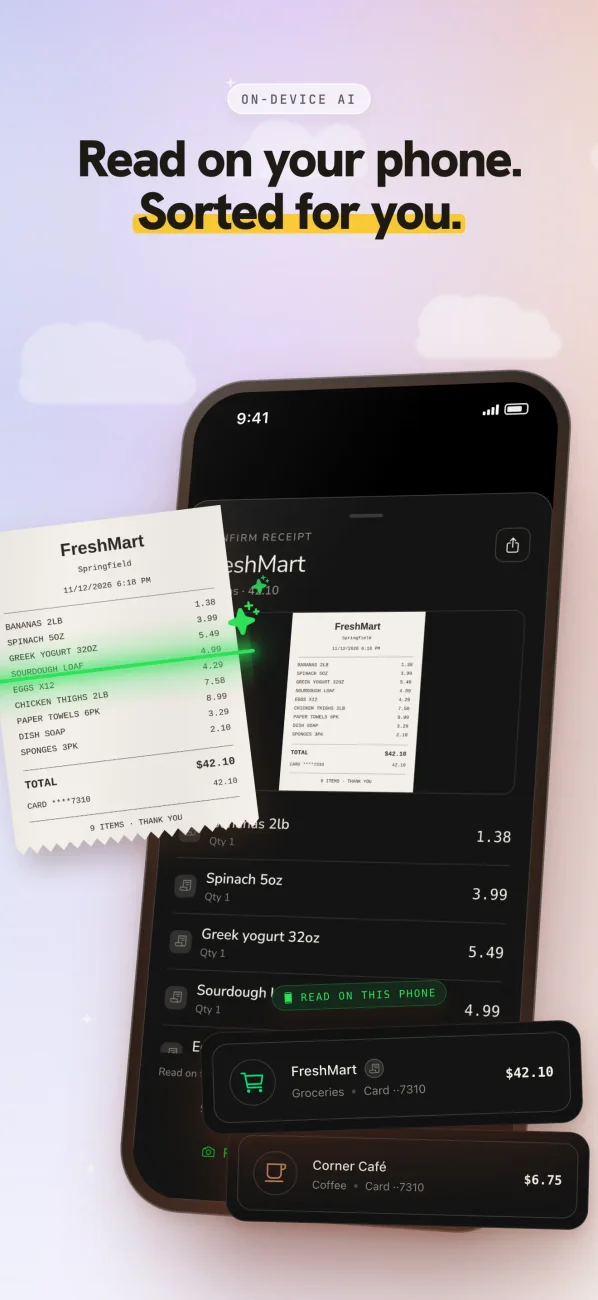
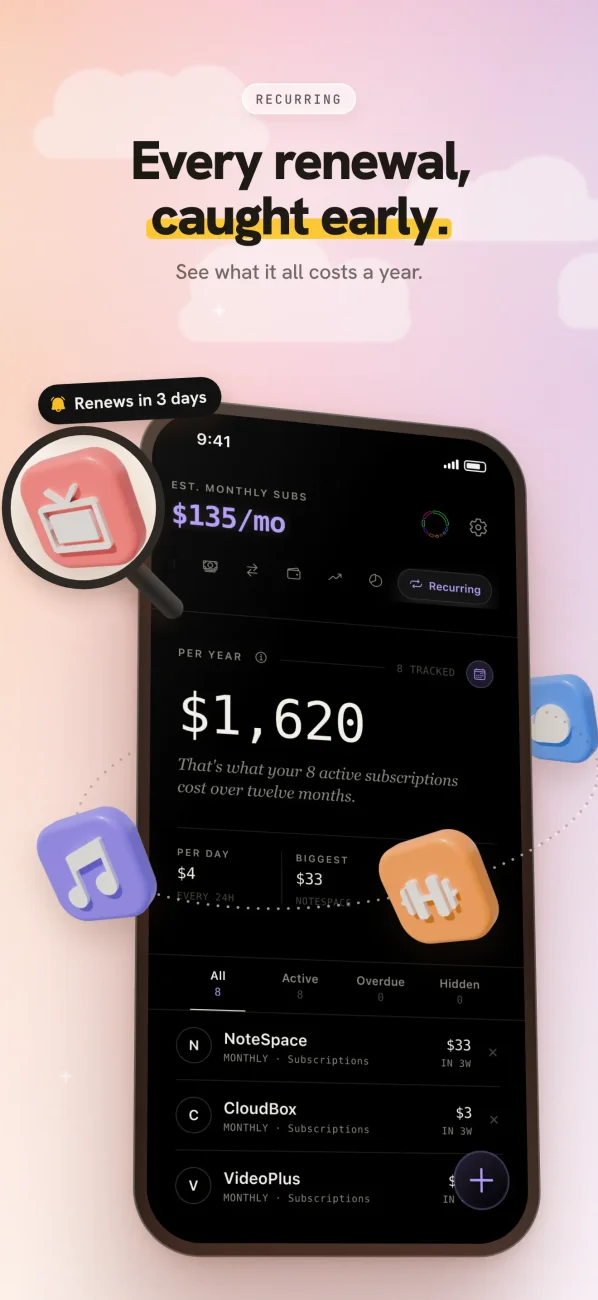
arc is a budget and expense tracker that fills itself in. Apple Pay taps, bank alerts and bank texts turn into transactions on their own, filed by your own rules. Card statements and receipts are read on your iPhone first. Plan with envelopes, keep cards and loans in check, split bills and see your net worth, in any currency.
YOU CHOOSE WHO READS IT
• A reader you download to your iPhone reads the message on the phone, free and even offline.
• On iPhones with Apple Intelligence, Apple's model can read it free, in Apple's private cloud.
• With Premium, arc cloud can read it instead.
• Statements, receipts and screenshots you share to arc are read on the phone first.
• Each captured transaction says who read it.
PAYMENTS THAT LOG THEMSELVES
• An Apple Pay tap and your card's own alert become one transaction, not two.
• Bank alerts and texts are read in many languages and currencies: cards, UPI, wallets and more.
• A payment in another currency is converted, with the original amount kept beside it.
• arc never drops a capture. A possible duplicate is marked, with Keep or Delete.
STATEMENTS THAT FILE THEMSELVES
• Share a card or bank statement and arc adds what's missing, matches what you already logged and checks your balance against the bank's.
• A locked PDF asks for its password once. The password stays on this iPhone.
BUDGET YOUR WAY
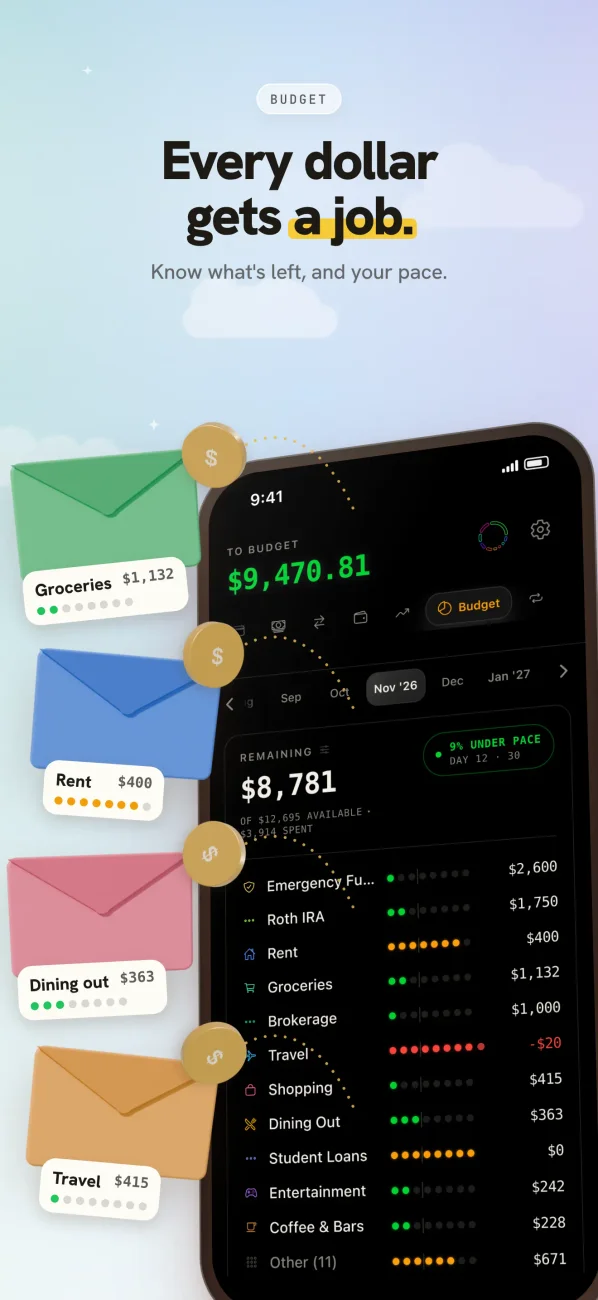
• Envelope budgeting, where every coin has a job, or a tracking budget that shows what's left this month.
• Targets, cover overspending, move money and hold some for next month.
• Rules that work the way Actual Budget's do. Describe a rule in your own words and arc fills it in.
CARDS, LOANS AND DEBT
• Each card's statement, minimum and due date, with reminders that stop once it's paid.
• Loans and pay-later plans: which instalment you're on, the month it's paid off and the interest still to come.
• See how much sooner you'd be debt-free by paying a little more, and which debt to pay first.
SPLITS AND FAMILY
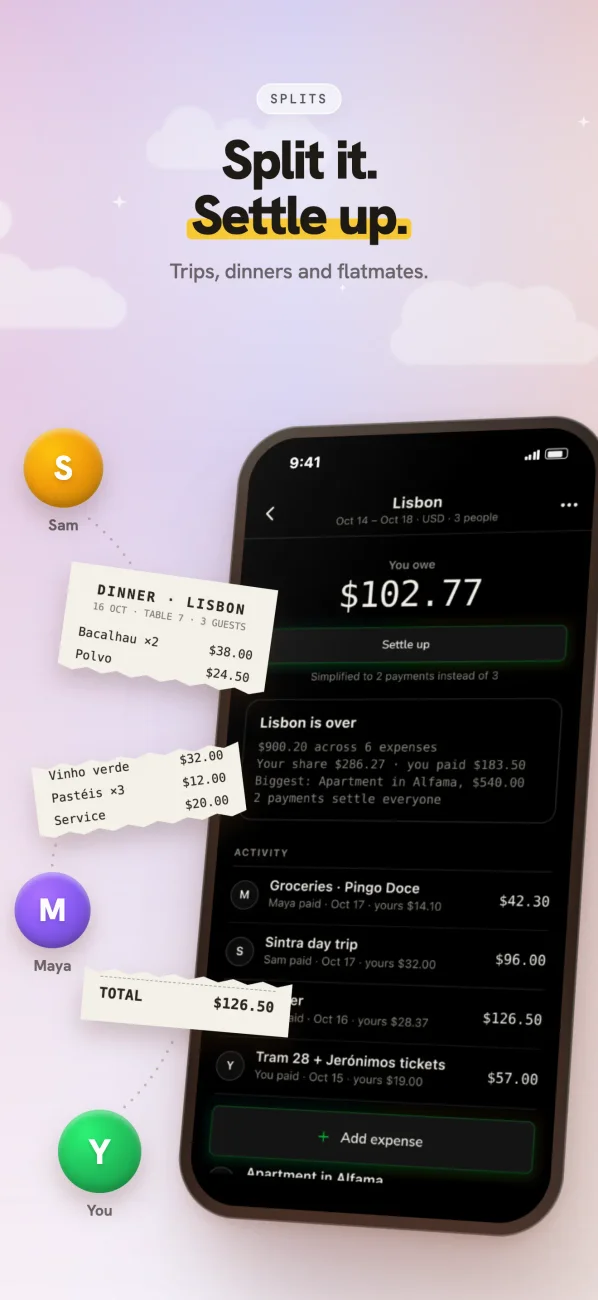
• Split bills with anyone, free on every plan. Each person's share lands in their own budget.
• Trips, households or one person. Scan a receipt, tap who had what, and settle up in the payment app they use. arc never moves money.
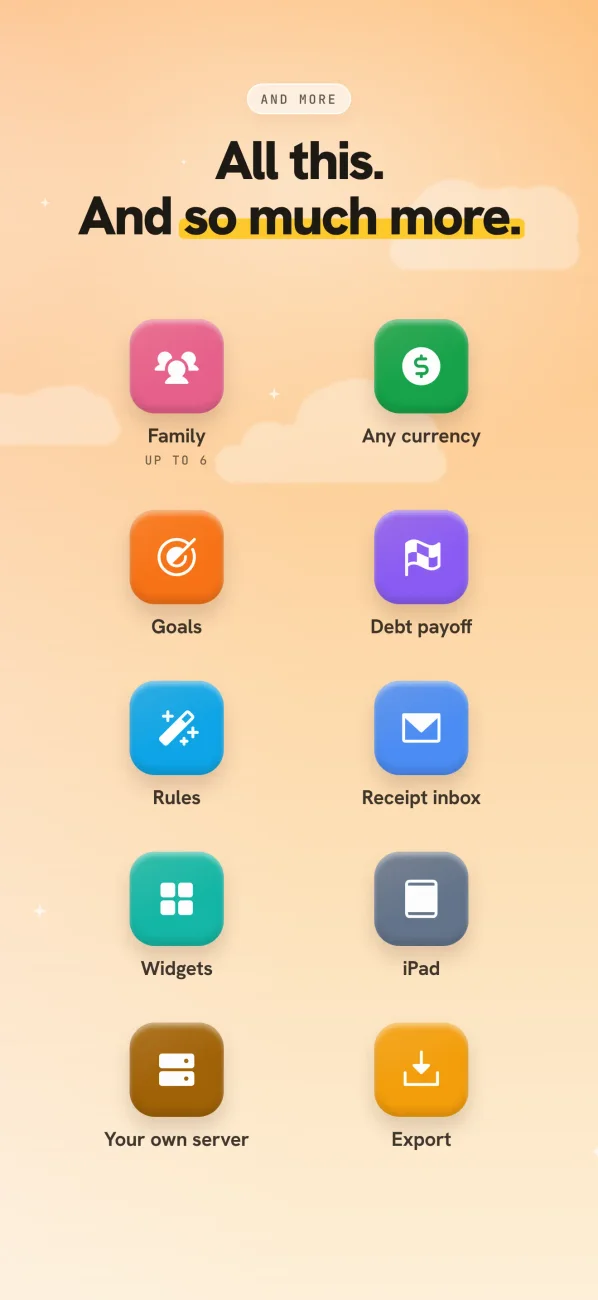
• With Premium, share your budgets with up to 6 people on arc Cloud, each with their own sign-in.
INVESTMENTS AND NET WORTH
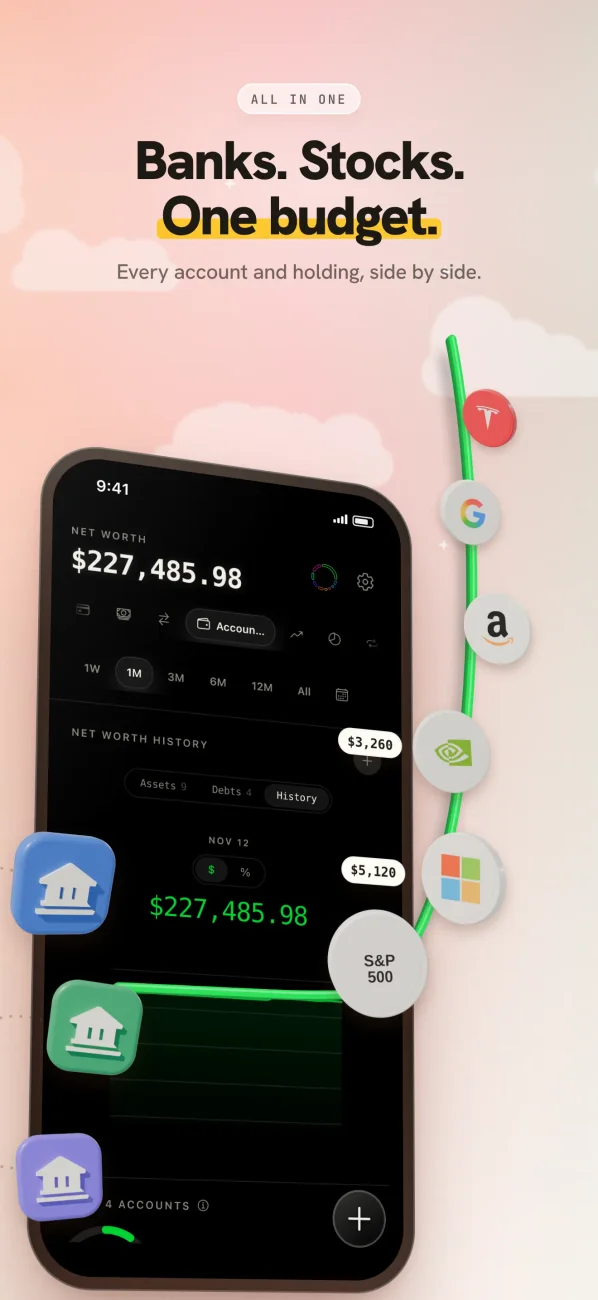
• Accounts, cards, loans and the things you own, like a home or a car, in one net worth.
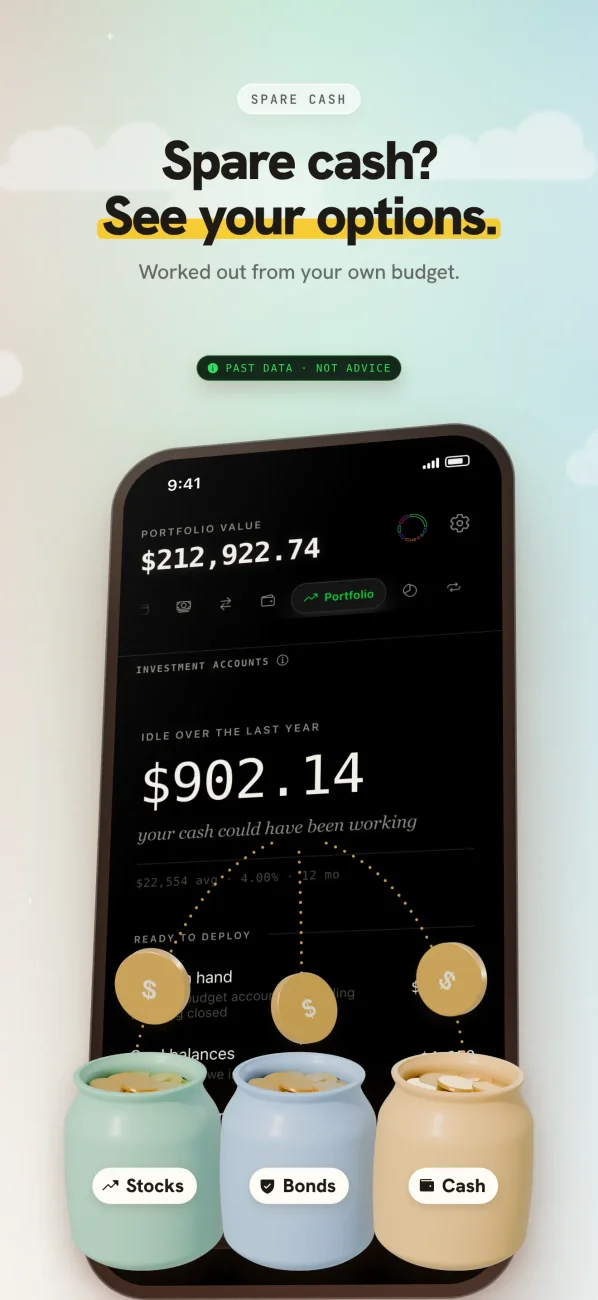
• With Premium: your portfolio with live prices, returns and a fund to compare against.
ANY CURRENCY, ANYWHERE
• About 170 currencies. Each account keeps its own, and a day's reference rate is free on every plan.
YOUR DATA, YOUR CHOICE
• arc is built on Actual Budget, the open-source budgeting engine. Keep your budget on your iPhone, connect your own Actual server, or let arc run a private one for you.
• Bank feeds through your own Actual server, or Lunch Flow with Premium.
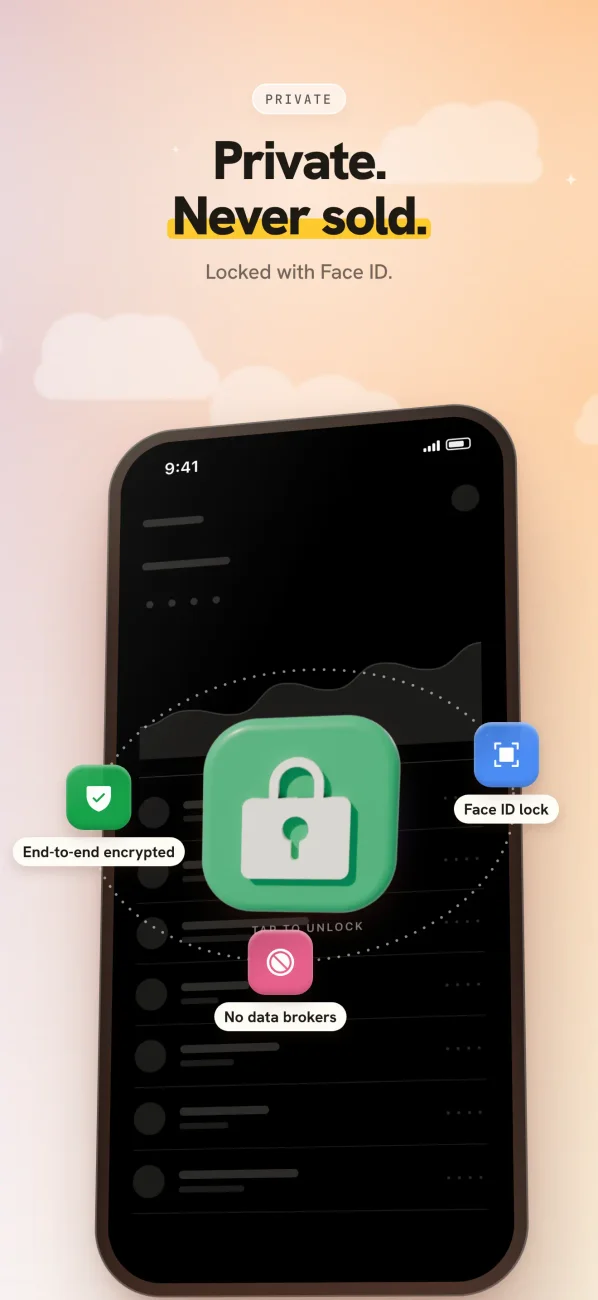
• Optional end-to-end encryption, Face ID lock and no ads.
• Bring your budget over from another app with its export file.
PLANS
• Free: one budget on your iPhone, captures read free by a reader on your phone or Apple's model, statements you share, rules, splits, envelope budgets and the debt tools.
• Your own Actual server: free, with sync across your devices and the computer.
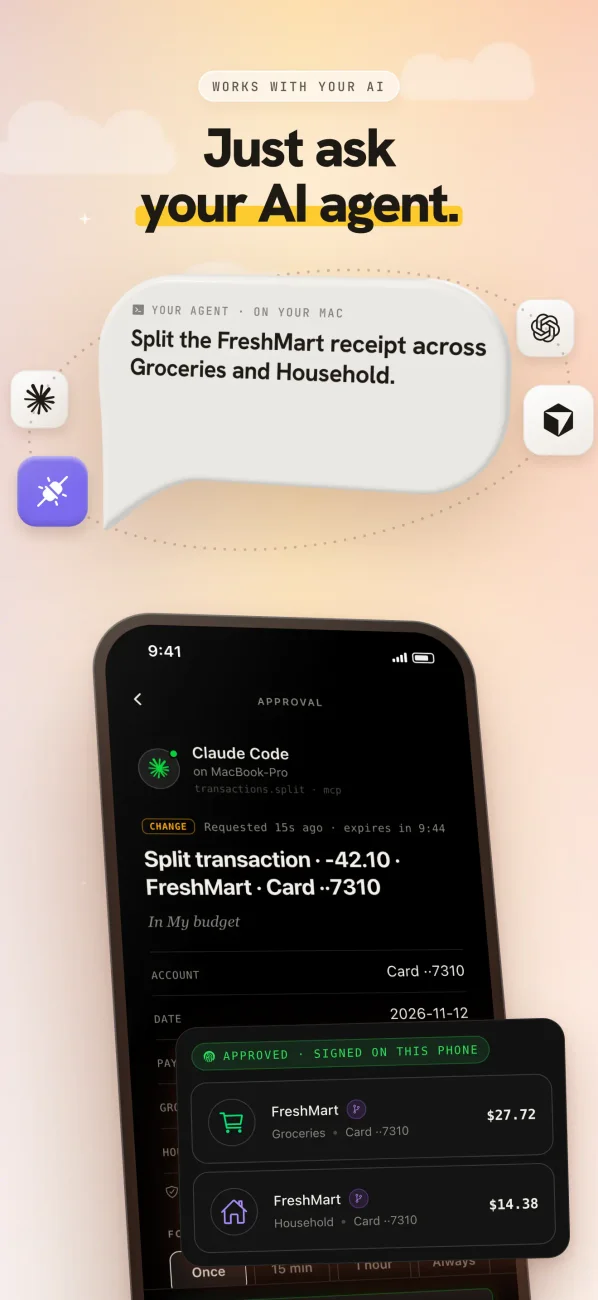
• arc Premium: arc Cloud, your own private server run by arc, with backups; arc cloud reads with monthly AI credits; the Receipt Inbox; live prices and exchange rates; family sharing; and access for AI agents and the command line.
PRIVACY, PLAINLY
Scrubbed examples of captures help arc's on-phone readers learn. Names, numbers and amounts are replaced on your phone first, and nothing is linked to you. Turn it off in Settings › Privacy.
Also on iPad, with widgets, quick actions and Siri.
Guides: arc.moi · Support: support@arc.moi
Terms of Use: https://www.apple.com/legal/internet-services/itunes/dev/stdeula/
Privacy Policy: https://arc.moi/privacy
What’s new
Version 1.0.61 · Nov 24, 2026
Statements
• More statements read on your iPhone: card statements in Spanish, statements with a numbered first column, and payments whose amount wraps onto the next line.
• Excel (.xlsx) statements come in like CSV files.
• When most of a statement checks out against the bank's running balance, arc brings in those rows and says what's missing: the dates and the amount, with the rows to add by hand.
• A foreign-currency line under a payment, such as "USD 12.50 at 83.10", becomes that payment's note.
• "Teach arc this statement" says what sending one does: arc learns it, so every statement like it is read on your iPhone.
Statement passwords
• arc asks for a statement's password once per account, remembers it on your iPhone, and opens the next statement from that bank without asking. It stays after you reinstall arc.
• Settings › Security › Statement passwords lists them, with Forget.
Fixed
• Bank texts like "Your A/c debited by Rs. 450.00 …; SHOP credited" are captured as money out, in rupees.
• With arc Premium, a bank text your iPhone can't read is checked by arc cloud before it's kept for you.
• A statement that only adds up with every payment the wrong way round is never brought in.
• A statement arc files by itself must match its printed totals, not only its running balance.
• Sharing a statement from Mail or Files no longer asks for a password arc already has, and never asks twice.
App privacy
What QUANTINI OU declares on the App Store about how this app handles data.
-
Data used to track you
May be used to track you across apps and websites owned by other companies.
- Identifiers
-
Data linked to you
May be collected and linked to your identity.
- Purchases
- Financial info
- Contact info
- User content
- Identifiers
-
Data not linked to you
May be collected but is not linked to your identity.
- Identifiers
- Usage data
- Diagnostics
Privacy practices may vary, for example with the features you use or your age.
Information
- Seller
- Quantini OU
- Category
- Finance
- Version
- 1.0.61
- Updated
- Nov 24, 2026
- Released
- Feb 19, 2026
- Size
- 97.5 MB
- Requires
- iOS 16.4 or later
- Age rating
- 4+
- Price
- Free
- In-app purchases
- Yes
- Languages
- English, Dutch, French, German, Italian, Japanese, Portuguese, Simplified Chinese, Spanish
- Copyright
- © 2026 QUANTINI OU
You might also like
-
 Stash: Budget & RetirementEnvelopes & Net Worth Tracker
-
 AnyMoney - Budget & Expense AISpending Tracker, No Bank Link
-
 Liquid BudgetDigital Envelope Budget
-
 Moneta: Money Tracker & BudgetTrack spending and savings
-
 Money Manager: MyFuturePlanBudget Planner & Worth Tracker
-
 Moneko AI: Track & BudgetShared expenses & split bills
-
 TESORIN: Track & Plan MoneyBudget & Money Manager
-
 Wealthfolio: Private FinanceLocal-first Investment Tracker
-
 Control: Budget TrackerExpense & Money Manager
-
 Bento: Budget & Money TrackerFinance, Subscriptions & AI