
Arc Player - Video Player
Video Player All Format
Designed for iPhone, iPad, iPod touch
Free · In-app purchases
- Age rating4+
- CategoryPhoto & Video
- DeveloperArc Tech Limited
- LanguagesEnglish+ 23 more
- Size101.4 MB
Links to the official App Store page
Download.org hosts no file of Arc Player - Video Player. The button opens its official App Store page, published by Arc Tech Limited. Listing last checked on Nov 23, 2026.
Screenshots

About
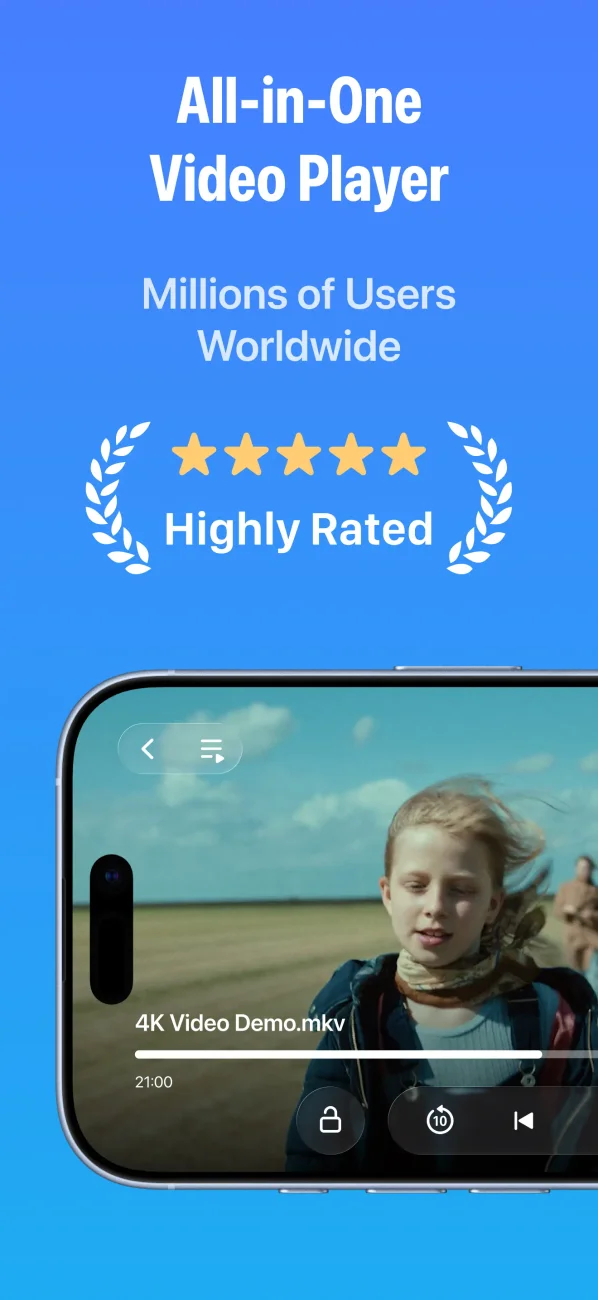
Arc Player plays your videos and music smoothly. No conversion required. Watch movies offline in 4K/HDR, play local music and audio files, and enjoy PiP, private folder, background play, subtitles, and more.
Great for film and TV show enthusiasts, travelers on the go, students catching up on lectures, and anyone who wants a simple way to manage offline videos and music. Simple and powerful.
● All Video & Audio Formats Support
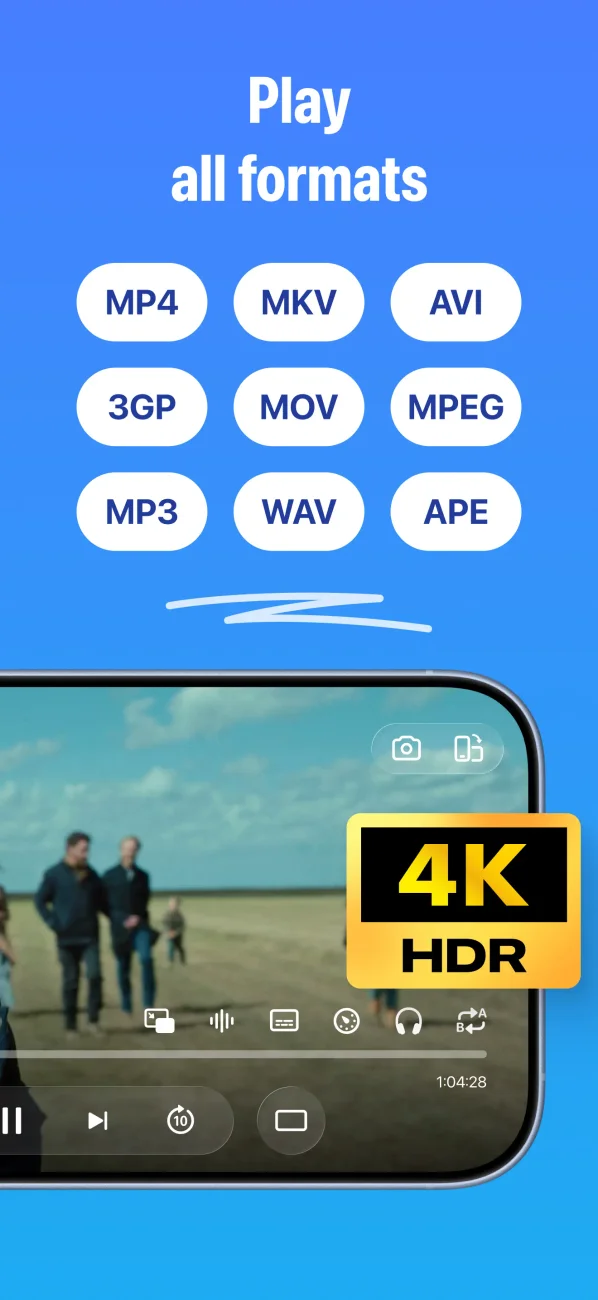
Supports a wide range of video formats including MKV, AVI, MP4, MOV, RMVB, FLV, 3GP, TS, and more. Also supports common audio formats such as MP3, FLAC, WAV, AAC, M4A, and more.
● Smooth Offline Playback
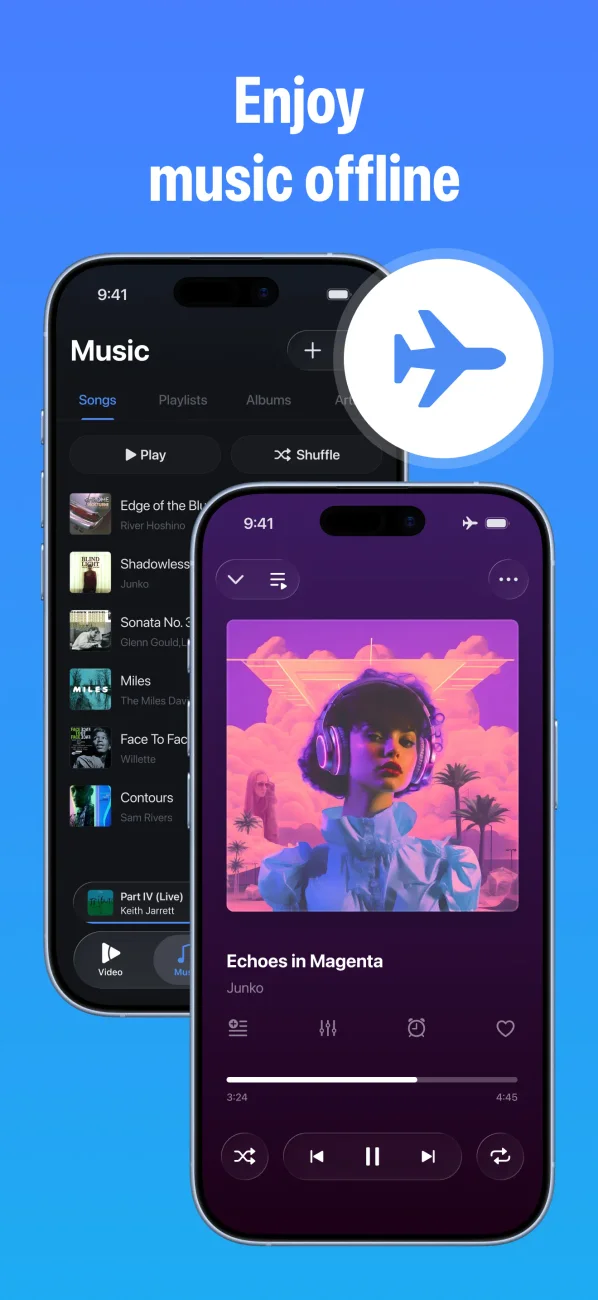
Watch movies, TV shows, anime, lectures, and personal videos without an internet connection. You can also play local music, recordings, and audio files offline.
● Music & Audio Playback
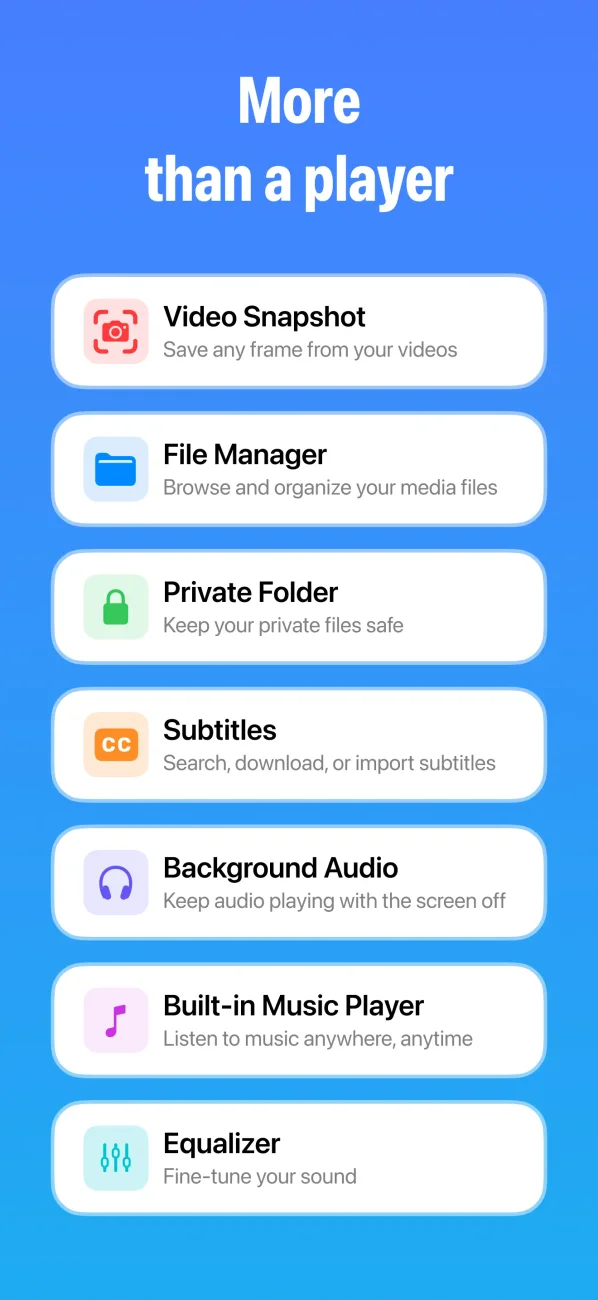
Use Arc Player as a local music player and MP3 player. Play songs, audio files, lectures, podcasts, and downloaded media in one clean media library.
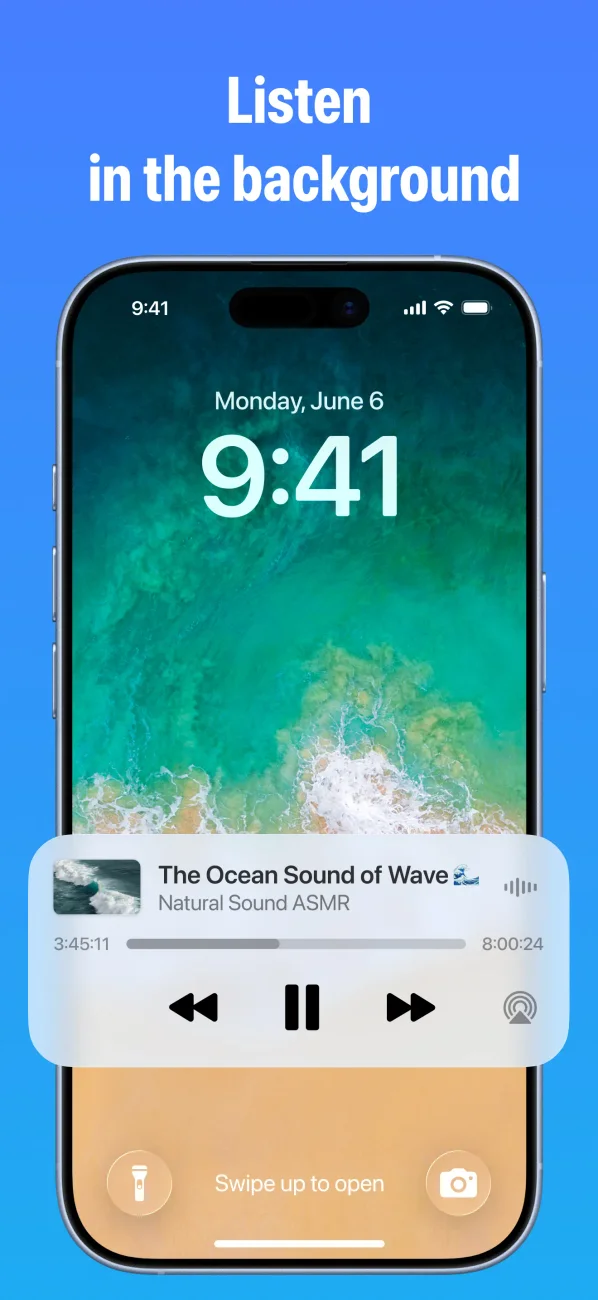
● Background Play
Keep videos, music, or audio playing in the background while working, exercising, commuting, or using other apps.
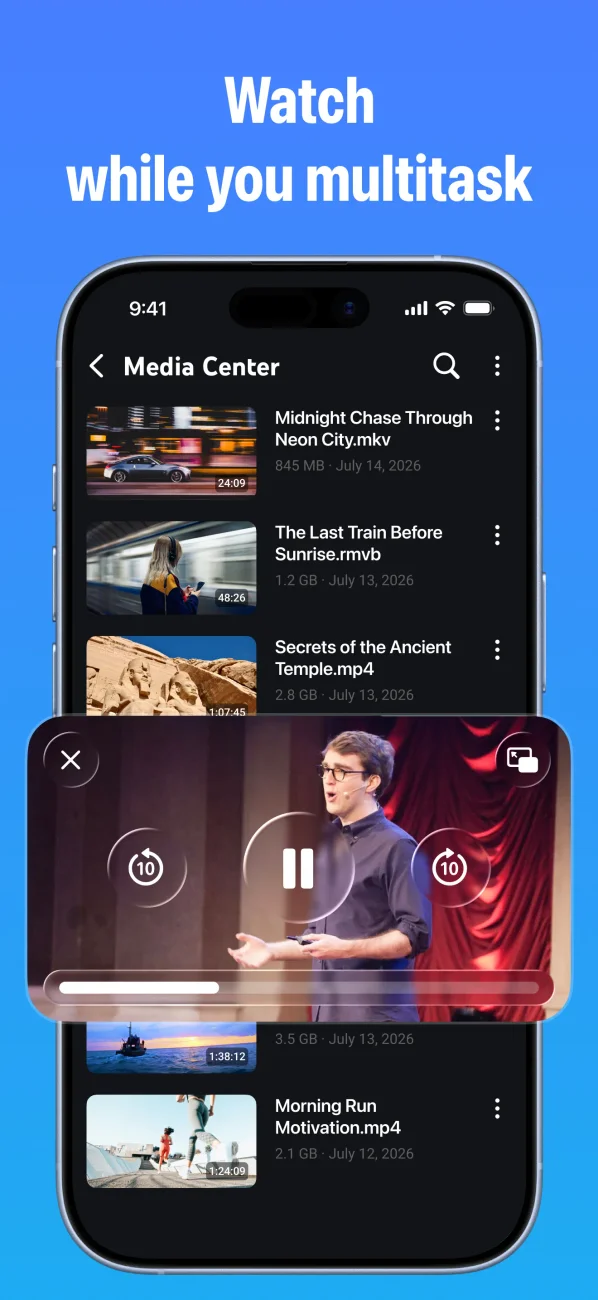
● PiP (Picture-in-Picture)
Continue watching videos in a floating window while using other apps. Perfect for multitasking, studying, or working.
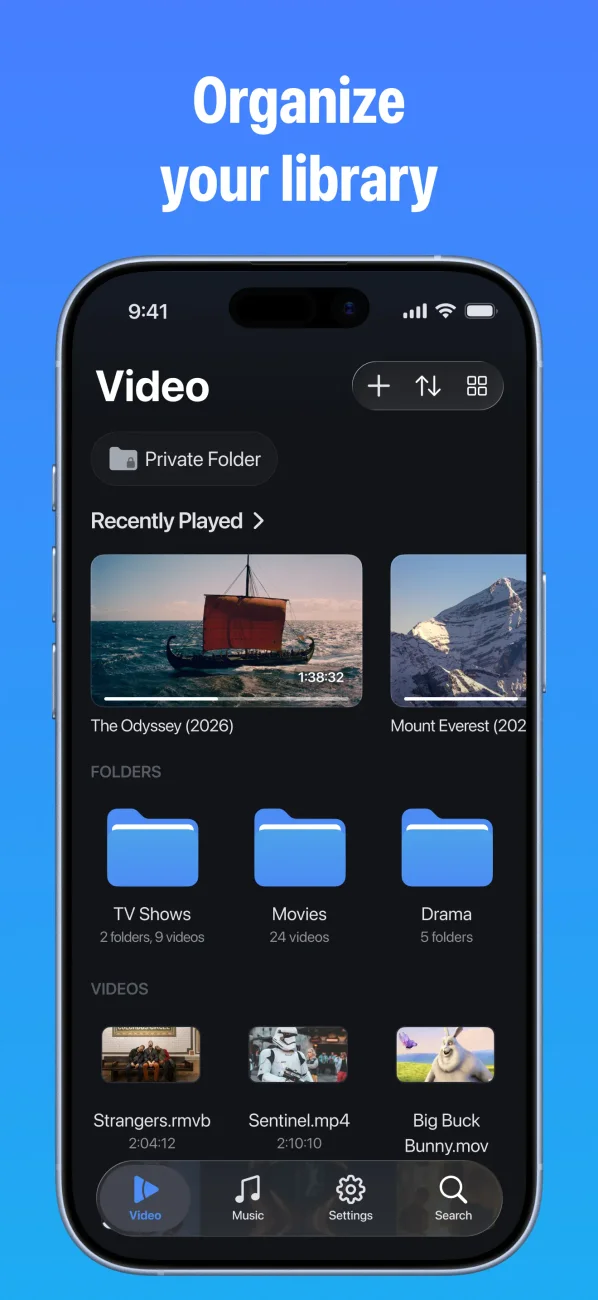
● Private Folder
Keep your personal videos safe. Hide private media and protect it from being seen or deleted by others.
● Organized Media Library
Store your downloaded movies, TV series, anime, music files, lectures, and recordings in one place for easy management and playback.
● Subtitle Support
Supports displaying embedded subtitles in various formats (.ssa, .ass, .srt, etc.) and allows you to select the appropriate subtitle language.
● Multiple Audio Tracks
Switch between different audio tracks and choose your preferred language or audio version.
● Playback Speed Control
Adjust video and audio playback speed from 0.25× to 3×. Slow down tutorials or quickly skim long videos, lectures, and recordings.
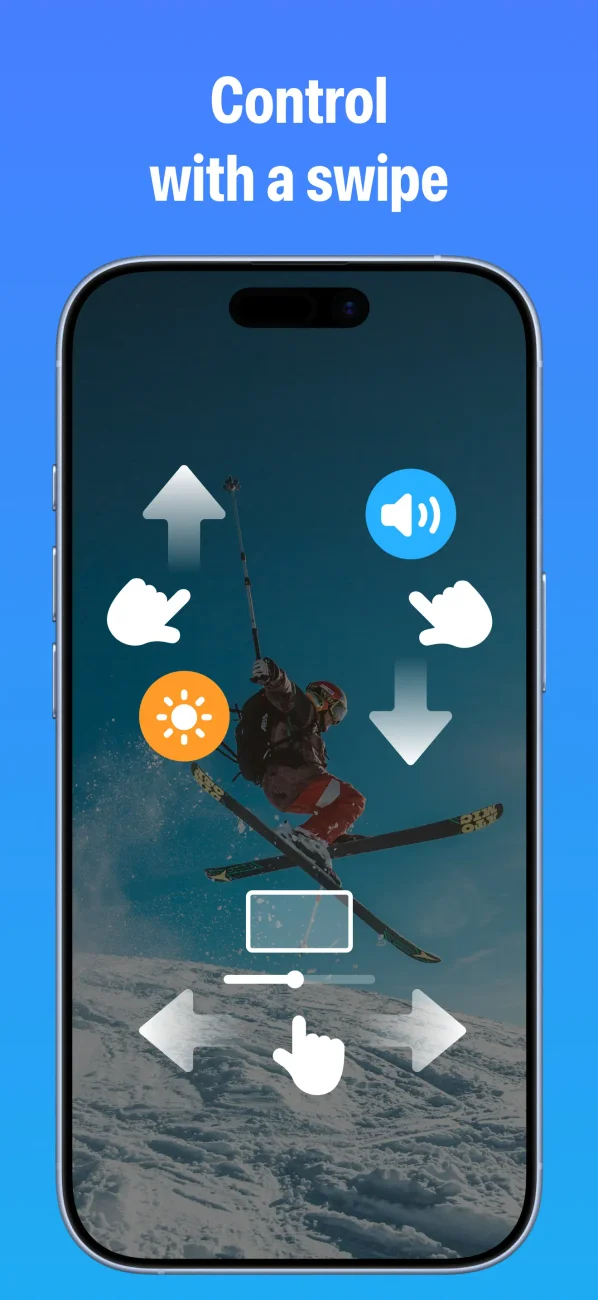
● Gesture Controls
Use convenient gesture controls to adjust volume, brightness, and playback progress. You can also long-press to speed up playback by 2×.
● Clean & Modern Interface
Features a beautiful UI, Light and Dark mode support, and optimization for landscape mode and tablets. Easy to use and navigate.
Your feedback is very important to us. Feel free to reach us at arcplayer.feedback@gmail.com and share your suggestions to help us create a better media player!
Open Source Acknowledgment
Arc Player is based on VLC for iOS Beta, and licensed under the GNU General Public License version 3 or later.
GNU General Public License: http://www.gnu.org/licenses/
Privacy Policy: https://www.arctechstudio.com/privacy-policy
Terms of Use: https://www.arctechstudio.com/terms-and-conditions
What’s new
Version 1.4.1 · Nov 17, 2026
- Improved the video player experience.
App privacy
What Arc Tech Limited declares on the App Store about how this app handles data.
-
Data used to track you
May be used to track you across apps and websites owned by other companies.
- Usage data
-
Data linked to you
May be collected and linked to your identity.
- Usage data
-
Data not linked to you
May be collected but is not linked to your identity.
- Identifiers
- Usage data
- Diagnostics
Privacy practices may vary, for example with the features you use or your age.
Information
- Seller
- Arc Tech Limited
- Category
- Photo & Video
- Version
- 1.4.1
- Updated
- Nov 17, 2026
- Released
- Jan 21, 2026
- Size
- 101.4 MB
- Requires
- iOS 15.0 or later
- Age rating
- 4+
- Price
- Free
- In-app purchases
- Yes
- Languages
- English, Arabic, Czech, Danish, Dutch, French, German, Greek, Hindi, Indonesian, Italian, Japanese + 12 more
- Copyright
- © 2026 Arc Tech Limited
You might also like
-
 SubStamp –Transcribe&TranslateBurn subtitles into any video
-
 MixReels - AI Video EditorTemplates, Glitch & Captions
-
 ScriptCamNotch Teleprompter with AI
-
 MX Video Player – All in OnePlay All Video Formats HD
-
 Pro Media MP4 to MP3 ConverterCompress Video, Photo & Audio
-
 Evervideo: Player All FormatMKV, MP4, AVI, PIP, Subtitles
-
 DualCapture: Dual Camera VideoSelfie Reaction Video Recorder
-
 Video Media Player ・All FormatPlay MKV, DVD, WMV, WEBM
-
 Video Player : All Video PlayMovie Player - MKV, MP4, Music
-
 Rocks Video Player: HD & MKVOffline Music, 4K, Cast To TV