- Age rating4+
- CategoryEducation
- DeveloperPaul Hamilton
- LanguagesEnglish
- Size2.7 MB
Links to the official App Store page
Download.org hosts no file of ARgif. The button opens its official App Store page, published by Paul Hamilton. Listing last checked on Nov 8, 2026.
Screenshots

About
ARgif turns the animations your students already make in Keynote into 3D models they can explore in augmented reality.
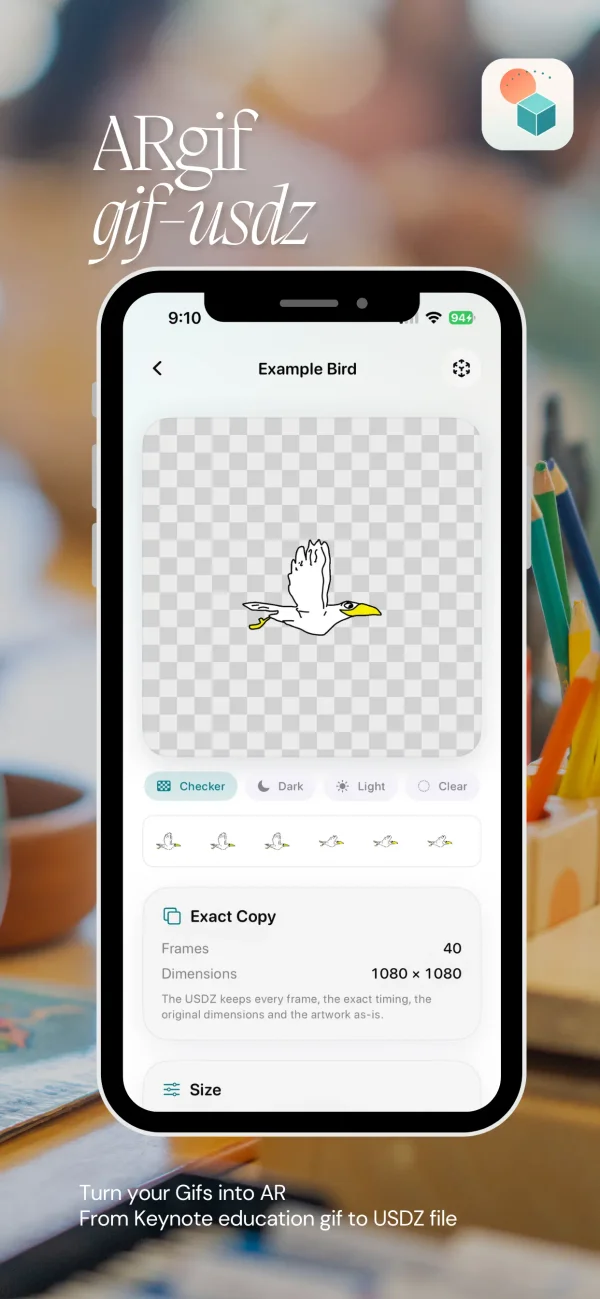
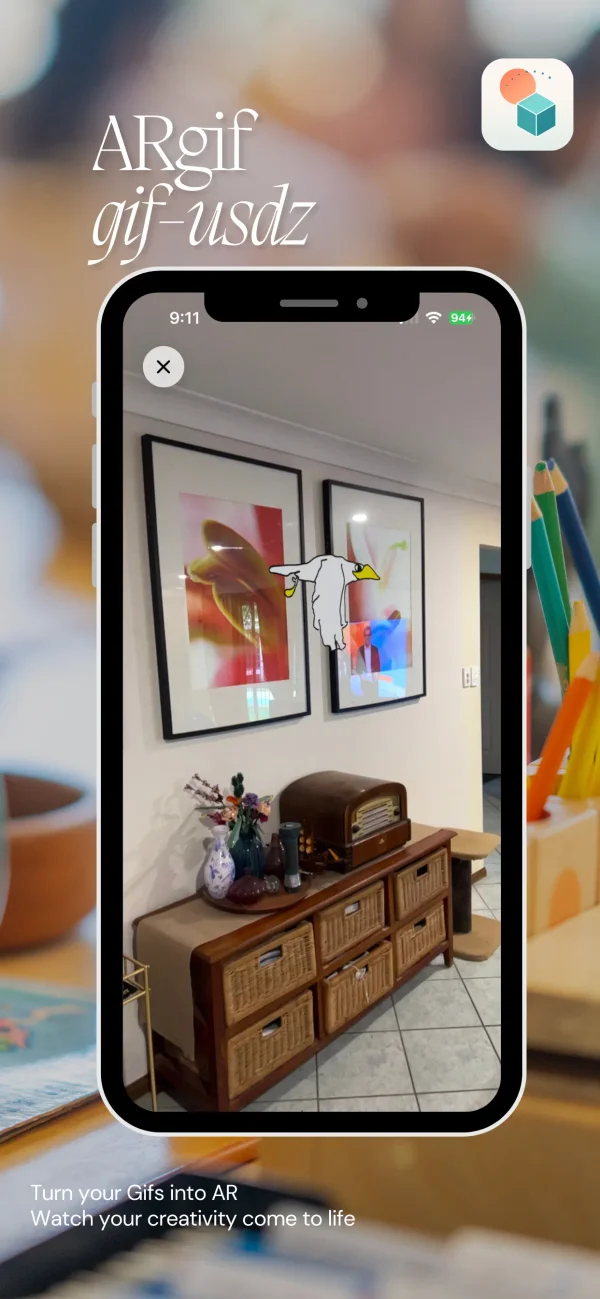
Create an animated GIF in Keynote, import it into ARgif, and convert it into an animated USDZ file in seconds. Your artwork comes through exactly as you drew it, with every frame, the original timing, the original dimensions, and a transparent background all kept intact. Place it on a desk, on the floor, or anywhere in the room, and walk around it.
HOW IT WORKS
Create an animation in Keynote and export it as a GIF.
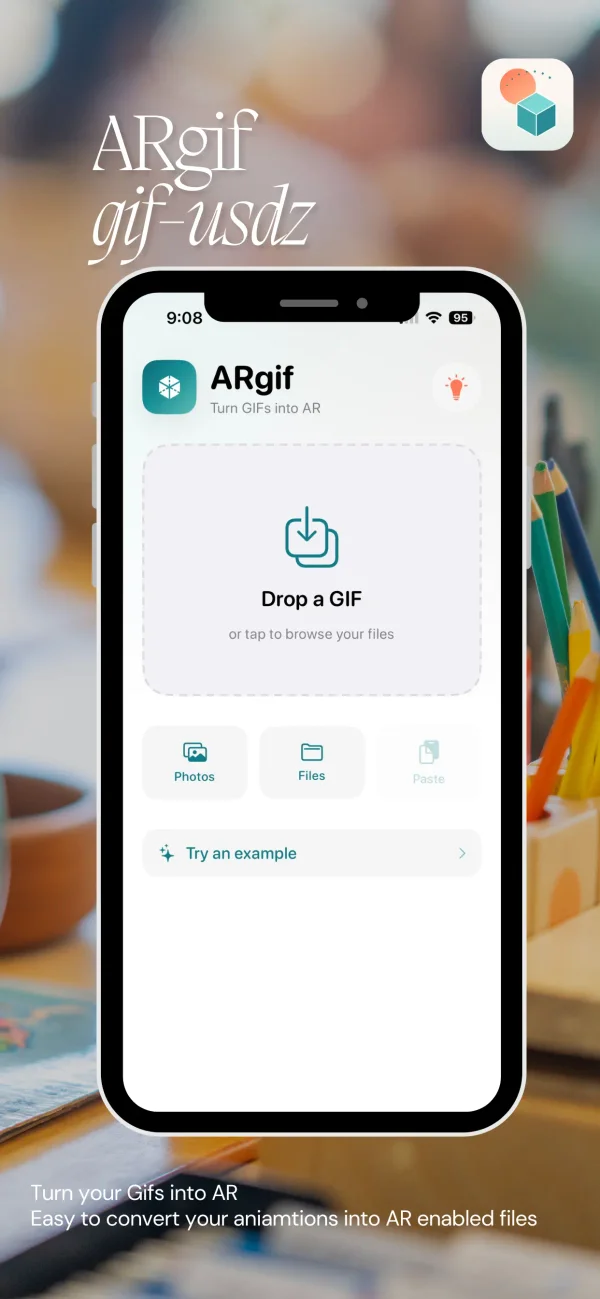
Import the GIF into ARgif from Files, Photos, drag and drop, or paste.
ARgif converts it into an animated USDZ.
Preview it in AR, then export and share.
USE YOUR USDZ ANYWHERE
Export a USDZ file that works directly in AR on iPhone and iPad. Open it in Quick Look to place it in the real world, drop it into a Keynote or Pages document, or bring it into the Reality Composer app on iPad to build larger interactive AR scenes.
AN ACCURATE COPY, EVERY TIME
Keeps every frame and the exact timing of your GIF.
Preserves the original dimensions and aspect ratio.
Maintains transparency so your subject stands on its own.
Produces a small, self-contained USDZ with no missing files.
BUILT FOR THE CLASSROOM
ARgif is designed for upper primary and secondary students and their teachers. Explain the phases of the Moon, the water cycle, a life cycle, a chemical reaction, a moving graph, or a moment in history, and let students see it in three dimensions.
PRIVATE BY DESIGN
Everything runs on your device. There is no account to create, no subscription, and nothing is uploaded to a server.
Tap the Tips button any time for simple advice on making great animations in Keynote.
Create, convert, explore. Turn your ideas into something students can walk around.
What’s new
Version 5 · Aug 11, 2026
1. Ability to upload a 3d model usdz file to attach to a image marker
2. Ability to add an audio recording before export to USDZ or adding to viewing gallery. Yes teachers you have asked for it!
App privacy
What Paul Hamilton declares on the App Store about how this app handles data.
-
Data not collected
The developer does not collect any data from this app.
Privacy practices may vary, for example with the features you use or your age.
Information
- Seller
- Paul Hamilton
- Category
- Education
- Version
- 5
- Updated
- Aug 11, 2026
- Released
- Jul 24, 2026
- Size
- 2.7 MB
- Requires
- iOS 18.0 or later
- Age rating
- 4+
- Languages
- English
- Copyright
- © Paul Hamilton