
- Age rating4+
- CategoryUtilities
- DeveloperRealwear Inc.
- LanguagesEnglish+ 20 more
- Size35.3 MB
Links to the official App Store page
Download.org hosts no file of Ari Companion. The button opens its official App Store page, published by Realwear Inc. Listing last checked on Nov 23, 2026.
Screenshots


About
Ari Companion pairs your phone with your RealWear smart glasses and gives you a faster way to set them up and keep them working.
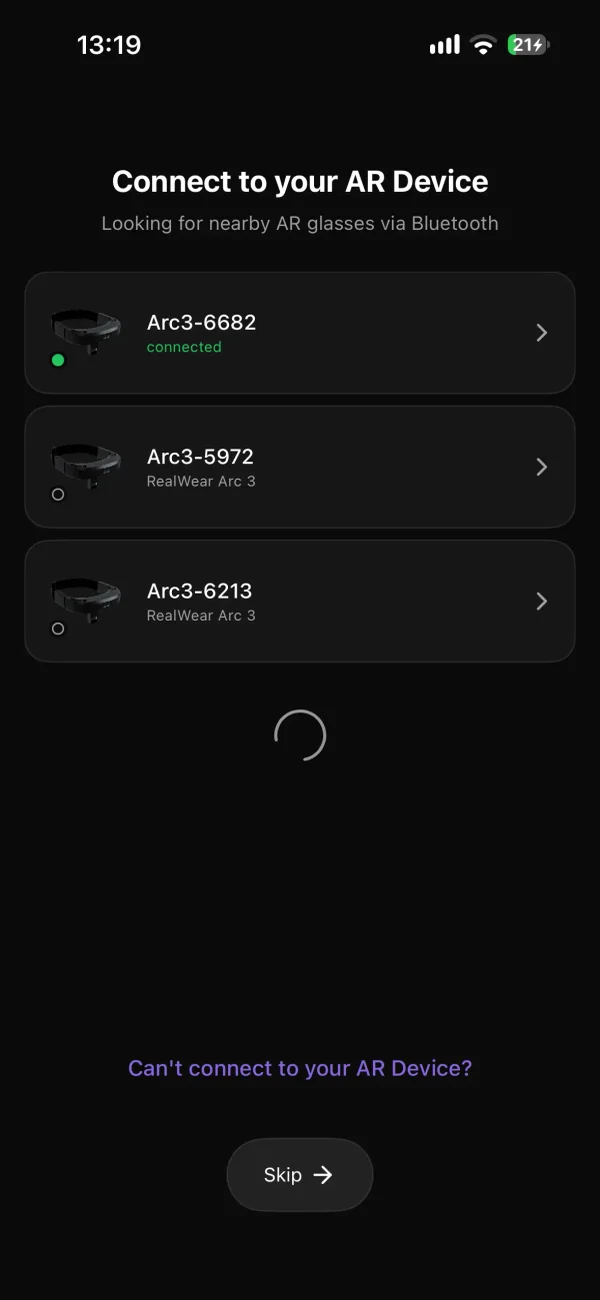
Connect over Bluetooth, then run the headset from a screen you can actually type on.
DEVICE CONTROL
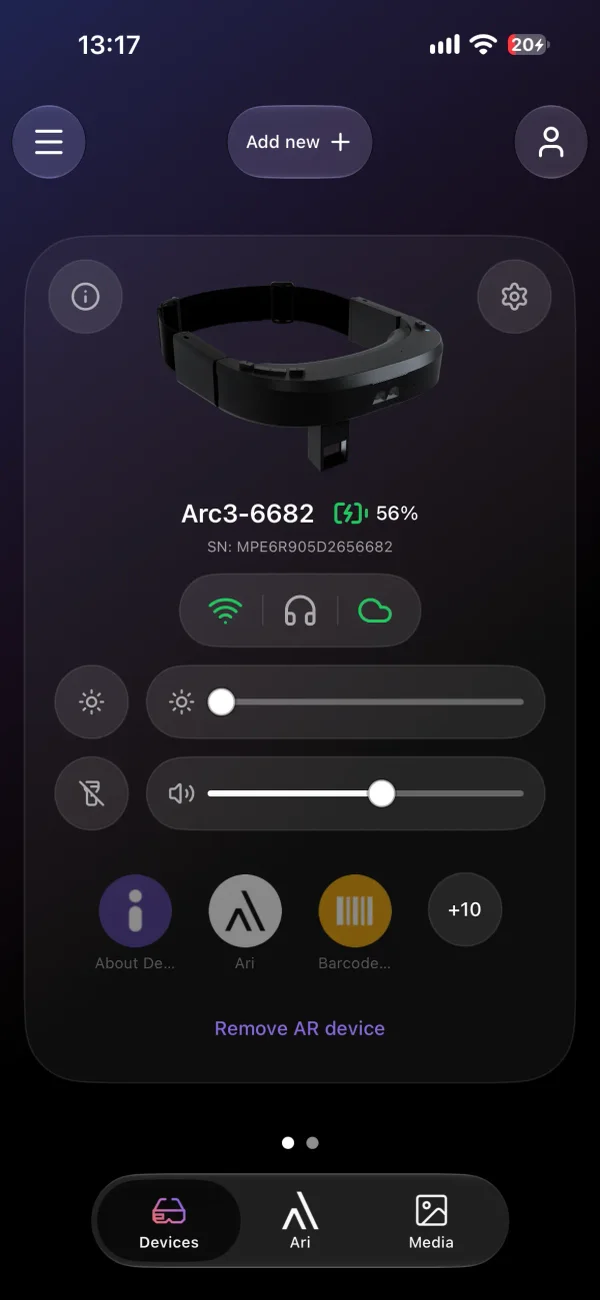
Check the battery at a glance. Adjust display brightness and volume, switch the torch on and off, and see which apps are running on the headset. Pair more than one device and switch between them in a tap.
NETWORK SETUP
Get the headset onto Wi-Fi without typing on the device itself. Pick a network and enter the password from your phone, join a hidden or enterprise network, or share your phone connection as a hotspot when there is no network to join.
BLUETOOTH AUDIO
Pair Bluetooth headsets with the glasses and see what is already connected, so voice and audio work in loud places.
ARI, YOUR AI ASSISTANT
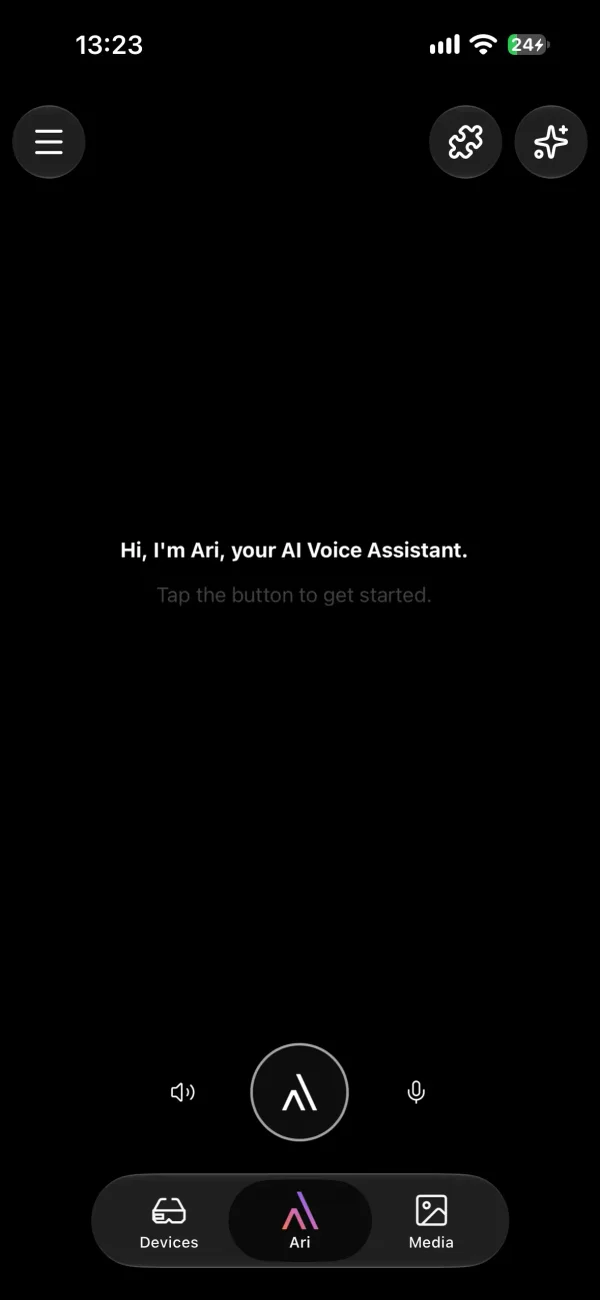
Ask Ari for help with messages, contacts, email and everyday tasks. Every conversation is kept, so you can scroll back through your history in the sidebar or search it for something you asked before.
TUNE HOW ARI WORKS
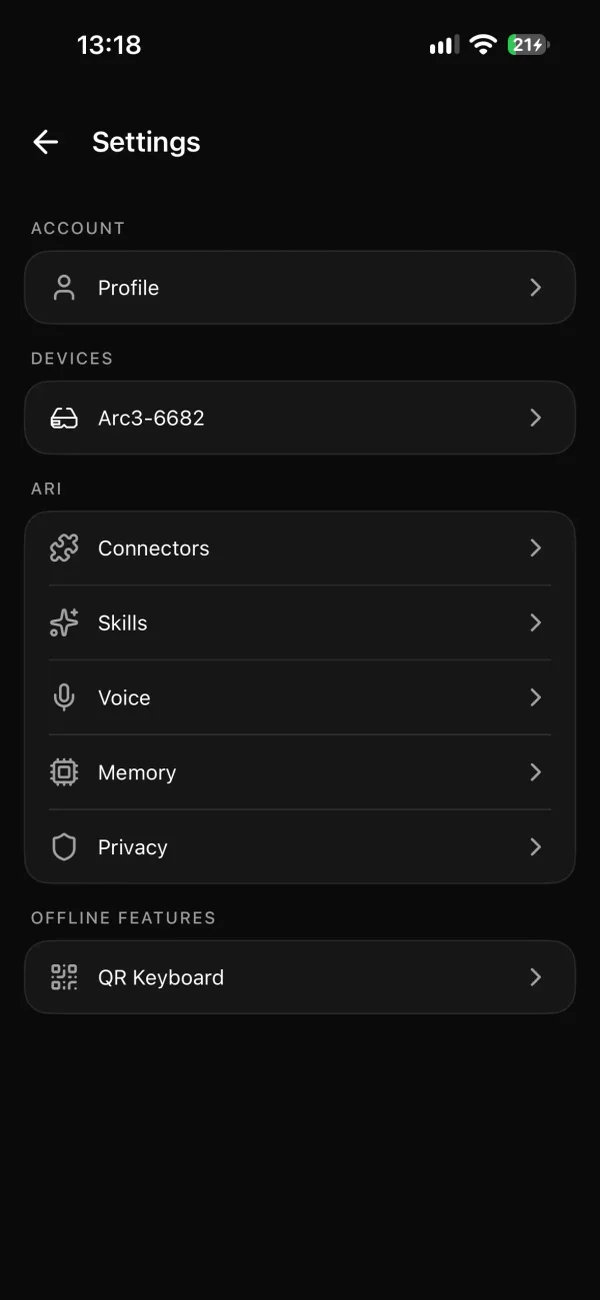
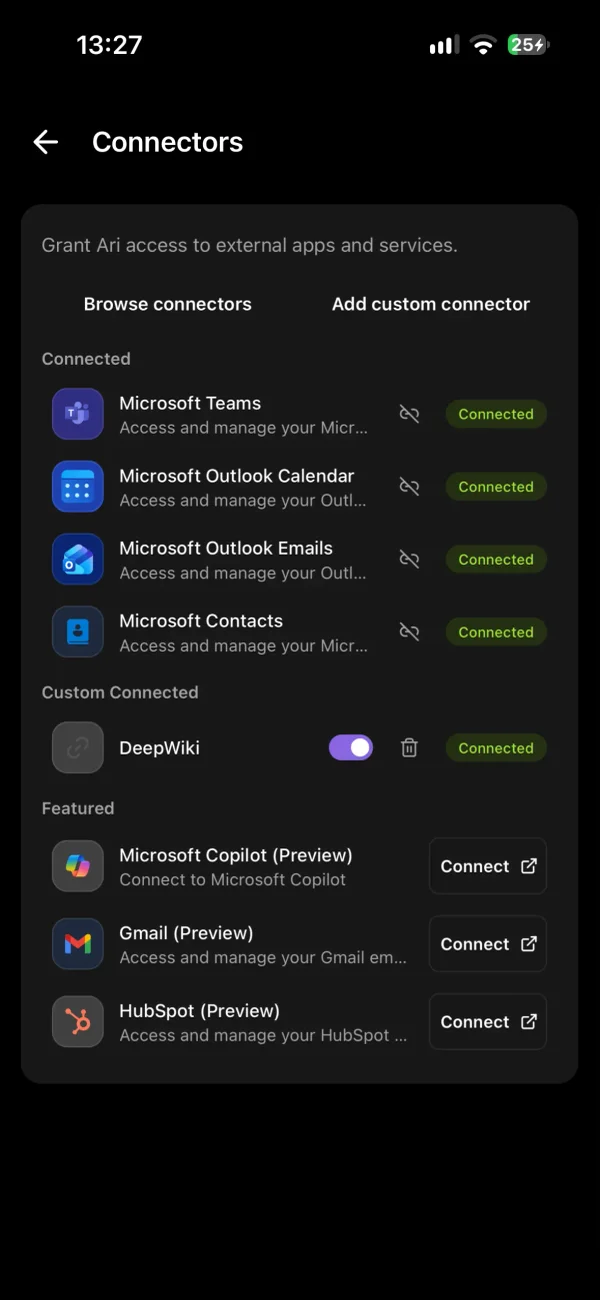
Ari has its own settings. Choose which services it can reach under Connectors, turn individual Skills on and off, set up Voice, decide what it keeps under Memory, and manage what you share under Privacy. Ari and its settings need an Ari account.
MEDIA
Browse the photos and videos in your library from your phone. Filter to just photos or just videos, open any of them full screen, and play videos right in the app. Save the ones you want to your phone and remove the ones you do not.
DEVICE INFORMATION
Look up the serial number, operating system version and firmware before you contact support, and keep an eye on connection status.
SUPPORTED DEVICES
Realwear Arc 3, Realwear Navigator 500, Realwear Navigator 520 and Realwear Navigator Z1.
SIGNING IN
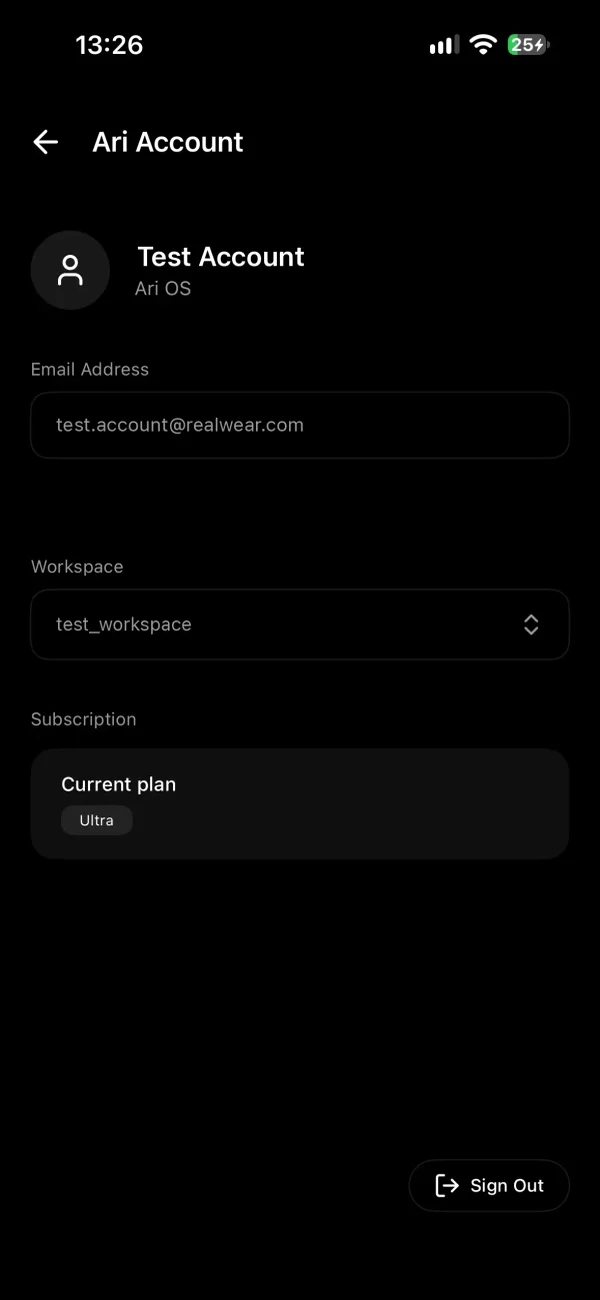
You can use Ari Companion without an account. Pairing, Wi-Fi setup, Bluetooth audio and device controls all work signed out. Signing in with your work account adds Ari, the AI assistant and some other features.
What’s new
Version 2.2 · Nov 20, 2026
- Fresh new look: a redesigned interface with new icons, a refined dark theme and cleaner navigation.
- New onboarding flow: animated pages that walk new users through the app's key features.
- Cloud media on your phone: browse, play, save and delete your Ari photos and videos in the Media tab. New captures from the headset appear automatically.
- QR Keyboard: type on your phone, then scan the QR code with the headset to enter passwords, URLs or other text. It works offline.
- More languages: the app is now available in more languages.
- Bug fixes and improvements: smoother layouts and transitions, and a better fit on small screens.
App privacy
What Realwear Inc. declares on the App Store about how this app handles data.
-
Data not linked to you
May be collected but is not linked to your identity.
- Diagnostics
Privacy practices may vary, for example with the features you use or your age.
Information
- Seller
- Realwear Inc.
- Category
- Utilities
- Version
- 2.2
- Updated
- Nov 20, 2026
- Released
- Jul 29, 2025
- Size
- 35.3 MB
- Requires
- iOS 16.0 or later
- Age rating
- 4+
- Price
- Free
- Languages
- English, Arabic, Czech, Danish, Dutch, French, German, Hindi, Indonesian, Italian, Japanese, Korean + 9 more
- Copyright
- © Realwear Inc
You might also like
-
 Vuzix CompanionFor Vuzix smart glasses
-
 GlartekAugmented & Connected Worker
-
 DriftSeeUtilities
-
 Extreme Platform ONE SecurityUtilities
-
 Vuzix ConnectConnector app for Vuzix Z100
-
 Plotkeep: Audiobook BookmarkResume Spotify audio dramas
-
 Cyber Secure PlusUtilities
-
 Plumbing Calculator & ToolsPipe slope, flow, pressure
-
 Sc Tech AppSC Tech applicaction
-
 Home Maintenance Log: FixLogAppliance Warranty Tracker