Arpass: Password Manager & 2FA
Authenticator & files, forever
Designed for iPhone, iPad
Free · In-app purchases
- Age rating4+
- CategoryProductivity
- DeveloperTechnoBlest Inc.
- LanguagesEnglish
- Size3.8 MB
Links to the official App Store page
Download.org hosts no file of Arpass: Password Manager & 2FA. The button opens its official App Store page, published by TechnoBlest Inc. Listing last checked on Nov 18, 2026.
Screenshots


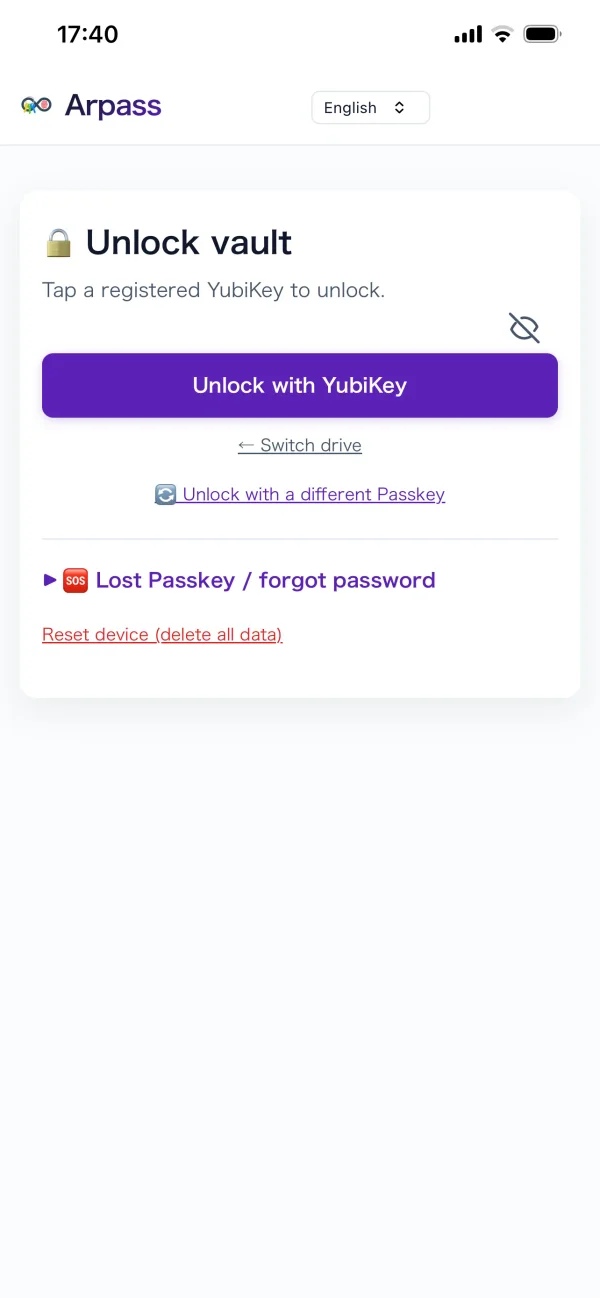
About
Arpass is a next-generation password manager and file vault built so your data stays forever.
Highlights
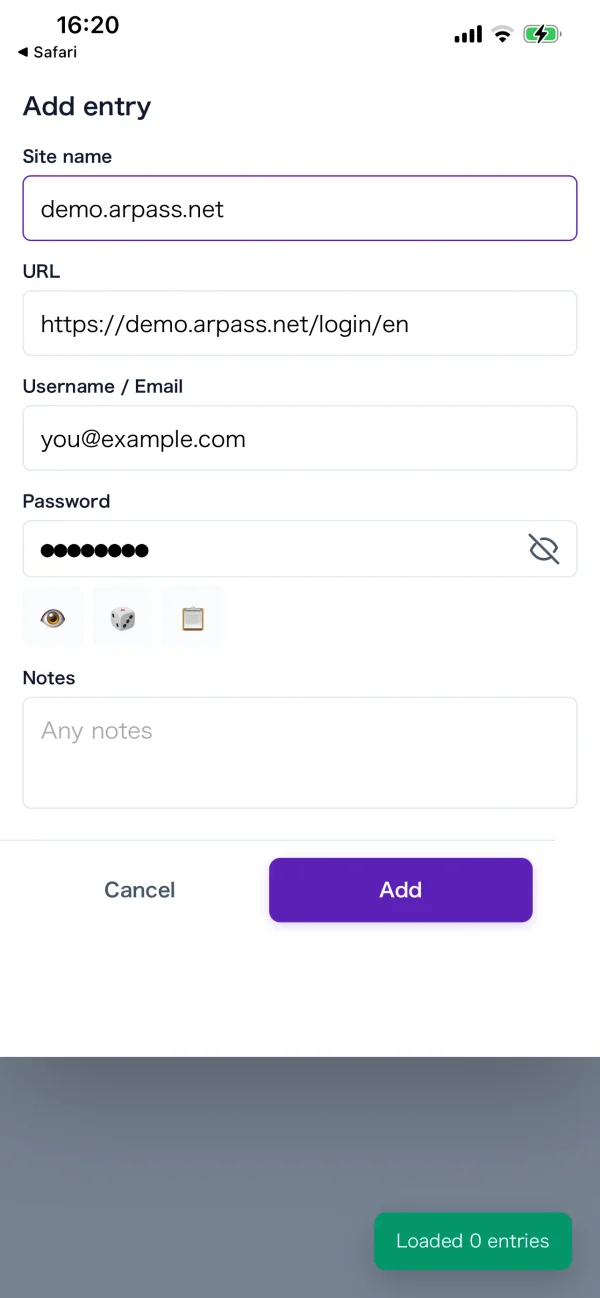
■ Permanence — Stored on Arweave, a decentralized blockchain storage network. Even if Arpass shuts down, your data stays on the network.
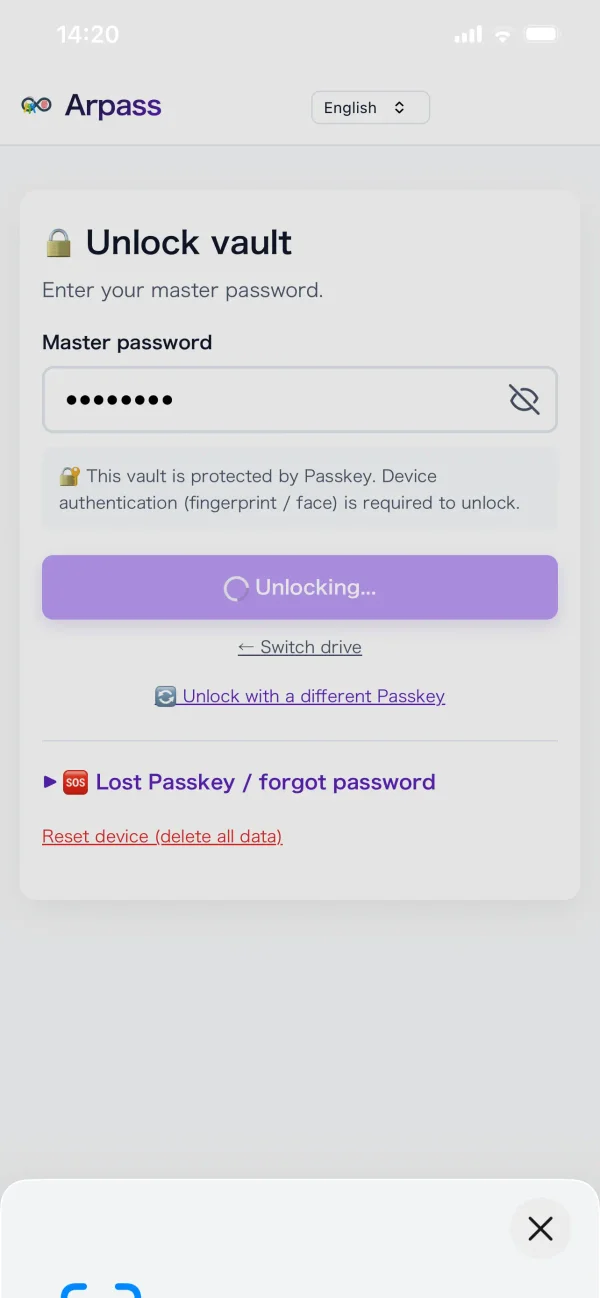
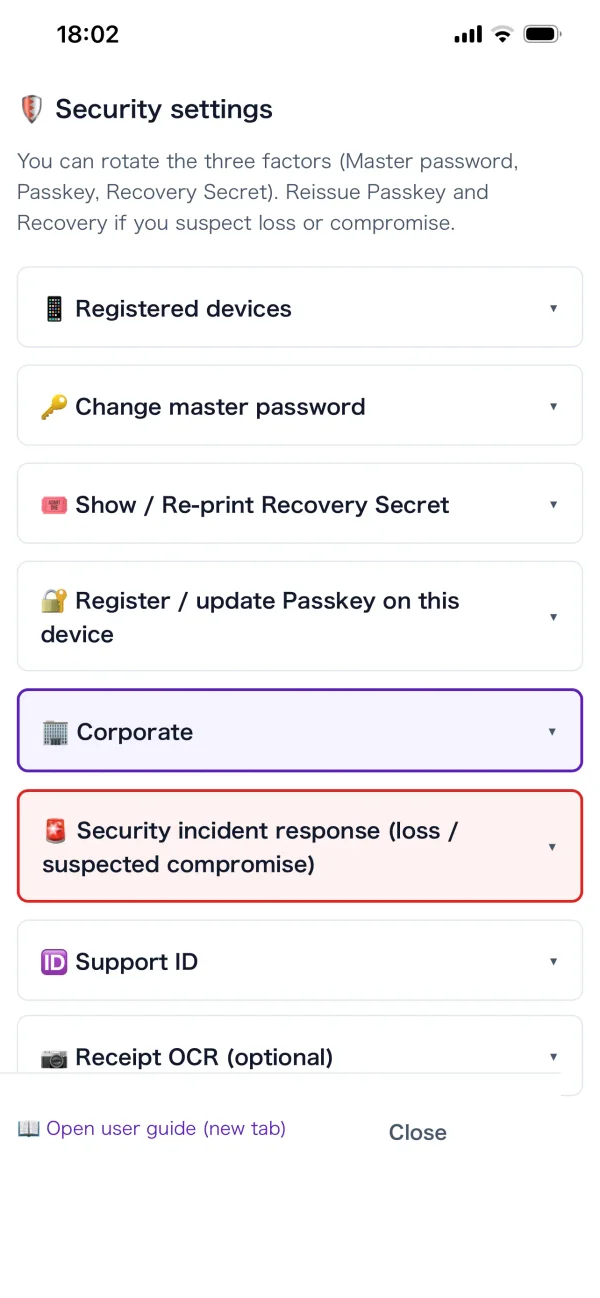
■ Zero-knowledge encryption — All encryption happens in the client (app). A 2-of-3 scheme (Master password × Passkey × Recovery Secret) means we can never see your contents.
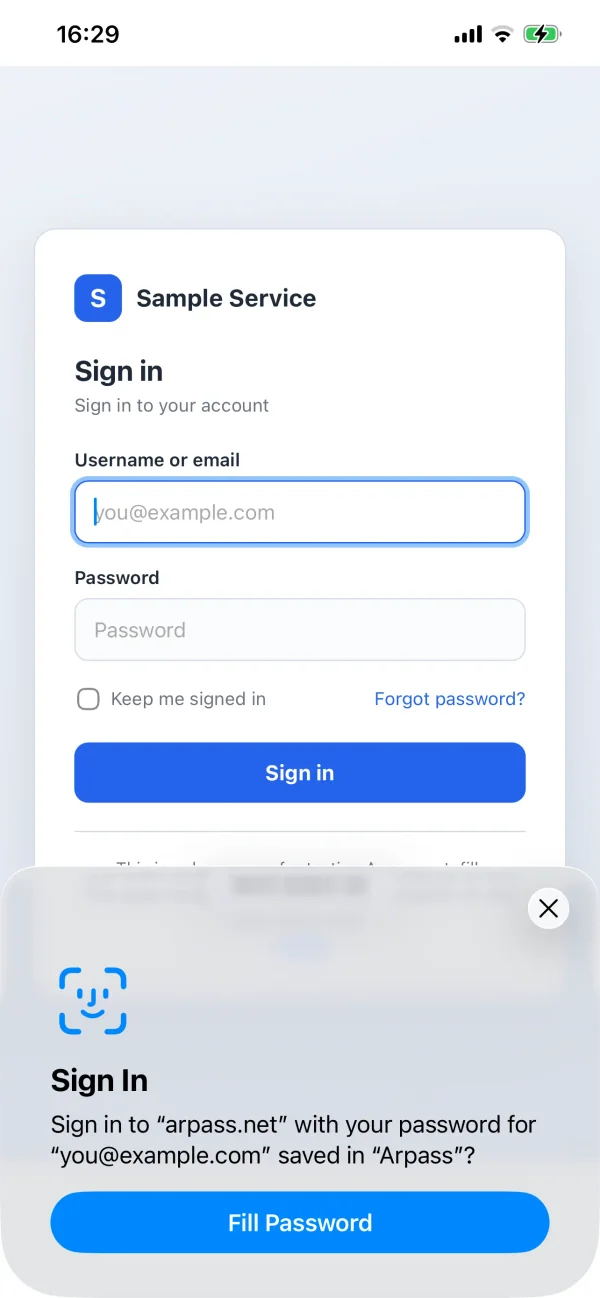
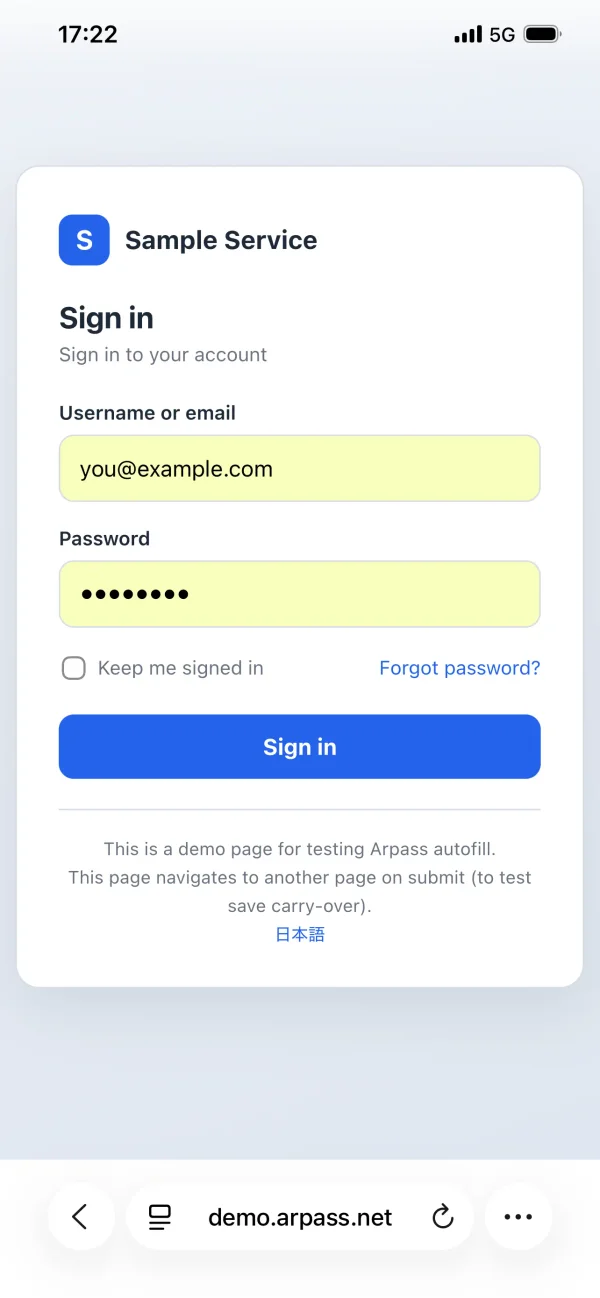
■ Autofill — Fill your saved passwords directly into other apps' and websites' login screens.
■ Two-factor codes — Register the two-factor secret of Google, GitHub, your bank and more, and see and copy the 6-digit code right next to the password. Nothing is lost when you change or lose your phone, and even if Arpass shuts down, the emergency restore tool lets you move the secrets to another authenticator app.
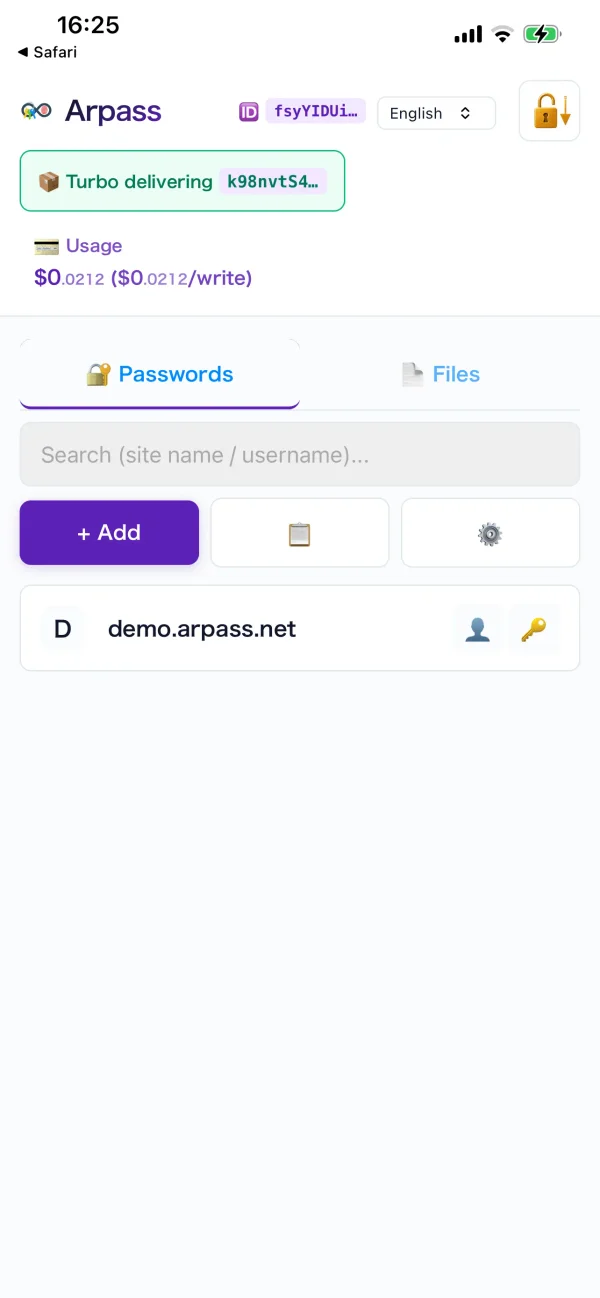
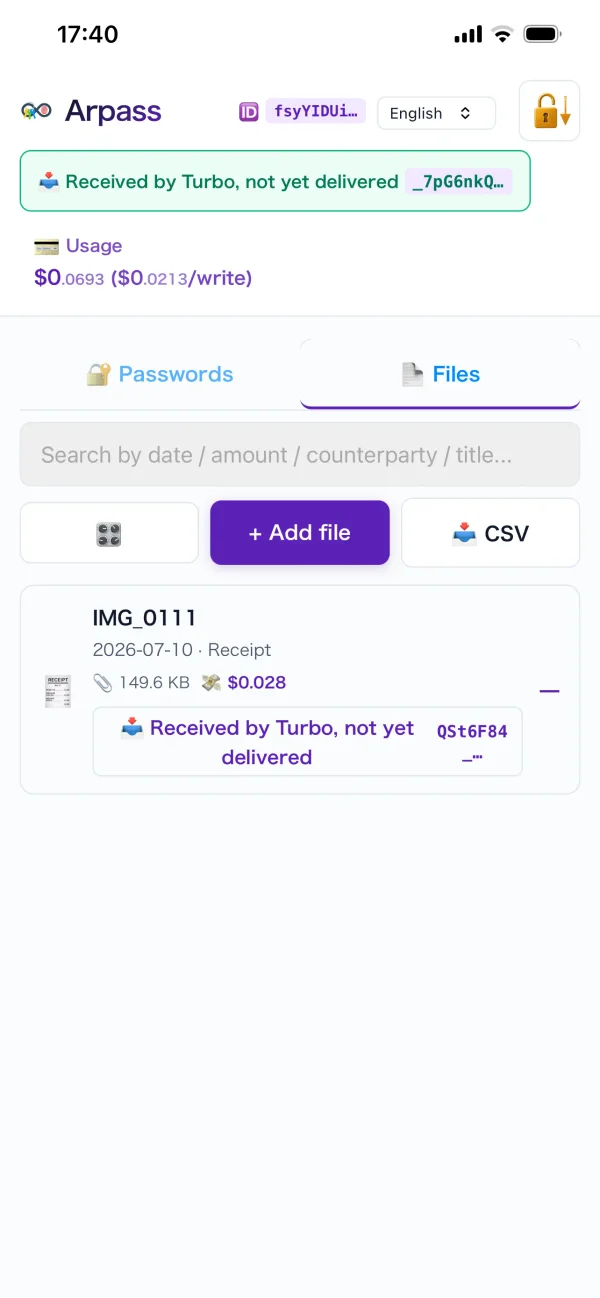
■ No monthly fee — no subscription. Reading and copying are always free. Only saves add a few cents (linked to the AR token price) to your usage, paid after use.
■ Receipt & file storage — Store not only passwords but also receipts, invoices, and contract PDFs or images, all encrypted.
■ OCR auto-entry — Automatically extract date, amount, and payee from a receipt image with AI. Bring your own AI API key (BYO-key).
■ Built for bookkeeping — Searchable by date/amount/payee, an append-only audit trail for edits and deletions, and CSV export — designed to meet Japan's Electronic Bookkeeping Act (National Tax Agency) requirements.
Who it's for
・Anyone worried about what happens to their data if the password service they use shuts down
・People who find password-manager subscriptions (¥5,000+/year) too expensive
・Sole proprietors and SMBs who want to digitize receipts and streamline accounting
・Anyone who values data sovereignty and wants a service that cannot read their contents
・Users with multiple devices who want robust management with Passkey + Recovery
・Anyone tired of moving two-factor codes to a new authenticator app every time they change phones
Security
・2-of-3: Master password × Passkey × Recovery Secret (with a hardware key such as YubiKey, you can unlock without a master password)
・Argon2id master-password protection (resistant to GPU/ASIC attacks)
・AES-256-GCM vault encryption
・WebAuthn / Passkey (FIDO2) required
・3-tier KEK (Key Encryption Key) architecture
・Only encrypted blobs live on Arweave; we hold no personal data
・Two-factor secrets are encrypted on your device too; once saved, the app never shows or exports them
Pricing
・Free trial: up to 4 saves (create your drive + passwords + one file)
・One-time registration: about $2 (no monthly fee afterwards)
・Then pay only for what you use, after use: a few cents per save, linked to the AR token price at the day's rate
・Settle in-app anytime in small increments
Privacy
Arpass uses a zero-knowledge architecture; we cannot view the contents of your passwords or files. See arpass.io/privacy.html.
Support
・Guide: arpass.io/help.html
・FAQ: arpass.io/#faq
・Contact: support@arpass.io
Company
Developed by Technoblest, Inc. — Japan — arpass.io
What’s new
Version 1.1.1 · Nov 16, 2026
Print from the app: you can now print the Recovery kit and the Master memo, or save them as PDF, from the iPhone / iPad print screen (Settings → “Show the Master” or “Show Recovery”, and “Print the Master memo” when you create a drive).
“Save image” now asks only to add photos to Photos, not for access to your whole photo library.
App privacy
What TechnoBlest Inc. declares on the App Store about how this app handles data.
-
Data linked to you
May be collected and linked to your identity.
- Purchases
- Contact info
- Identifiers
Privacy practices may vary, for example with the features you use or your age.
Information
- Seller
- TechnoBlest Inc.
- Category
- Productivity
- Version
- 1.1.1
- Updated
- Nov 16, 2026
- Released
- Jul 21, 2026
- Size
- 3.8 MB
- Requires
- iOS 18.4 or later
- Age rating
- 4+
- Price
- Free
- In-app purchases
- Yes
- Languages
- English
- Copyright
- © 2026 Technoblest, Inc.
You might also like
-
 WhatsPassKeePass Client
-
 TimePro: Time CalculatorHour Tracker & Work Clock Log
-
 GLB File ViewerProductivity
-
 AI Translator - Translate.Multi translate voice
-
 1Contact: Clean, Backup, MergePrivate Backup, Clean Contacts
-
 BlockerPro: Block Site & AppsBlock Apps, Websites & Focus
-
 Voice Memos: AI Audio RecorderRecord notes & Transcribe memo
-
 Cleanout:Phone Storage CleanerDelete Photos, Compress videos
-
 Backup Contacts CleanerBackup and restore contacts
-
 HueWACO CSKHProductivity