re:see: Through Another Lens
Pixel, Mosaic & Video Effects
Designed for iPhone, iPad, iPod touch
Free · In-app purchases
- Age rating4+
- CategoryPhoto & Video
- DeveloperMinJae Kwon
- LanguagesEnglish+ 3 more
- Size203.2 MB
Links to the official App Store page
Download.org hosts no file of re:see: Through Another Lens. The button opens its official App Store page, published by MinJae Kwon. Listing last checked on Nov 23, 2026.
Screenshots
About
Turn photos into art, one style at a time.
re:see is a photo editor and live filter camera for pixel art, paintings, sketches and retro effects. Give portraits, pets, landscapes and everyday snapshots a new look.
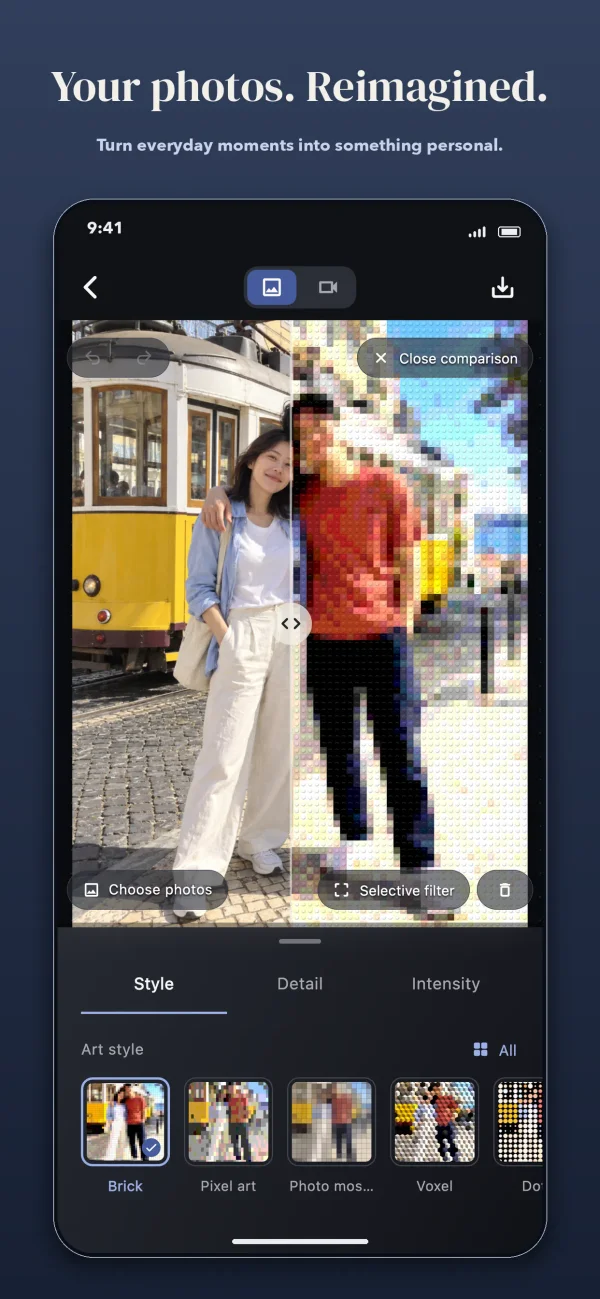
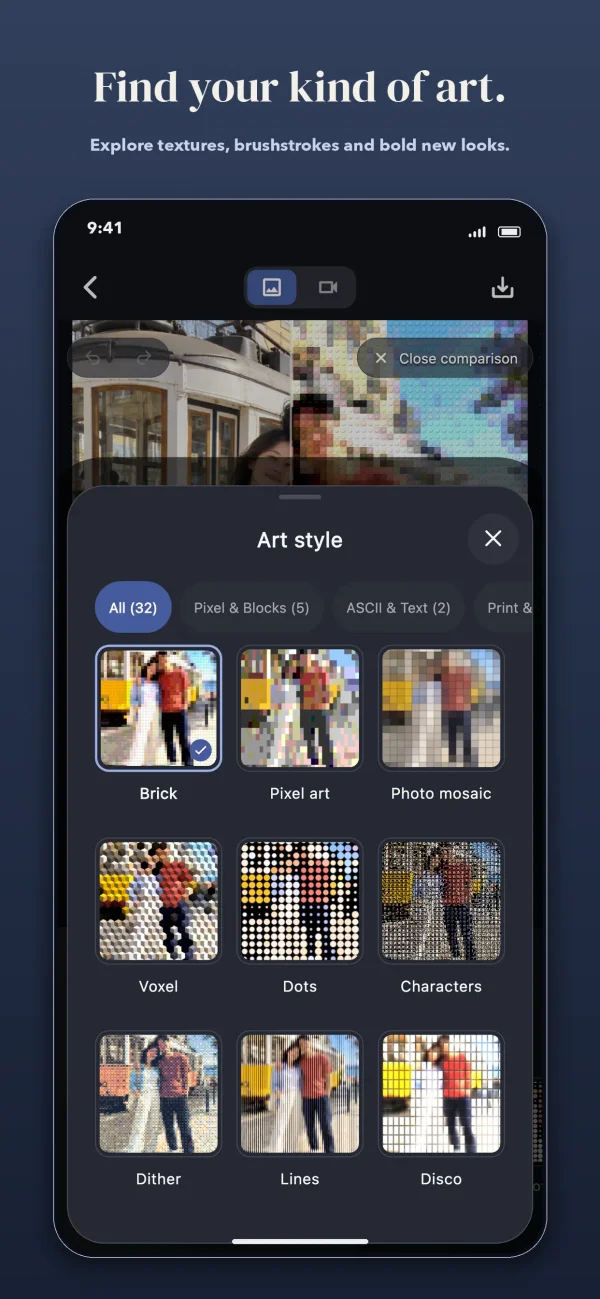
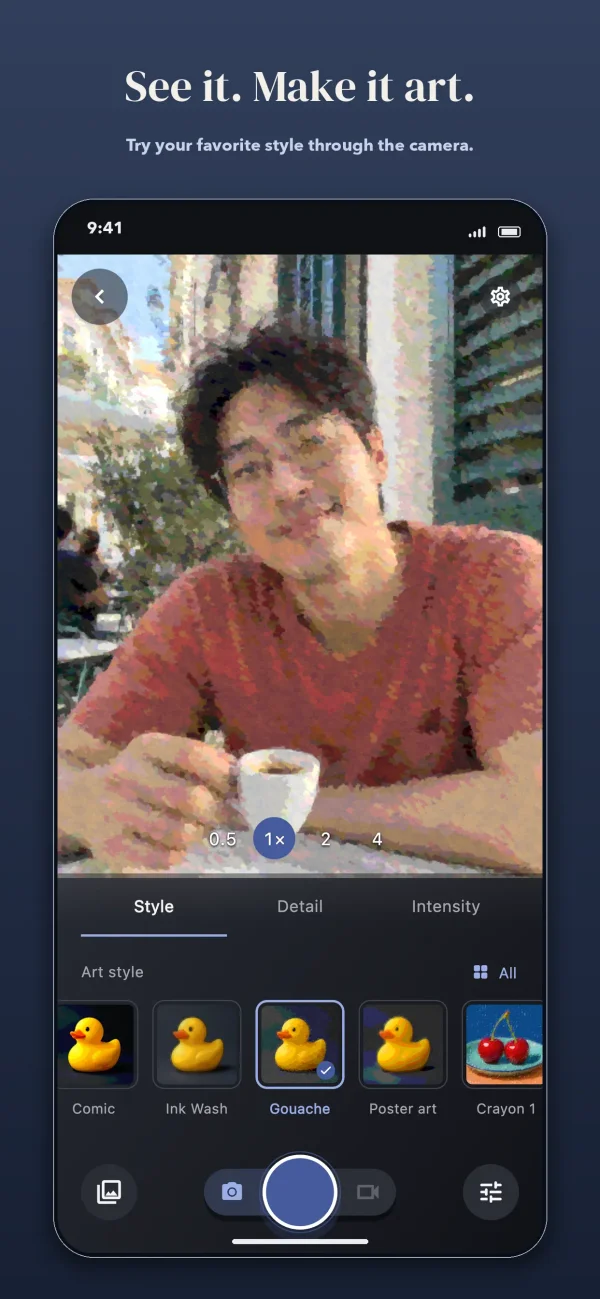
Explore pixel art, mosaics, bricks, oil paint, watercolor, gouache, pencil, ink wash, crayon, woodcut and paper cut. Compare the original with the artwork as you find your style.
MAKE IT YOUR OWN
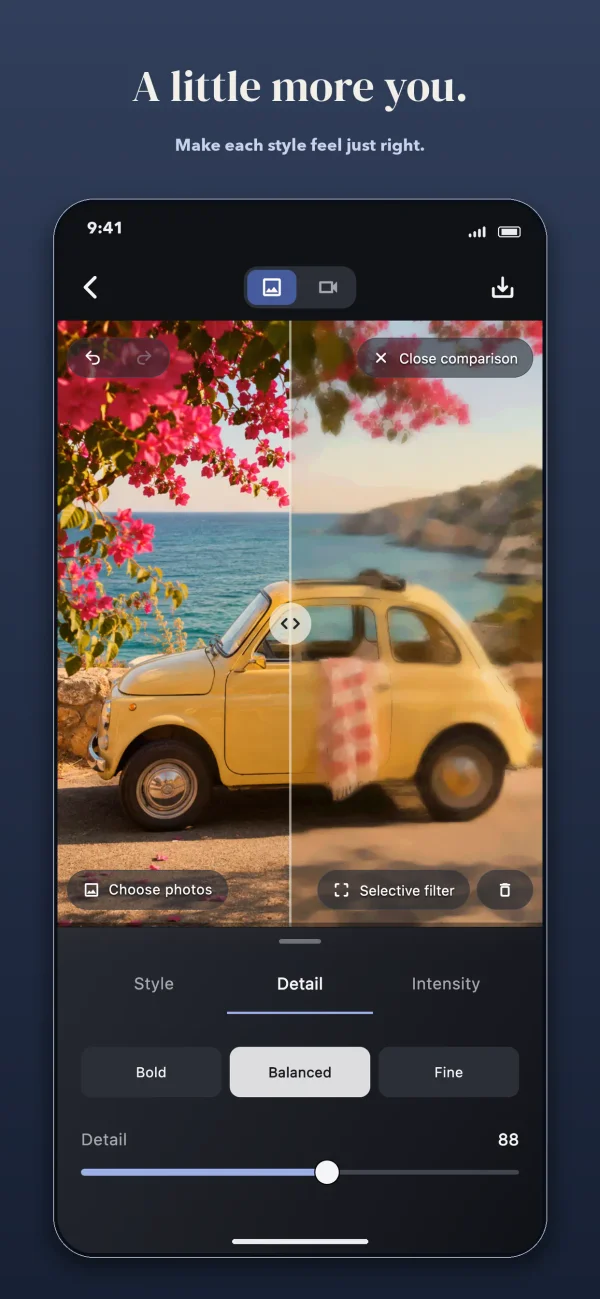
Adjust detail and intensity for each style. Create fine textures or bold patterns, and keep favorite styles close at hand. Select several photos to edit together, then save a single photo or use Pro to save the whole set.
CREATE WITH A LIVE CAMERA
Preview art filters as you frame your shot. Start with a photo from your library or capture a new moment with your chosen style.
VIDEO ART, NOW FREE
Record, edit and save videos with free art styles. Choose a clip, adjust its look and keep the original audio. Premium styles still require re:see Pro.
MORE POSSIBILITIES WITH re:see Pro
• Premium art styles.
• Save up to 50 artworks together.
• Render images at high resolution, up to a 4,096-pixel long edge.
Choose a monthly or yearly subscription, or a one-time lifetime purchase. Every plan unlocks the same Pro features. Prices are shown in your local currency before purchase.
YOUR PHOTOS STAY YOURS
Photo and video conversion happens on your device. We do not upload your media for processing. Save your creations to the Artify album in Photos. View and share them in Photos. No account required.
Available in English, Korean, Japanese and Simplified Chinese.
Pro features require an in-app purchase. Monthly and yearly subscriptions renew automatically until canceled. Manage or cancel subscriptions in your App Store account settings. Lifetime Pro is a one-time purchase.
Privacy Policy: https://products.mingrammer.com/apps/artify/privacy_en
Terms of Service: https://products.mingrammer.com/apps/artify/terms_en
What’s new
Version 1.0.4 · Nov 13, 2026
Artify is now re:see, with a refreshed camera and editing experience.
Explore Woodcut, Paper Cut and two Crayon styles.
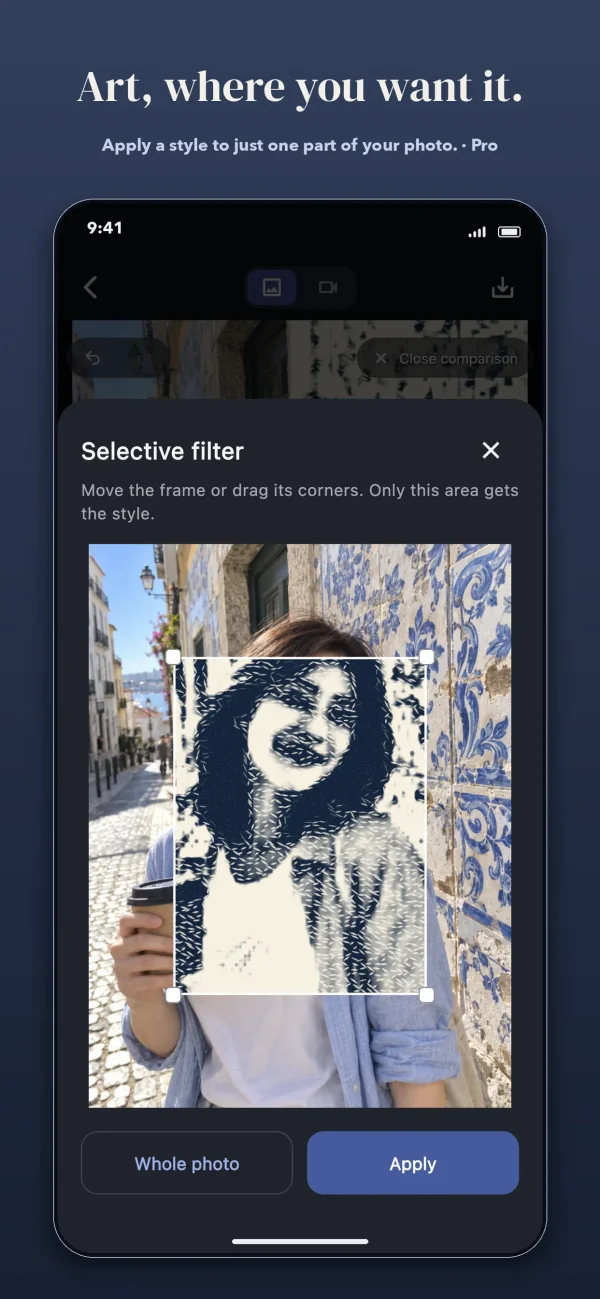
With Pro, apply a style only to the area you choose.
App privacy
What MinJae Kwon declares on the App Store about how this app handles data.
-
Data not linked to you
May be collected but is not linked to your identity.
- Purchases
- Location
- Identifiers
- Usage data
Privacy practices may vary, for example with the features you use or your age.
Information
- Seller
- MinJae Kwon
- Category
- Photo & Video
- Version
- 1.0.4
- Updated
- Nov 13, 2026
- Released
- Oct 28, 2026
- Size
- 203.2 MB
- Requires
- iOS 15.0 or later
- Age rating
- 4+
- Price
- Free
- In-app purchases
- Yes
- Languages
- English, Japanese, Korean, Simplified Chinese
- Copyright
- © 2026 MinJae Kwon
You might also like
-
 MoreUsFunny Poses, Solo or Together
-
 Pointa: AI Pose & Photo GuidePosing & framing, step by step
-
 Calendial: Photo CalendarOne photo a day, print a year
-
 DualShot CreatorRecord. Split. Extract Moment
-
 Nitro: AI Car & VideoRims, Wrap & Tint Visualizer
-
 WishlumiBirthday video cards in a tap
-
 DuoCam: DualShot RecorderVertical & Horizontal Video
-
 VlogCam: Dual Camera RecorderFront & Back Cam + AI Tracking
-
 Motoreel: Motor Video AIAI motor videosu ve modifiye
-
 LuxSnap AIAI photo effects & filters