Artist Reference: Drawing Grid
Value Study & Art Comparison
Designed for iPhone, iPad, iPod touch
Free · In-app purchases
- Age rating4+
- CategoryGraphics & Design
- DeveloperMiti Khumhvan
- LanguagesEnglish
- Size24.2 MB
Links to the official App Store page
Download.org hosts no file of Artist Reference: Drawing Grid. The button opens its official App Store page, published by Miti Khumhvan. Listing last checked on Nov 28, 2026.
Screenshots
About
Draw with a clearer reference, one step at a time.
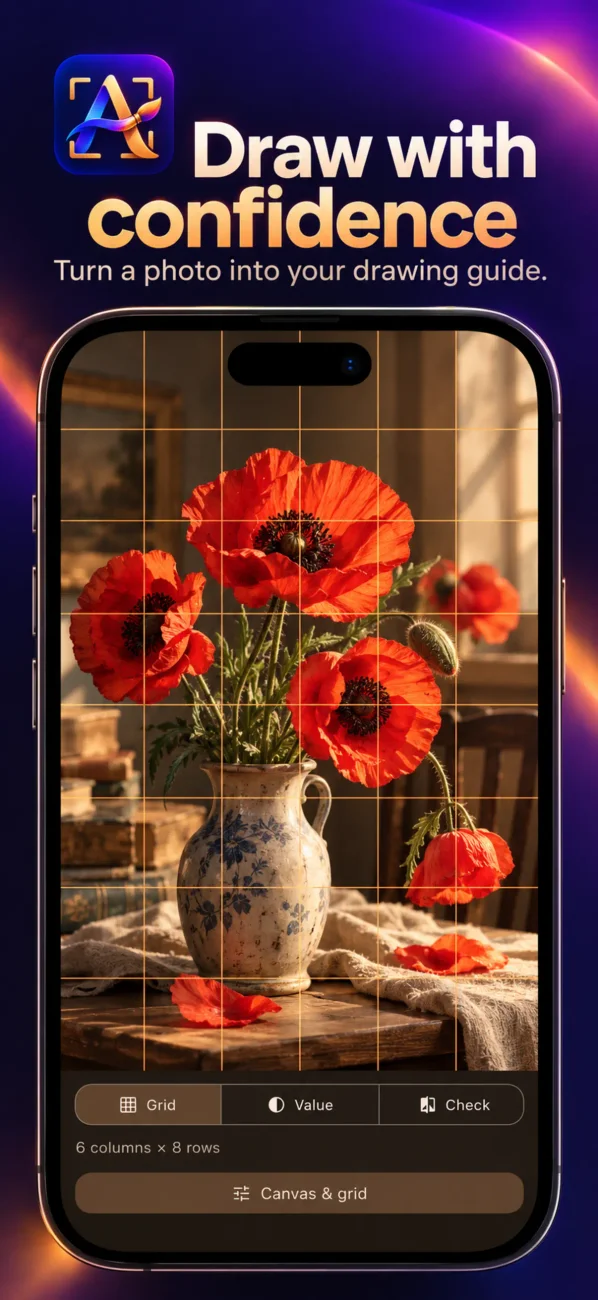
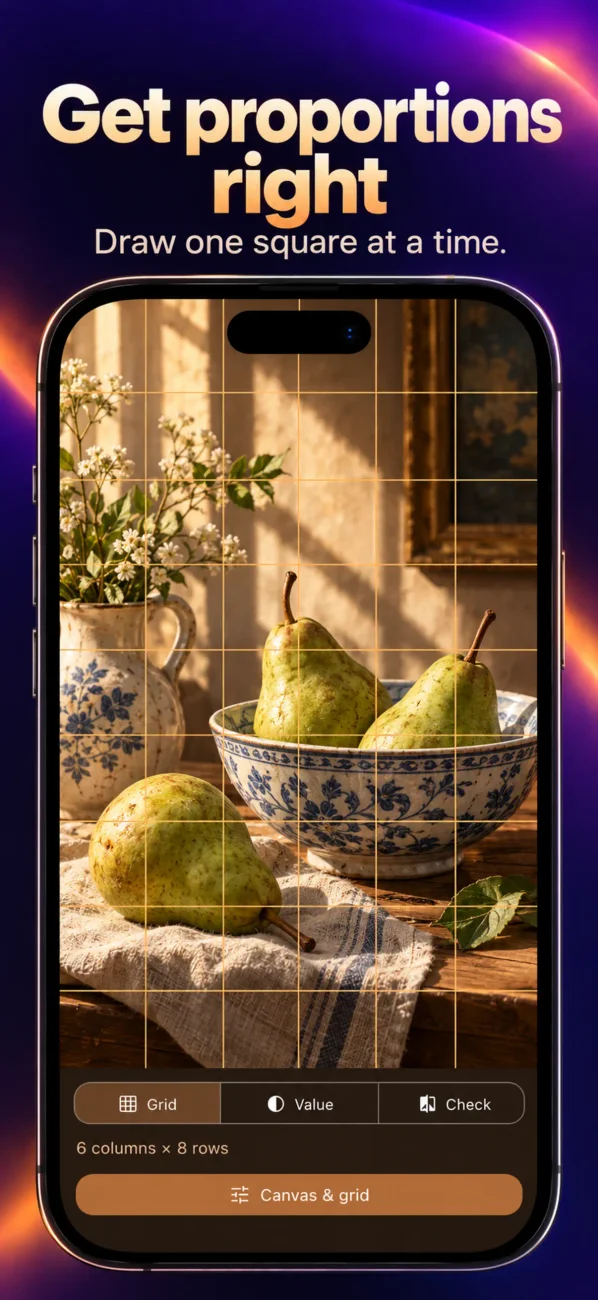
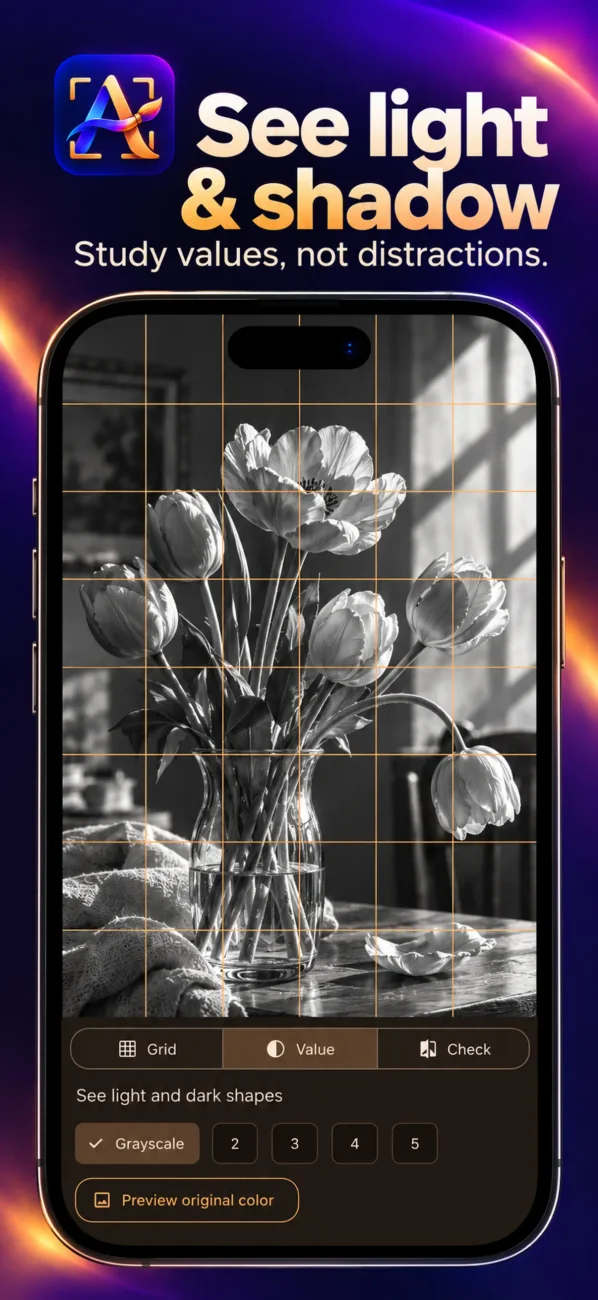
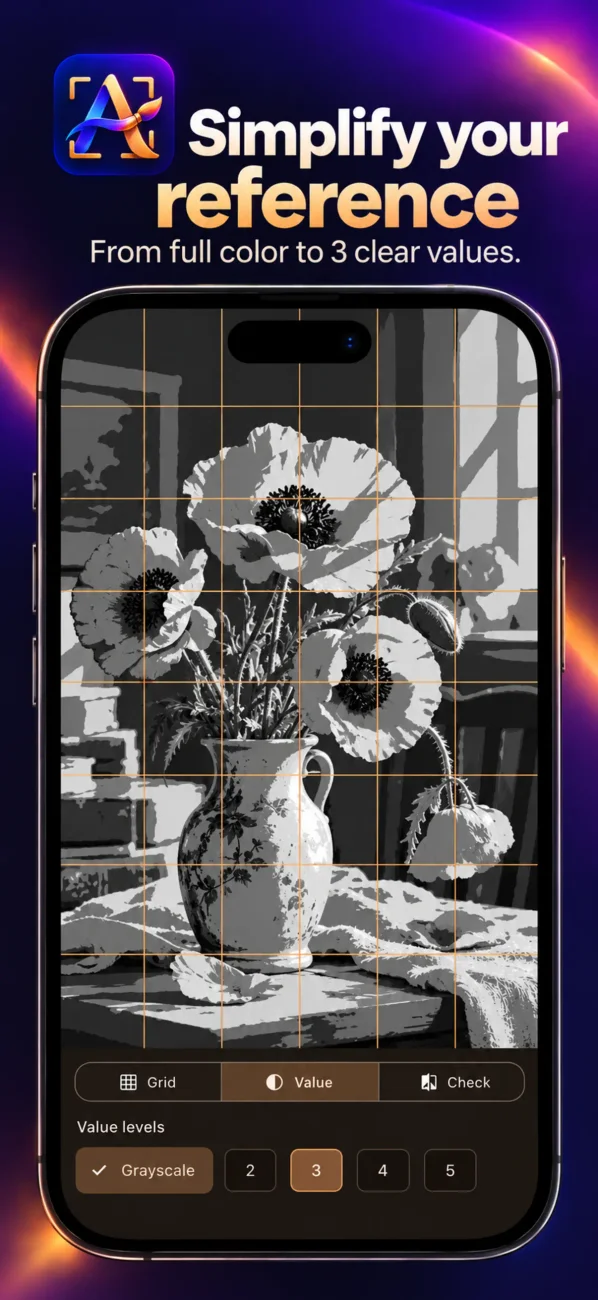
Artist Reference Studio helps artists turn photos into practical drawing references. Use adjustable grids to study proportions, simplify light and shadow into clear value shapes, and compare your artwork with the original as you draw.
DRAW PROPORTIONS WITH CONFIDENCE
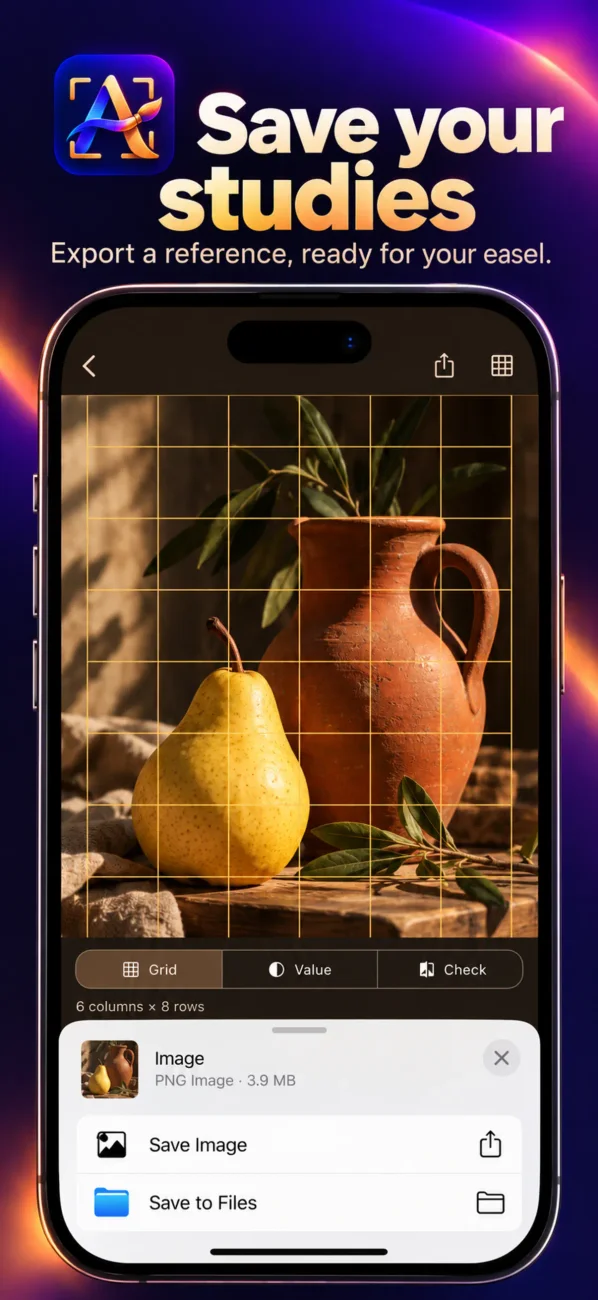
• Add an adjustable grid to any reference photo.
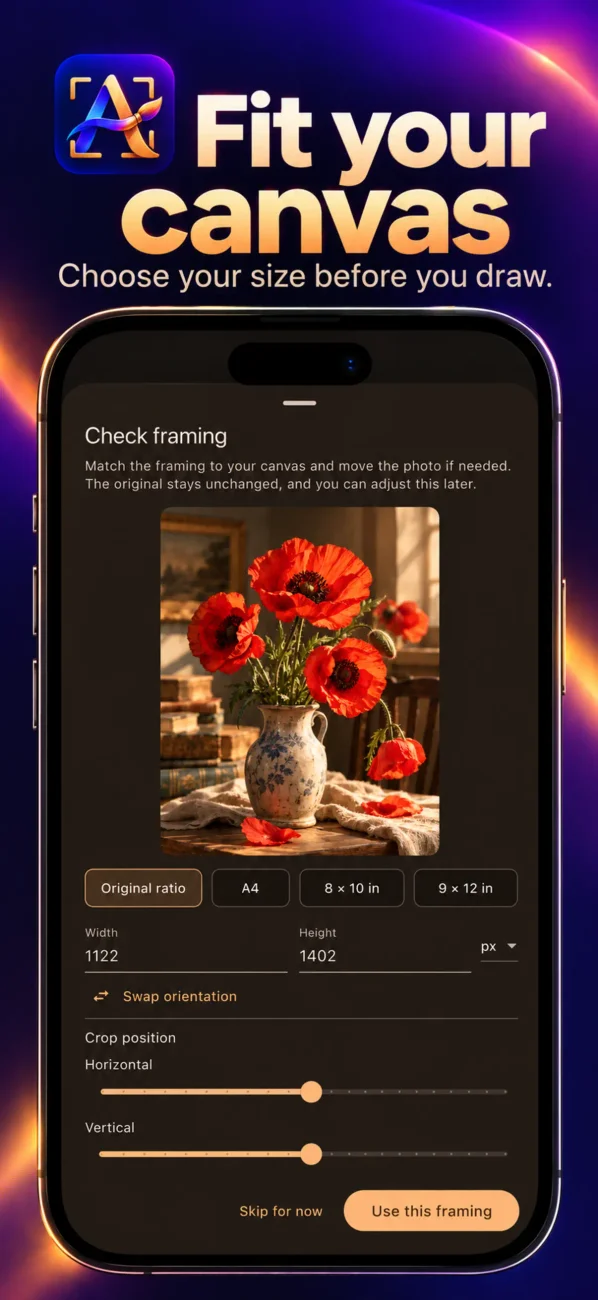
• Match your reference to a canvas or paper size.
• Customize grid columns, line color, and opacity.
• Work one section at a time to improve accuracy.
SEE LIGHT AND SHADOW CLEARLY
• View your reference in grayscale.
• Simplify the image into 2–5 value levels.
• Focus on large light and dark shapes without color distractions.
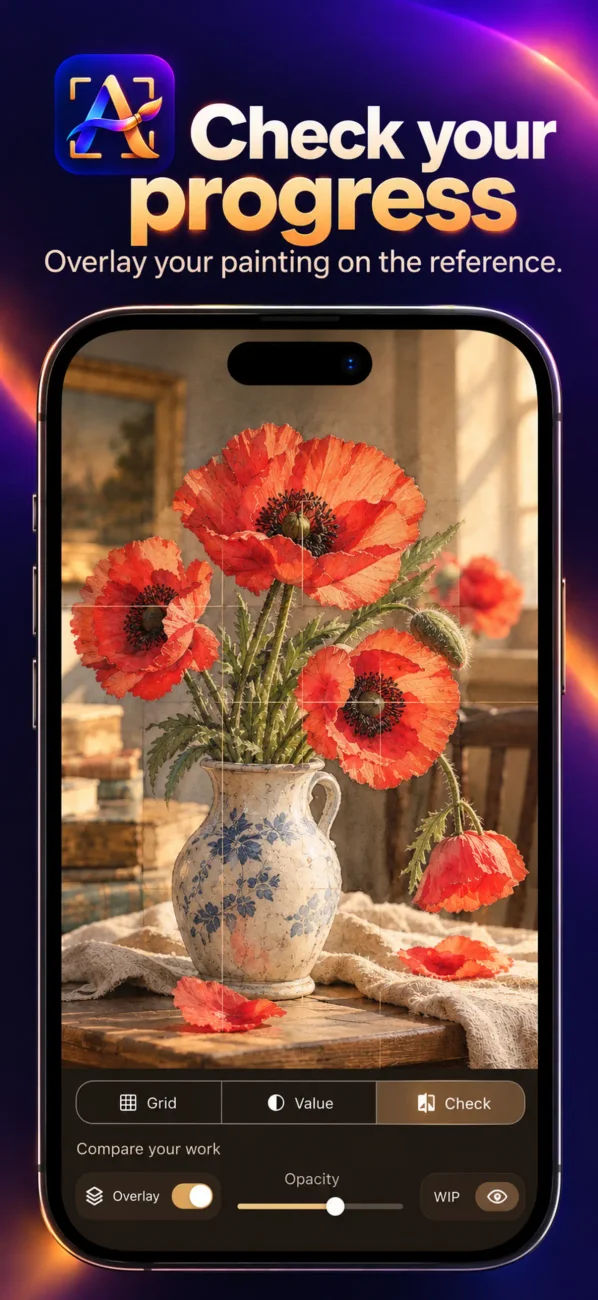
COMPARE YOUR DRAWING
• Add a photo of your work in progress.
• Overlay your drawing with the original reference.
• Adjust opacity to spot differences in proportions and placement.
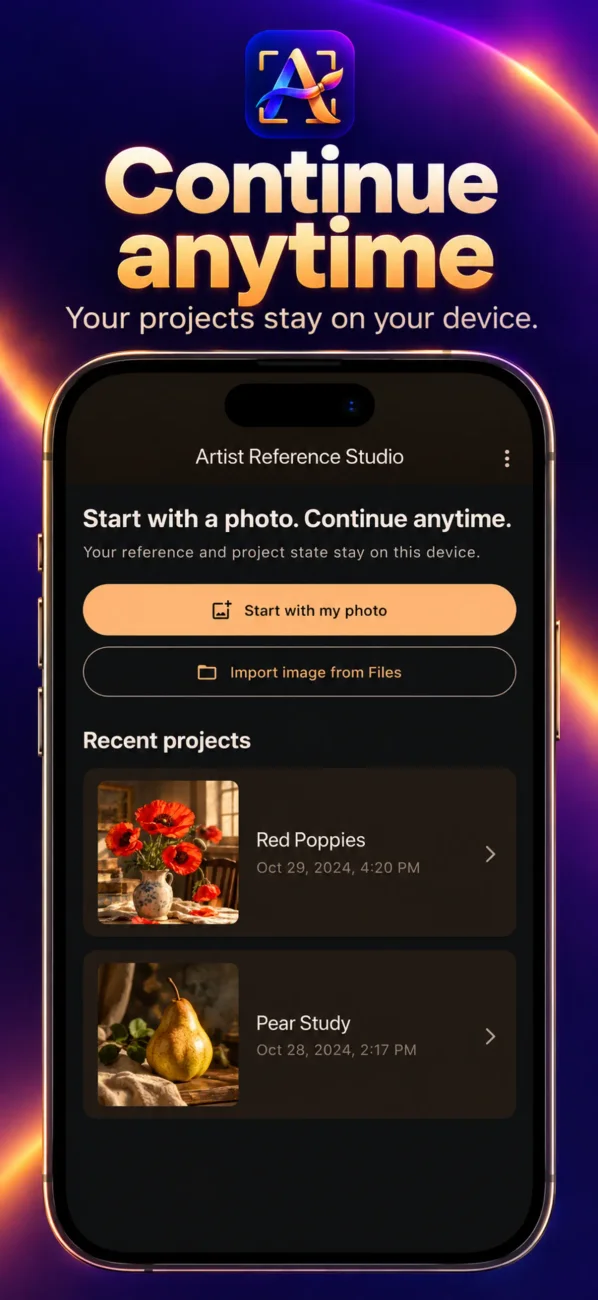
CONTINUE YOUR PROJECTS
• Save your drawing references on your device.
• Reopen recent projects whenever you're ready.
• Export reference images for use while drawing.
• No account required.
Whether you're practicing sketching, painting, portraits, or still life, Artist Reference Studio gives you simple tools to observe shapes, understand values, and improve your drawings.
Available for iPhone and iPad.
What’s new
Version 1.1.0 · Nov 26, 2026
- See each project’s saved Grid, Value, or Check mode directly on the Home screen.
- Enter canvas dimensions using either a decimal point or comma, such as 21.5 or 21,5.
App privacy
What Miti Khumhvan declares on the App Store about how this app handles data.
-
Data not collected
The developer does not collect any data from this app.
Privacy practices may vary, for example with the features you use or your age.
Information
- Seller
- Miti Khumhvan
- Category
- Graphics & Design
- Version
- 1.1.0
- Updated
- Nov 26, 2026
- Released
- Nov 12, 2026
- Size
- 24.2 MB
- Requires
- iOS 15.0 or later
- Age rating
- 4+
- Price
- Free
- In-app purchases
- Yes
- Languages
- English
- Copyright
- © 2026 Miti Khumhvan