
- Age rating12+
- CategoryEducation
- DeveloperCleveland Museum of Art
- LanguagesEnglish
- Size131.8 MB
Links to the official App Store page
Download.org hosts no file of ARTLENS. The button opens its official App Store page, published by Cleveland Museum of Art. Listing last checked on Nov 15, 2026.
Screenshots
About
Turn your smartphone into a pocket guide to the Cleveland Museum of Art with the new and reimagined ArtLens App. Use the app as a companion within the museum, or as a way to explore from home. Download before arriving, plan your visit, and browse tours. While visiting, use the interactive map as a guide to navigate the museum, and keep track of your favorite artworks and gain in-depth information about every object on view. The ArtLens App uses Bluetooth technology to connect to the museum’s iconic ArtLens Wall and ArtLens Gallery interactives, and updates in real-time ensuring that users have access to the most accurate information available.
The ArtLens App features six main categories:
1. Search
Search the CMA's collection by artist name, artwork title, and accession number to discover works on view in the museum. Here you can find a scrollable list of featured artists and popular artworks.
2. Explore
Homepage that provides a snapshot of everything the ArtLens app has to offer and allows for quick access to dive deeper. Discover today's museum hours, popular artworks on view, get answers to your questions, and more.
3. Map
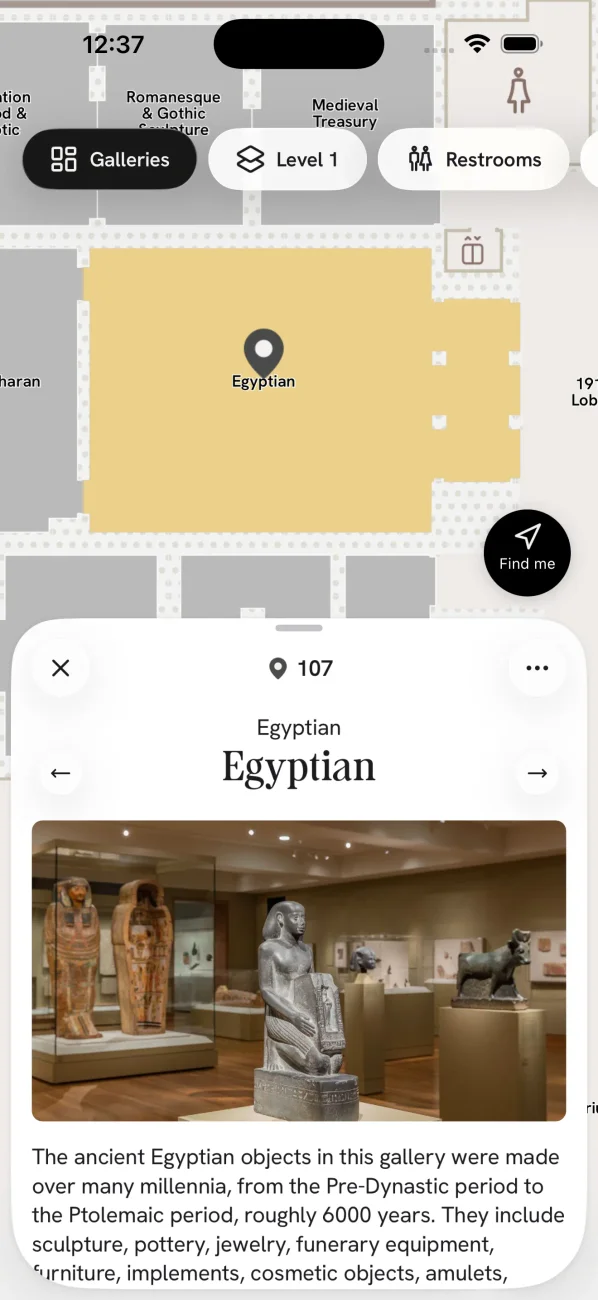
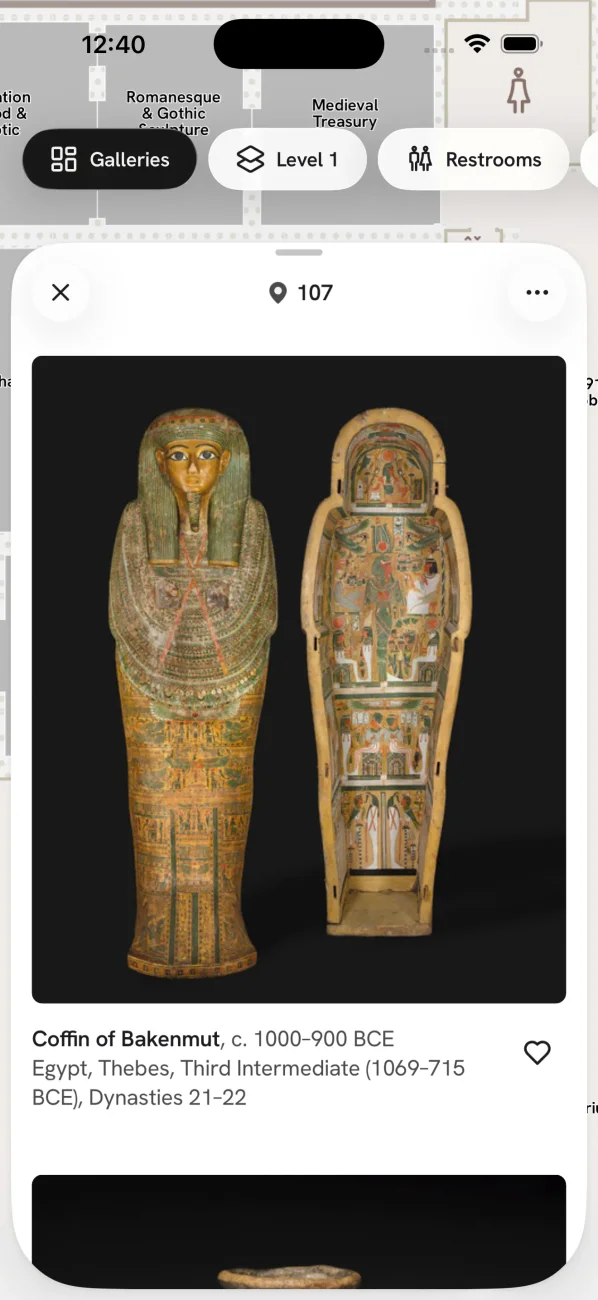
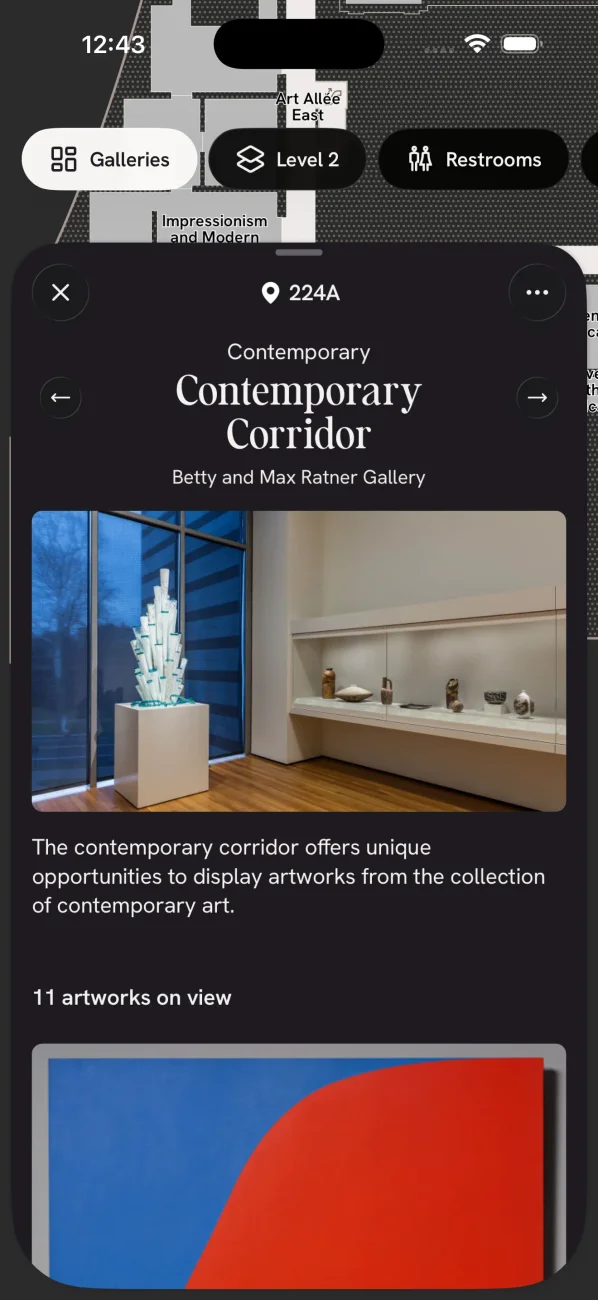
· Galleries are color-coded and grouped thematically to facilitate easier navigation. Tap any gallery number to see a gallery description and all artworks in that gallery.
· Wayfinding: Push the “Find Me” button at any time to find your exact location in the museum.
· Content: Includes every artwork on view, including more than 1,500 videos, available for selected artworks. Changes to any object on view are dynamically and immediately updated from the backend systems across the app and throughout the museum.
· Filter for restrooms, elevators, and exits.
· Bluetooth: ArtLens App uses Bluetooth to connect to ArtLens Wall and all interactives in ArtLens Exhibition, making synchronization seamless.
4. Favorites
Favorited artworks on the Wall and the App and artworks played in ArtLens Exhibition interactives are automatically saved in "Favorites.” Favorites can be used to learn more, find specific artworks, or share on social media.
5. Tours
Select from "All," "Featured," "Guided," and Visitor-Created" tours in the ArtLens App. The mapping feature locates specific artworks and navigates the entire tour.
6. ArtLens Gallery
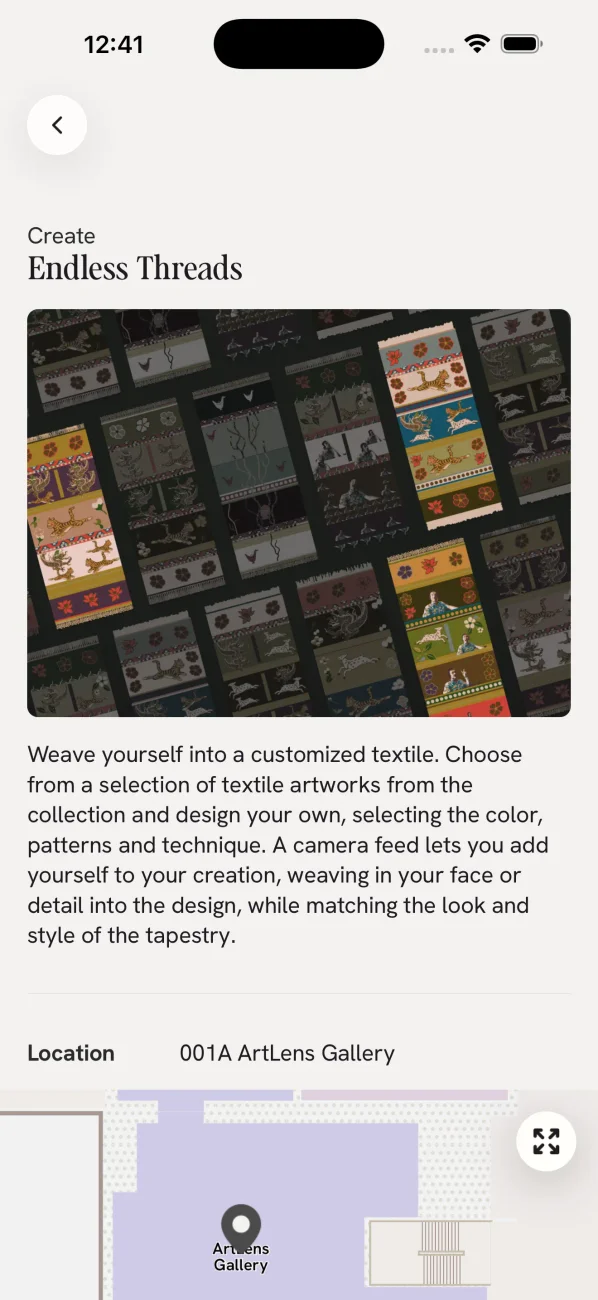
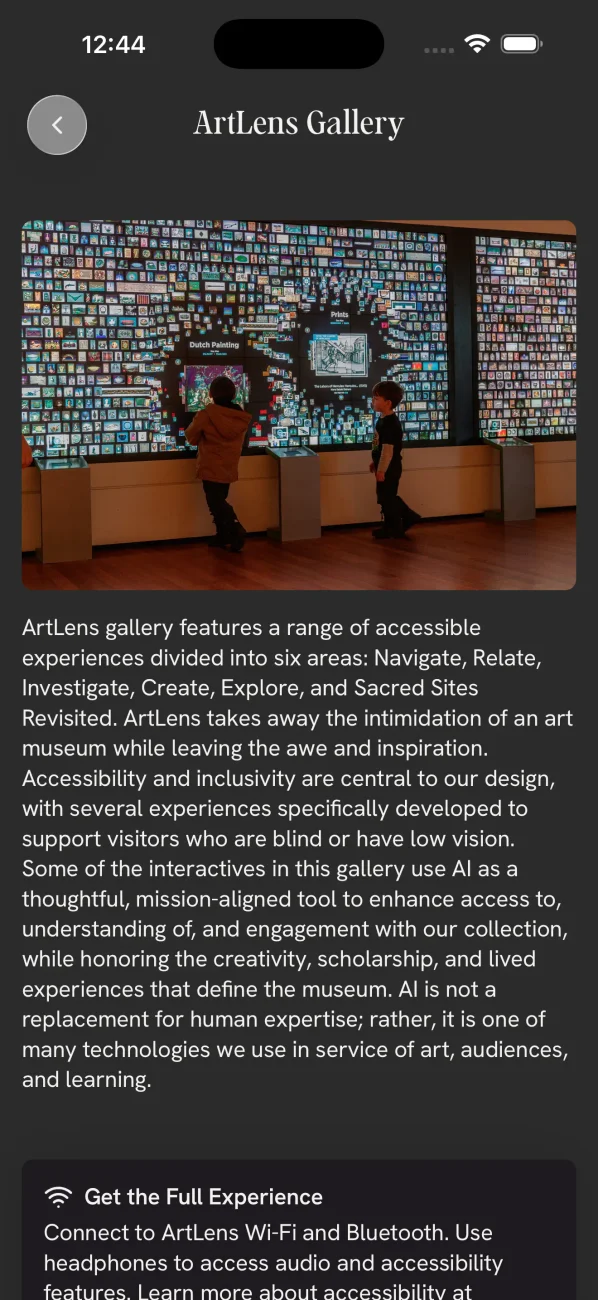
Access detailed information to guide your visit with the third and most innovative iteration of ArtLens Gallery, designed to remove the intimidation of an art museum and give people the tool sets to look closer and dive deeper. Features include physical docking at every interactive, accessing guided tactile descriptions, and more.
What’s new
Version 4.1.0 · Jul 28, 2026
Share tours and artworks with friends - links now open directly in the app.
App privacy
What Cleveland Museum of Art declares on the App Store about how this app handles data.
-
Data not linked to you
May be collected but is not linked to your identity.
- Usage data
- Diagnostics
Privacy practices may vary, for example with the features you use or your age.
Information
- Seller
- THE CLEVELAND MUSEUM OF ART INC
- Category
- Education
- Version
- 4.1.0
- Updated
- Jul 28, 2026
- Released
- Jan 5, 2013
- Size
- 131.8 MB
- Requires
- iOS 16.4 or later
- Age rating
- 12+
- Price
- Free
- Languages
- English
- Copyright
- © Cleveland Museum of Art
You might also like
-
 Cuyahoga County Public LibraryEducation
-
 Tri-C MobileEducation
-
 KSUMobileEducation
-
 Case Western Reserve GuidesEducation
-
 CWRU Spartan SafeOfficial safety app of CWRU
-
 CWRU CampusGroupsEducation
-
 Cuyahoga County (OH) SheriffCuyahoga Sheriff
-
 Art Institute of Chicago AppEducation
-
 Cleveland HistoricalIn-depth local history
-
 COSI ScienceCenter of Science and Industry