AS Remote: Universal TV Remote
Smart TV Control & Casting
Designed for iPhone
Free · In-app purchases
- Age rating4+
- CategoryUtilities
- DeveloperNaser Daliribejindi
- LanguagesEnglish+ 3 more
- Size49.7 MB
Links to the official App Store page
Download.org hosts no file of AS Remote: Universal TV Remote. The button opens its official App Store page, published by Naser Daliribejindi. Listing last checked on Nov 25, 2026.
Screenshots

About
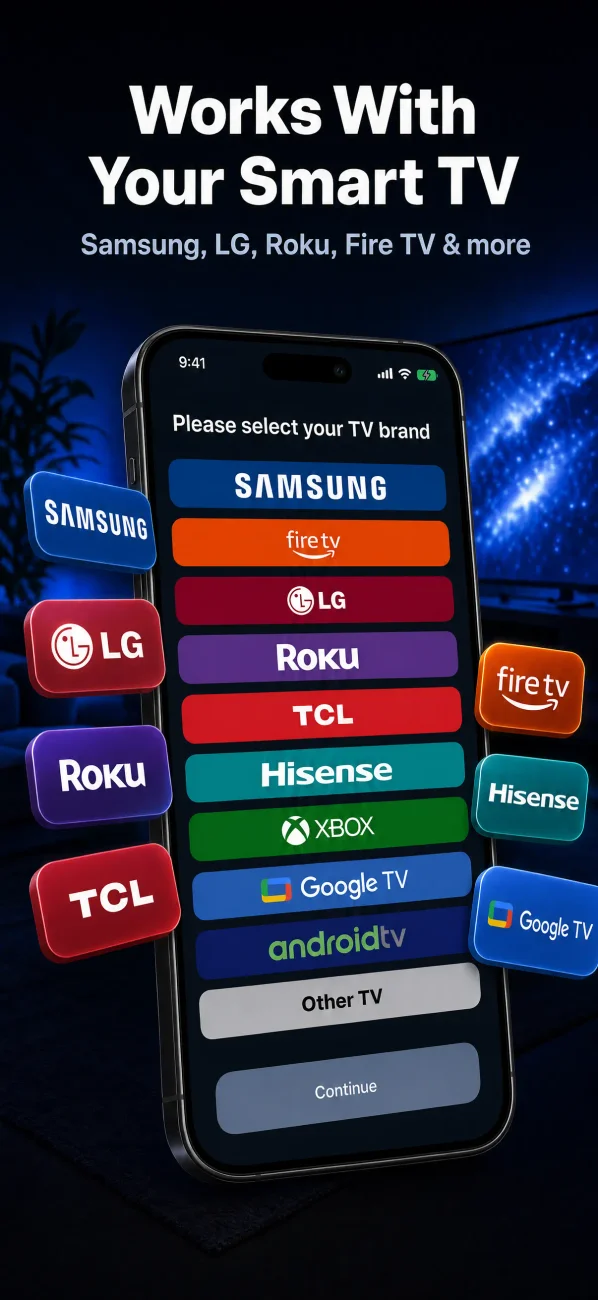
Control your smart TV from your iPhone over Wi-Fi. AS Remote works with Samsung, LG, Roku, TCL, Google TV, Fire TV and Hisense VIDAA TVs, with no extra hardware.
SCREEN MIRRORING
• Mirror your whole iPhone screen to your TV, no Apple TV or AirPlay needed
• Works with Samsung TVs, and with Google TV through Google Cast
• On LG and Roku TVs, mirroring may not work on every model
UNIVERSAL REMOTE CONTROL
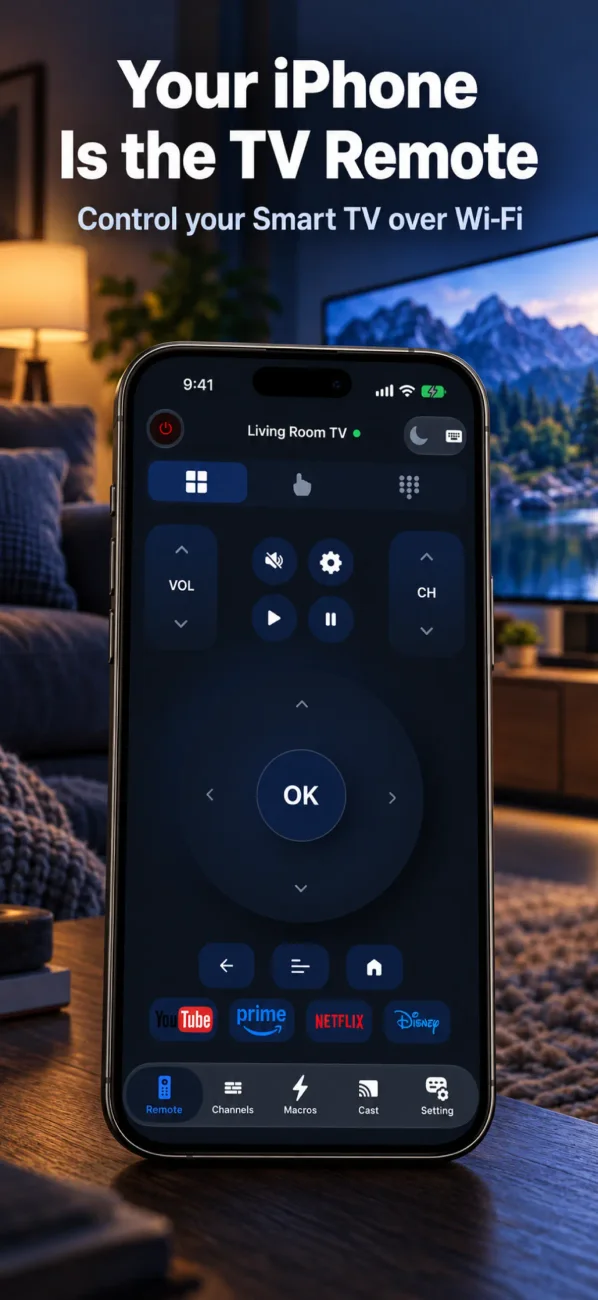
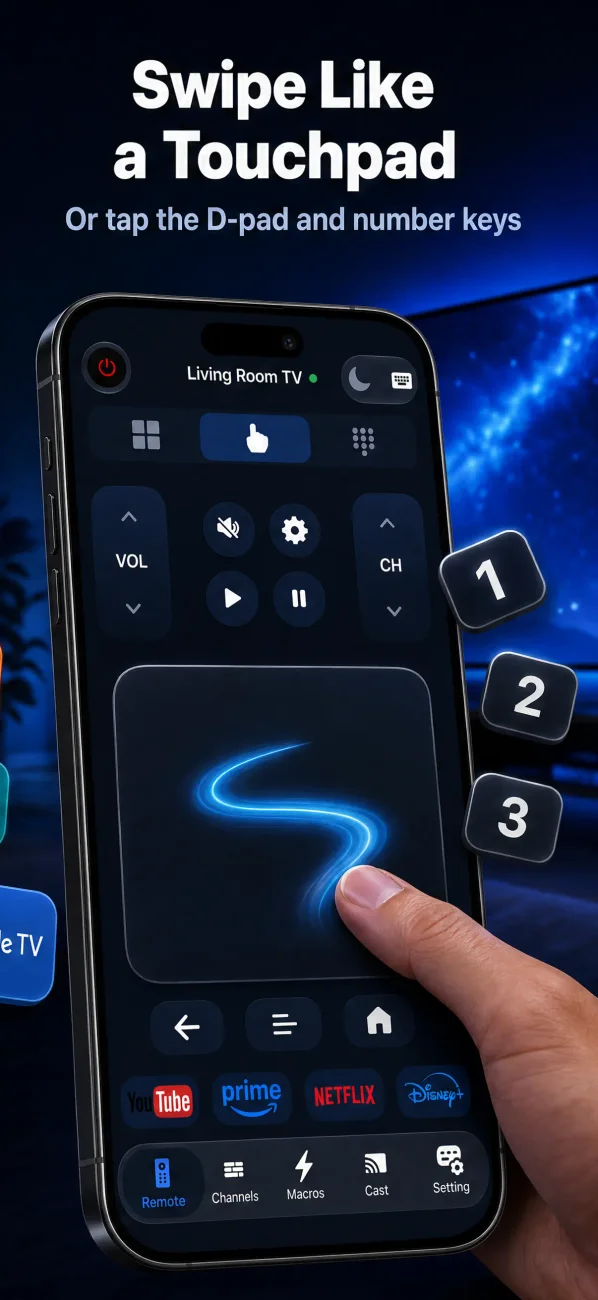
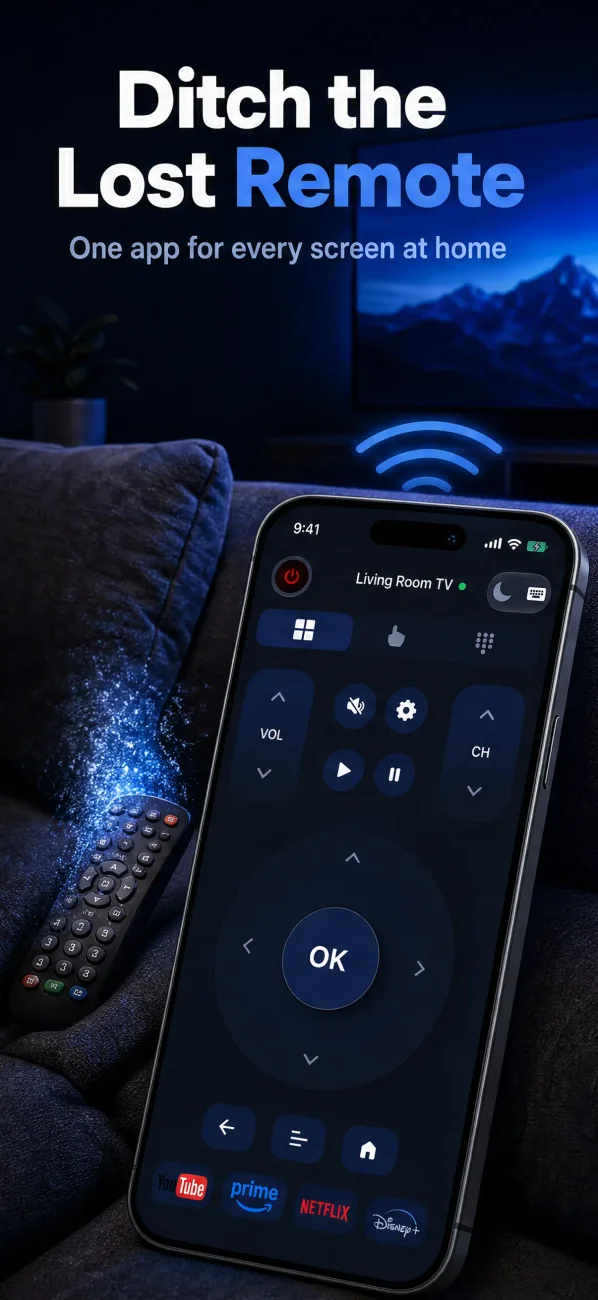
• Directional pad, touchpad and number pad modes
• Volume, channel, playback and power controls
• When your TV opens its on-screen keyboard, the Send Text box opens on your phone. Send & Go types your search and submits it in one tap
• Turn On TV wakes your TV over Wi-Fi and reconnects
MACROS & AUTOMATION
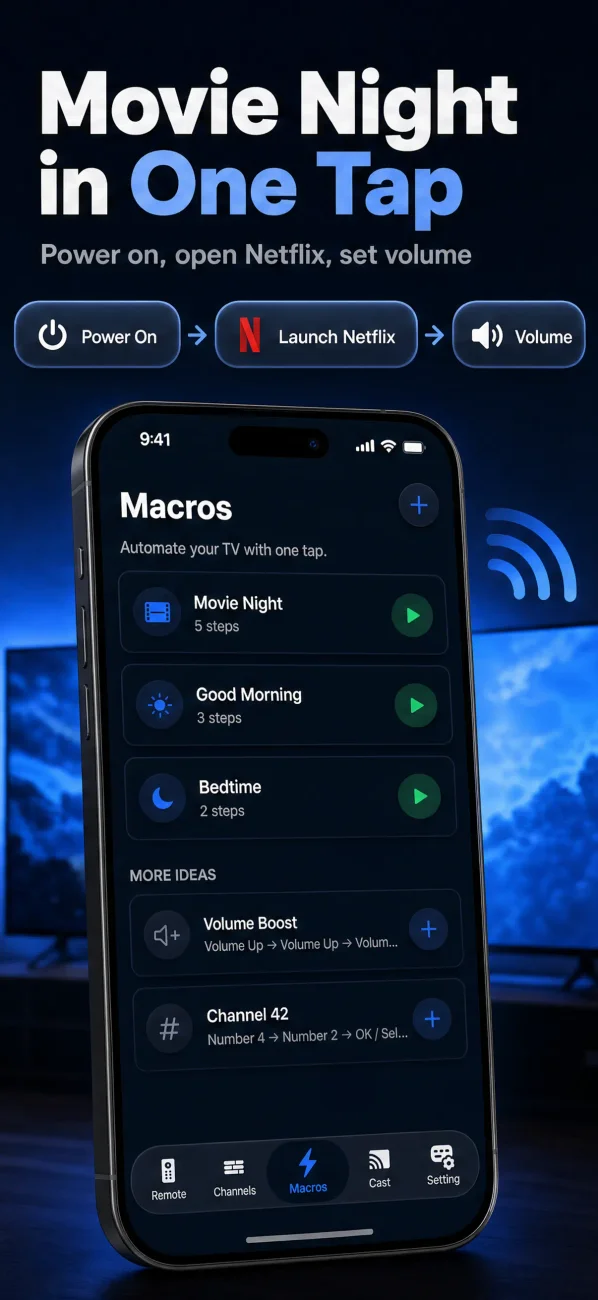
• Record a sequence of commands and replay it with one tap
• Build routines like "Movie Night": power on, open Netflix, set the volume
• Built-in suggestions to get you started
THEMES & LAYOUTS
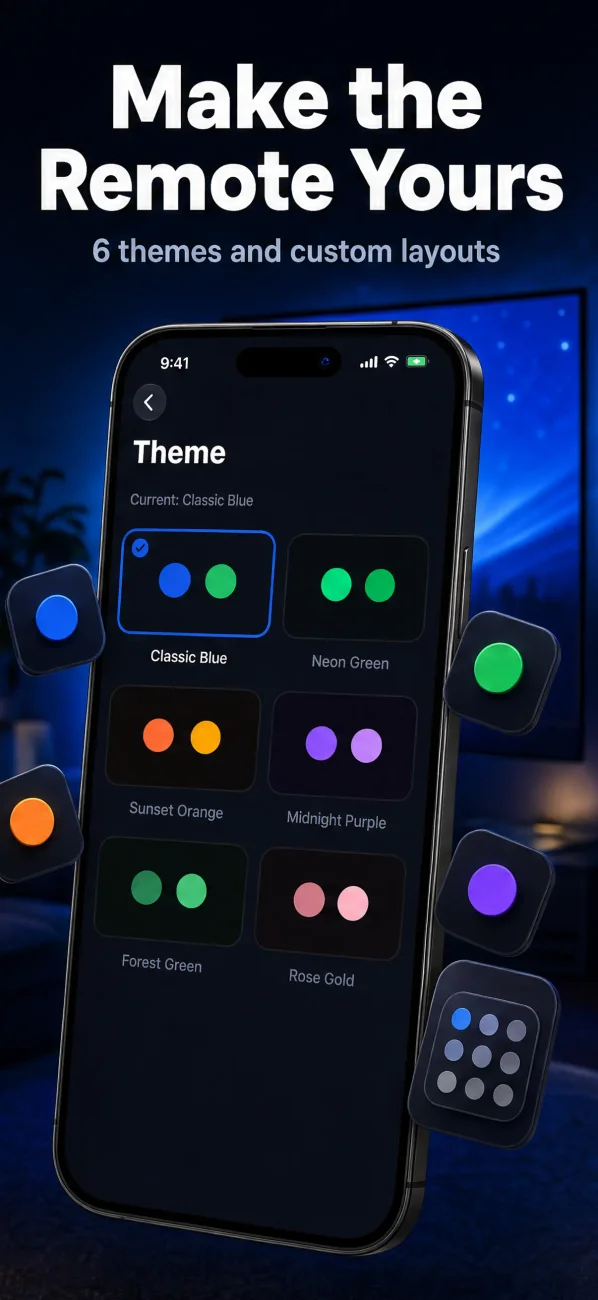
• 6 color themes: Classic Blue, Neon Green, Sunset Orange, Midnight Purple, Forest Green and Rose Gold
• Preset layouts (Full, Simple, Movie, Gaming), or build your own by turning control groups on or off
SCREEN TIME
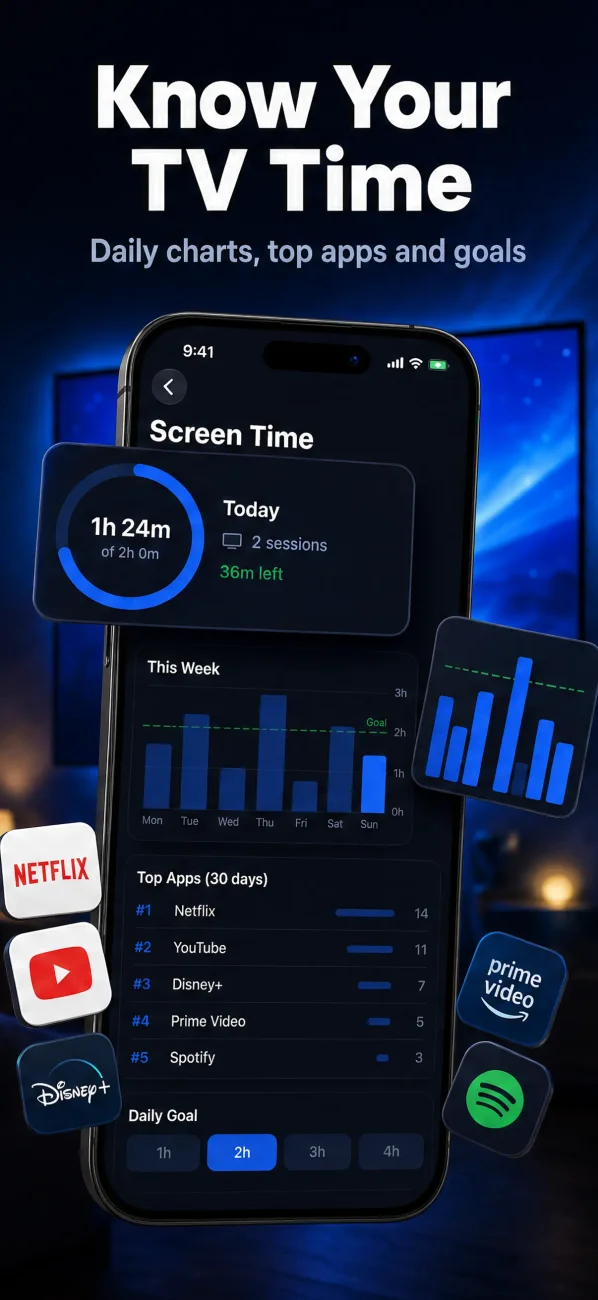
• Daily and weekly TV time in charts
• Your most used apps over the last 30 days
• A daily goal to keep your viewing in check
SLEEP TIMER
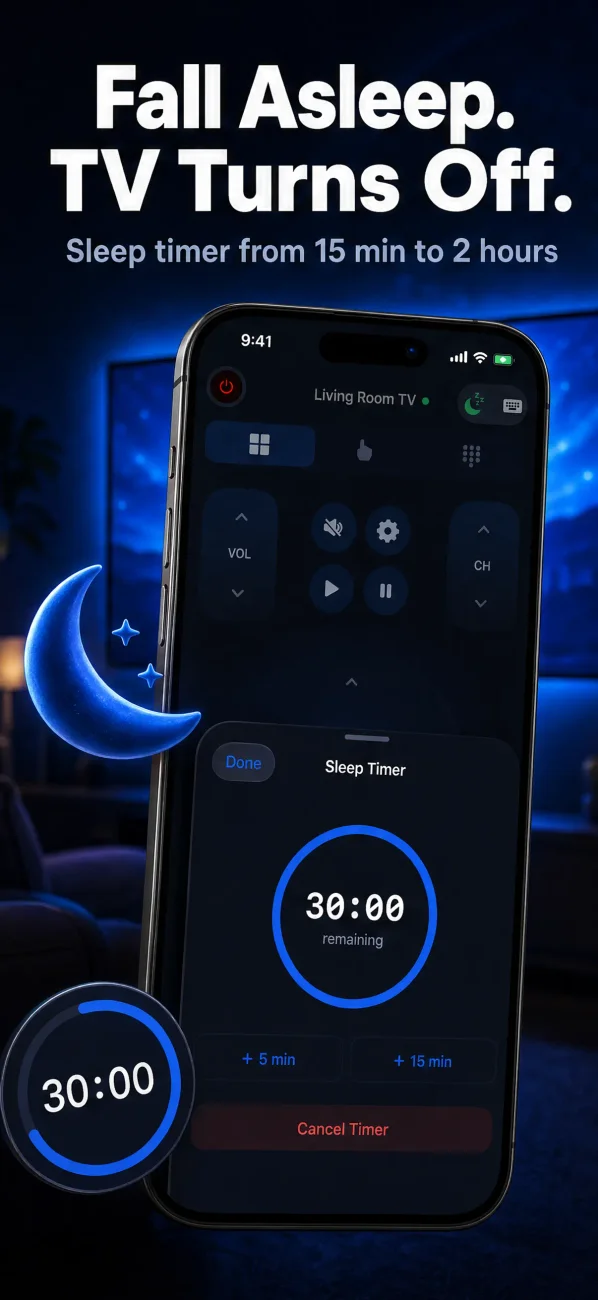
• Turns your TV off after the time you pick, with a countdown on the remote screen
CAST PHOTOS & VIDEOS
• Show photos and videos from your iPhone on the TV screen, no Chromecast needed
STREAMING SHORTCUTS
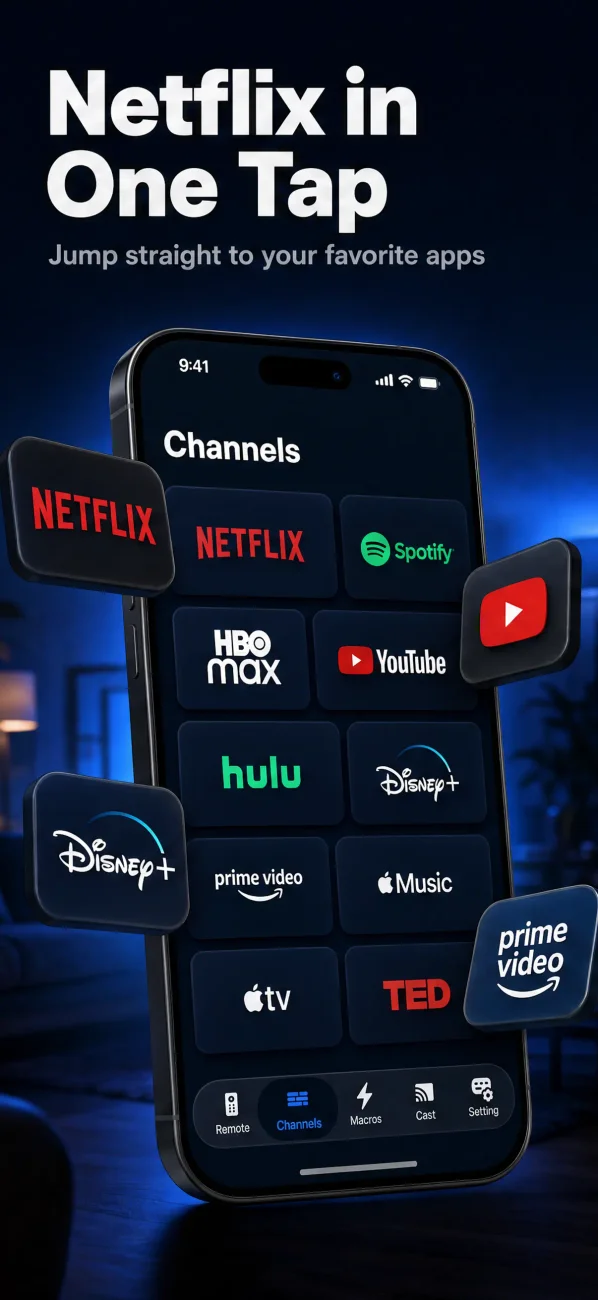
• Open Netflix, YouTube, Disney+, Prime Video, HBO Max, Apple TV, Spotify, Hulu and more from the Channels tab
SUPPORTED TVS
• Samsung Smart TVs (2016 and newer)
• LG webOS
• Roku and TCL Roku TV
• Google TV
• Amazon Fire TV
• Hisense VIDAA
EASY SETUP
1. Connect your iPhone and TV to the same Wi-Fi
2. Open AS Remote. One search finds TVs of every brand
3. Tap your TV. If the app finds only one, it connects right away
4. Allow the connection on your TV if it asks
Also included: auto-reconnect to your last TV, haptic feedback and click sounds, and an in-app FAQ with step-by-step troubleshooting.
AS REMOTE PRO
Without Pro you can find and connect to your TV and use the core remote: arrows, OK, back, home, power, channels, volume and mute. Pro unlocks the full remote, text input, screen mirroring (free users can try it for 30 seconds), photo and video casting, Channels, macros, themes, layouts, the sleep timer and Turn On TV.
Choose a monthly or yearly subscription, or a one-time Lifetime purchase. The yearly plan starts with a free trial for eligible Apple IDs. Payment is charged to your Apple ID. Subscriptions renew automatically unless you cancel at least 24 hours before the end of the current period. You can manage or cancel them in your App Store account settings.
Terms of Use: https://asapps.studio/tvre/tvre-terms-of-use
Privacy Policy: https://asapps.studio/tvre/tvre-privacy-policy
What’s new
Version 2.3.0 · Nov 24, 2026
• Connect your TV and try the remote before you decide to subscribe.
• The core remote is now free: arrows, OK, Back, Home, power, channels, volume and mute.
• Stability improvements and bug fixes.
App privacy
What Naser Daliribejindi declares on the App Store about how this app handles data.
-
Data not linked to you
May be collected but is not linked to your identity.
- Purchases
- Location
- Identifiers
- Usage data
- Diagnostics
Privacy practices may vary, for example with the features you use or your age.
Information
- Seller
- Naser Daliribejindi
- Category
- Utilities
- Version
- 2.3.0
- Updated
- Nov 24, 2026
- Released
- Mar 10, 2026
- Size
- 49.7 MB
- Requires
- iOS 17.6 or later
- Age rating
- 4+
- Price
- Free
- In-app purchases
- Yes
- Languages
- English, Arabic, Spanish, Turkish
- Copyright
- © 2026 As Apps
You might also like
-
 Tvoli: Universal TV RemoteSmart Wi-Fi Control & Keyboard
-
 TV Remote - SmartTVUniversal TV Remote Control
-
 TV Remote - ControllerControl TV from Your Phone
-
 AIRemote - Universal TV RemoteSmart TV Control with AI
-
 Droid TV Remote+Remote Control for Android TV
-
 Wheel: TV RemoteA click wheel for your TV
-
 TV Connect: Universal RemoteSmart WiFi Control, No Ads
-
 QR Scanner: Reader & MakerScan Barcode & Create QR
-
 Fire Remote - Smart TV ControlRemote, Keyboard & Apps
-
 EyesOnTV: Smart TV RemoteSwipe control, LG & Samsung