
- Age rating4+
- CategoryBusiness
- DeveloperAsterisk Corporation
- LanguagesEnglish+ 2 more
- Size3.0 MB
Links to the official App Store page
Download.org hosts no file of AsKey - Keyboard for AsReader. The button opens its official App Store page, published by Asterisk Corporation. Listing last checked on Nov 15, 2026.
Screenshots
About
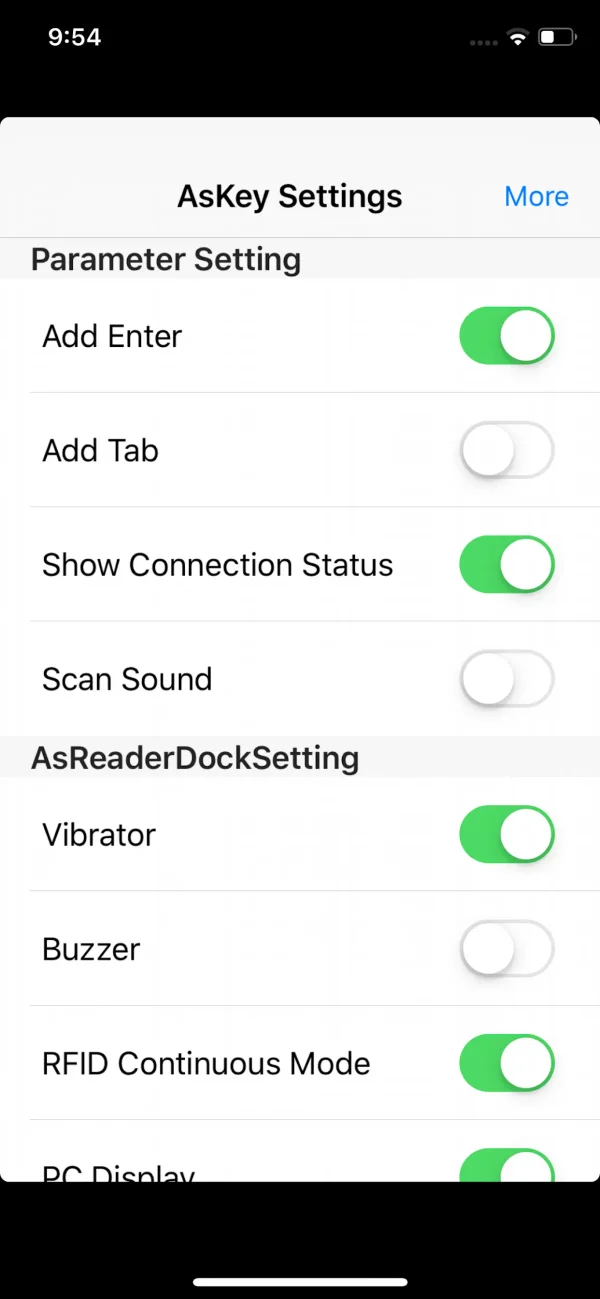
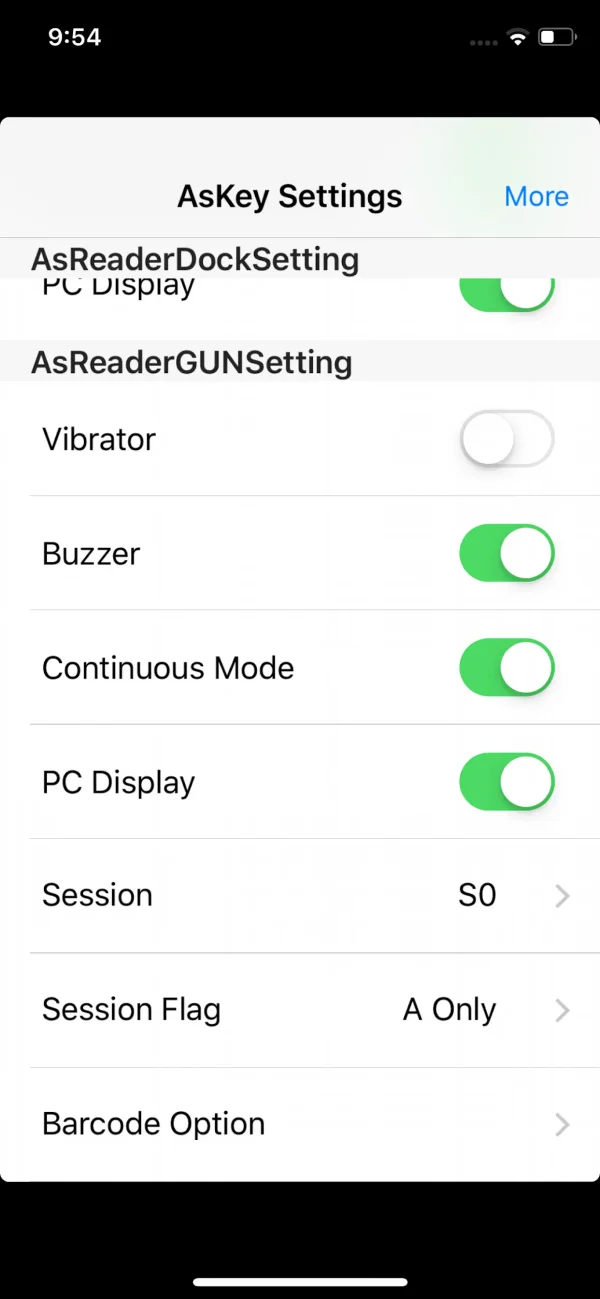
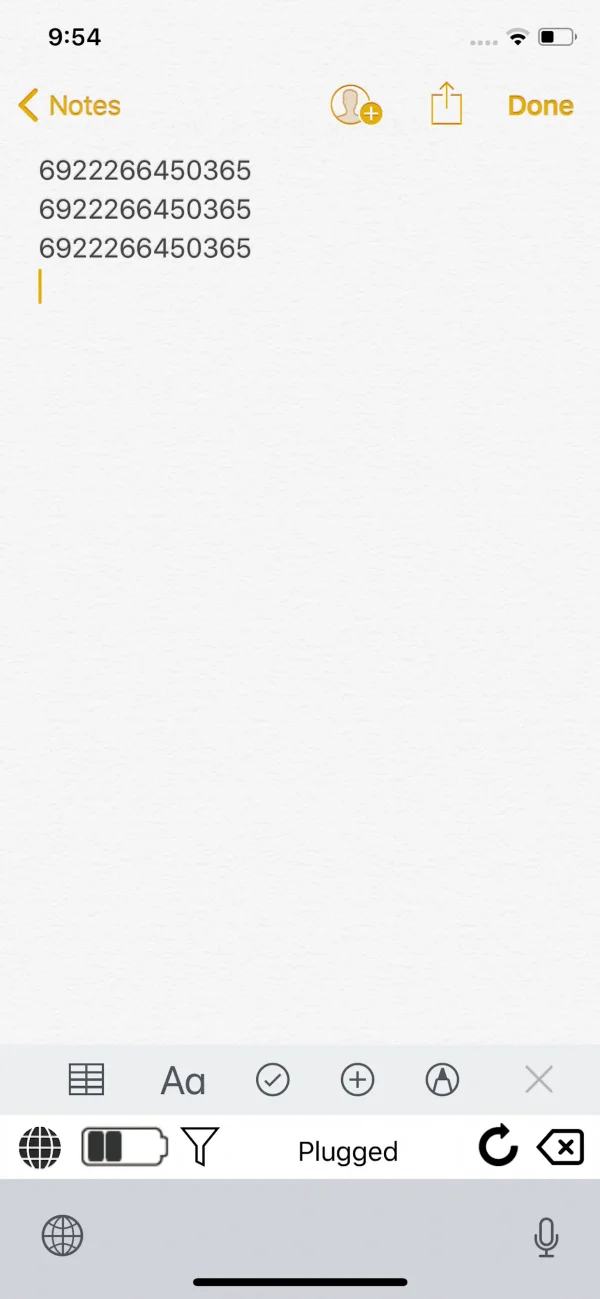
This app is a custom software keyboard to input the data AsReader scan.
How to use
1. Enable the custom keyboard after installing the app.
Go to Setting > General > Keyboard > Keyboards > Add New Keyboard... and select "AsReader"
Go back to Setting > General > Keyboard > Keyboards select "AsKey - AsReader", set "Allow Full Access" to ON.
2. Connect AsReader to iPhone/iPod touch
3. Open an app (e.g. memo, safari or web form)
4. Switch keyboard to Askey.
AsKey will connect with AsReader.
5. Press the trigger buttons of the AsReader to scan a barcode.
The scanned data will be inputted by the keyboard.
What’s new
Version 2.5.1 · Sep 10, 2025
The issue where automatic connection to AsReader fails after switching apps has been fixed.
App privacy
What Asterisk Corporation declares on the App Store about how this app handles data.
-
Data not collected
The developer does not collect any data from this app.
Privacy practices may vary, for example with the features you use or your age.
Information
- Seller
- Asterisk Corporation
- Category
- Business
- Version
- 2.5.1
- Updated
- Sep 10, 2025
- Released
- Mar 20, 2015
- Size
- 3.0 MB
- Requires
- iOS 12.0 or later
- Age rating
- 4+
- Price
- Free
- Languages
- English, Japanese, Simplified Chinese
- Copyright
- © 2015 Asterisk Inc.
You might also like
-
 Xema KEProductivity
-
 Scanner Keyboard: CameraBoardQR Barcode Reader Input
-
 CortexWedgeBarcode Scanning Keyboard App
-
 移動管理 Ver.2.18 Assetment NeoBusiness
-
 AsReader QCBusiness
-
 Scan & ValidateMobile Inventory Solution
-
 移動管理 Ver.2.19 Assetment NeoBusiness
-
 TagMatiks WedgeSimplify RFID Projects
-
 RFID Web WedgeBusiness
-
 資産情報 Ver.2.18 Assetment NeoBusiness