
- Age rating17+
- CategoryDeveloper Tools
- DeveloperRambod ghashghaiabdi
- LanguagesEnglish
- Size31.3 MB
Links to the official App Store page
Download.org hosts no file of Aspectizer. The button opens its official App Store page, published by Rambod ghashghaiabdi. Listing last checked on Nov 18, 2026.
Screenshots

About
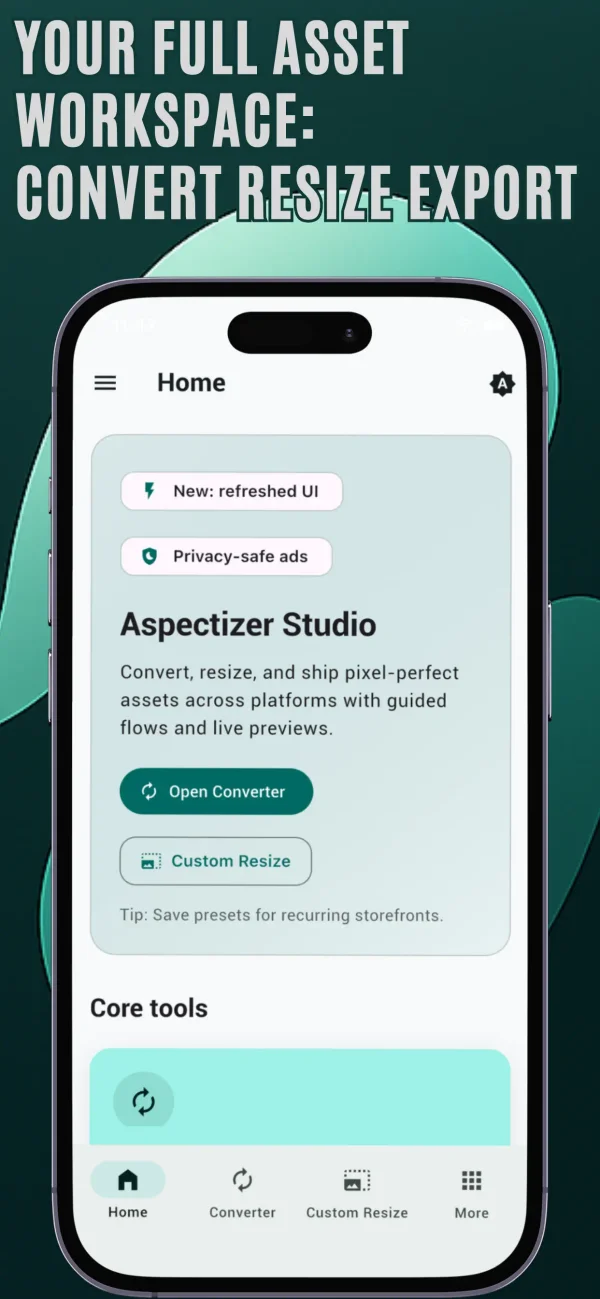
Aspectizer is a studio designed to turn a single high-quality image into complete sets of icons, covers, splashes, and presentation assets. The workflow is guided, efficient, and built for creators who want accurate dimensions, clean metadata, and reliable exports without friction.
Generate production-ready graphics with structured tools for resizing, format conversion, metadata handling, and packaging. All processing is performed on your device, and no analytics or tracking systems are implemented.
Key capabilities
• Image Converter
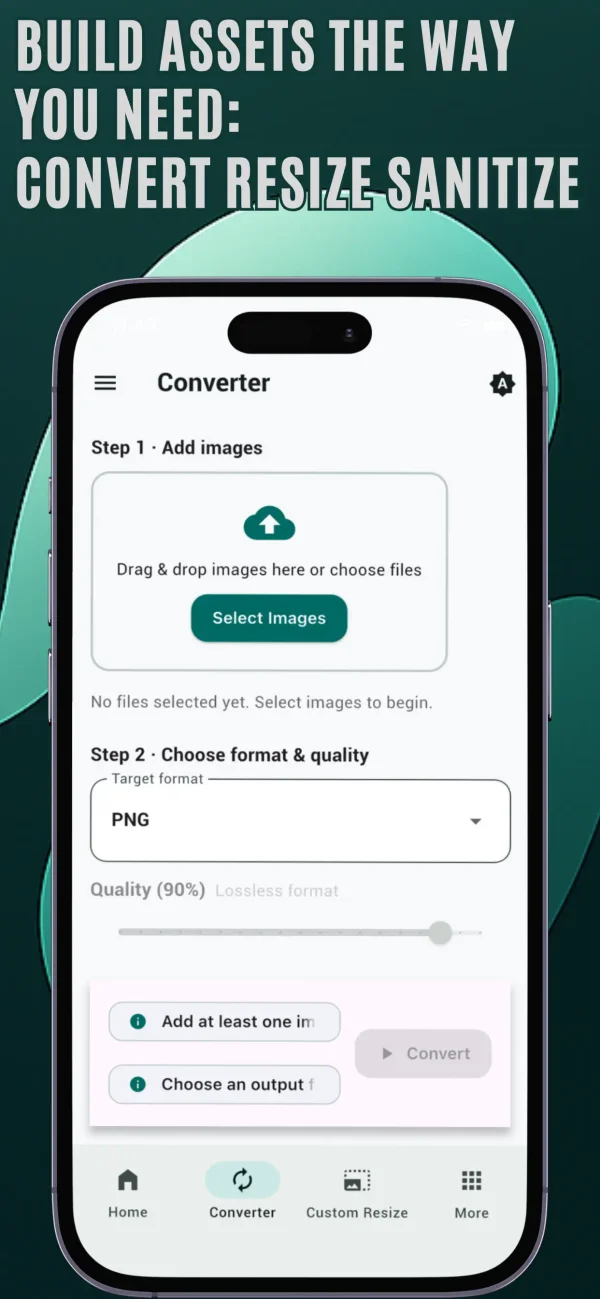
Convert images between common formats with adjustable quality controls, optional metadata preservation or removal, and side-by-side previews showing the result before exporting.
• Icon Generator
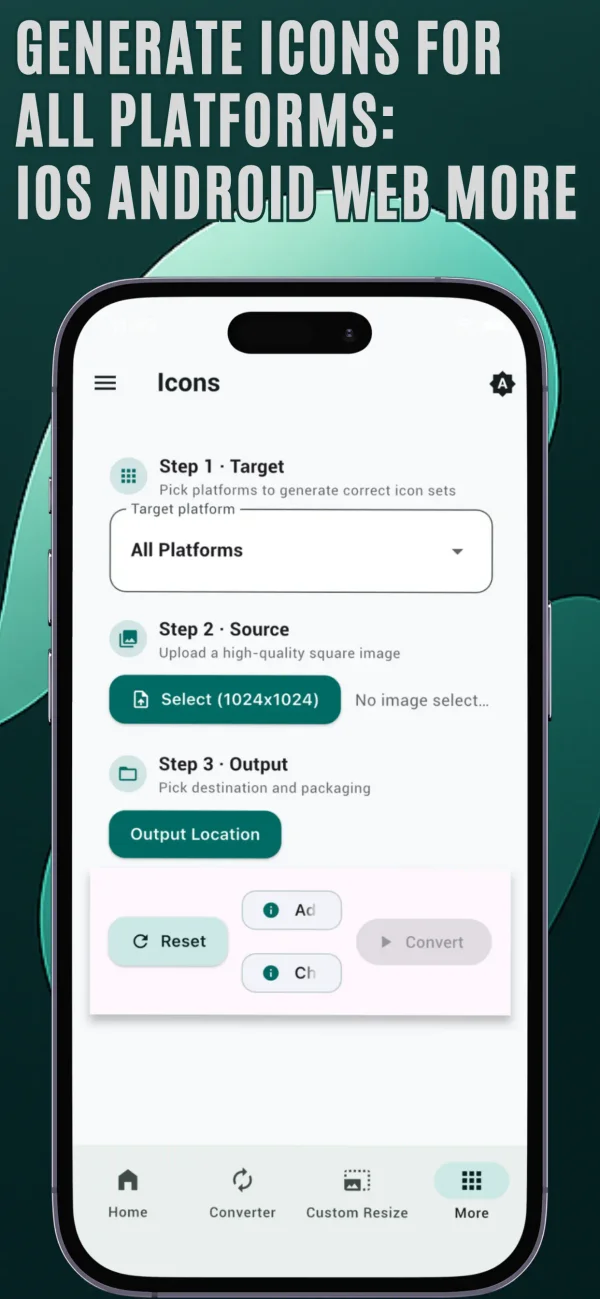
Produce full icon sets from a single square source. The tool applies required sizes automatically and organizes outputs with clear naming and an optional ZIP package for easy delivery.
• Covers & Splash Creator
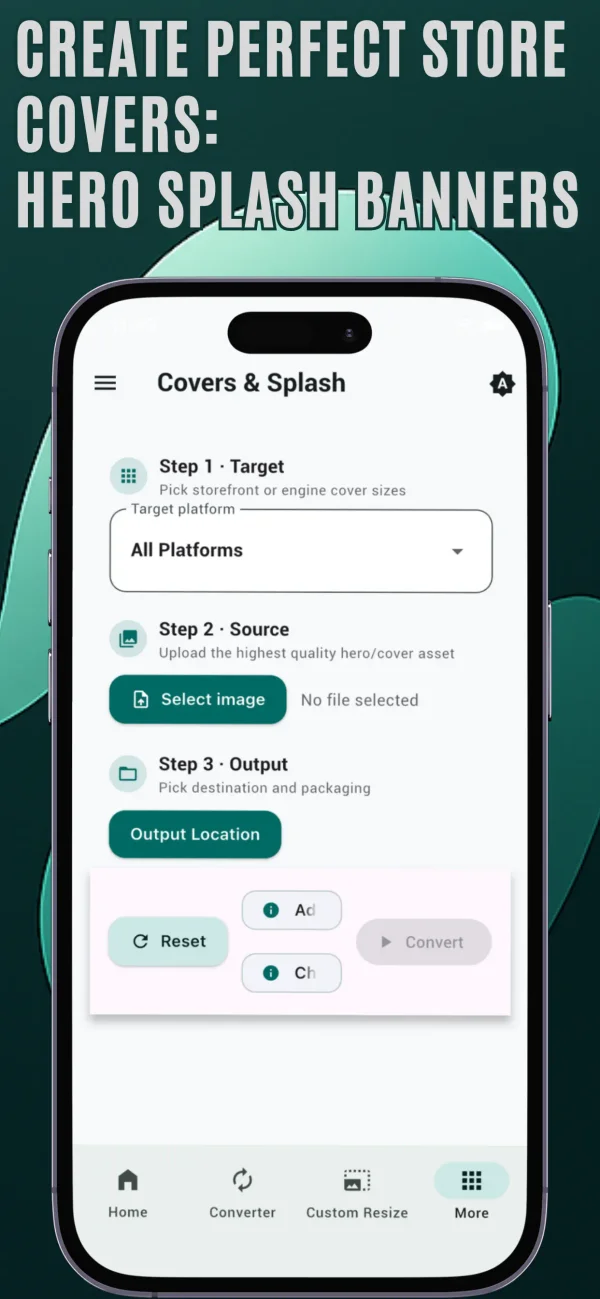
Create correct aspect ratios for storefront headers, hero graphics, banners, splash images, and other presentation assets. A live preview helps confirm framing before generating the final files.
• Custom Resize
Resize one image or multiple images using exact pixel dimensions. Choose fit or fill behavior, enable cropping, set background colors, and specify output formats individually for each target size. Save and load presets after a rewarded unlock to speed up recurring tasks.
• Metadata Inspector
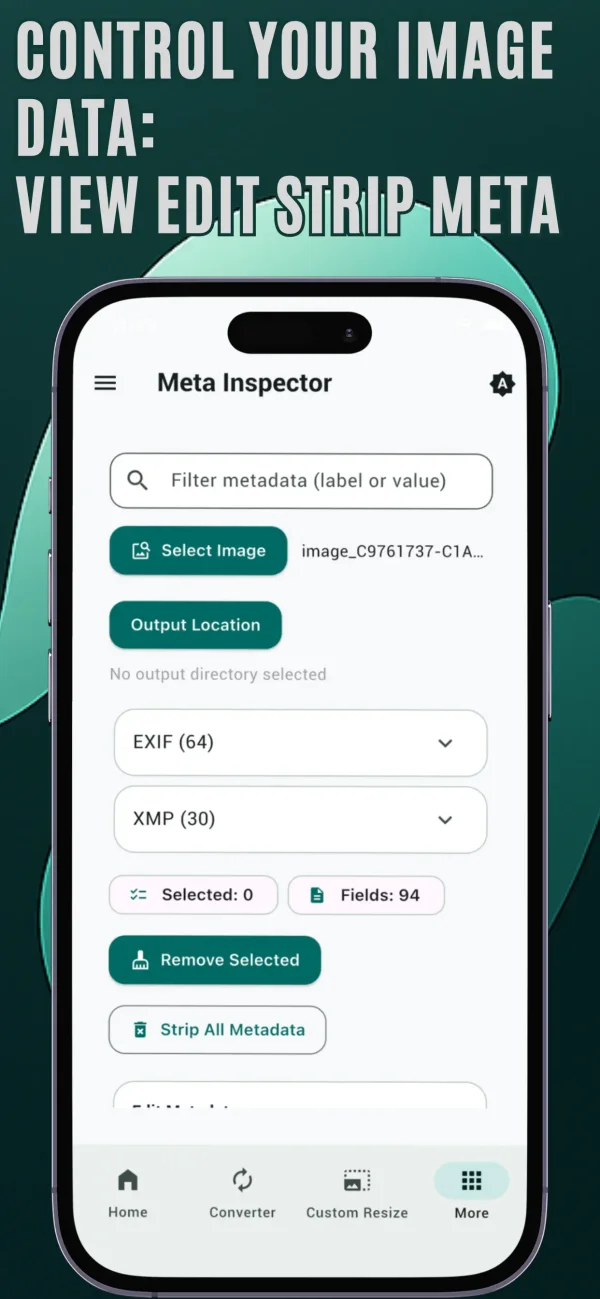
Review EXIF, IPTC, XMP, ICC, and general metadata fields. Remove selected fields or strip everything entirely. Edit orientation, timestamps, and author fields, then export a sanitized copy.
• Packaging
Bundle outputs into a ZIP archive when needed. This simplifies handoff for teams and asset delivery across projects.
• Designed for clarity
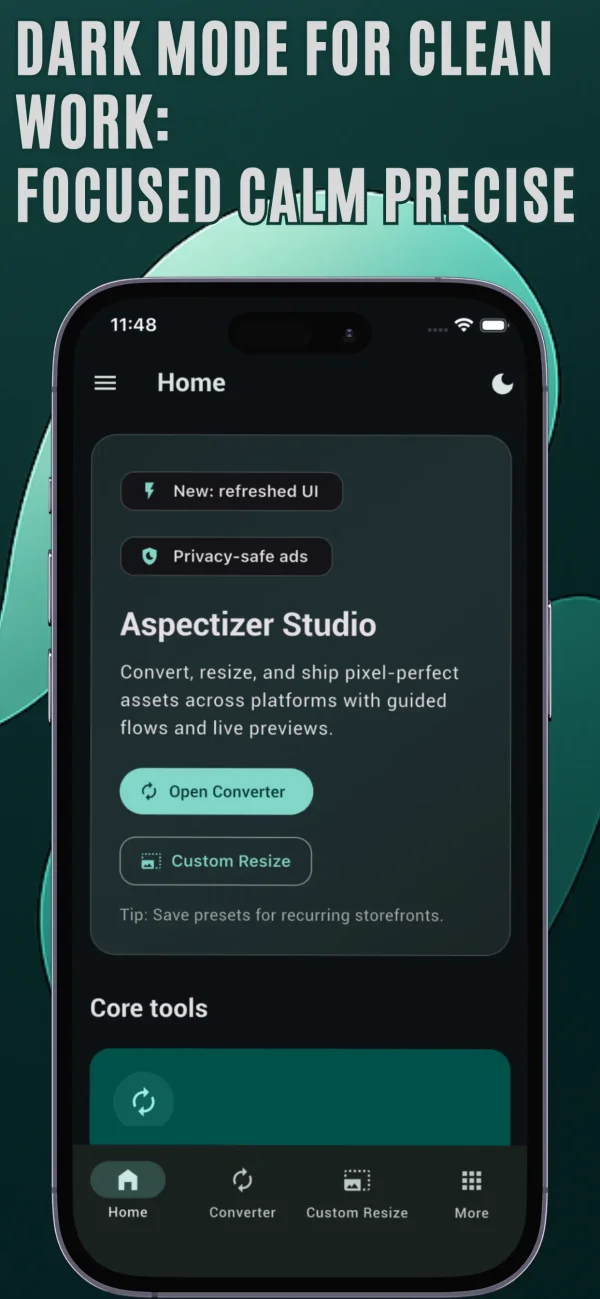
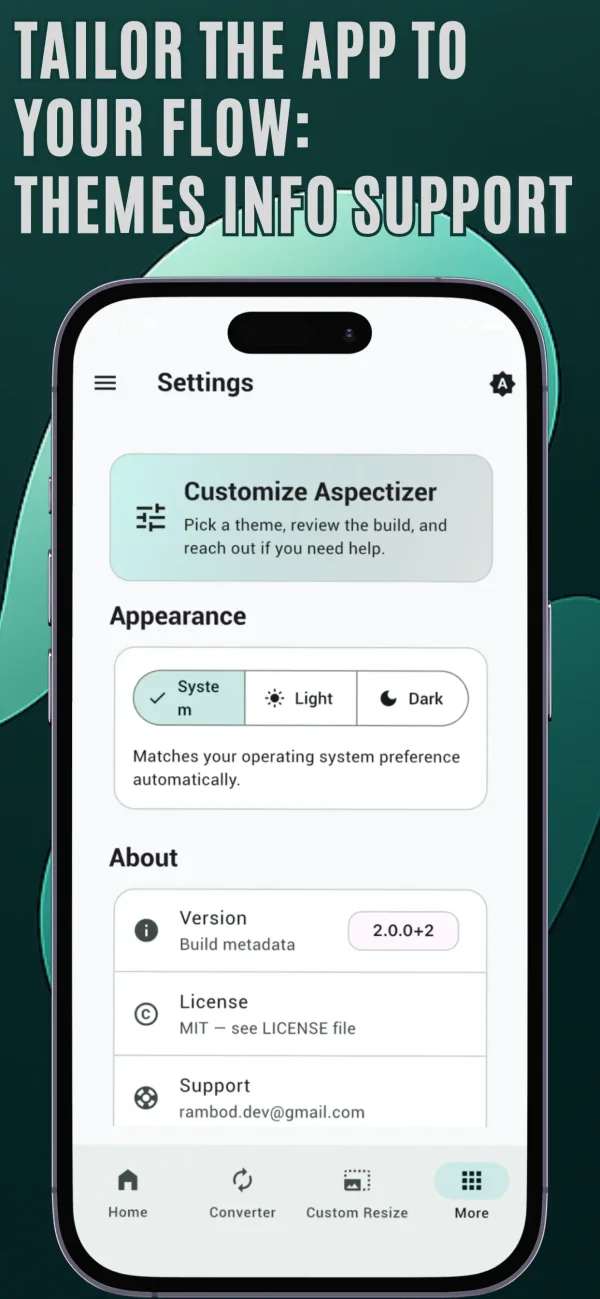
The interface uses drag-and-drop, validation chips, previews, and adaptive layouts to make the process predictable and efficient. Light, dark, and system themes are supported.
Privacy and data handling
• No analytics, tracking frameworks, or identifiers
• Image processing occurs fully on-device
• Network access is used only for non-personalized advertising
• No personal data is collected or stored
Aspectizer streamlines asset preparation for design, development, publishing, and creative pipelines. Drop in an image, choose your targets, generate your assets, and keep your workflow fast, clean, and consistent.
What’s new
Version 2.0.3 · Feb 24, 2026
This update improves conversion reliability and output handling:
• Fixed export failures that could occur when selected output folders were not writable.
• Added smarter output directory handling with automatic fallback to a writable app folder.
• Improved folder selection validation and recovery for invalid/unwritable locations.
• Updated error feedback so permission/path problems are clearer and easier to resolve.
• Refined in-app ad area presentation to improve layout clarity and reduce accidental interaction risk.
• General stability and user experience improvements across conversion workflows.
App privacy
What Rambod ghashghaiabdi declares on the App Store about how this app handles data.
-
Data not collected
The developer does not collect any data from this app.
Privacy practices may vary, for example with the features you use or your age.
Information
- Seller
- Rambod ghashghaiabdi
- Category
- Developer Tools
- Version
- 2.0.3
- Updated
- Feb 24, 2026
- Released
- Nov 23, 2025
- Size
- 31.3 MB
- Requires
- iOS 13.0 or later
- Age rating
- 17+
- Price
- Free
- Languages
- English
- Copyright
- © Rambod Ghashghai
You might also like
-
 Wireless DebugWireless Debug&Shell Terminal
-
 Picasso App Screenshot StudioDesign mockups for App Store
-
 Termix - Remote AccessSSH & Remote Desktop Manager
-
 Vibe Code: AI Code GeneratorAI Coding Assistant
-
 Tutorials for iOS programmingAnytime anywhere easy to learn
-
 Git client - Working Copyfor GitHub and self-hosted