
- Age rating4+
- CategoryProductivity
- DeveloperQuentin Le Rouzic
- LanguagesEnglish+ 7 more
- Size20.3 MB
Links to the official App Store page
Download.org hosts no file of Asphalos. The button opens its official App Store page, published by Quentin Le Rouzic. Listing last checked on Nov 21, 2026.
Screenshots

About
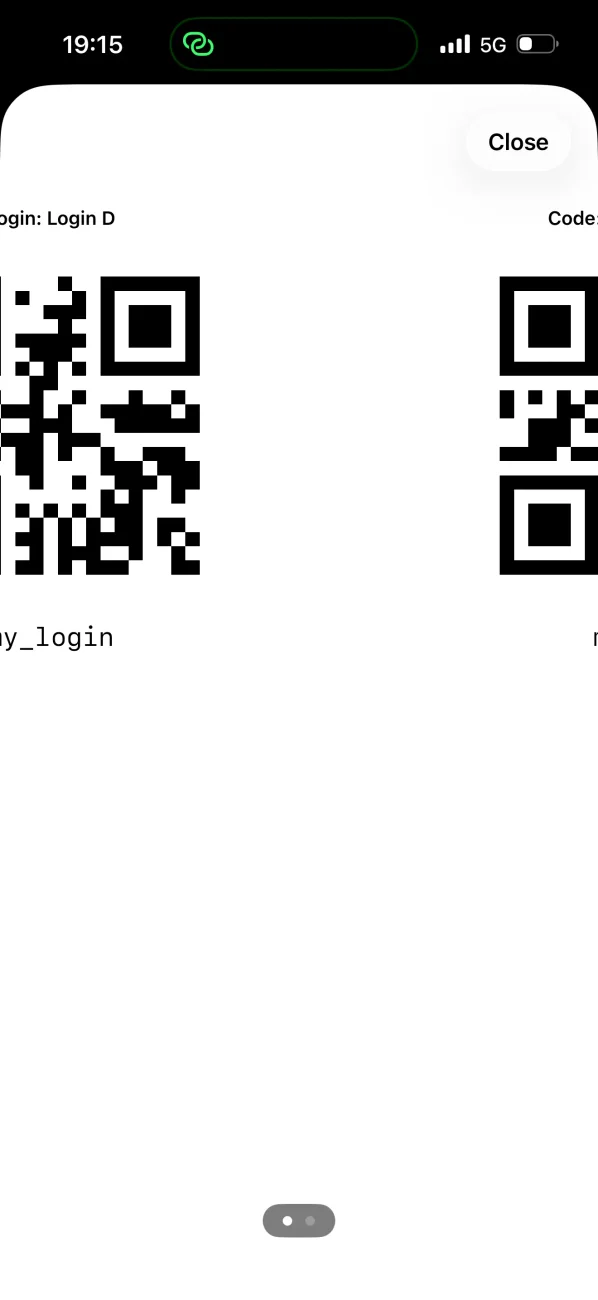
Asphalos turns your access codes into sharp QR codes or Code128 barcodes, ready to scan — on a job site, an industrial facility, a checkpoint, or in everyday life (gym, locker, checkout).
WHY ASPHALOS
On the field, some codes are permanent — a site badge, a technician ID — while others change weekly — a temporary access code, an intervention code. Asphalos handles both: link a permanent login to its short-lived codes, give each one its own expiry rule, and let the app clean up what's no longer valid automatically.
BUILT FOR QUICK ACCESS
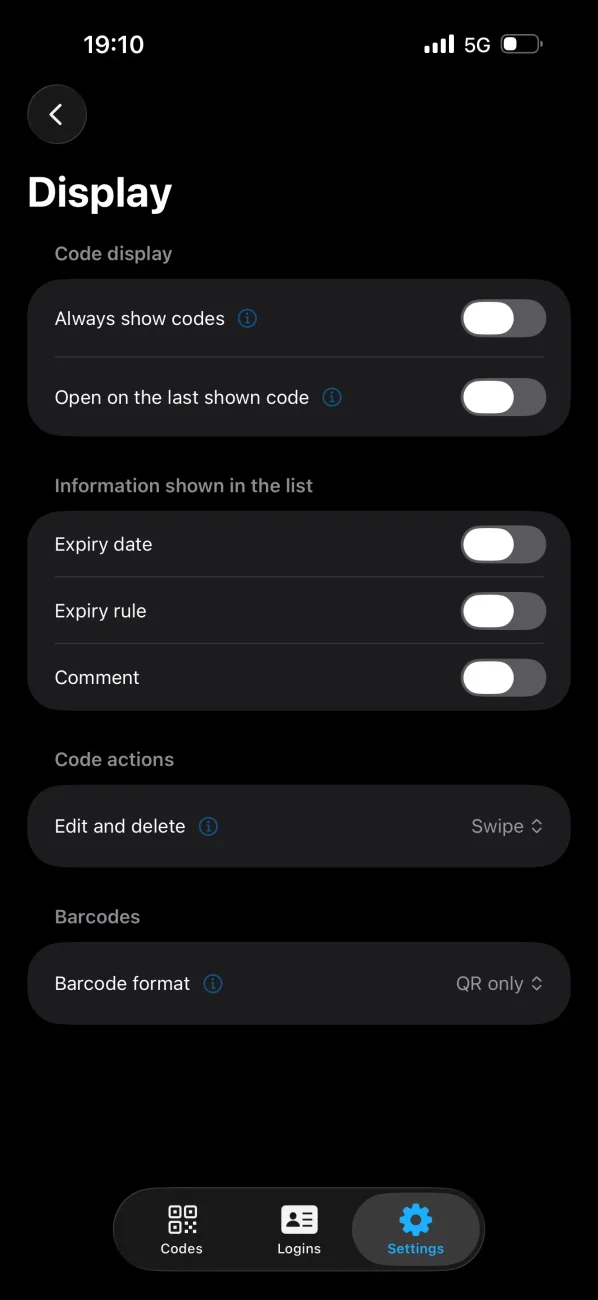
- Display any code full-screen, as QR or Code128, readable by any scanning terminal
- The screen stays on while a barcode is displayed — present it as long as you need
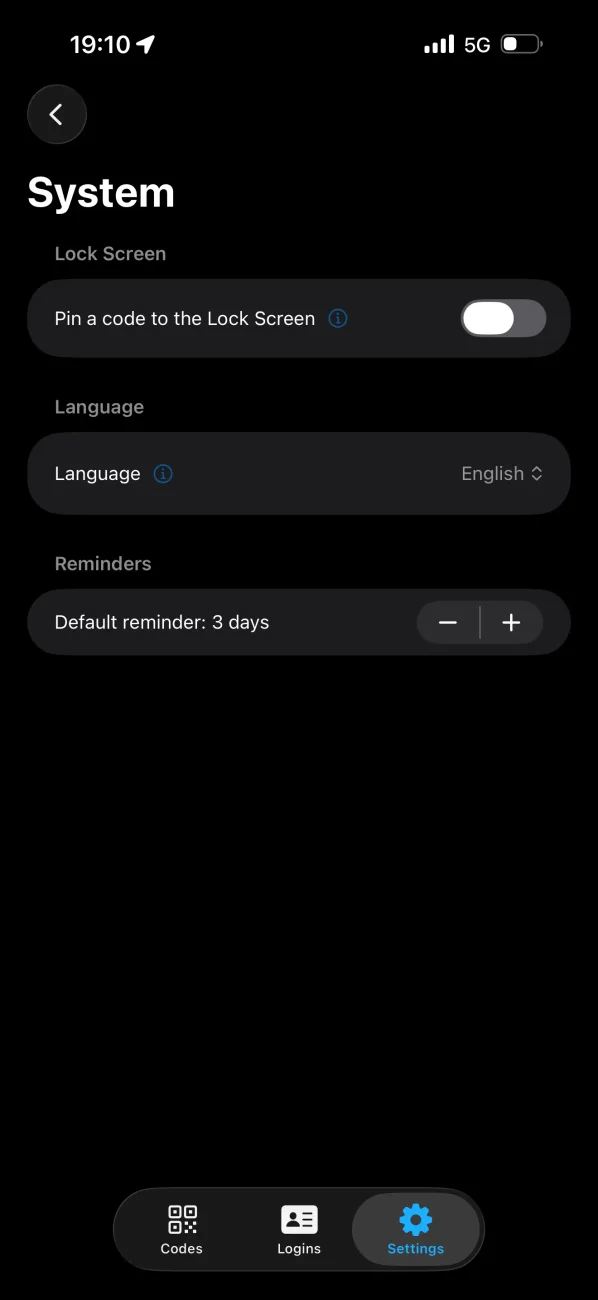
- Pin a code to the lock screen for instant access without unlocking, time-limited with a clear on-screen warning
- Quick actions from the app icon open your most-used codes in one tap
- Multi-column layout and keyboard shortcuts on iPad, for efficient management even in a mobile field setup
ORGANIZE YOUR WAY
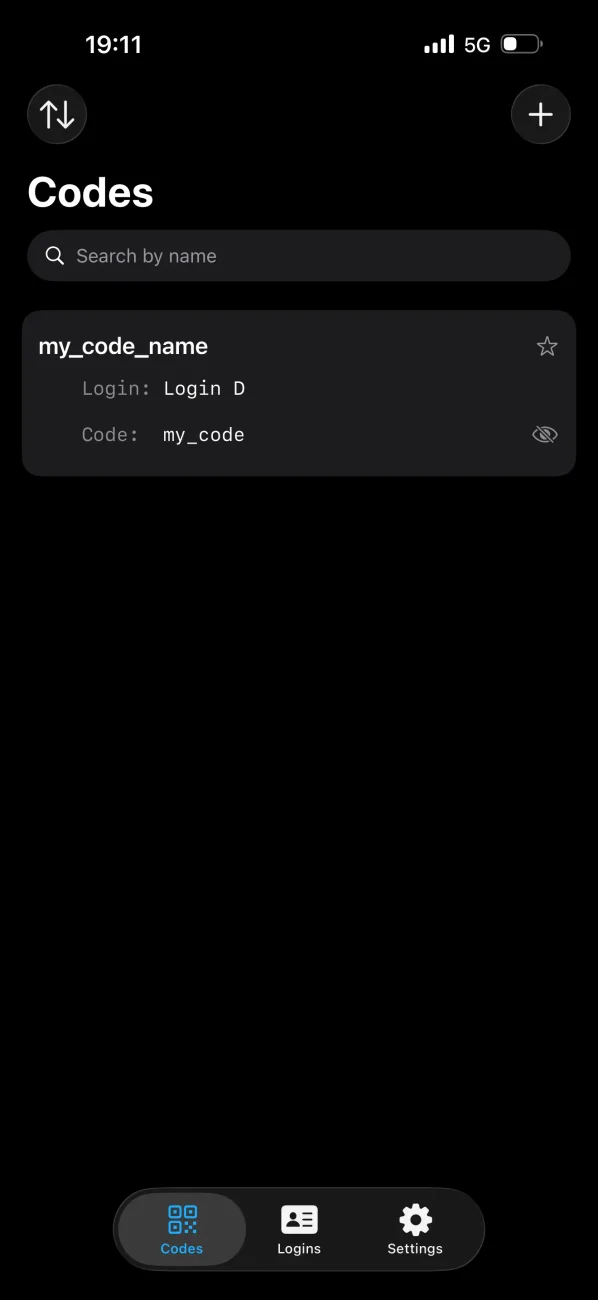
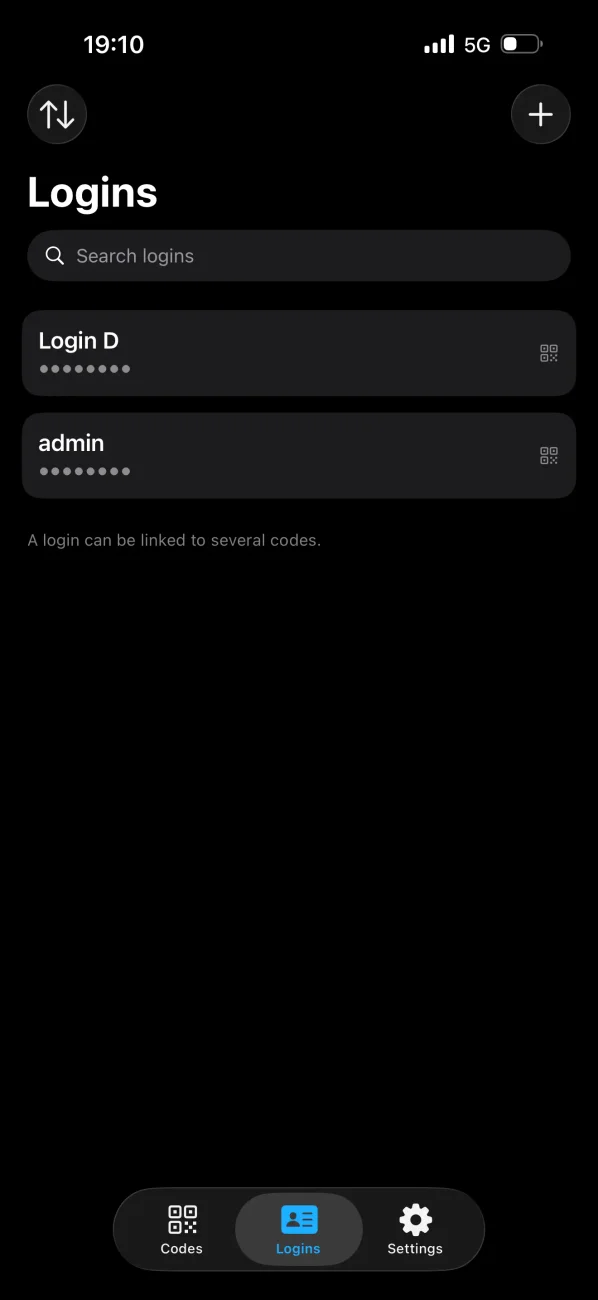
- Logins and codes, linked: attach a permanent ID to its temporary codes, scan both in sequence
- Names, tags, and comments (with tappable links) to document each access
- Favorites, search, sort, and manual reordering
FLEXIBLE EXPIRY
Never, after a number of days, a recurring weekday, a day of the month, or a fixed date — your temporary access disappears on its own, with no risk of forgetting or leaving a stale code around.
FIELD-GRADE PRIVACY AND SECURITY
Zero network, zero cloud, zero account. Everything is stored in your device's Keychain, optionally protected by Face ID or Touch ID, and automatically hidden during screen recording or mirroring. Built for environments where access confidentiality matters.
Just as at home for everyday use — gym membership, locker, loyalty card — as it is for professional fieldwork.
What’s new
Version 1.8.0 · Oct 10, 2026
Changed
- Asphalos now requires iOS 26 or later. Devices on iOS 17 or 18 keep the last
version they received; they no longer get updates.
- On iPad the sidebar and the full-width barcode sheet are always on, instead of
depending on the iPadOS version.
Added
- On a device managed by an organisation, Asphalos can now be required to ask for
Face ID, Touch ID or the device passcode every time it opens. Nothing changes on
a personal device: the lock stays off unless you turn it on in Settings.
- Expired codes no longer disappear. The card stays, with its name, tag, associated
login and comment (so a renewal link stays reachable) — only the code value is
removed, and the card shows an "Expired" badge instead of the countdown. Edit the
card to enter a new value and renew it.
App privacy
What Quentin Le Rouzic declares on the App Store about how this app handles data.
-
Data not collected
The developer does not collect any data from this app.
Privacy practices may vary, for example with the features you use or your age.
Information
- Seller
- Quentin Le Rouzic
- Category
- Productivity
- Version
- 1.8.0
- Updated
- Oct 10, 2026
- Released
- Aug 4, 2026
- Size
- 20.3 MB
- Requires
- iOS 26.0 or later
- Age rating
- 4+
- Price
- Free
- Languages
- English, Dutch, French, German, Italian, Japanese, Portuguese, Spanish
- Copyright
- © 2026 Quentin Le Rouzic
You might also like
-
 QIAsphereProductivity
-
 Quipu for VikunjaKeyboard-first Vikunja client
-
 Halo - Personal AIPrivacy-First AI Assistant
-
 PlanoriAI Plans & Tasks Tracker
-
 Curbside WasteProductivity
-
 Be Focused Pro - Focus TimerWork & Study Pomodoro Timer
-
 GenMail: AI Email AssistantWork inbox & calendar, handled
-
 Foxit eSignProductivity
-
 SoWeSoft TrainerManage my learners’ attendance
-
 DYMO® LabelManager® ConnectProductivity