
- Age rating4+
- CategoryNavigation
- DeveloperROBIN PHILIP SPEICHERMANN
- LanguagesEnglish+ 1 more
- Size3.3 MB
Links to the official App Store page
Download.org hosts no file of AsphaltTimer. The button opens its official App Store page, published by ROBIN PHILIP SPEICHERMANN. Listing last checked on Nov 17, 2026.
Screenshots
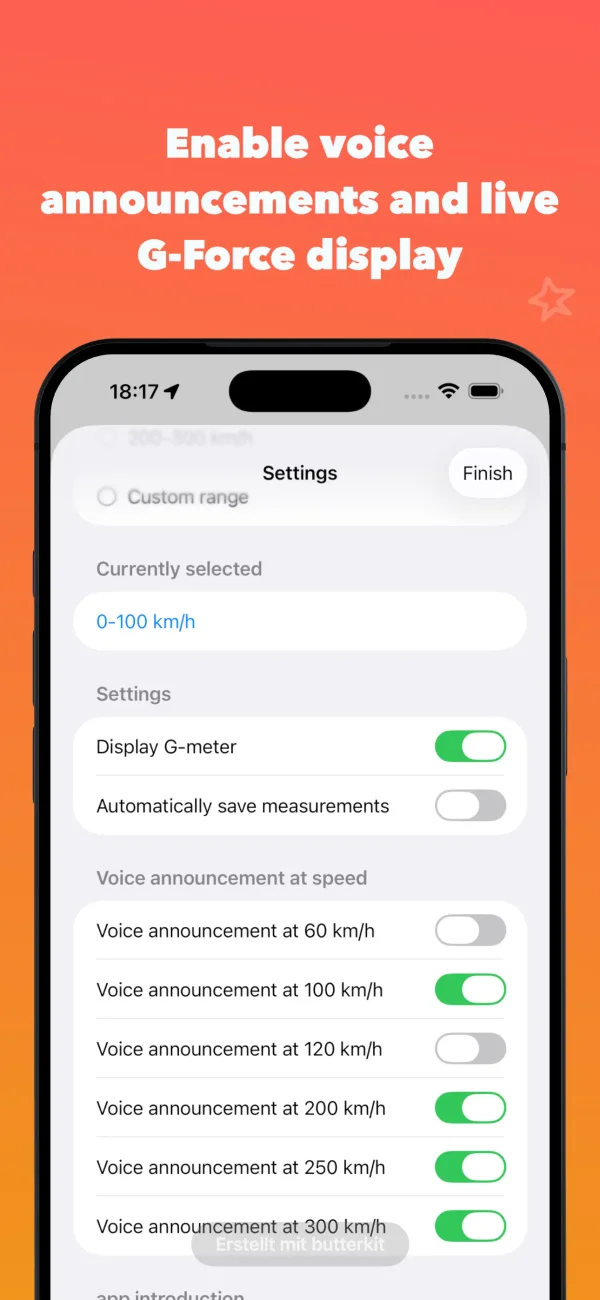
About
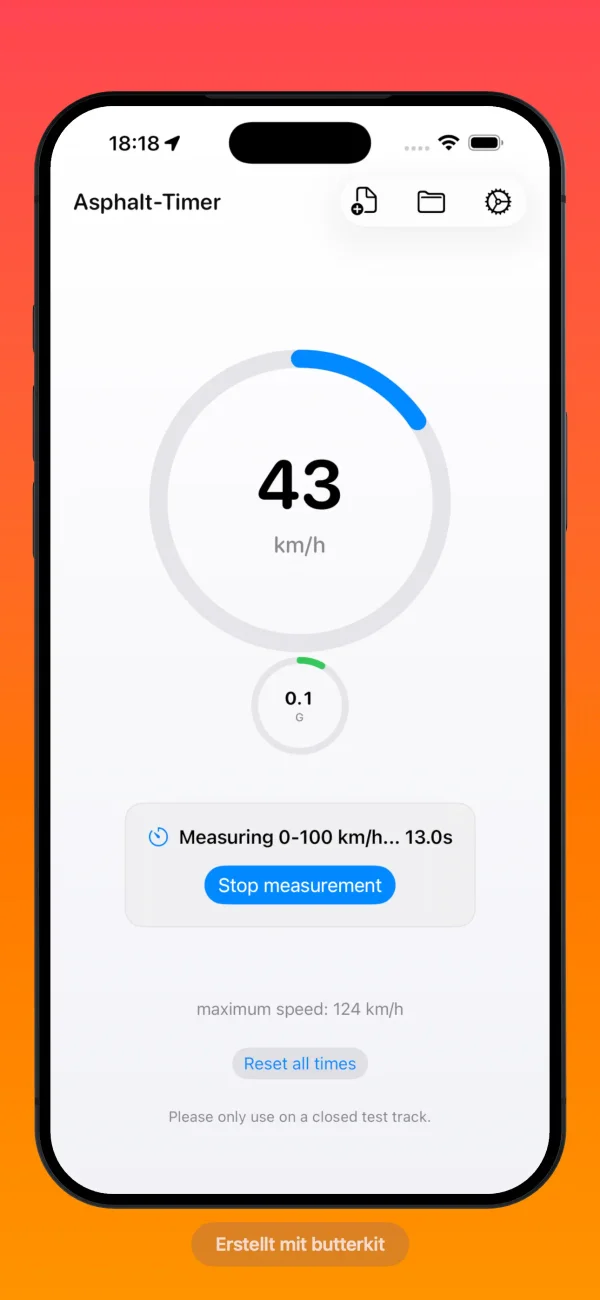
AsphaltTimer measures how fast your vehicle accelerates – using GPS, right on your iPhone.
Pick a speed range (0–100, 100–200, 200–250, 200–300 km/h or a custom range), tap Start and go. The timer starts automatically when you pass the lower speed and stops at the upper one.
COCKPIT
• Motorsport-style speedometer with segment display
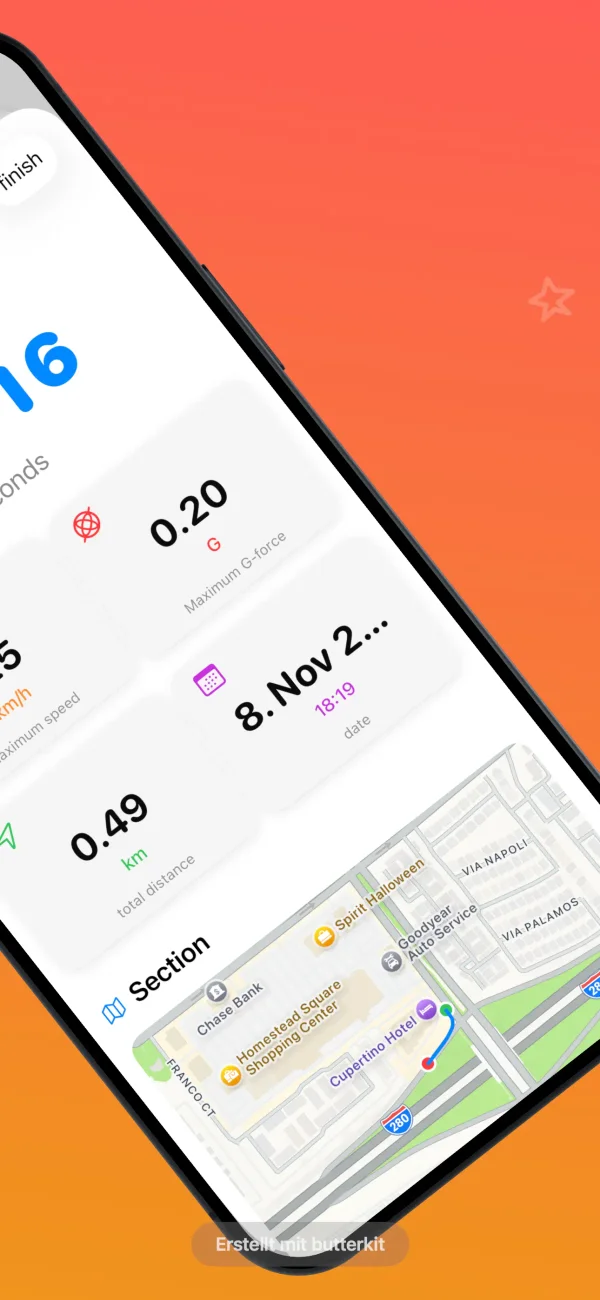
• Top speed, G-force and distance
• Optional countdown before the start
• Portrait and landscape
• Haptic feedback at start, split times and finish
• Spoken announcements for speed marks (with VoiceOver on, VoiceOver handles the announcements)
MEASURE
• Preset and custom ranges, several ranges in a single run
• Braking test with time and braking distance
• Optional weather data for each run (Apple Weather)
• Altitude correction data is stored with the run
• km/h or mph
VIDEO
• Film your run with the camera – speed and time are burned into the video as an overlay
• With or without engine sound
RUNS & STATISTICS
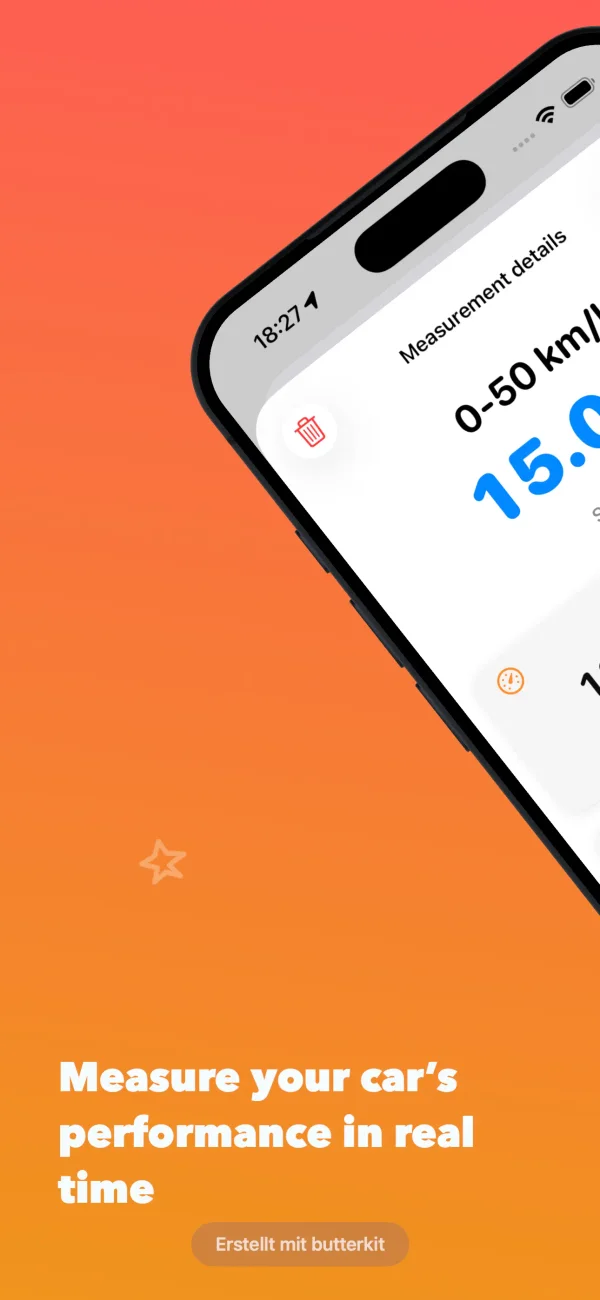
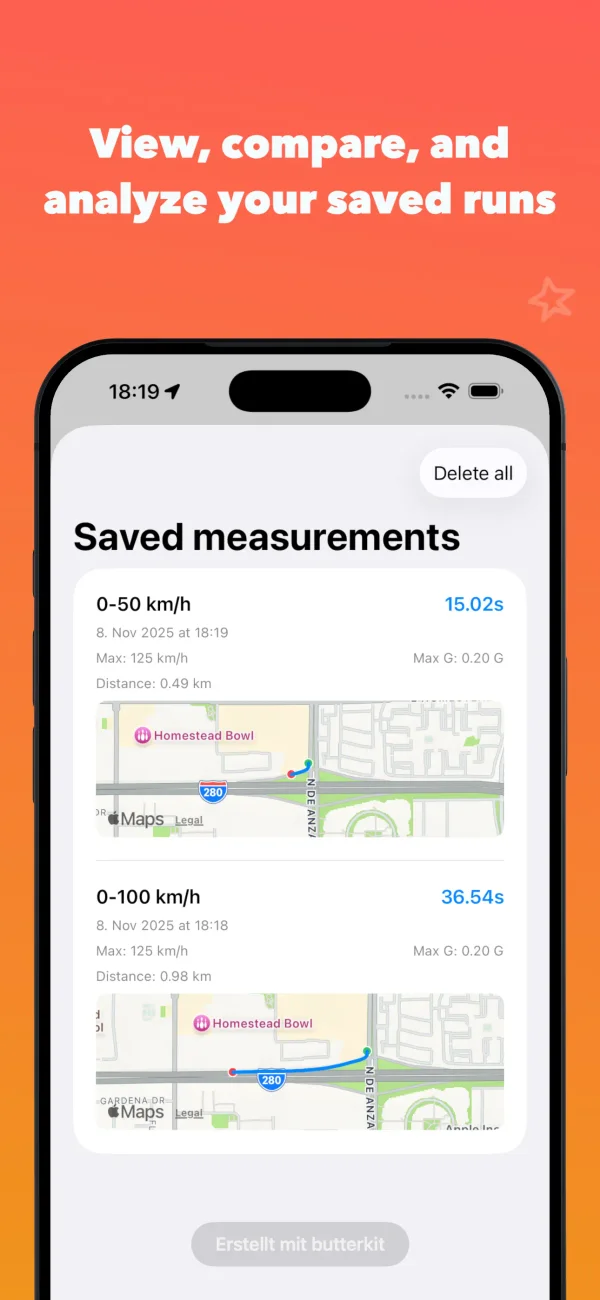
• Every run with route map, speed curve and charts
• Personal bests per range
• Compare runs, add names and tags, search
• Statistics across all your drives
SHARE & EXPORT
• Share result cards as images
• Share a run with a photo of your car: as Story (9:16), Post (4:5) or square, optionally with the car cut out – processed on your device
• Export as text, CSV and GPX
DESIGN & USABILITY
• New "Redline" design in light and dark
• VoiceOver support
• German and English
IMPORTANT
Use AsphaltTimer only on closed courses or private tracks and always obey traffic laws. Never drive distracted and do not let the app distract you. Timing is meant for fun and comparing your runs, not for competitions or record claims.
PRIVACY
Your runs, videos and settings stay on your device. AsphaltTimer has no account, no tracking and no ads.
GPS measurement requires a device with GPS (iPhone).
Terms of Use (EULA): https://www.apple.com/legal/internet-services/itunes/dev/stdeula/
Privacy Policy: https://asphalttimer.speichermann.org/en/privacy/
What’s new
Version 2.0 · Oct 28, 2026
AsphaltTimer 2.0 has been completely redesigned.
• New "Redline" design with segment dial, light and dark
• Landscape cockpit
• Haptic feedback at start, split times and finish
• Improved VoiceOver support
• Now available in German and English
• New: share a run with a photo of your car (Story, Post, square), optionally with the car cut out
• Redesigned share cards, video overlay and settings
• New first-launch introduction
• General stability and display improvements
App privacy
What ROBIN PHILIP SPEICHERMANN declares on the App Store about how this app handles data.
-
Data not collected
The developer does not collect any data from this app.
Privacy practices may vary, for example with the features you use or your age.
Information
- Seller
- ROBIN PHILIP SPEICHERMANN
- Category
- Navigation
- Version
- 2.0
- Updated
- Oct 28, 2026
- Released
- Aug 26, 2025
- Size
- 3.3 MB
- Requires
- iOS 18.1 or later
- Age rating
- 4+
- Price
- Free
- Languages
- English, German
- Copyright
- © 2026 Robin Speichermann
You might also like
-
 SpeedGPS - Drive & MeasureGPS Tracking & Speedometer
-
 0-60 Drag Race Timer: GPS1/4 mile, trap speed, G-force
-
 MultiEventRecorder2Functional Vehicle Camera
-
 HypeSIM: eSIM for TravelInstant Mobile Access.
-
 DriveIQ: GPS Speed TrackerLeaderboards, Stats & Records
-
 Master-TripYour ultimate trip-master
-
 GTrace - G-Meter & LoggerG-force traces for track days
-
 urbnways FahrerTravel
-
 Simple Trip MeterTrip distance & speedometer
-
 Sky Tracker PlusA Smart Vehicle Security App