
- Age rating4+
- CategoryMusic
- DeveloperHare Tech Inc
- Size7.9 MB
Links to the official App Store page
Download.org hosts no file of ASR-V Remote. The button opens its official App Store page, published by Hare Tech Inc. Listing last checked on Nov 12, 2026.
Screenshots



About
ASR-V Remote turns your iPad into a wireless control surface for the
ASR-V desktop sampler. Tap, slide, and record from across the room —
no MIDI cables, no setup, no extra hardware.
Built for producers using the ASR-V from Hare Tech, this is the
companion remote that gives you hands-on control without leaving
your seat.
WIRELESS BLUETOOTH MIDI
Connect your iPad to your Mac via Bluetooth MIDI in under 30 seconds.
No WiFi setup, no router, no IP addresses to remember. The pairing is
handled by macOS Audio MIDI Setup — once paired, it stays connected.
FULL CONTROL SURFACE
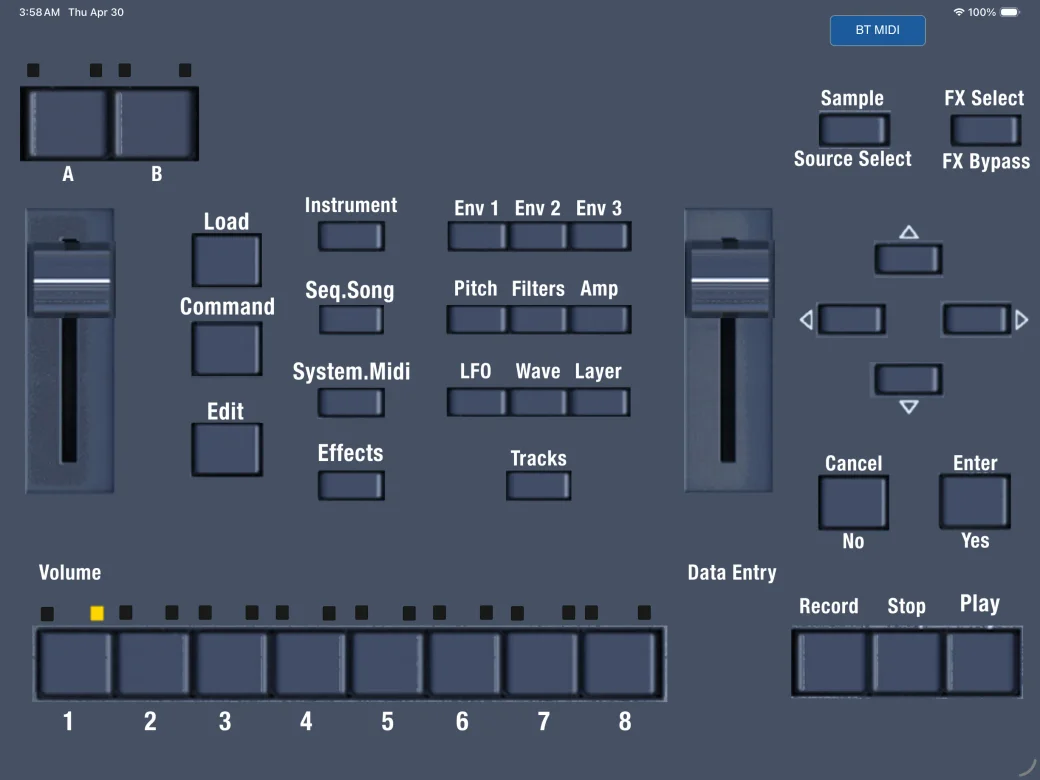
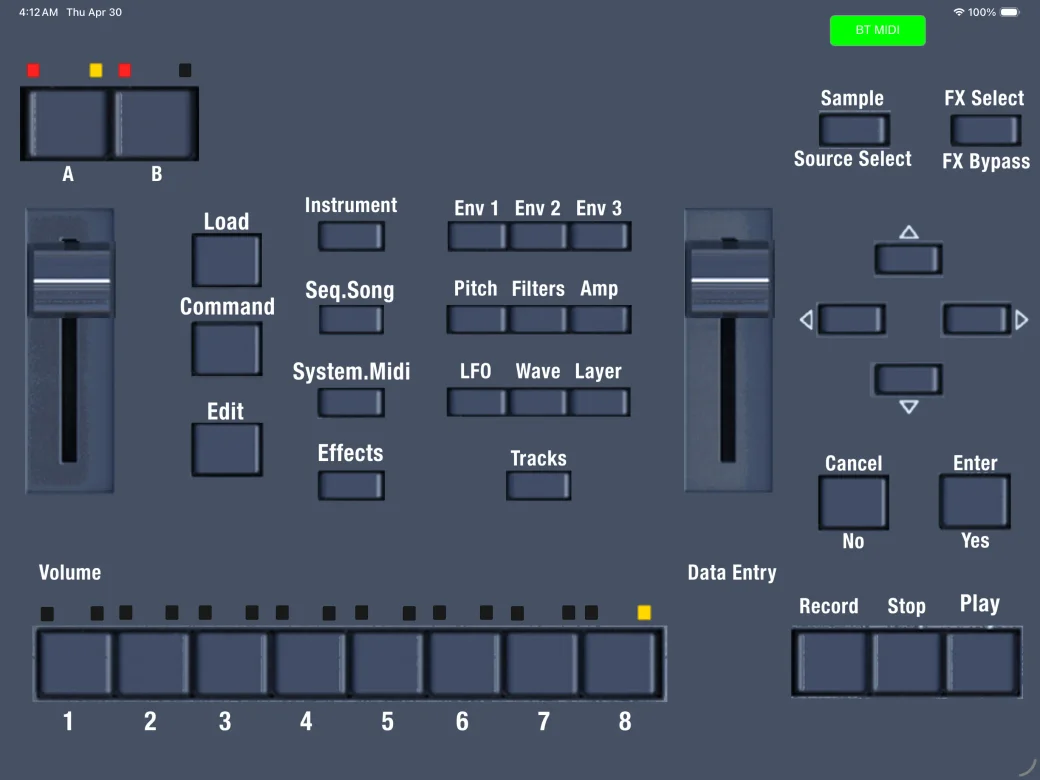
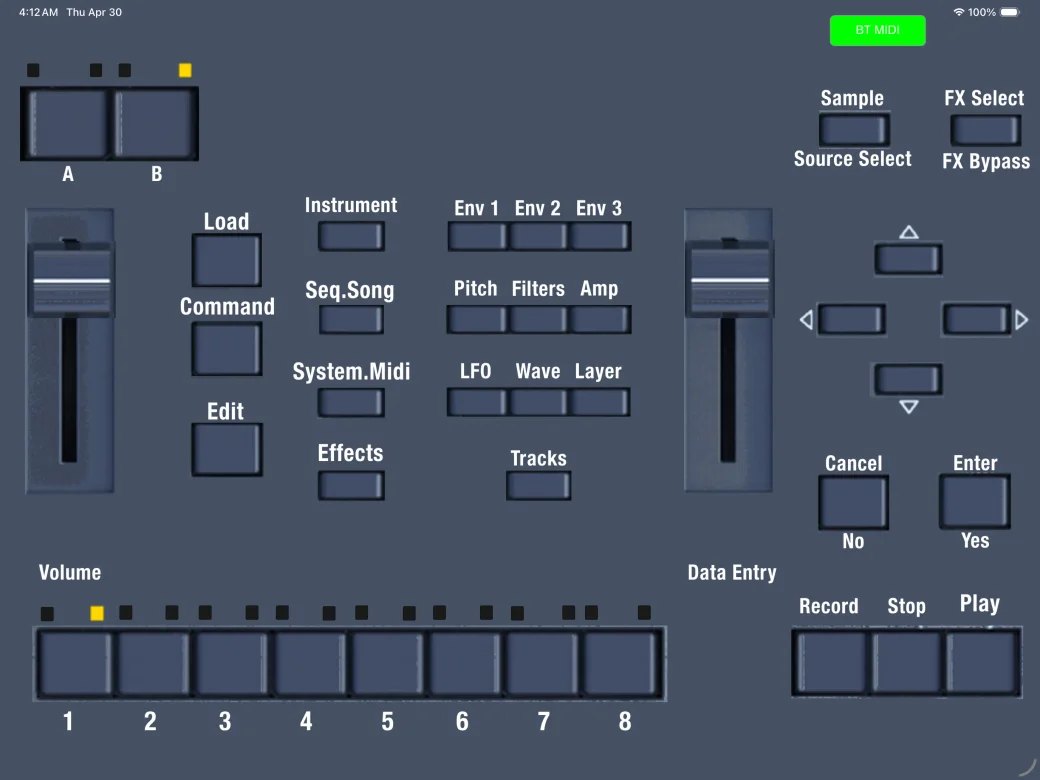
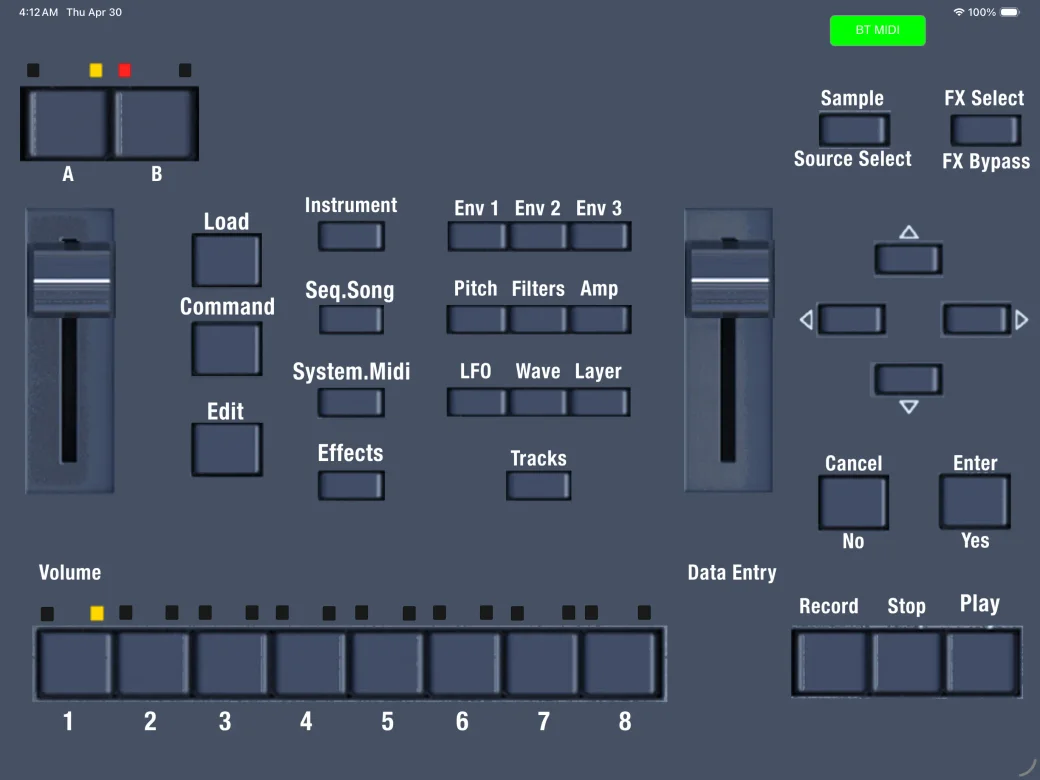
Every button on the ASR-V's front panel is here:
• Mode buttons — Load, Command, Edit
• Page selectors — Instrument, Seq.Song, System.MIDI, Effects
• Parameter access — Env 1/2/3, Pitch, Filters, Amp, LFO, Wave, Layer, Track
• Sample, FX Select, Cancel, Enter
• Navigation — Up, Down, Left, Right
• Transport — Record, Stop, Play
• Track Select 1–8
• Audio Track A / B with monitor toggle
• Volume + Data Entry faders
REAL-TIME STATE MIRROR
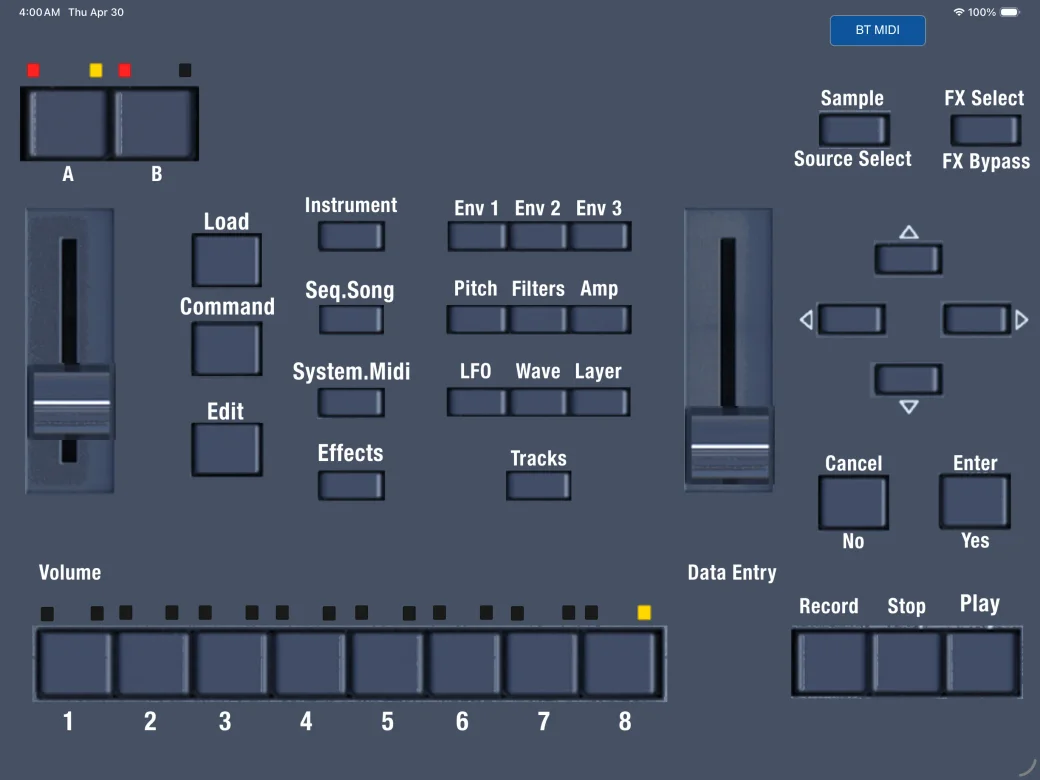
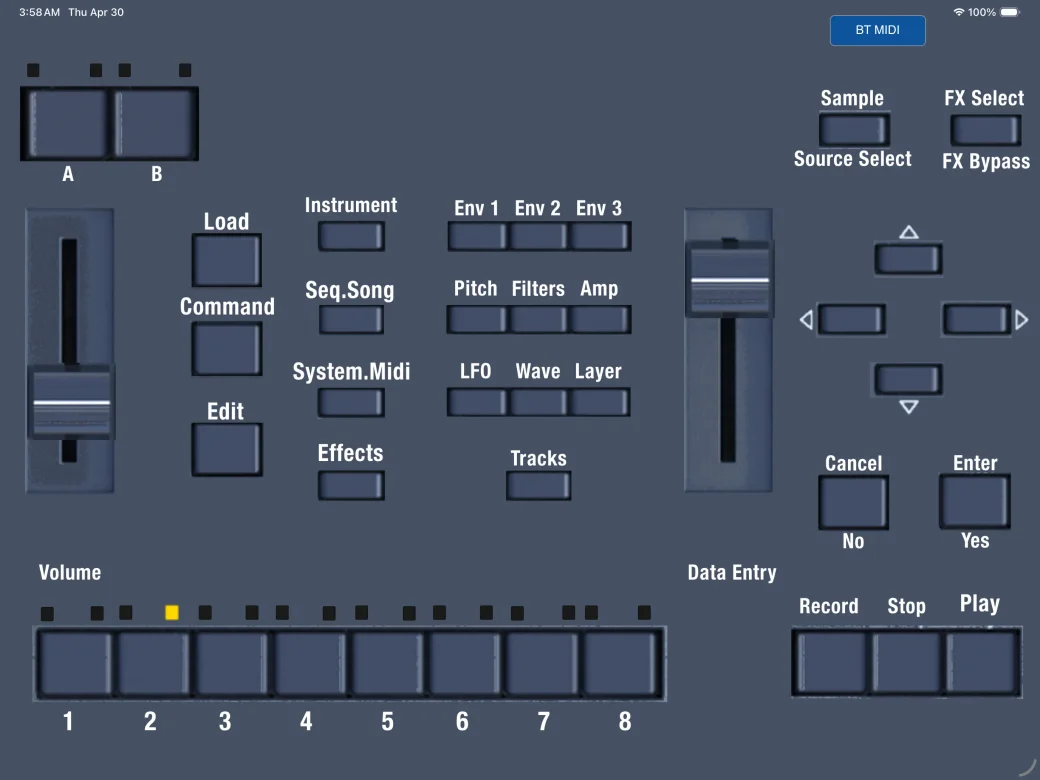
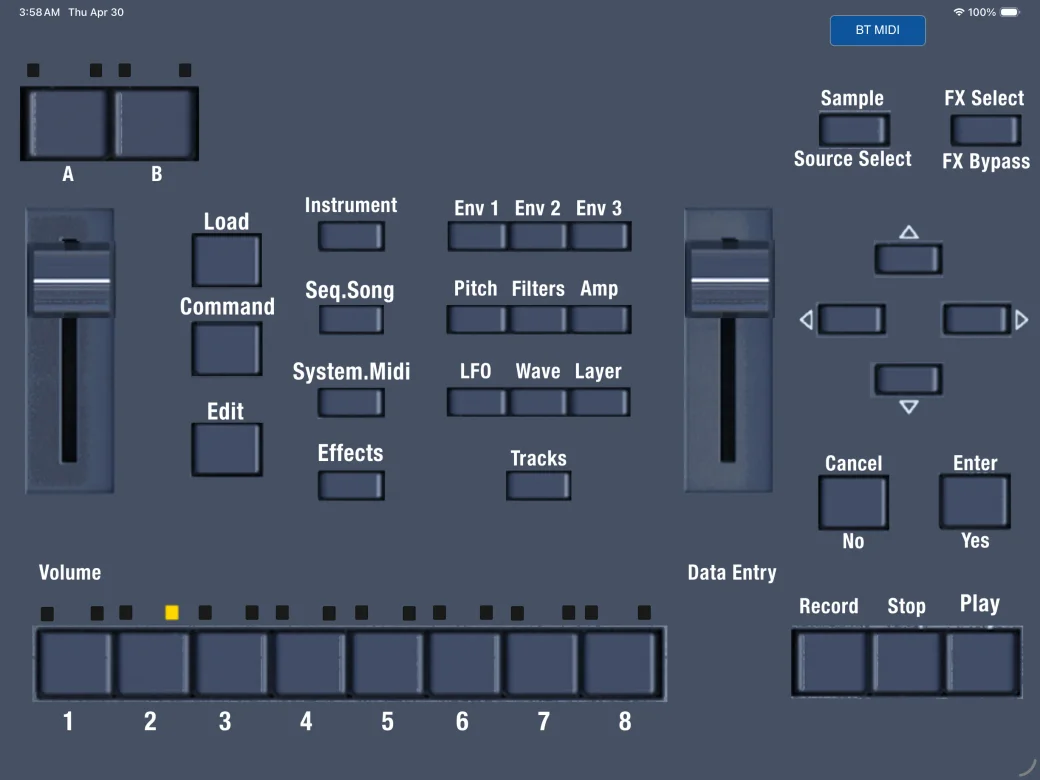
The LEDs on your iPad mirror the ASR-V desktop in real time. Selected
track? Lit. Loaded instruments? Visible. Audio routing on Track A or B?
Reflected back to you — including flashing states for chord ownership.
Whether you change something on the iPad or click directly on the desktop
UI, both sides stay in sync over BLE MIDI.
DESIGNED FOR LANDSCAPE iPAD
Optimized for the 9.7"+ iPad in landscape orientation. The control
surface mirrors the layout of the desktop ASR-V so muscle memory
transfers instantly.
PRIVACY-FIRST
ASR-V Remote does not collect, store, or transmit any personal data. No
analytics. No tracking. No accounts. The only network request the app
makes is to fetch a small JSON file with optional product news from
Hare Tech — and even that is optional and dismissible.
REQUIREMENTS
• iPadOS 15 or later
• iPad with Bluetooth 4.0+
• The ASR-V desktop application on Mac (available separately at
asr-v.com)
• Both devices on the same Bluetooth pairing
GET STARTED
1. Install ASR-V Remote on your iPad
2. Open the app and tap the BT MIDI button (top-right)
3. On your Mac: Audio MIDI Setup → Window → Bluetooth Configuration
4. Click Connect next to "ASR-V Remote"
5. Launch the ASR-V desktop app — your iPad is now a remote control surface
ABOUT HARE TECH
Hare Tech makes modern audio production tools and sample libraries.
Visit asr-v.com to learn more about the ASR-V desktop sampler, drum
kits, and the broader Hare Tech product family.
Questions, bugs, or feature requests? Email info@haretechusa.com
App privacy
What Hare Tech Inc declares on the App Store about how this app handles data.
-
Data not collected
The developer does not collect any data from this app.
Privacy practices may vary, for example with the features you use or your age.
Information
- Seller
- HARE TECH INC
- Category
- Music
- Version
- 1.0
- Updated
- May 2, 2026
- Released
- May 2, 2026
- Size
- 7.9 MB
- Requires
- iOS 15.0 or later
- Age rating
- 4+
- Price
- Free
- Copyright
- © 2026 Hare Tech Inc.
You might also like
-
 VU950Music
-
 VU303Phrase Sampler & Beat Maker
-
 eSPiThe Future of the Past is Now
-
 Julienne 2Chop, scratch, warp, export
-
 VU44-7Music
-
 Baethoven 2Melodic MPC Pad Bank Builder
-
 Digital Crate DiggingDigging in the Crates at home
-
 VU StudioMusic
-
 HALion Sonic Play: WorkstationAUv3 Instrument Library & App
-
 AudioPipelineAUv3 Plugins (Send+Receive)