
- Age rating4+
- CategoryBusiness
- DeveloperJeremy Francis
- LanguagesEnglish
- Size42.8 MB
Links to the official App Store page
Download.org hosts no file of AssetCenter. The button opens its official App Store page, published by Jeremy Francis. Listing last checked on Nov 12, 2026.
Screenshots


About
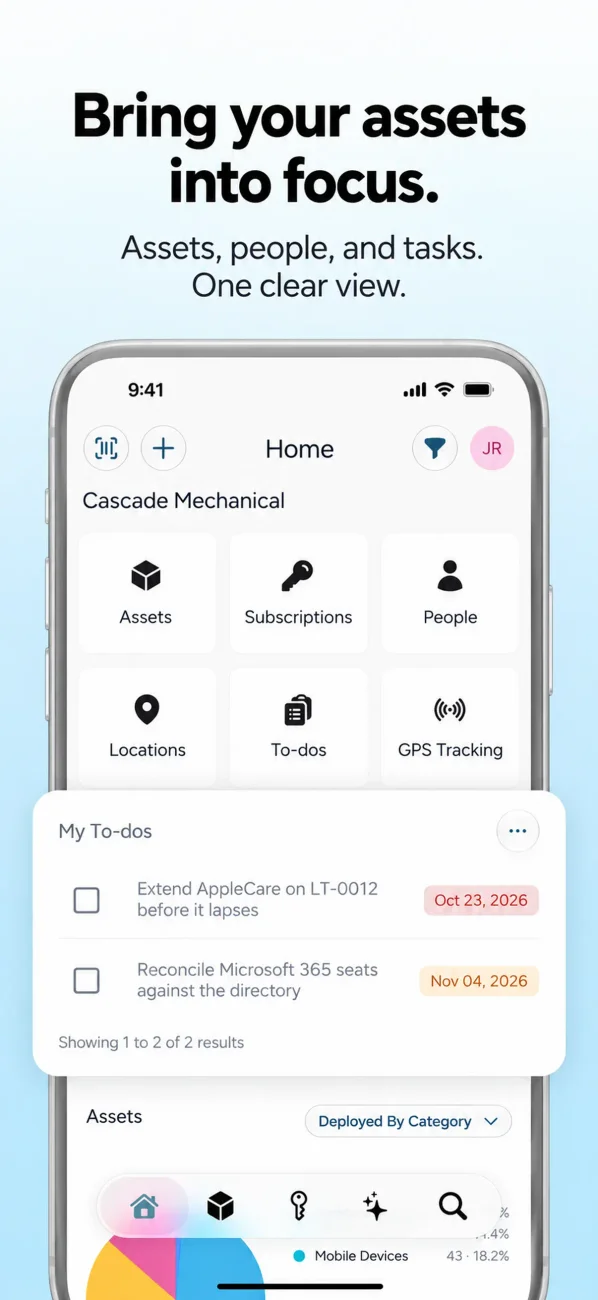
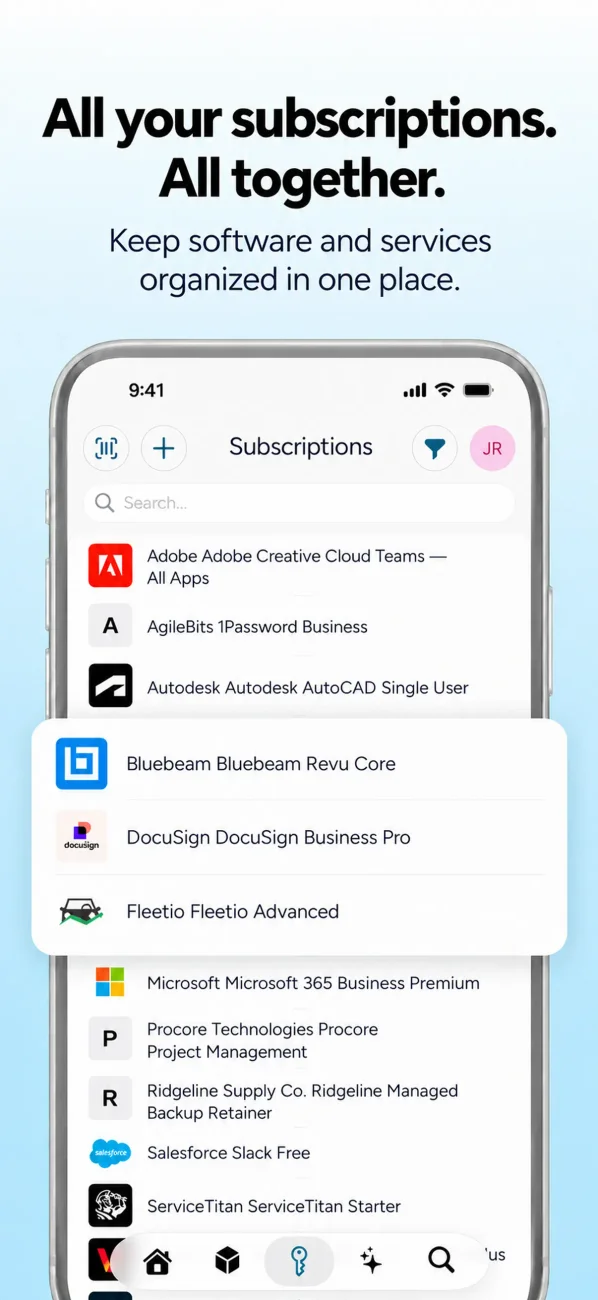
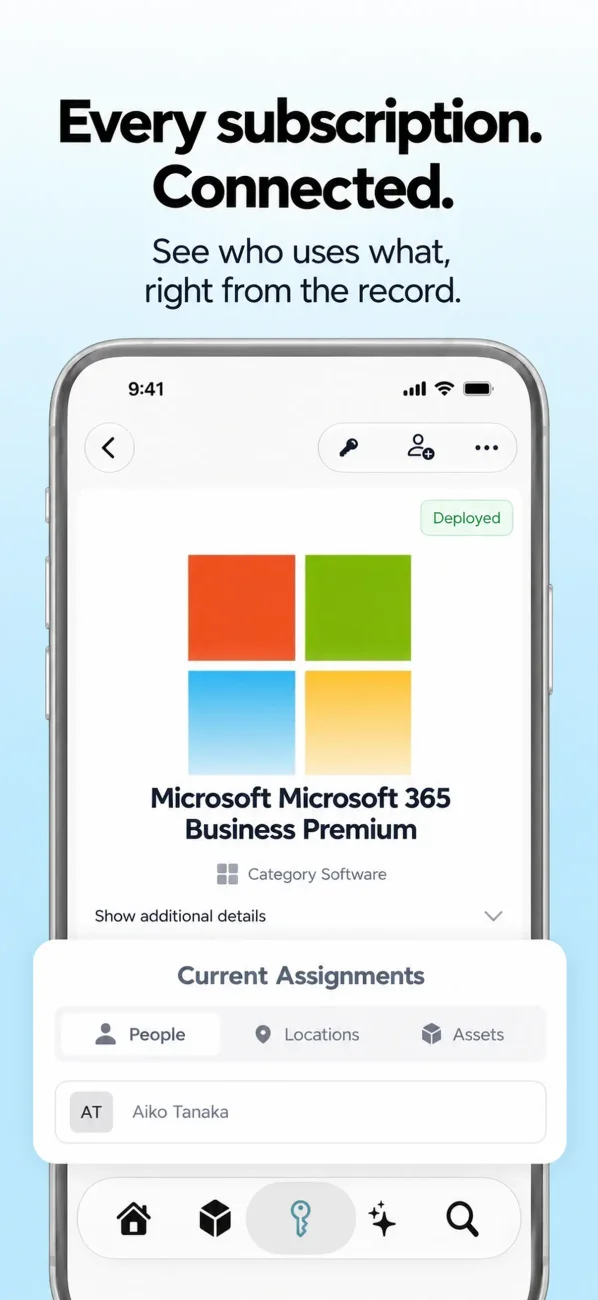
Keep your equipment, people, locations, and subscriptions connected wherever work happens. AssetCenter brings asset records and lifecycle history to your phone so your team can see who has what, where it belongs, and what happened to it.
MANAGE YOUR INVENTORY
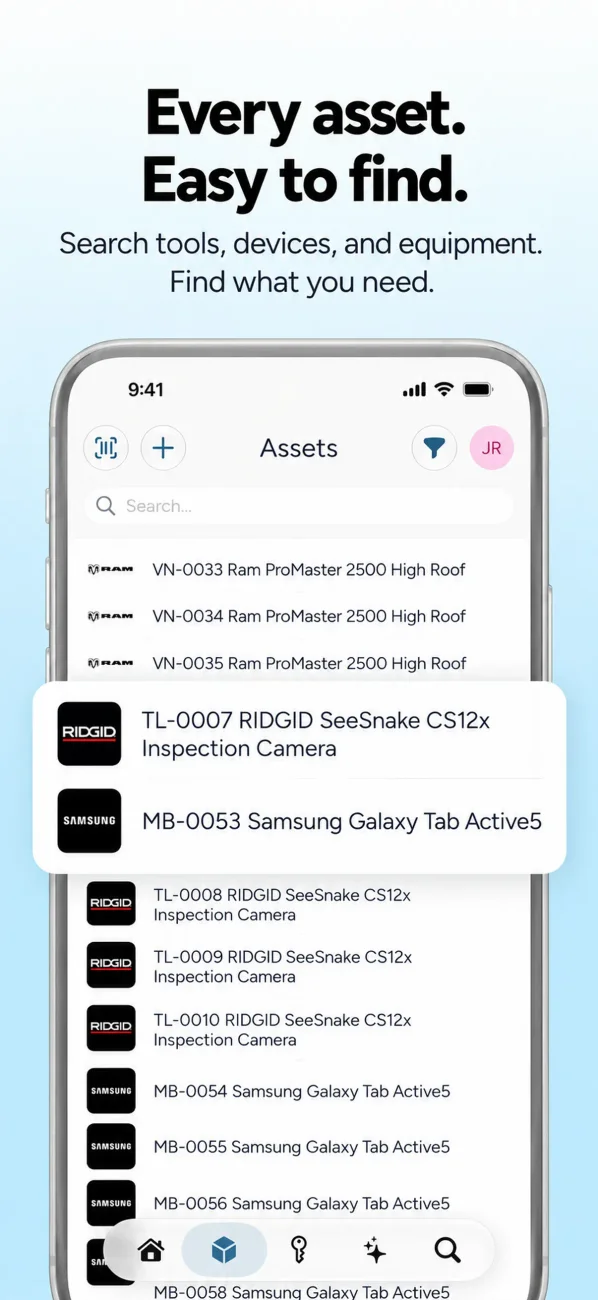
Create and update assets, people, locations, and subscription records. Search your inventory, review assignments, and keep details organized with categories and custom fields.
SCAN AND UPDATE IN THE FIELD
Use your camera to scan asset barcodes and serial numbers. Add photos and documents to support your records.
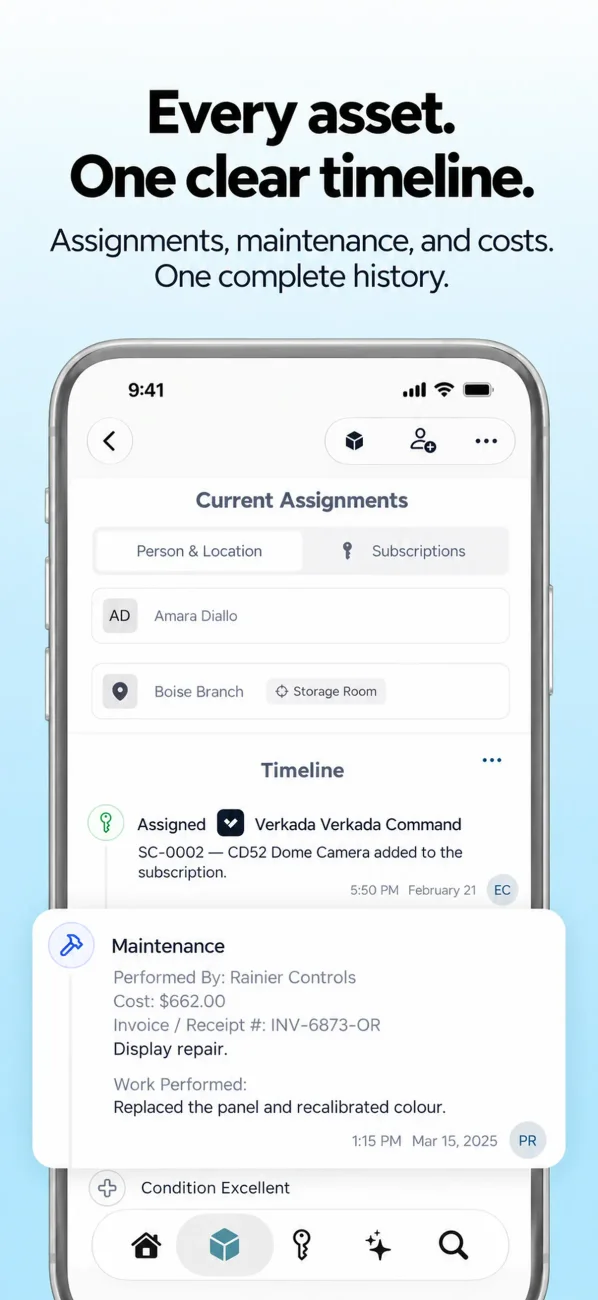
KEEP THE HISTORY WITH THE ASSET
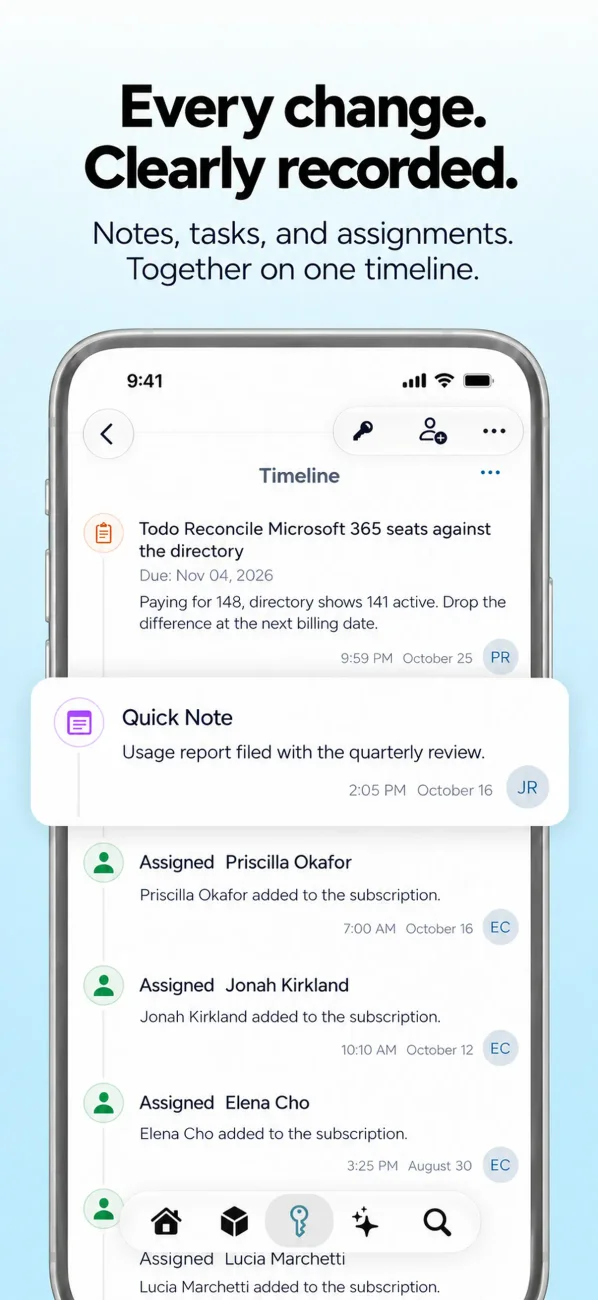
Record assignments, returns, maintenance, repairs, inspections, warranties, costs, and notes. Follow activity on a timeline and manage to-dos for the work ahead.
WORK WITH YOUR TEAM
Switch between your organizations, manage users and settings, and stay informed through in-app notifications. Access follows your organization's permissions.
ASK YOUR ASSET ASSISTANT
Ask questions about your inventory and get help finding relevant records. AI features and other capabilities depend on your organization's plan and permissions.
VIEW CONNECTED GPS TRACKERS
See positions reported by compatible asset trackers and replay their recorded routes. GPS tracking requires compatible trackers and an enabled AssetCenter service.
An AssetCenter account and internet connection are required. Sign in with your existing account or create a free account in the app.
What’s new
Version 1.2.5 · Nov 6, 2026
• Signing in now animates from step to step, and into Home once you're signed in.
• You stay signed in on this device automatically, so the Remember me option is gone. You can see and sign out your devices from Devices in AssetCenter on the web.
• The Log in and Verify buttons are larger and easier to tap.
App privacy
What Jeremy Francis declares on the App Store about how this app handles data.
-
Data linked to you
May be collected and linked to your identity.
- Purchases
- Financial info
- Contact info
- Contacts
- User content
- Identifiers
- Usage data
- Diagnostics
Privacy practices may vary, for example with the features you use or your age.
Information
- Seller
- Jeremy Francis
- Category
- Business
- Version
- 1.2.5
- Updated
- Nov 6, 2026
- Released
- Nov 5, 2026
- Size
- 42.8 MB
- Requires
- iOS 18.2 or later
- Age rating
- 4+
- Price
- Free
- Languages
- English
- Copyright
- © 2026 AssetCenter LLC
You might also like
-
 Personal Expense x AISmarter Expense Tracking AI
-
 Tinda POSTinda Pos
-
 Promptty - AI Prompt ManagerPaste Prompts Anywhere
-
 alameen Mobile Dashboardsالأمين لحلول الأعمال 10
-
 Doubble by SterlingFinance
-
 BDC Tap and TrackFinance
-
 SmartDelta - Stock Market AppFinance
-
 GetEquityBeyond Traditional Investing
-
 RocketlaneProductivity
-
 Figure INDEXContribute & Earn