- Age rating4+
- CategoryHealth & Fitness
- DeveloperIlya Savelyeu
- LanguagesEnglish+ 10 more
- Size3.8 MB
Links to the official App Store page
Download.org hosts no file of Atoll: Screen Time Tracker. The button opens its official App Store page, published by Ilya Savelyeu. Listing last checked on Nov 23, 2026.
Screenshots
About
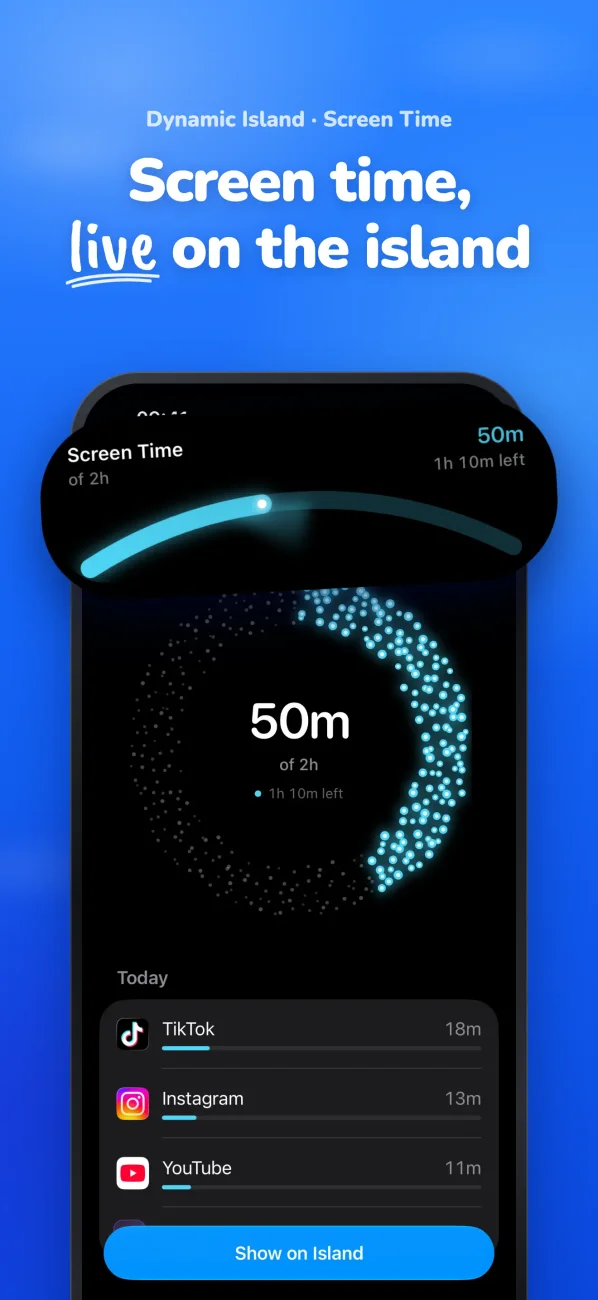
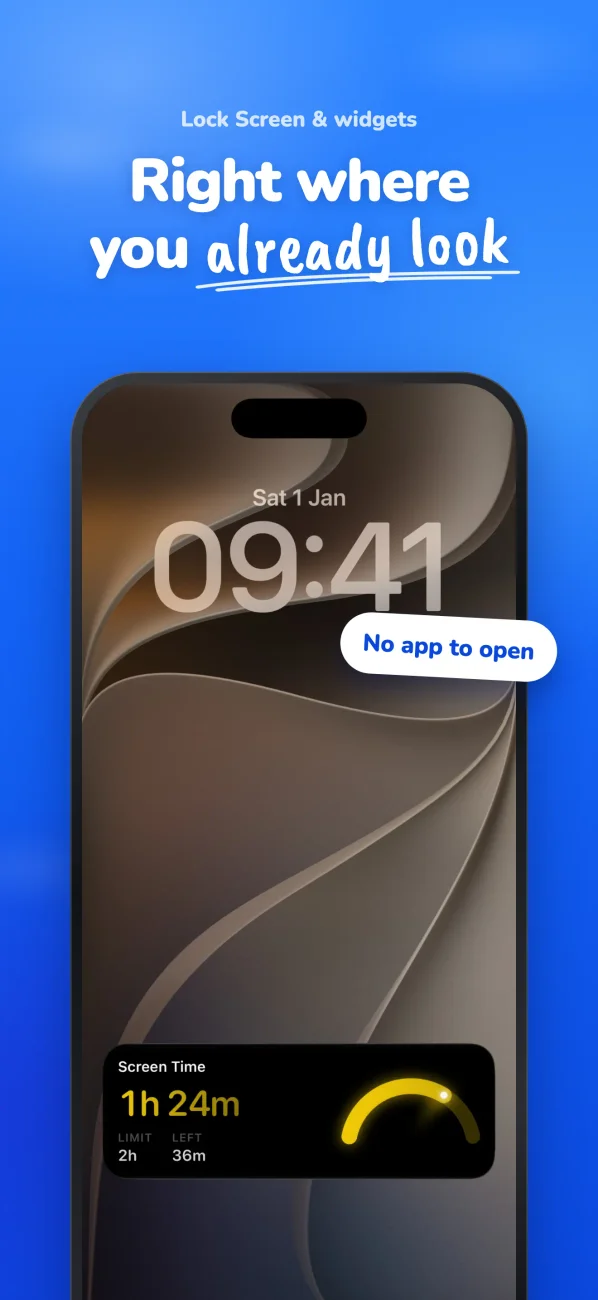
Atoll puts your screen time where you already look: the Dynamic Island.
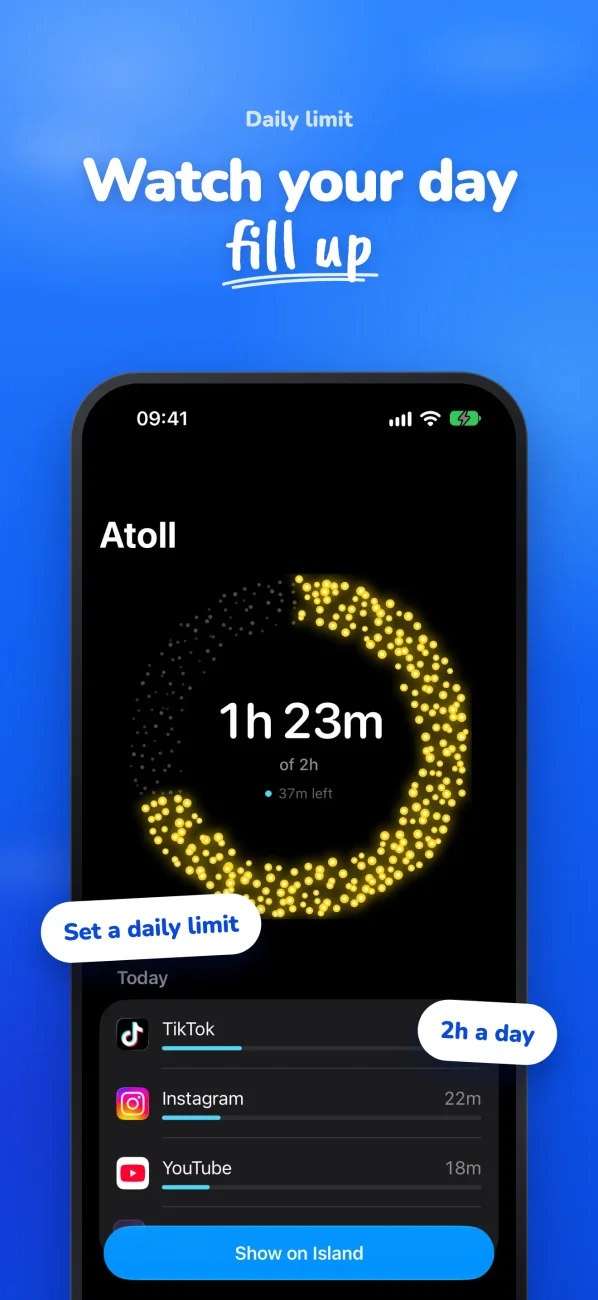
Choose the apps that eat your day, set a daily limit, and Atoll keeps today's total in sight: on the island while you use those apps, on the Lock Screen and in widgets. No dashboard to check.
WHAT YOU GET
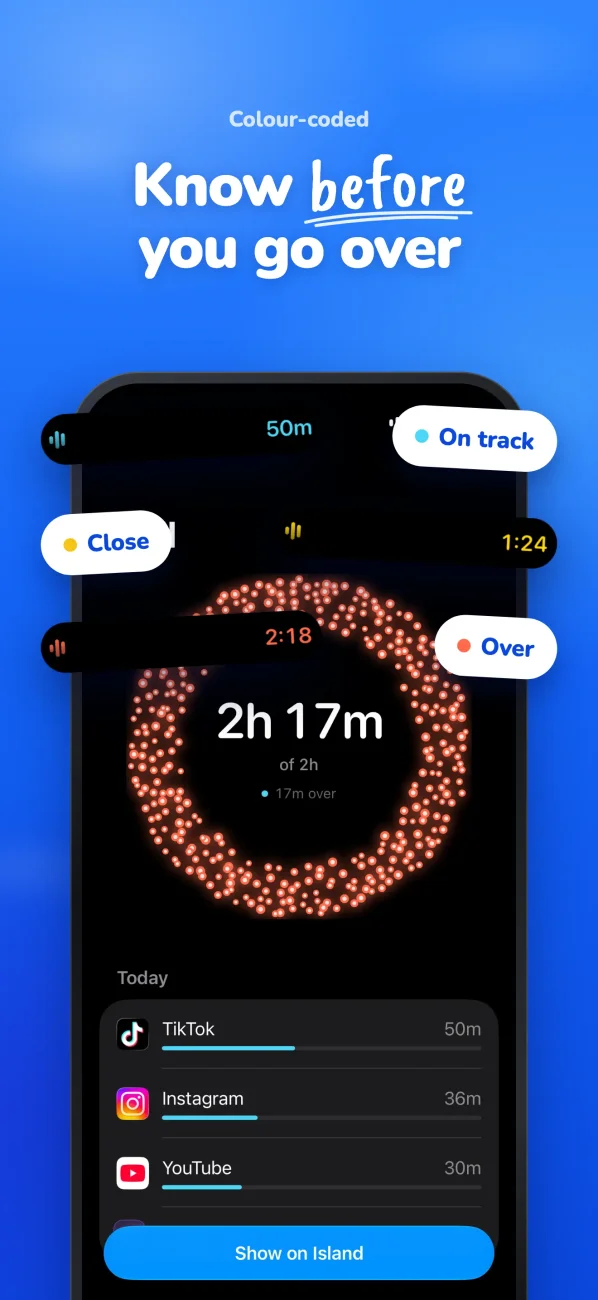
• Today's time on the Dynamic Island while a counted app is open, with an arc that turns amber near your limit and red past it.
• A heads-up 5 minutes before a limit runs out, and limits for single apps.
• Widgets for the Home and Lock Screen, plus a Control Center control.
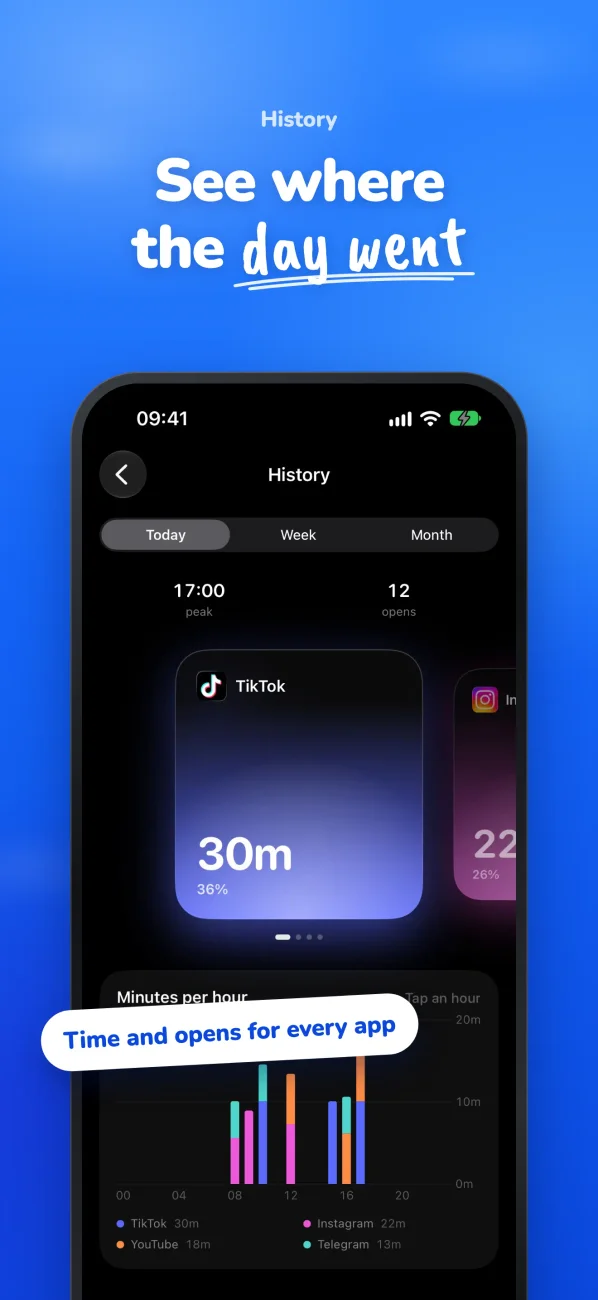
• History: today by hour, the week and month by day, with time and pickups for each app.
• A summary of your week on Sunday evening.
HOW IT WORKS
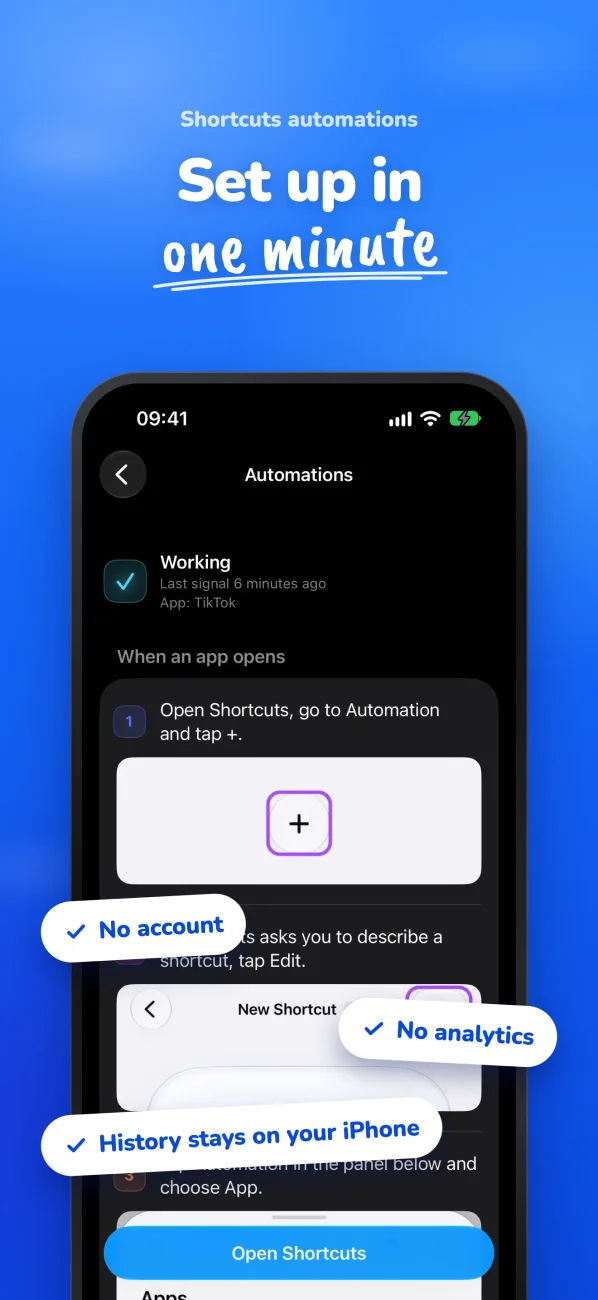
Apple's Screen Time does the counting, the same data behind Settings › Screen Time. Pick apps one by one or take a whole category, like Social, in one tap. Two Shortcuts automations, set up once with a step-by-step guide, bring the island up when a counted app opens and take it away when it closes. Skip them, and the island simply stays up all day.
PRIVATE BY DESIGN
Screen Time data stays with iOS. There is no account and no analytics; Atoll keeps daily totals and your settings on this iPhone.
Requires iOS 26. The island needs an iPhone with the Dynamic Island; on other models the count shows on the Lock Screen and in widgets.
What’s new
Version 1.1.1 · Nov 19, 2026
• Screen Time now does the counting, so nothing is missed when an automation doesn't run.
• The island shows up only while a counted app is open. Two Shortcuts automations handle that, set up once with a clearer, illustrated guide.
• Tips for picking apps, including whole categories in one tap.
• Support now answers at support@getnexis.app.
App privacy
What Ilya Savelyeu declares on the App Store about how this app handles data.
-
Data not collected
The developer does not collect any data from this app.
Privacy practices may vary, for example with the features you use or your age.
Information
- Seller
- Ilya Savelyeu
- Category
- Health & Fitness
- Version
- 1.1.1
- Updated
- Nov 19, 2026
- Released
- Nov 11, 2026
- Size
- 3.8 MB
- Requires
- iOS 26.0 or later
- Age rating
- 4+
- Price
- Free
- Languages
- English, French, German, Italian, Japanese, Korean, Portuguese, Russian, Simplified Chinese, Spanish, Turkish
- Copyright
- © 2026 Ilya Savelyeu
You might also like
-
 BspaceHealth & Fitness
-
 Wellbeing: Digital WellbeingScreen Time & Mood
-
 Doom Walk: Dopamine DetoxApp Blocker: Earn Screen Time
-
 Glazr: Screen Time & BreaksFocus, app blocker & eye rest
-
 Unplug: Digital DetoxScreen Time & Phone Habits
-
 HabitUnlock: Screen TimeBlock It. Exercise to Unlock
-
 つかはらクリニックMedical
-
 FitBlok: Screen Time BlockerPush Up to Unlock Your Phone
-
 Phlex Swim AppSwimming Made Simple
-
 Glow: Guided Somatic PleasureSensual Meditation & Stories