Atomic Clock PRO
Exact Time Digital and Analog
Designed for iPhone, iPad, iPod touch
Free · In-app purchases
- Age rating4+
- CategoryUtilities
- DeveloperBrachmann Online Marketing GmbH & Co. KG
- LanguagesEnglish+ 12 more
- Size6.1 MB
Links to the official App Store page
Download.org hosts no file of Atomic Clock PRO. The button opens its official App Store page, published by Brachmann Online Marketing GmbH & Co. KG. Listing last checked on Nov 20, 2026.
Screenshots


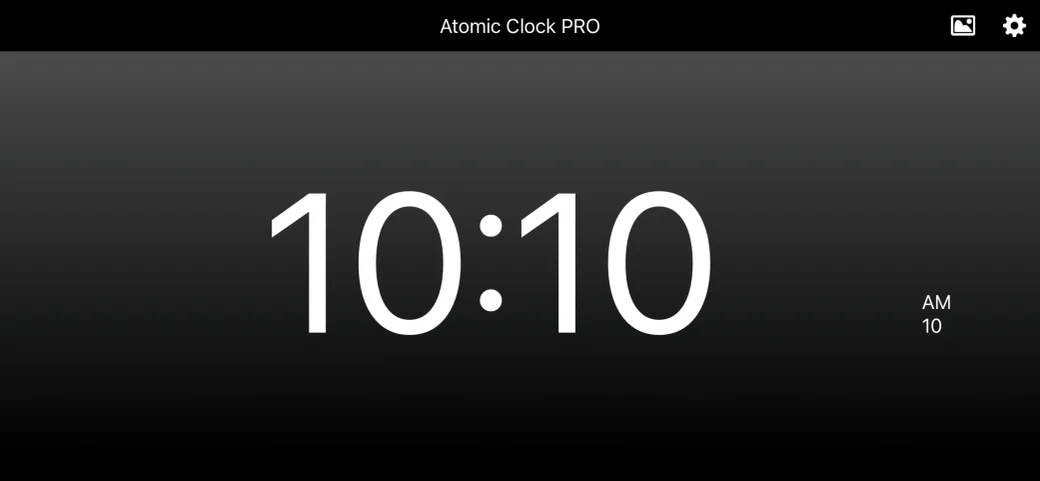
About
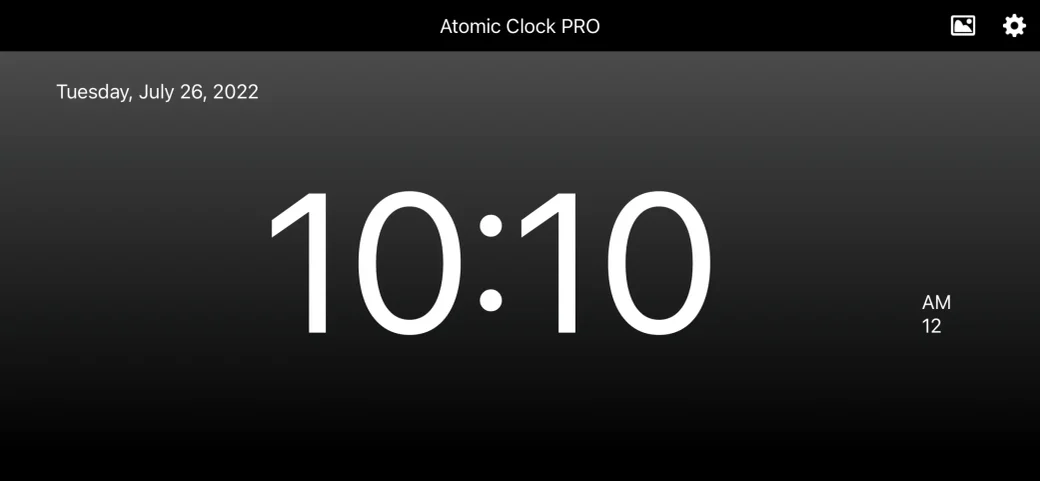
Get accurate time on your iPhone and iPad by syncing with an official atomic clock time server. Download now for free!
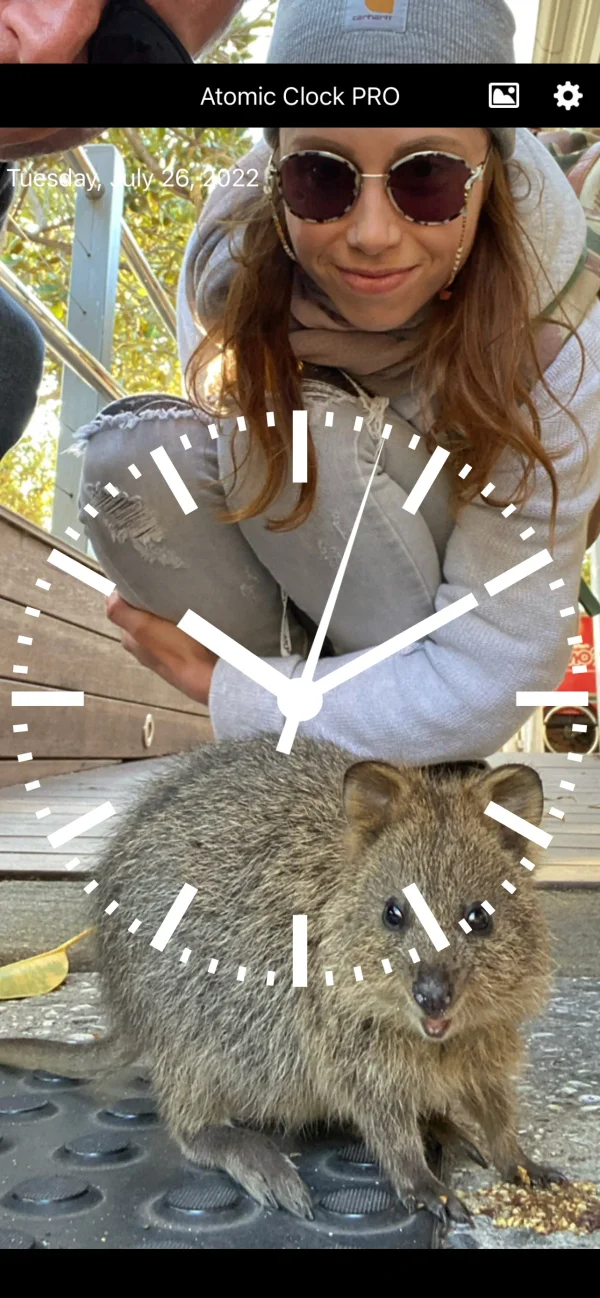
If you want exact time, a precise time reference, or an easy-to-read clock display, this app is designed for that. It automatically recognizes your time zone, lets you use one of your own photos as the background, and lets you switch between a digital display and a classic analog clock with a simple swipe. It is ideal as a personalized desk clock, a reliable travel companion, an everyday reference clock, or when you need exact time to set a mechanical watch accurately.
Overview:
- Accurate and precise time synced from an official atomic clock time server
- Automatically recognizes your time zone and shows the current local time
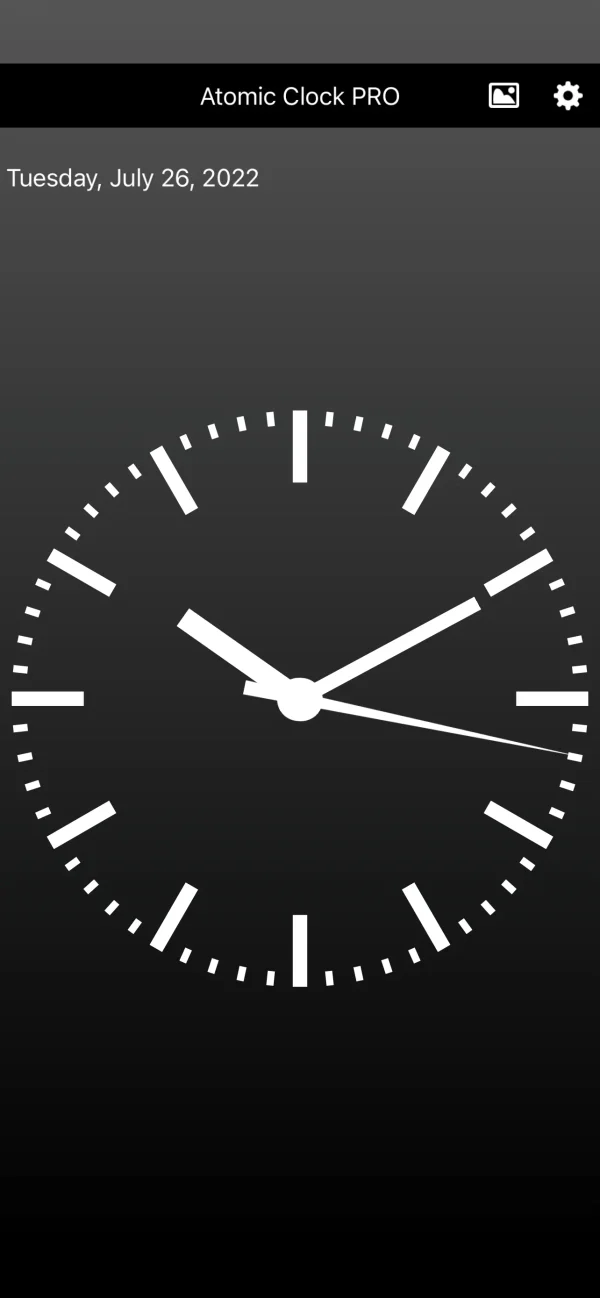
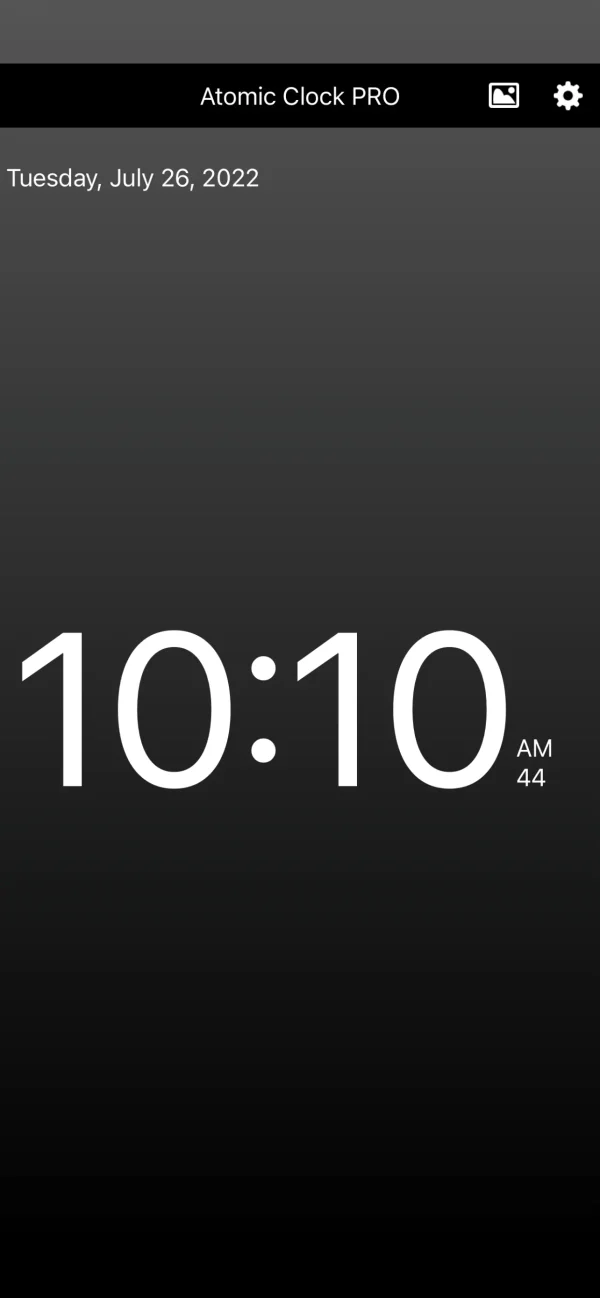
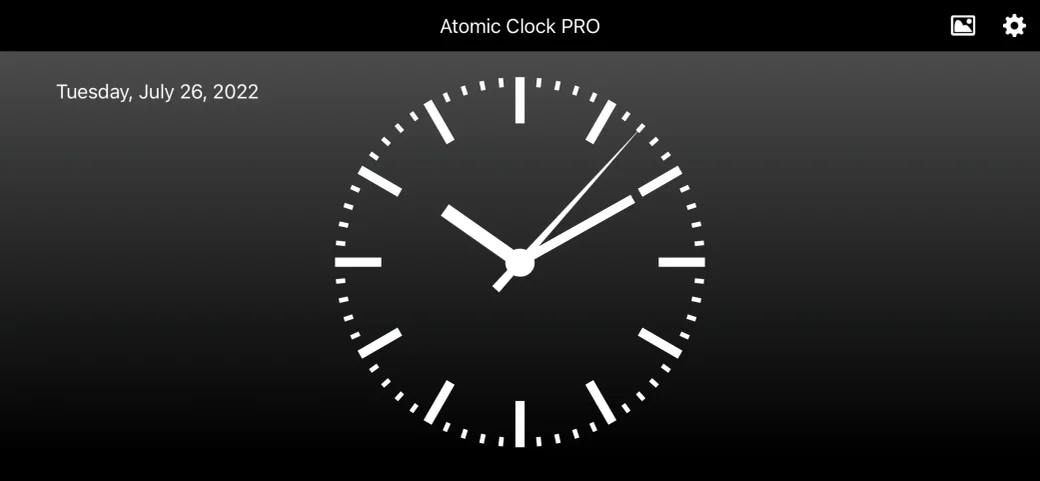
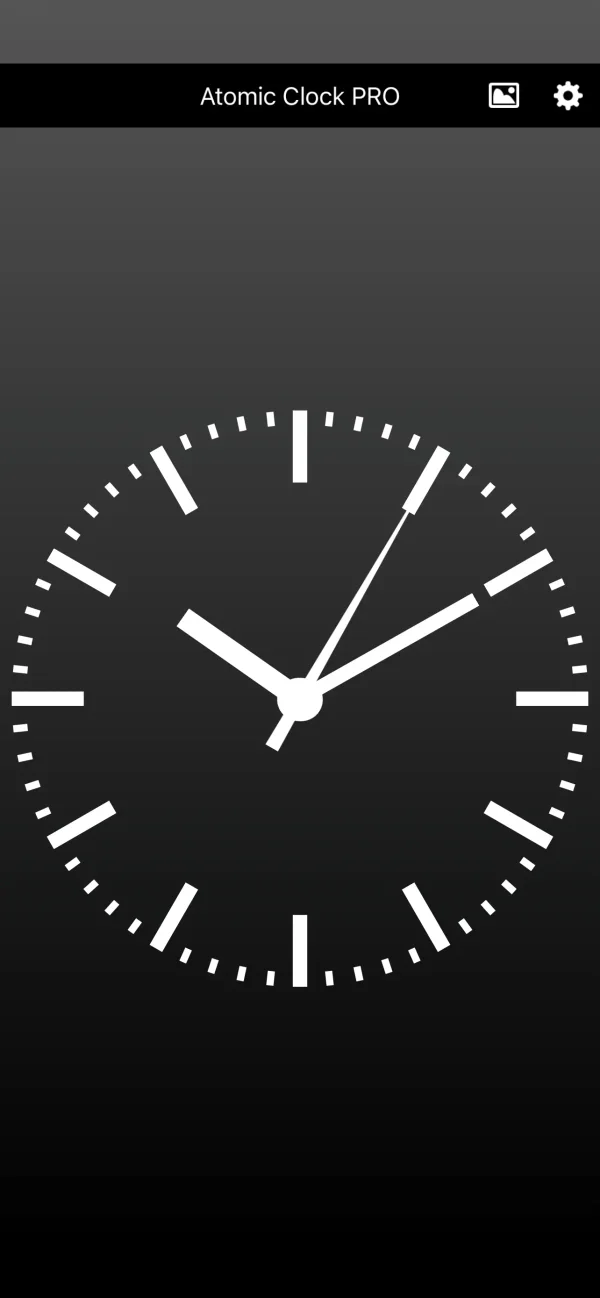
- Choose digital, analog, or combined analog and digital clock displays
- Swipe to switch between clock displays
- Resize the digital clock for a larger or smaller display
- Includes time (hours, minutes, and seconds), date, and day of the week (optional)
- Optional sound every second or every minute
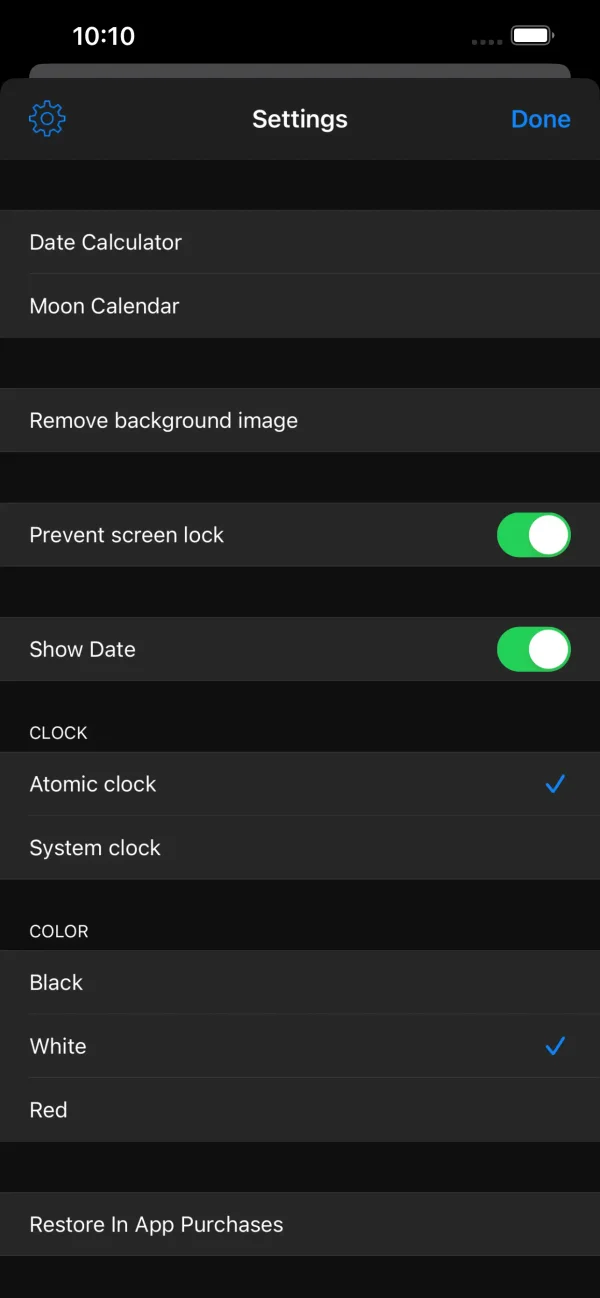
- Change clock and background colors
- Use your own photos as background images
- Choose atomic clock sync or your device's system clock
- Option to keep the screen awake while the app is open
- Works in portrait and landscape mode
- For iPhone and iPad
Helpful for:
- A personalized desk clock at home or at work
- Getting the correct local time while traveling
- Setting a mechanical watch accurately
- A clear reference clock when you want accurate, easy-to-read time
PLEASE NOTE:
You can switch between the analog and digital clock by swiping left or right across the clock.
Disclaimer:
Please note that whilst all reasonable care has been taken to make this application as accurate as possible we can not guarantee 100% accuracy.
Standard Apple Terms of Use (EULA): https://www.apple.com/legal/internet-services/itunes/dev/stdeula/
What’s new
Version 1.8 · Oct 30, 2026
What’s New in Version 1.8
• Support for the foldable iPhone Duo: On the large display, the analog clock sits on one half and the time and date on the other. Tap to swap sides.
– New: Desk Clock (Premium). Half-fold your iPhone Duo like a laptop. The clock stands on top, the day and date sit below, and the display stays on.
• Numbers on the analog clock (Premium): choose 12, 3, 6 and 9 or all numbers, matching your clock color.
• Adjustable date size (Premium): from small to extra large, with a live preview.
• New feature: “Reset all settings”.
• Bug fixes: In some languages, the date was written with small errors. These are now fixed, along with a few other small, rare bugs.
App privacy
What Brachmann Online Marketing GmbH & Co. KG declares on the App Store about how this app handles data.
-
Data used to track you
May be used to track you across apps and websites owned by other companies.
- Location
- Identifiers
- Usage data
- Diagnostics
-
Data linked to you
May be collected and linked to your identity.
- Location
- Identifiers
- Usage data
- Diagnostics
-
Data not linked to you
May be collected but is not linked to your identity.
- Diagnostics
Privacy practices may vary, for example with the features you use or your age.
Information
- Seller
- Brachmann Online Marketing GmbH & Co. KG
- Category
- Utilities
- Version
- 1.8
- Updated
- Oct 30, 2026
- Released
- Jul 23, 2014
- Size
- 6.1 MB
- Requires
- iOS 15.6 or later
- Age rating
- 4+
- Price
- Free
- In-app purchases
- Yes
- Languages
- English, French, German, Italian, Japanese, Korean, Polish, Portuguese, Russian, Simplified Chinese, Spanish, Traditional Chinese + 1 more
- Copyright
- © 2020 Brachmann Online Marketing GmbH & Co. KG
You might also like
-
 AtomicClock: NTP TimePrecision Clock, UTC Reference
-
 The Analog ClockUtilities
-
 My Digital ClockStylish Clock with Themes
-
 The Clocks: Alarm, World ClockGenuine Flip, Digital, Analog
-
 Simple_ClockMinimal Analogue Clock
-
 Fullscreen Clock: Flip & FocusAesthetic Study Timer & Widget
-
 Alarm Clock'Loud Alarms, Music & Sounds
-
 One Touch Alarm ClockSet in two seconds!
-
 FaceClock AnalogueAwesome Analogue Clocks
-
 Huge Digital Clock - Bed SideDesk Clock & Night Stand Clock