
- Age rating4+
- CategoryUtilities
- Developer亚男 辛
- LanguagesEnglish
- Size3.6 MB
Links to the official App Store page
Download.org hosts no file of AuBackup. The button opens its official App Store page, published by 亚男 辛. Listing last checked on Nov 22, 2026.
Screenshots
About
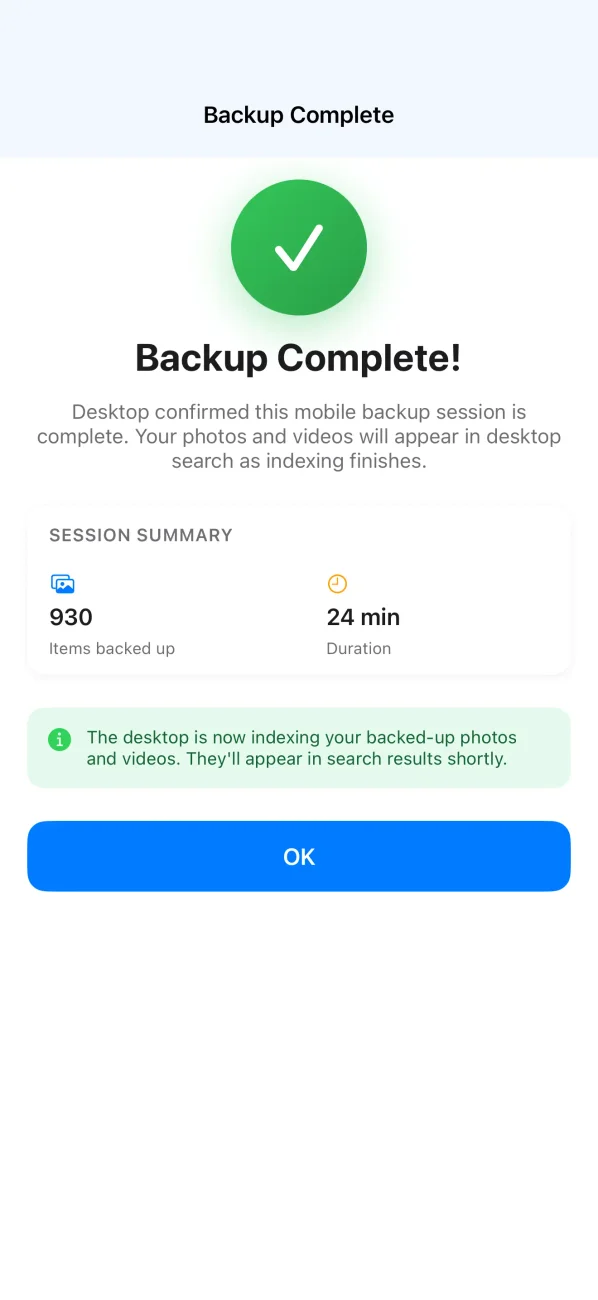
AuBackup moves photos and videos from your iPhone to your PC without routing your library through the cloud.
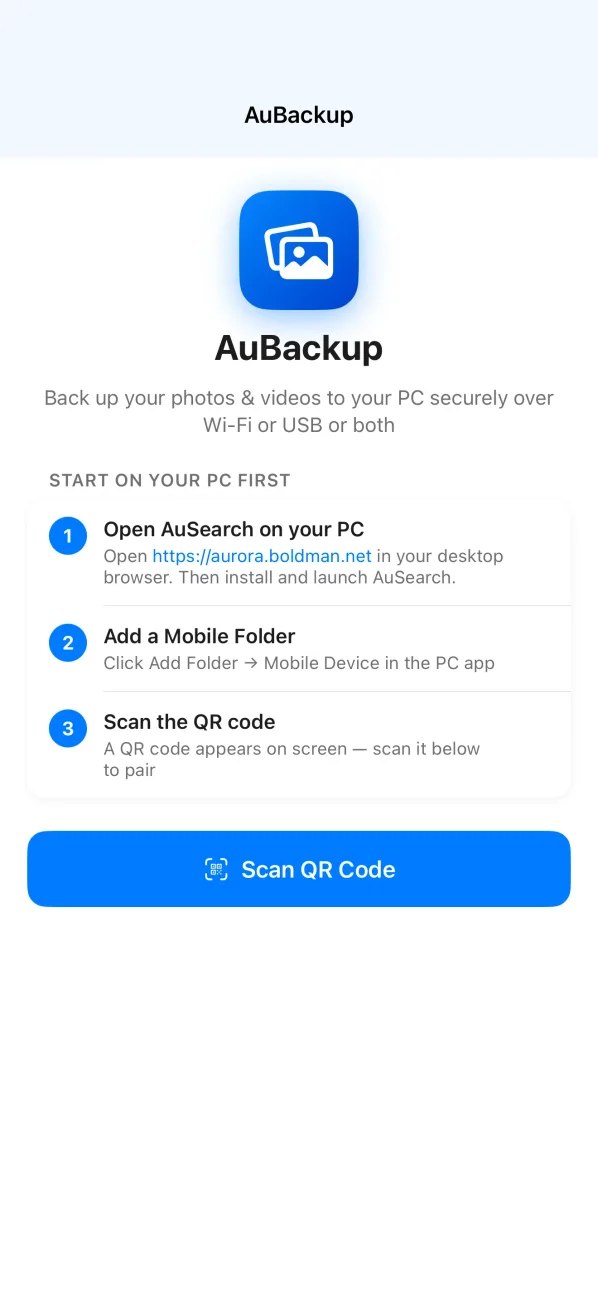
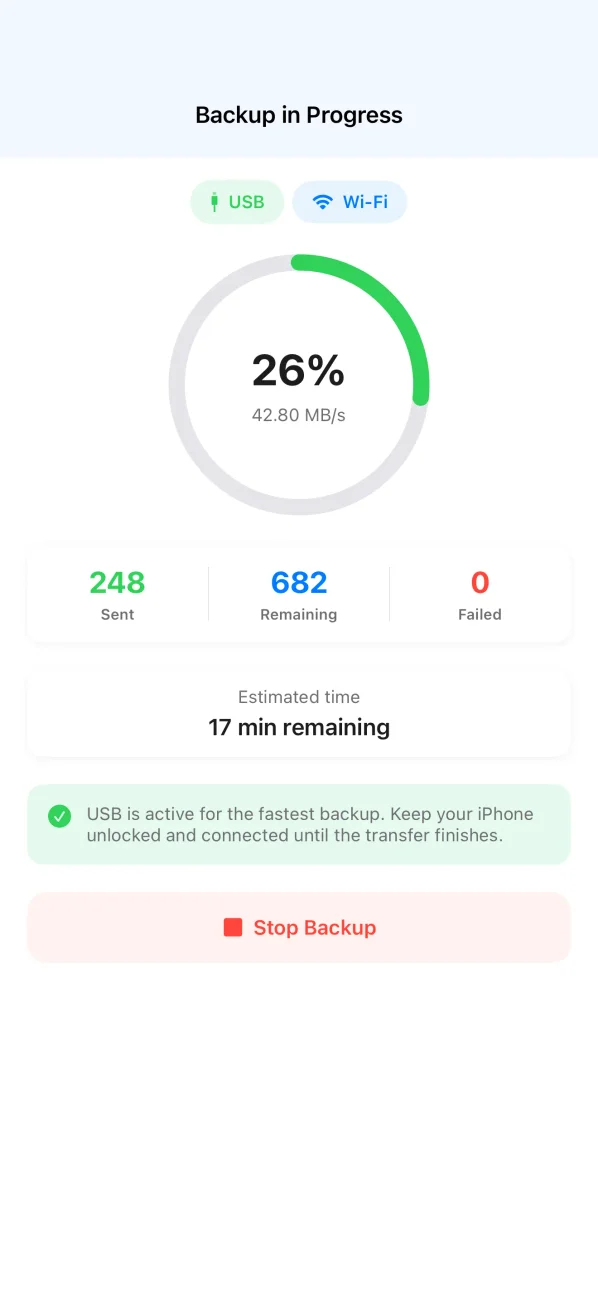
Pair in seconds by scanning a QR code from AuSearch on your desktop, then transfer full-quality items over Wi-Fi or switch to USB for even faster backups. Reconnect to the same desktop later and keep your library moving with a simple, privacy-friendly workflow.
Why AuBackup:
• Direct iPhone-to-PC backup
• Full-quality photo and video transfer
• Fast QR pairing with your desktop
• Works over Wi-Fi and USB
• Local transfer flow designed for privacy
• Easy reconnects to previously paired desktops
Start on your PC, add a Mobile Folder in AuSearch, scan the QR code, and back up your library in minutes.
App privacy
What 亚男 辛 declares on the App Store about how this app handles data.
-
Data not linked to you
May be collected but is not linked to your identity.
- Usage data
- Diagnostics
Privacy practices may vary, for example with the features you use or your age.
Information
- Seller
- 亚男 辛
- Category
- Utilities
- Version
- 1.0
- Updated
- May 8, 2026
- Released
- May 8, 2026
- Size
- 3.6 MB
- Requires
- iOS 15.6 or later
- Age rating
- 4+
- Price
- Free
- Languages
- English
- Copyright
- © 2026 Boldman
You might also like
-
 KeyConfigConfigure for BLE devices
-
 Markever: Photo BackupFree up space, keep every pic
-
 Lock SupplierUtilities
-
 BxPMasterUtilities
-
 SafeUSB ProUtilities
-
 Ease BackupBack up photos & videos to PC
-
 qrvpnDeploy your own VPN in seconds
-
 Smart NFC: Read & Write TagsNFC Scanner, Wi-Fi & vCard
-
 Manager for HomeboxUtilities
-
 Nova Cloud: Storage & BackupCloud Storage Drive & Backup