
- Age rating4+
- CategoryTravel
- DeveloperChing-Yen Hsieh
- LanguagesEnglish+ 2 more
- Size49.4 MB
Links to the official App Store page
Download.org hosts no file of Auday. The button opens its official App Store page, published by Ching-Yen Hsieh. Listing last checked on Nov 12, 2026.
Screenshots


About
Auday. helps you organise and remember your life in Australia.
Keep the practical details alongside the moments you want to come back to, from getting ready to leave to finding a home, starting work and exploring somewhere new. Start today or add memories from earlier in your journey.
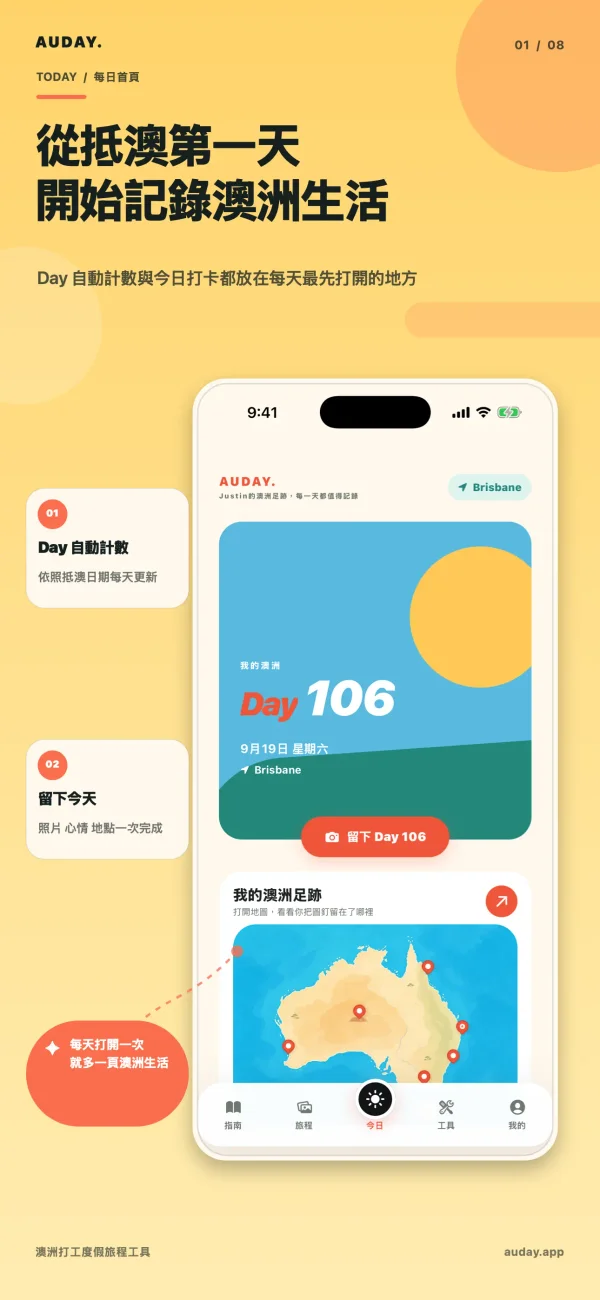
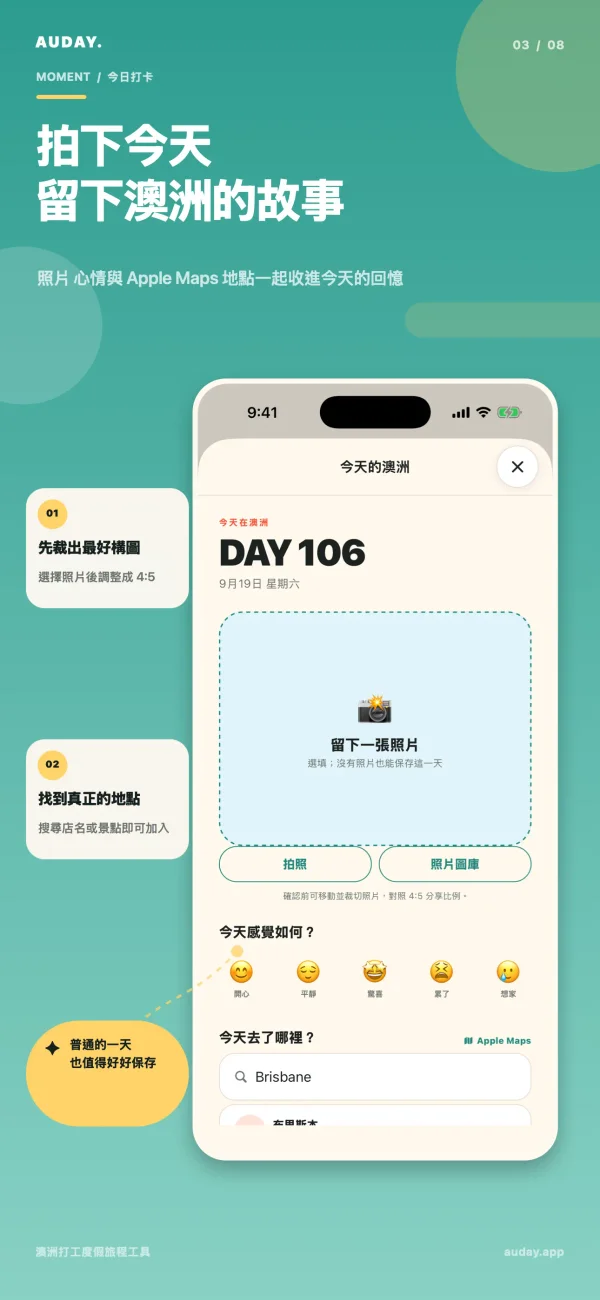
• Today: your arrival countdown or Day number, a quick camera action and your previous memory.
• Australian footprints: see saved places on a map and take a screenshot to share.
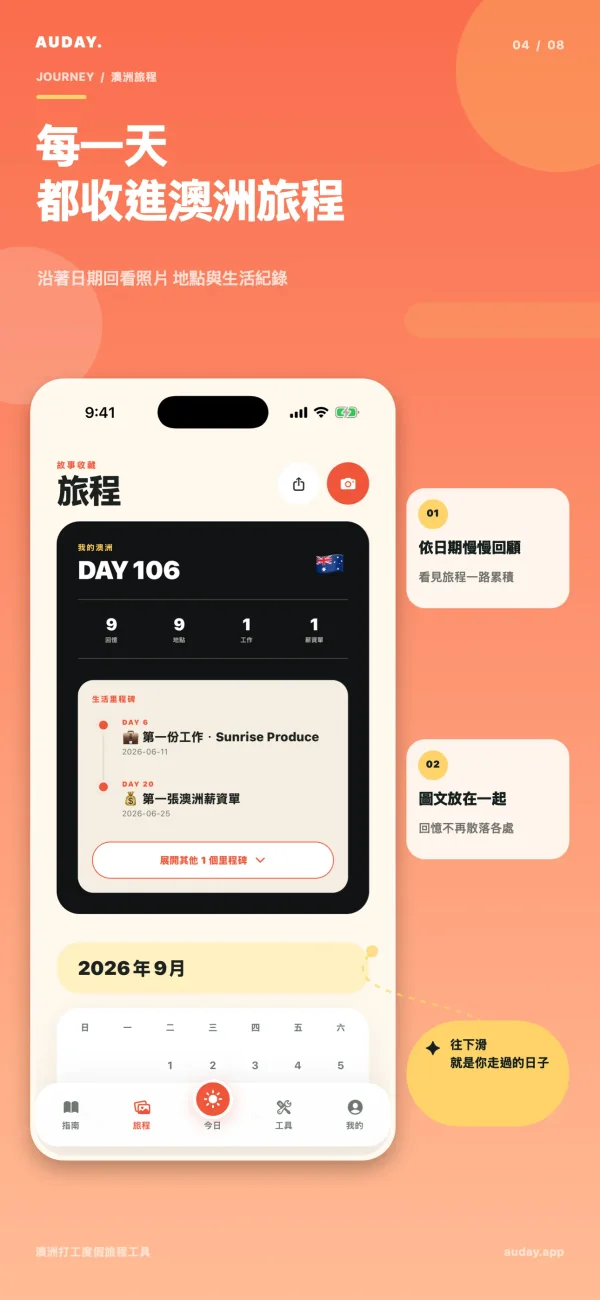
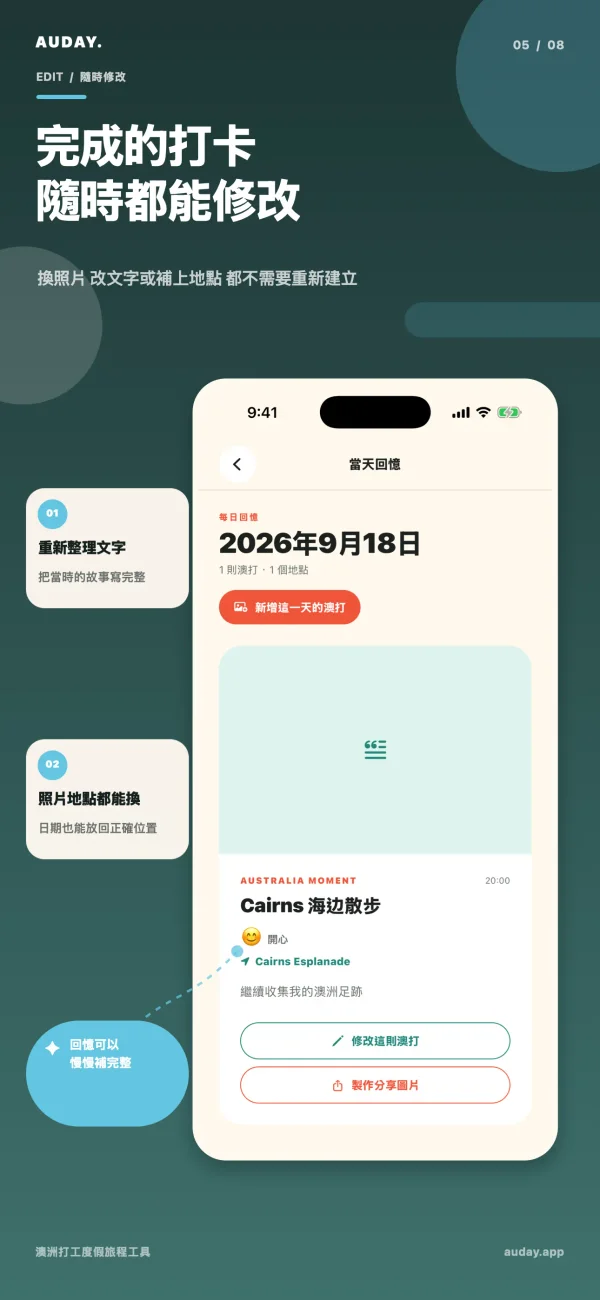
• Journey: browse dated photos, notes, jobs and home records. Add older memories and edit existing moments.
• Sharing: make a 4:5 Day card with your chosen photo and framing.
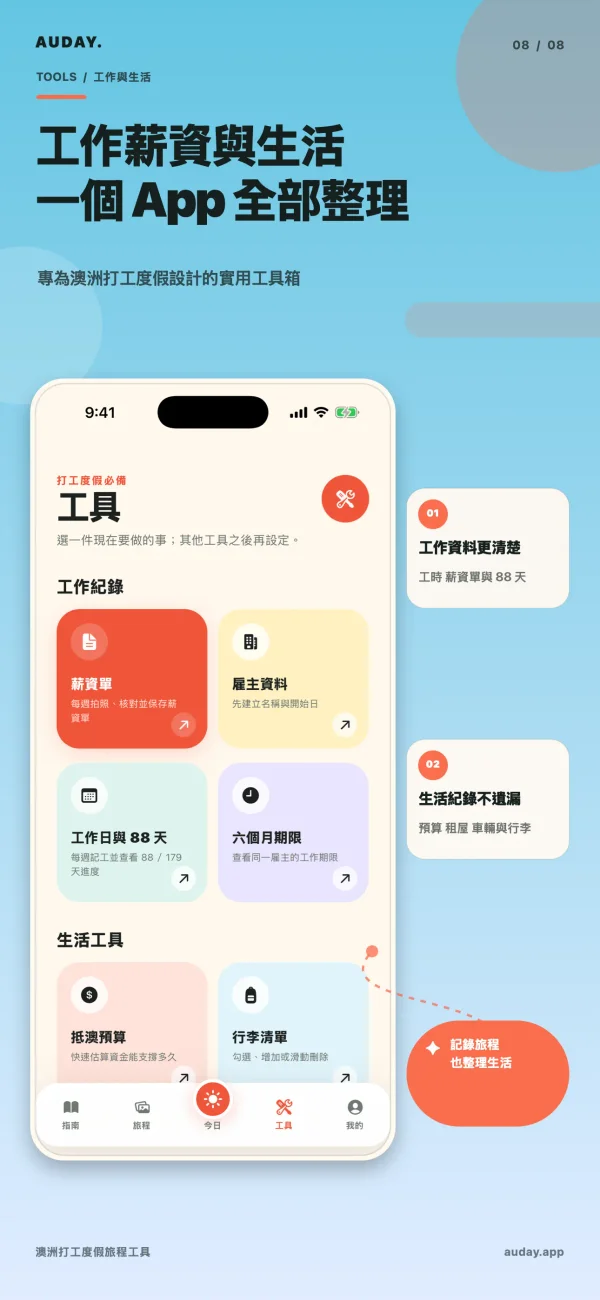
• My working life: keep original payslip images and pay details. Save incomplete records after confirmation and export original images as PDF.
• 88/179 days: record actual worked days; hours are not automatically converted into visa days.
• Employer periods: view time with an employer from the start date you enter.
• My homes in Australia: record current and previous homes, search for an address, save move-in/out dates and export your address history as PDF. Condition photos, rent and bond are optional.
• My road companion: keep vehicle, mileage, inspection and maintenance records. Export a PDF or a CSV table of maintenance and costs.
• Budgets and lists: organise arrival costs, everyday spending and packing.
• Backup and moving phones: export your own backup file and restore it on another phone. This is manual backup, not automatic iCloud sync.
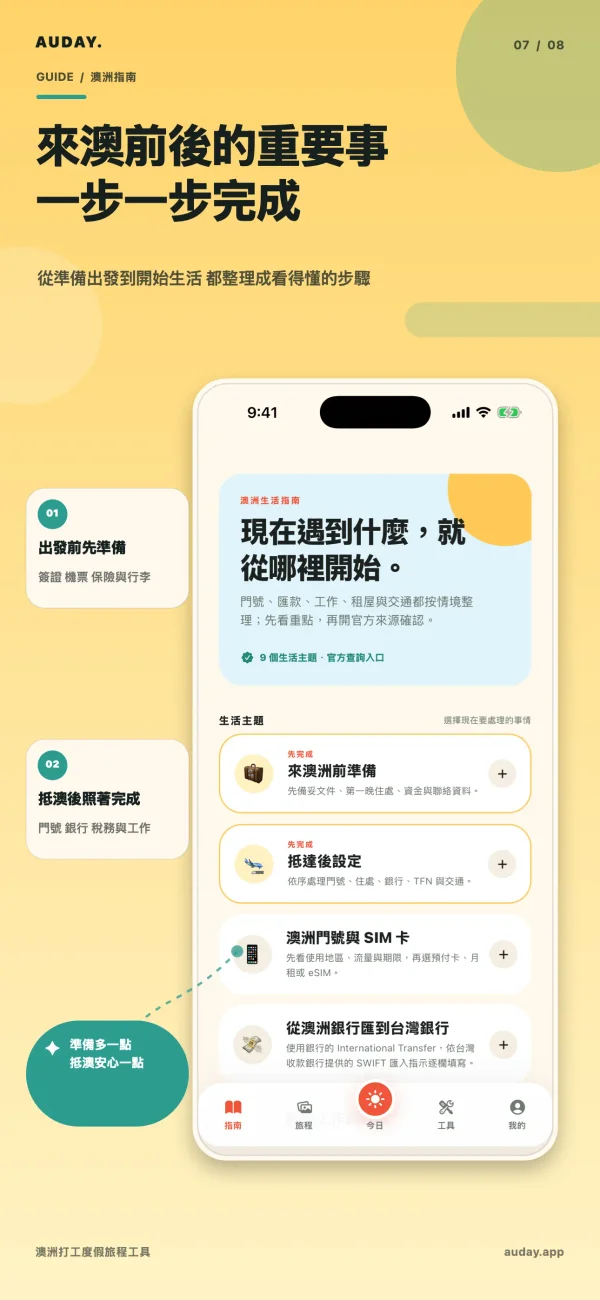
• Guide: practical preparation steps with official-source links.
Supports Traditional Chinese, Simplified Chinese and English. No account is required. Personal stories, work and life records are stored on your iPhone by default.
Day counts, costs and work reminders are organisation and planning tools, not visa, legal, tax or financial advice. Check current Australian official guidance before applying or making important decisions.
What’s new
Version 1.0.13 · Nov 5, 2026
Swipe left on an employer to reveal Delete, or delete from its edit form. Confirmation shows linked payslip and work-period counts; pay totals, 88/179-day progress, exports and reminders update together. Reminders use one overall switch. Payslips, homes, vehicles, maintenance and costs also have delete confirmation. Send feedback inside AUDAY with an optional reply email. Feature-usage sharing remains your choice and excludes photos, address records and payslip contents.
App privacy
What Ching-Yen Hsieh declares on the App Store about how this app handles data.
-
Data linked to you
May be collected and linked to your identity.
- Contact info
- User content
-
Data not linked to you
May be collected but is not linked to your identity.
- Identifiers
- Usage data
Privacy practices may vary, for example with the features you use or your age.
Information
- Seller
- Ching-Yen Hsieh
- Category
- Travel
- Version
- 1.0.13
- Updated
- Nov 5, 2026
- Released
- Sep 3, 2026
- Size
- 49.4 MB
- Requires
- iOS 16.4 or later
- Age rating
- 4+
- Languages
- English, Simplified Chinese, Traditional Chinese
- Copyright
- © 2026 Ching Yen Hsieh
You might also like
-
 RoamRooNew Aussie WH opportunities
-
 GDT Journey – Tickets & Coachtickets, day tours, car rental
-
 Backpacker Job BoardFind backpacker jobs Australia
-
 Triply: Trip Planner & MapTravel Itinerary & Bucket List
-
 AI Packing ListSmart Packing Checklist
-
 Koinka - Currency ConverterExchange Rates Made Simple
-
 小聚寄存柜Travel
-
 Shade On YouSmart HK Bus & Shade Tracker
-
 Travelling Fit WalletTravel
-
 88mates - Australia WHV AppFarm jobs, 88 days & road trip