Audify-professional handling
One-stop audio processing tool
Designed for iPhone, iPad, iPod touch
Free
- Age rating4+
- CategoryUtilities
- DeveloperSuzhou Lingqiaojiang Technology Co., Ltd.
- LanguagesEnglish+ 1 more
- Size4.6 MB
Links to the official App Store page
Download.org hosts no file of Audify-professional handling. The button opens its official App Store page, published by Suzhou Lingqiaojiang Technology Co., Ltd. Listing last checked on Nov 23, 2026.
Screenshots
About
Audify — a simple, all-in-one audio toolbox.
Trim a song, add music to a video, make your own ringtone, turn a recording into an MP3… No need to juggle multiple apps — Audify does it all. Every feature is free, with no sign-up required.
AUDIO EDITING
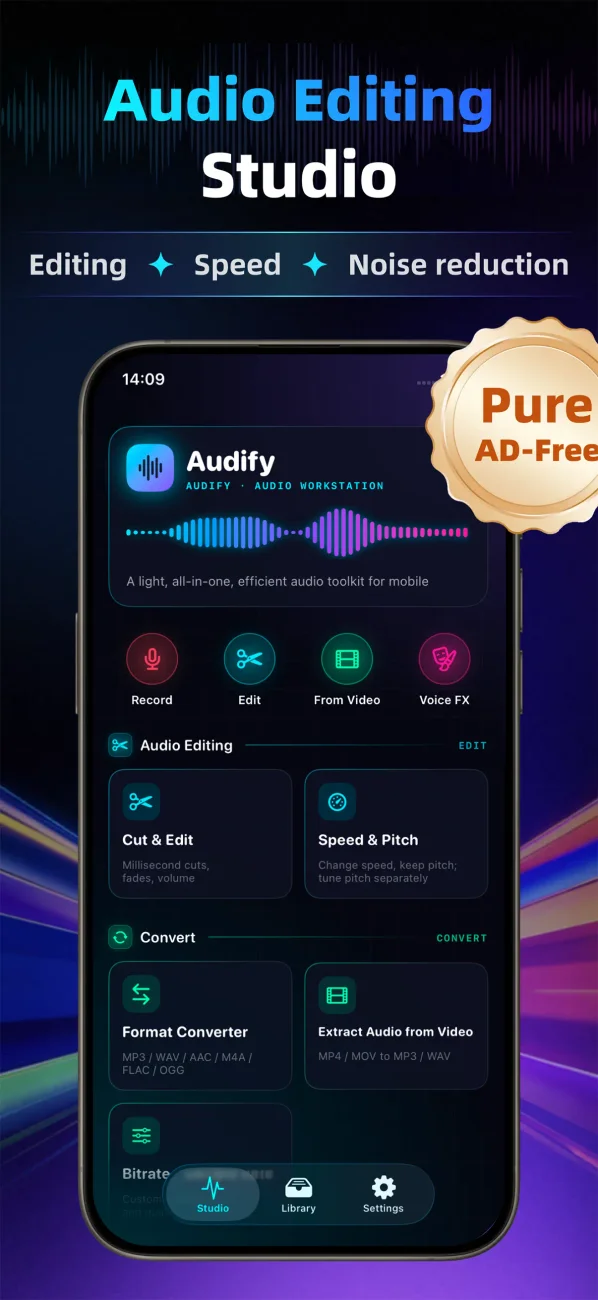
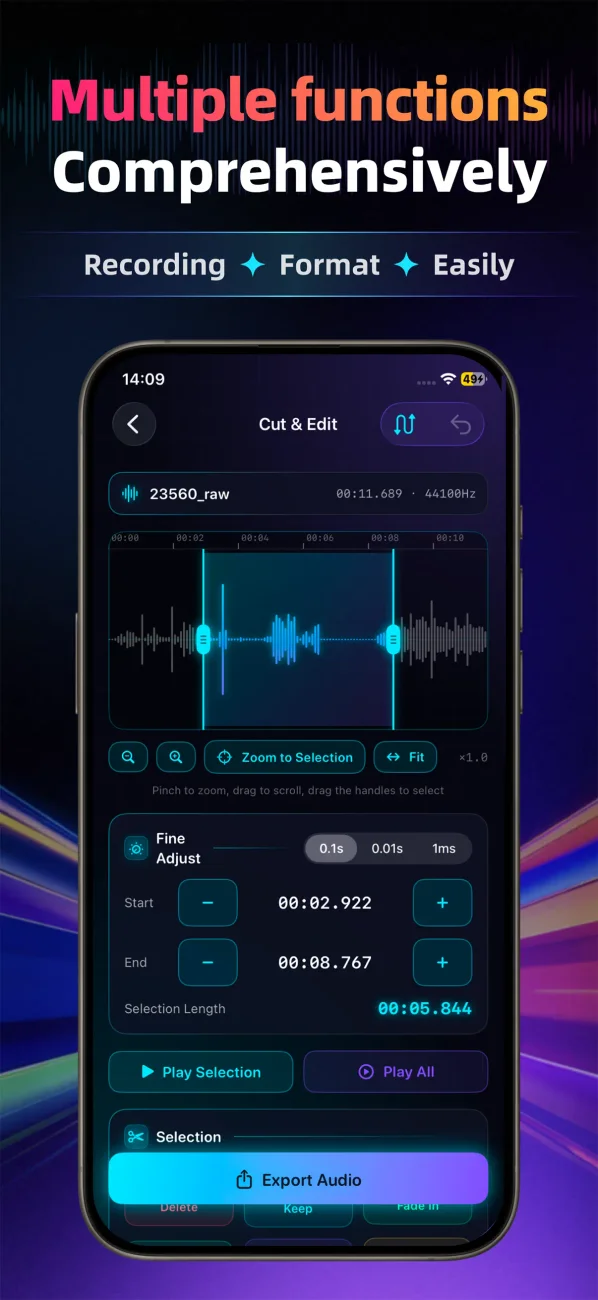
· Cut & Edit: visual waveform with millisecond-precise trimming, fade in/out and volume control
· Speed & Pitch: change speed without changing pitch, or adjust pitch on its own — great for singing practice and lectures
CONVERT
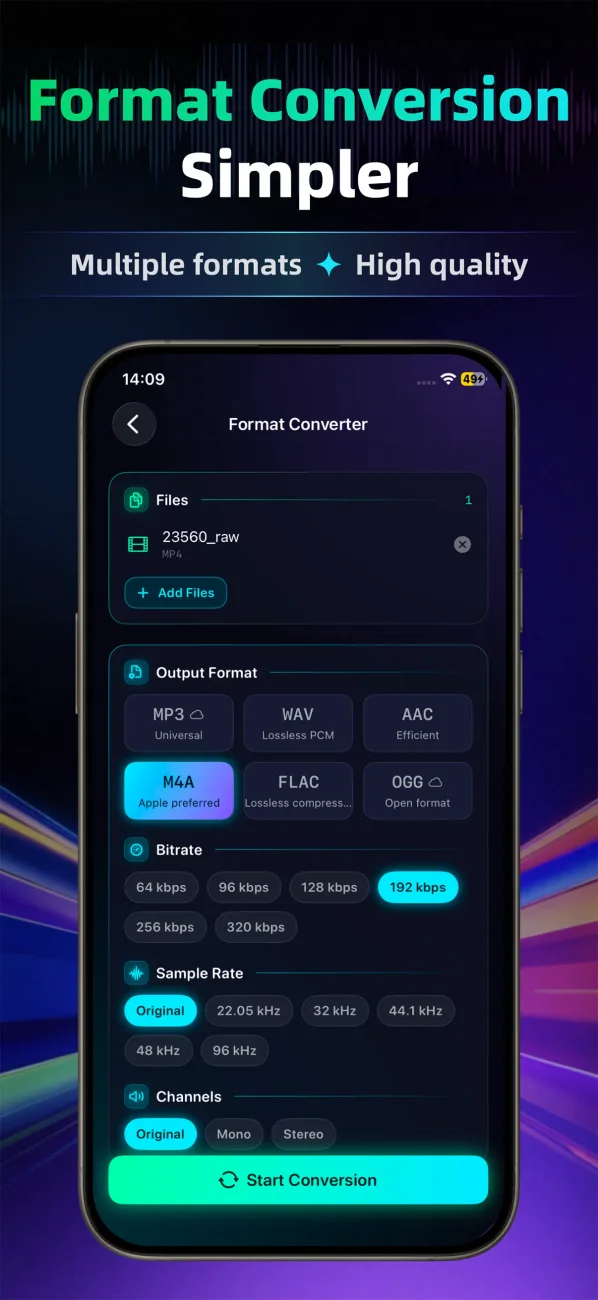
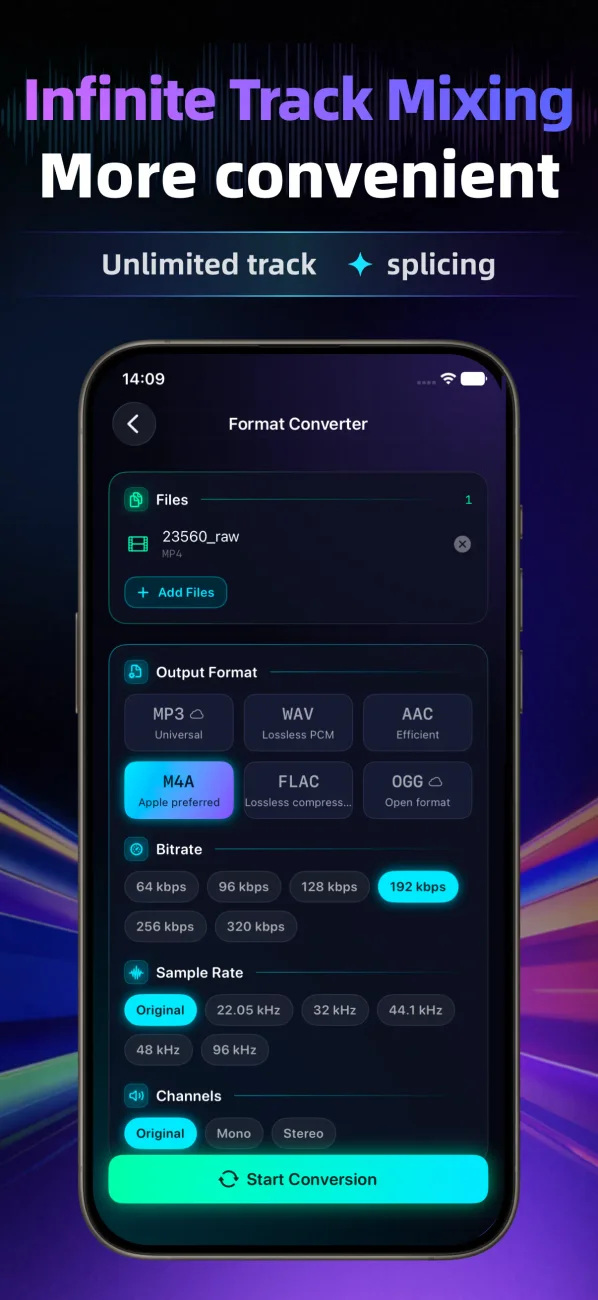
· Format Converter: convert freely between MP3 / WAV / AAC / M4A / FLAC / OGG
· Extract Audio from Video: pull music or voice out of MP4 / MOV videos in one tap
· Bitrate / Sample Rate: custom compression to balance quality and file size
EFFECTS & PROCESSING
· Voice Changer: fun effects like chipmunk, deep male, robot, electro and more
· Reverb & EQ: spatial reverb plus a 10-band equalizer to shape your sound
· Mixer: layer multiple tracks together — easily add background music to vocals
TOOLBOX
· HD Recorder: live waveform display, add markers while recording
· Ringtone Maker: clip your favorite part and export an iPhone ringtone in one tap
· Audio Joiner: merge multiple clips end to end into one file
· Audio Splitter: split long audio by duration, number of parts or markers
PRIVACY FIRST
· Editing, speed changes, voice effects, reverb, recording and more are processed right on your iPhone — your audio never leaves your device
· No ads, no tracking, no collection of personal data unrelated to the features
· Import from the Files app or your photo library videos; share or save results to Files
WE'D LOVE TO HEAR FROM YOU
Audify is constantly improving. What features would you like to see next? Ran into a problem? Let us know via Settings → Feedback in the app, or leave a review on the App Store. We read every suggestion and will do our best to make it happen!
What’s new
Version 1.2.0 · Nov 10, 2026
This update:
-Audio splicing has been optimized into unlimited tracks, making it easier to perform splicing, cropping, and other operations;
- Added more format conversions in audio format conversion;
- Fix some known issues.
App privacy
What Suzhou Lingqiaojiang Technology Co., Ltd. declares on the App Store about how this app handles data.
-
Data not collected
The developer does not collect any data from this app.
Privacy practices may vary, for example with the features you use or your age.
Information
- Seller
- Suzhou Lingqiaojiang Technology Co., Ltd.
- Category
- Utilities
- Version
- 1.2.0
- Updated
- Nov 10, 2026
- Released
- Oct 27, 2026
- Size
- 4.6 MB
- Requires
- iOS 15.0 or later
- Age rating
- 4+
- Price
- Free
- Languages
- English, Simplified Chinese
- Copyright
- Copyright © 2026 LingCraft Inc. All Rights Reserved
You might also like
-
 视频提取音频ProUtilities
-
 Denoiser: Audio Noise RemoverAI Voice & Video Cleaner
-
 API Event NotifyProfessional Event Push SAAS
-
 汉泓听诊工具Utilities
-
 老牧师语音盒Utilities
-
 音频剪辑 – 手机铃声制作&mp3多格式音乐剪辑音乐创作提取Utilities
-
 小喵批量处理Utilities
-
 CyberKeyEVCar Bluetooth key
-
 Audio Master - Music EditorVocal Remover & Ringtone Maker
-
 MimicBox - AI Voice ChangerFun Sound Effects for Chats