
Audify read aloud web browser
ePub PDF text to speech TTS
Designed for iPhone, iPad, iPod touch
Free · In-app purchases
- Age rating17+
- CategoryProductivity
- DeveloperTangerine Software House
- LanguagesEnglish+ 26 more
- Size12.5 MB
Links to the official App Store page
Download.org hosts no file of Audify read aloud web browser. The button opens its official App Store page, published by Tangerine Software House. Listing last checked on Nov 23, 2026.
Screenshots
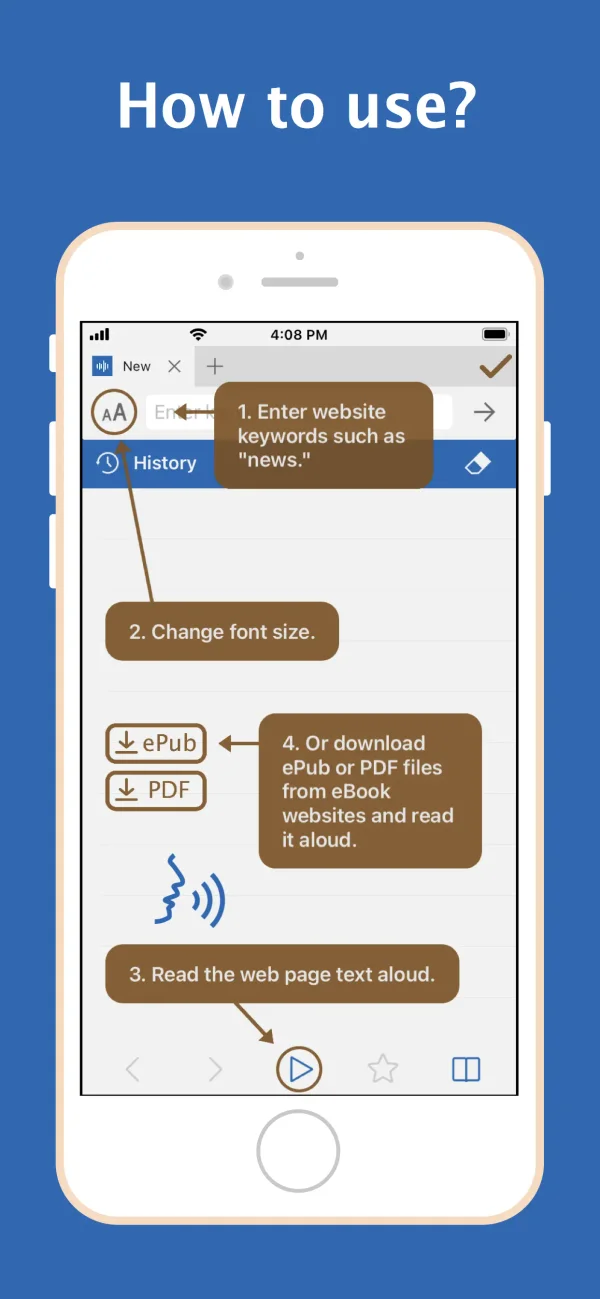
About
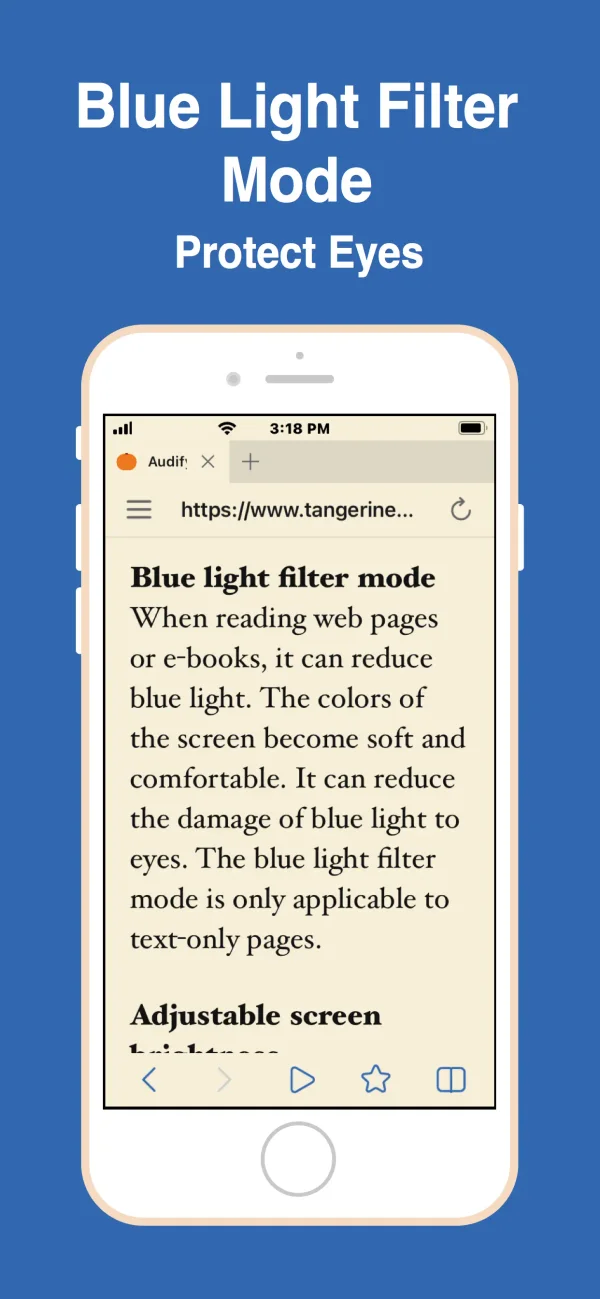
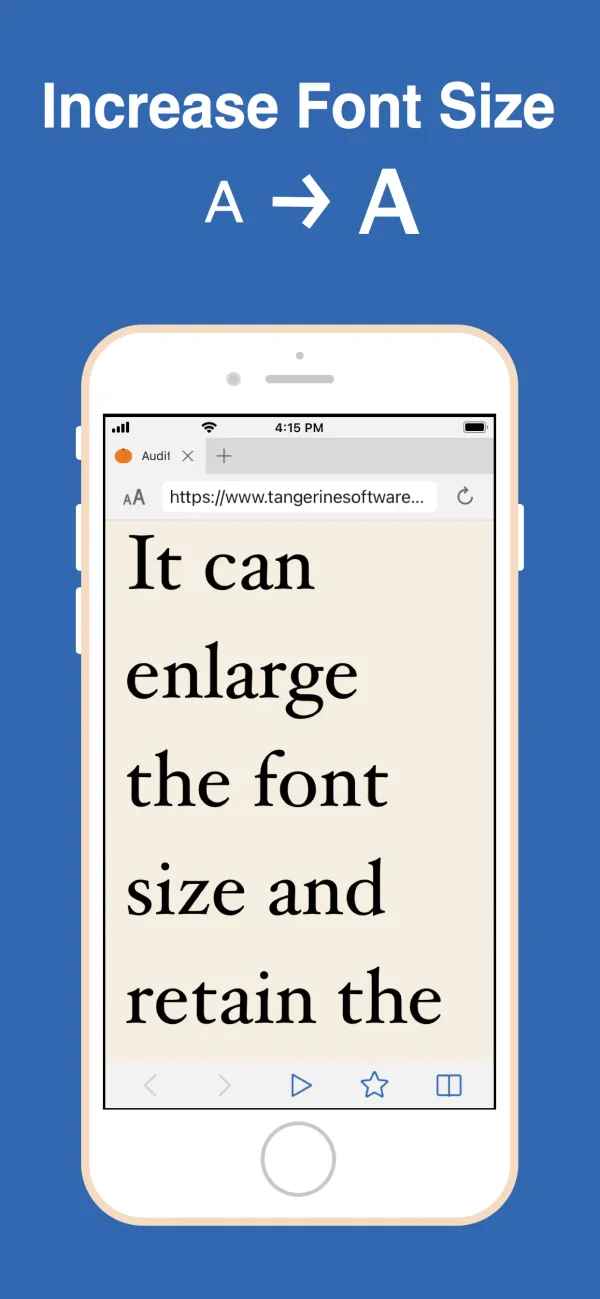
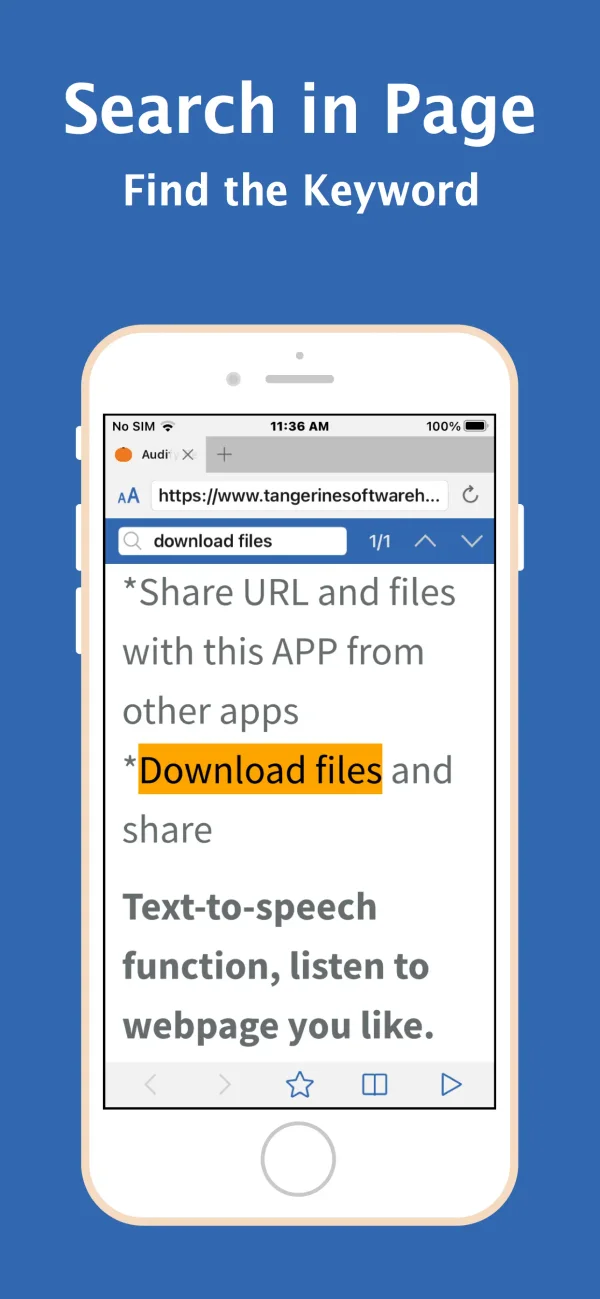
Audify is a text to speech app, web browser and PDF, ePub reader app. Audify can read aloud (TTS) web page text (HTML) and eBooks (ePub and PDF), whether it is news, novels, stories, or articles. Audify is designed to save your time and energy, and also protect your eyes. You can listen to the web page content while doing other things, such as commuting or doing exercises. You can learn more and get more knowledge. It can be switched to night mode, blue light filter mode, and the brightness can be dimmed. Font size can also be changed to become very large. It can translate languages, search in page, sleep timer (sleep story) and it has a couple of other useful features.
Features:
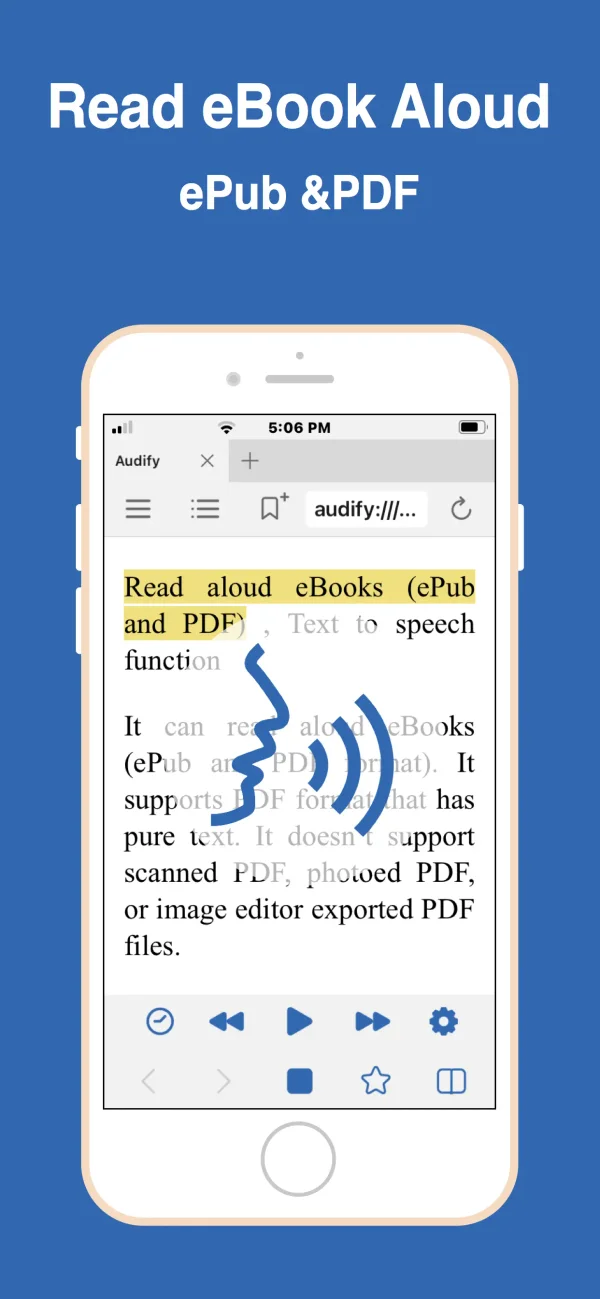
* Read aloud (text to speech, TTS) eBooks (ePub and PDF)
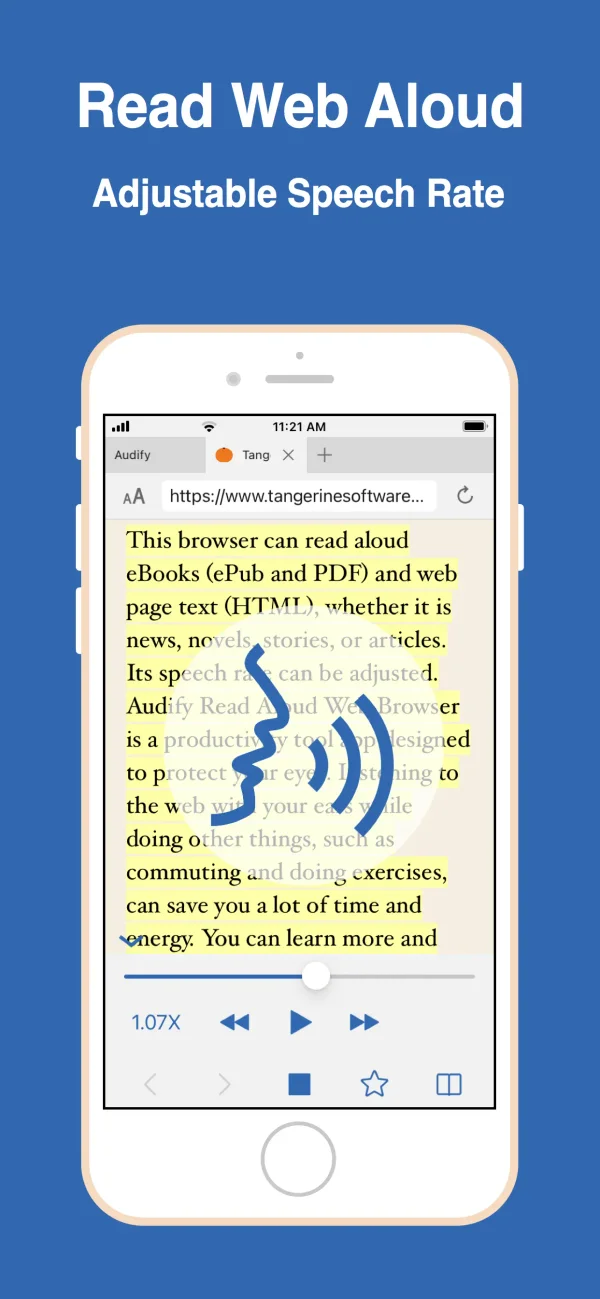
* Read aloud (text to speech, TTS) web page text (HTML)
* Different voices can be selected
* Translate
* Adjustable speech rate. Learn English and other languages (Spanish, German, French, etc.)
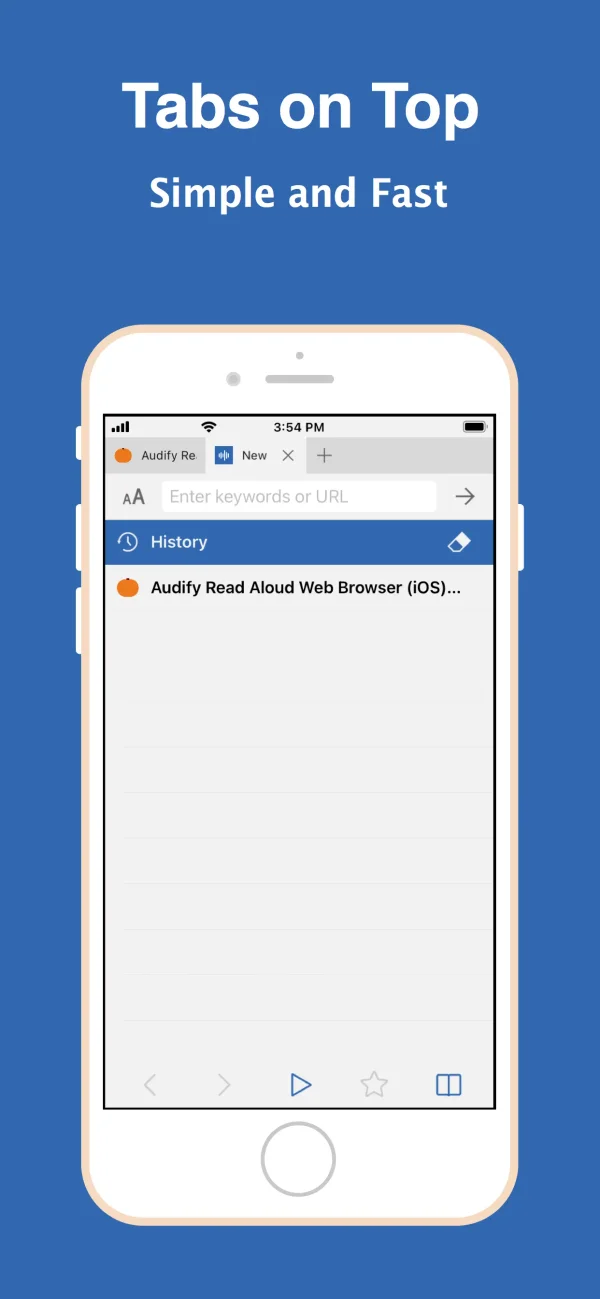
* New webpage tabs are displayed at the top of the screen
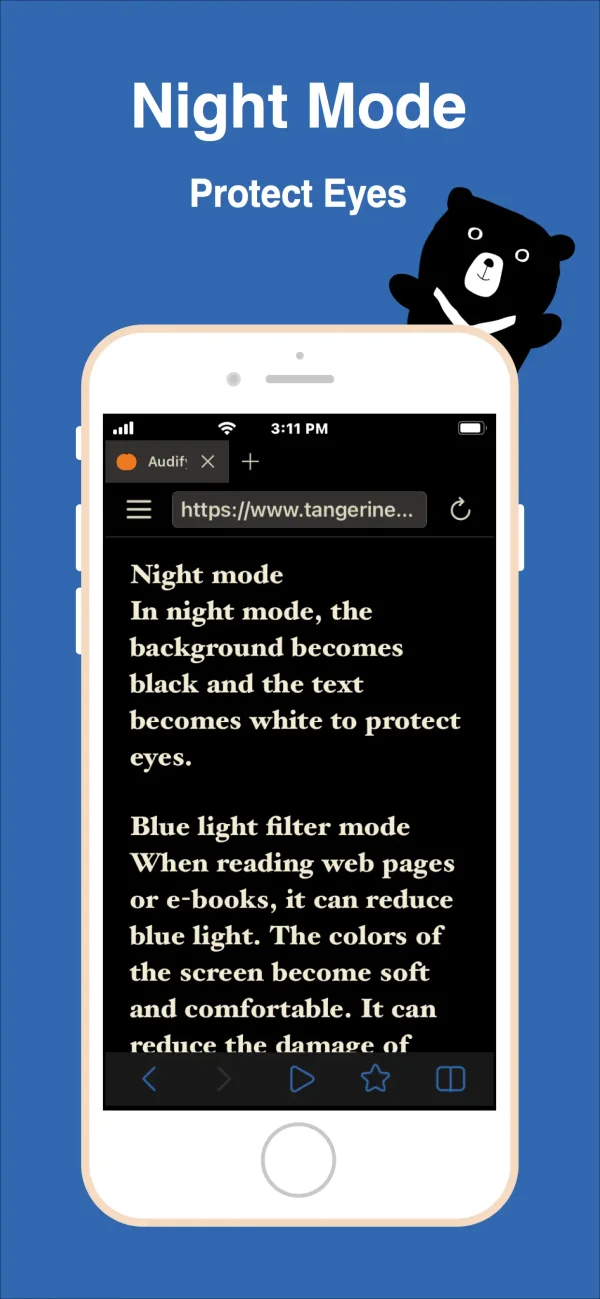
* Blue light filter mode
* Night mode
* Adjustable screen brightness
* User-defined bookmark categories
* Font size can be enlarged or reduced
* Search in page
* Share URL and files with this APP from other apps
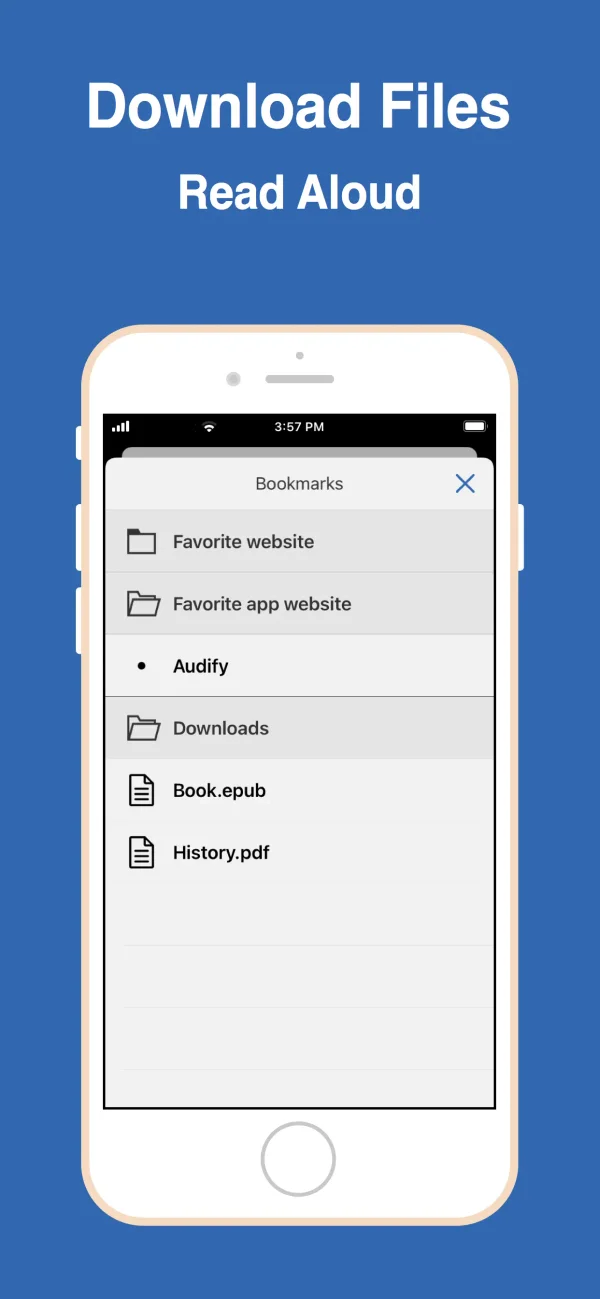
* Download files
* Import files from iCloud and folders
* Sleep timer (sleep story)
* Choose search engines
* Bold text
* Full screen
* Hide web page pictures
It can read aloud eBooks (ePub and PDF format). It supports PDF format that has pure text. It doesn't support photoed PDF, or image editor exported PDF files.
Conveniently download ePub and PDF files from websites and read them aloud.
Q:How to start reading aloud in the middle of a page?
A:(1)Scroll the web page to the position you want to read, and press the play button. Or (2)Double click the paragraph you want to read (You can enable this feature in the Audify settings page.) Audify can read aloud from there.
Q: It cannot read aloud when I use it for the first time.
A: You can: 1. Swipe to close the app and reopen it, 2. Try a new web page, 3. Choose a different voice for reading aloud, 4. Reboot the phone, 5. Restore the phone to factory settings . Usually after doing the first step it will return to normal.
Q: After the app is updated, an abnormal situation occurs.
A: You can: 1. Swipe to close the app and reopen it, 2. Reboot the phone, 3. Remove the app and download it again. Usually after doing the first step, it can return to normal. If you encounter a strange situation, please write to let us know.
To be able to provide long-term maintenance and updates, Audify needs more users.
If you like Audify, please 1. give a five star rating, 2. write a review 3. share 4. buy developer a cup of coffee 5. remove ads. We need your support. Thank you!
What’s new
Version 9.1 · Nov 16, 2026
Fixes the bug of user interface not working.
App privacy
What Tangerine Software House declares on the App Store about how this app handles data.
-
Data used to track you
May be used to track you across apps and websites owned by other companies.
- Location
- Identifiers
- Usage data
- Diagnostics
-
Data linked to you
May be collected and linked to your identity.
- Location
- Identifiers
- Usage data
- Diagnostics
-
Data not linked to you
May be collected but is not linked to your identity.
- Diagnostics
Privacy practices may vary, for example with the features you use or your age.
Information
- Seller
- Tangerine Software House
- Category
- Productivity
- Version
- 9.1
- Updated
- Nov 16, 2026
- Released
- Feb 15, 2021
- Size
- 12.5 MB
- Requires
- iOS 15.6 or later
- Age rating
- 17+
- Price
- Free
- In-app purchases
- Yes
- Languages
- English, Czech, Danish, Dutch, Finnish, French, German, Hungarian, Indonesian, Italian, Japanese, Korean + 15 more
- Copyright
- © 2021 Tangerine Software House
You might also like
-
 Aloud!, text to speech readerRead out loud PDF, books (TTS)
-
 Lextra: PDF Text to SpeechNatural Voice Document Reader
-
 Text to Speech PDF ReaderListen to PDF Books, Documents
-
 Speech Central – Voice ReaderPDF, ePub, Web Text to Speech
-
 Text to Speech - SpeakyRead aloud Web, PDF & Docs
-
 Read Out Loud Reader: SpeechyAI Text to Speech, PDF & Docs
-
 Narrly: Read Aloud PDF & TextTTS Voice Reader Web Doc ePub
-
 Text Reader - Text to SpeechScan and Read Aloud TTS
-
 Text To Speech : Audio BooksDocs², PDF, Photo Reader
-
 SayWave: Text to SpeechRead Aloud & Voice Typing