Audio Cleaner: AI Denoise
Background noise reducer
Designed for iPhone
Free · In-app purchases
- Age rating4+
- CategoryUtilities
- DeveloperKnotSmith Ltd.
- LanguagesEnglish+ 49 more
- Size67.1 MB
Links to the official App Store page
Download.org hosts no file of Audio Cleaner: AI Denoise. The button opens its official App Store page, published by KnotSmith Ltd. Listing last checked on Nov 21, 2026.
Screenshots
About
Audio Cleaner uses AI to remove background noise from audio and video recordings on your iPhone.
Denoise your audio and video
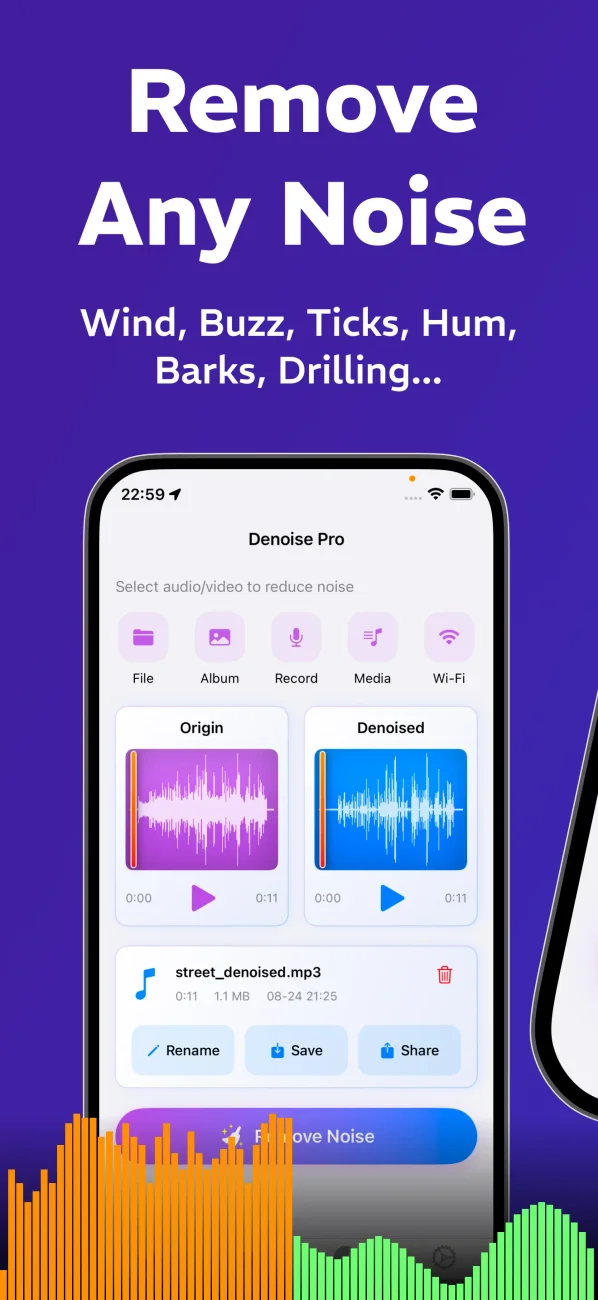
- Reduce noise such as fan sounds, hum, hiss, and wind.
- Adjust the noise reduction strength to suit your recording.
- Compare the original and processed audio to hear the difference.
Improve the sound of your recordings
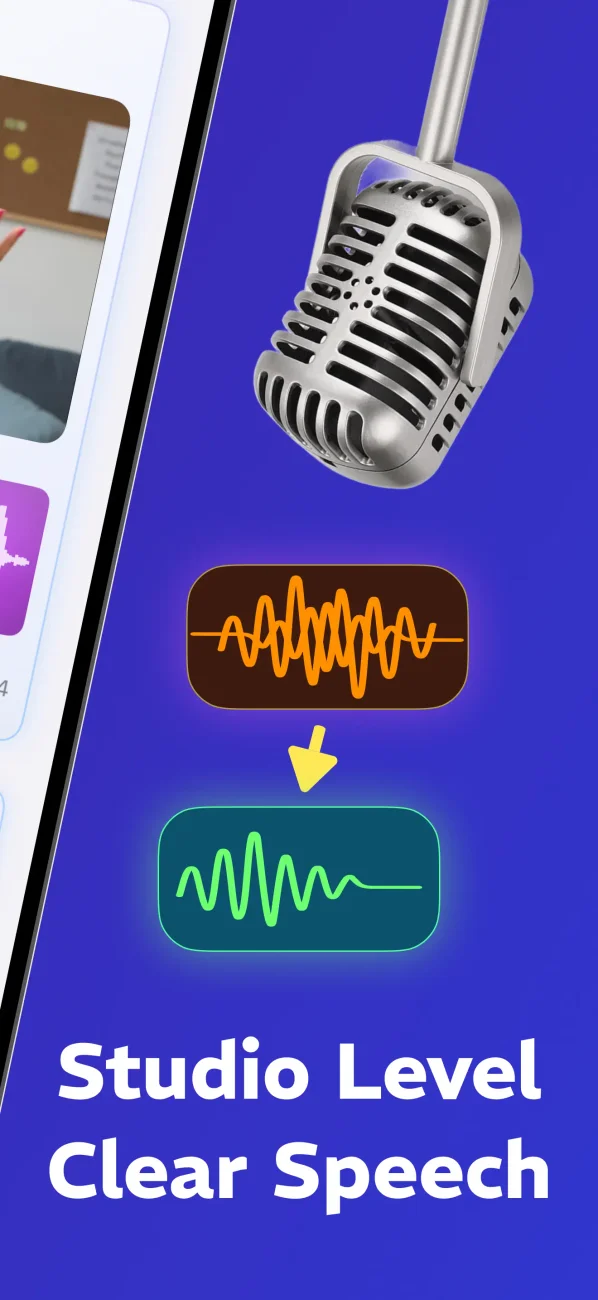
- Enhance voices to make speech clearer and easier to follow.
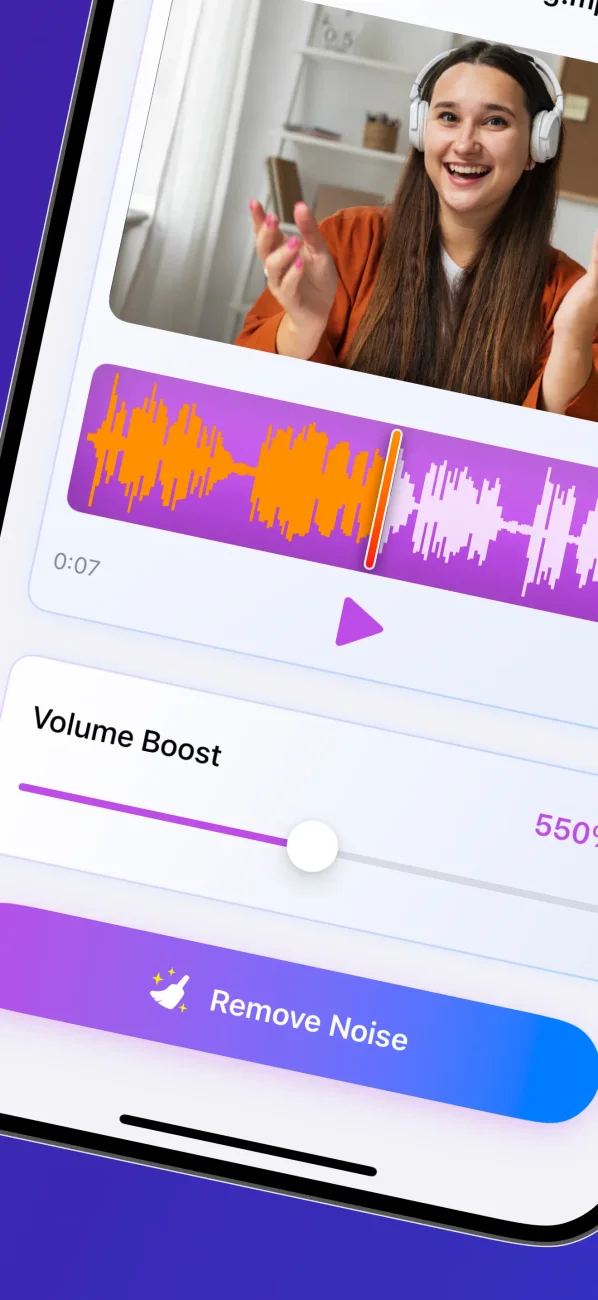
- Adjust the volume when a recording is too quiet or too loud.
- Shape the sound with EQ and audio effects.
- Try presets for podcasts, short videos, and warm narration.
For work, study, and the things you create
- Podcasters and journalists: clean up conversations and recorded interviews.
- Video creators: make voices easier to hear in vlogs, tutorials, and voiceovers.
- Students and teachers: improve the clarity of recorded lectures and lessons.
- Professionals: reduce distracting noise in recorded meetings and presentations.
- Everyday use: clean up voice memos and personal videos before sharing.
Import your audio or video
- Choose files from Photos or Files.
- Bring in recordings from other apps or through AirDrop.
- Transfer files from your computer over Wi-Fi.
- Record audio directly in the app.
Keep processing on your device
- AI noise removal runs locally on your iPhone.
- Your recordings don’t need to be uploaded to a server for processing.
AI noise reduction, optimized for iPhone
- Dedicated speech-denoising models, optimized by our team for Apple Core ML.
- Refined model execution and memory handling for efficient on-device processing.
- Our high-quality mode uses a specialized speech-denoising model with nearly 4 million parameters.
Keep the character of your voice
- Our denoising models filter your original recording to reduce unwanted noise.
- Designed to preserve your voice’s natural tone and expression.
- Adjust the strength and compare before and after to find the balance you prefer.
Preview, adjust, and export
- Listen to the result and fine-tune your settings.
- Choose your export format and audio quality.
- Save your recording or share it with another app.
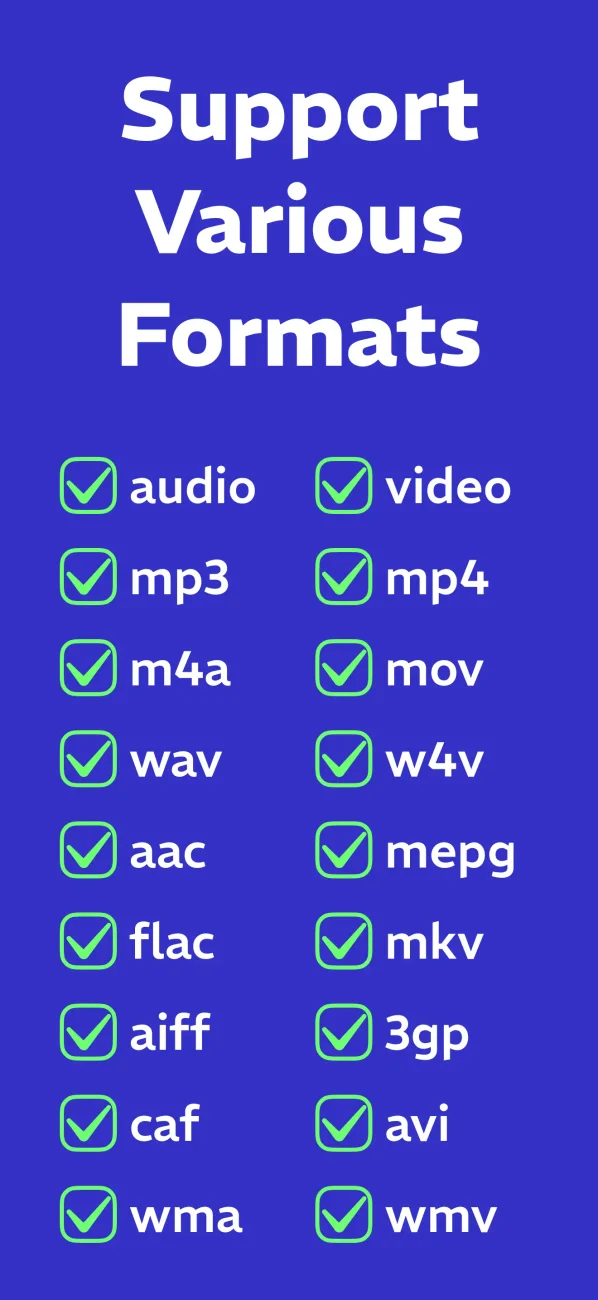
Supported formats
- Audio: MP3, WAV, AAC, M4A, and more.
- Video: MP4, MOV, and more.
What results can you expect?
- Results depend on the original recording and the type of noise.
- Some sounds may remain, especially when they overlap with speech.
Terms of use: https://audiocleaner.app/terms
Privacy policy: https://audiocleaner.app/privacy
Support: support@audiocleaner.app
What’s new
Version 3.2.8 · Nov 11, 2026
Fixed compatibility issues on iOS 18.
App privacy
What KnotSmith Ltd. declares on the App Store about how this app handles data.
-
Data not linked to you
May be collected but is not linked to your identity.
- Usage data
Privacy practices may vary, for example with the features you use or your age.
Information
- Seller
- Hangzhou Knot Network Technology Co., Ltd
- Category
- Utilities
- Version
- 3.2.8
- Updated
- Nov 11, 2026
- Released
- Aug 26, 2025
- Size
- 67.1 MB
- Requires
- iOS 18.0 or later
- Age rating
- 4+
- Price
- Free
- In-app purchases
- Yes
- Languages
- English, Arabic, Basque, Bengali, Bulgarian, Catalan, Croatian, Czech, Danish, Dutch, Estonian, Finnish + 38 more
- Copyright
- © 2025 Knot ltd
You might also like
-
 Noise Reducer & EnhancerRemove Background Noise
-
 Noise Reducer & RecorderBackground noise remover
-
 Noise ReducerRemove Background Noise
-
 Noise Reducer · Audio ToolDenoise & Enhance Sound
-
 Noise RemoverRemove Noise & Fillers
-
 Noise Reducer: Audio Enhancer+Background Noise Remover
-
 Audio Cleaner: Podcast DenoiseAI Noise Reducer & Voice Fix
-
 Boost Audio Voice Reduce NoiseVideo Audio Noise Cleaner AI
-
 AI Noise Reducer Audio EnhanceNoise Eraser Audio & Video
-
 Audio Video Noise Reducer AIOffline Voice Enhancer Podcast