Audio Extractor: MP3 Convertor
Video Converter, MP4 to MP3
Designed for iPhone, iPad, iPod touch
Free · In-app purchases
- Age rating4+
- CategoryUtilities
- DeveloperMuhammad Awais Younas
- LanguagesEnglish
- Size31.7 MB
Links to the official App Store page
Download.org hosts no file of Audio Extractor: MP3 Convertor. The button opens its official App Store page, published by Muhammad Awais Younas. Listing last checked on Nov 12, 2026.
Screenshots
About
Audio Extractor: MP3 Convertor — Turn Any Video Into High-Quality Audio
Need just the sound from a video — a song, a lecture, a podcast clip, a
recorded meeting? Audio Extractor: MP3 Convertor pulls clean, high-quality
audio out of any video in seconds, right on your iPhone or iPad.
COMMON THINGS PEOPLE USE THIS FOR
- Saving a podcast or interview from a video as a standalone audio file
- Turning a recorded lecture or meeting into audio you can listen to later
- Pulling music or a soundtrack out of a video clip
- Making a custom ringtone or notification sound from a video
- Getting just the audio from a long video without the file size of the video
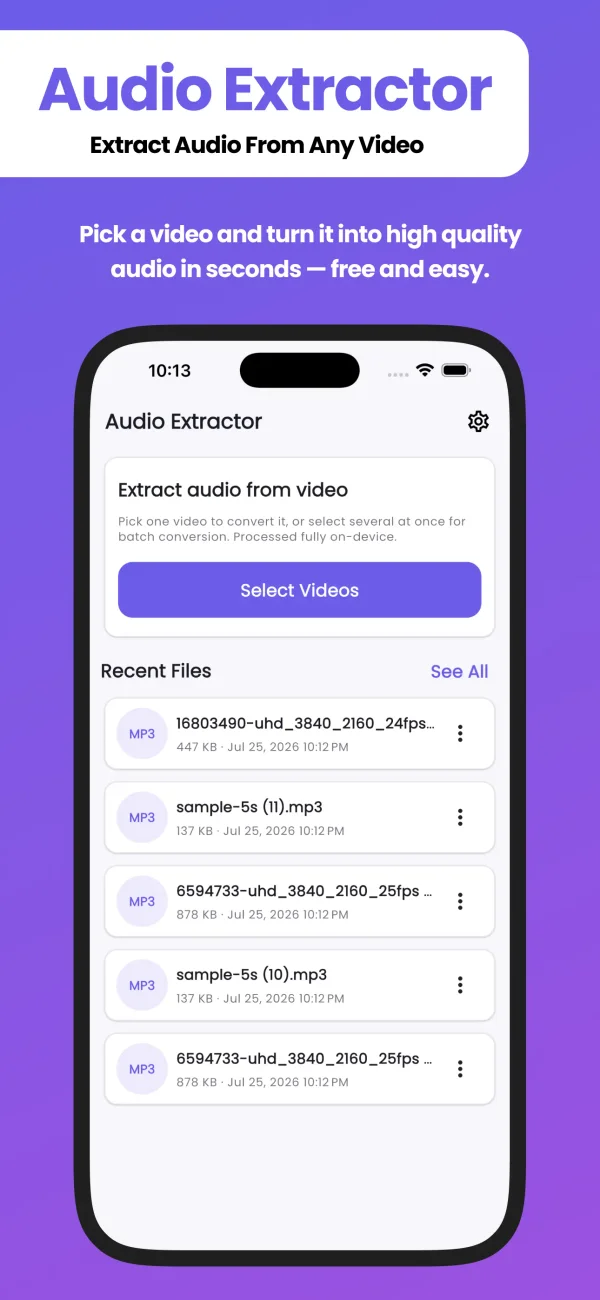
ENTIRELY ON YOUR DEVICE
Audio Extractor: MP3 Convertor processes every conversion locally, using
your device's own media engine — nothing is uploaded to a server. Your
videos and the audio you pull from them stay private, and conversion works
even without an internet connection.
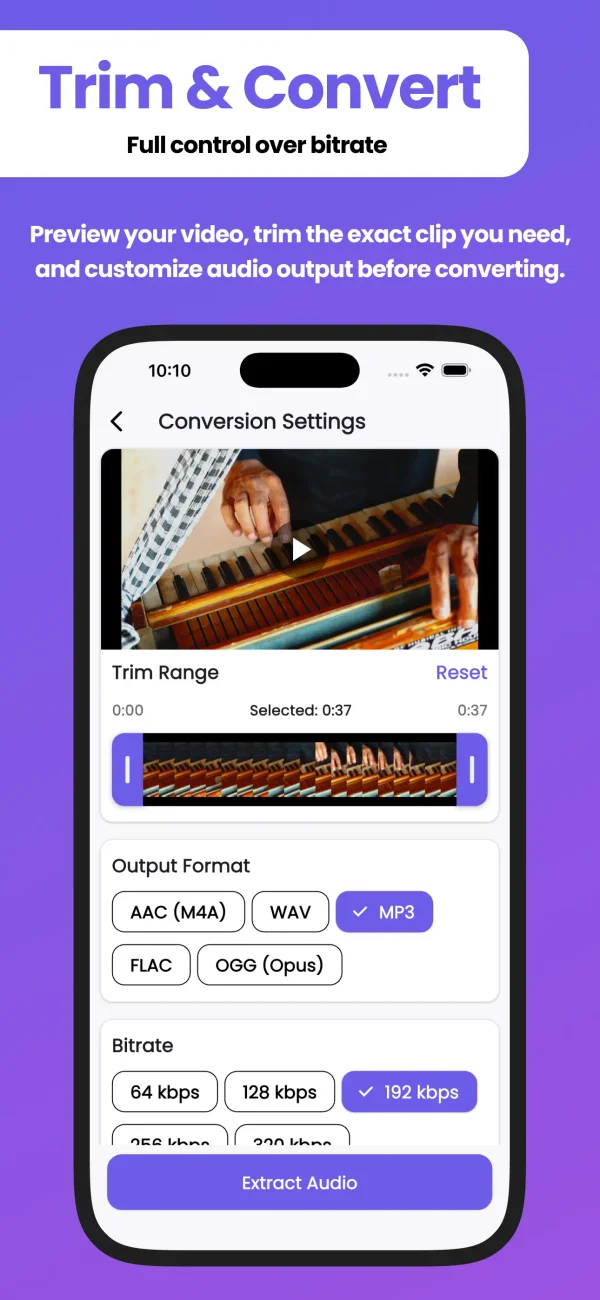
5 OUTPUT FORMATS, REAL QUALITY CONTROL
Choose exactly the format and quality you want:
- AAC (M4A), WAV, MP3, FLAC, or OGG
- Bitrate control — 64, 128, 192, 256, or 320 kbps, or match the source
- Sample rate control — 22.05, 44.1, or 48 kHz, or match the source
- Mono or stereo output
Most video-to-audio apps hand you one format and no real options. This app
gives you the kind of control a dedicated audio converter would, without
needing a second app.
TRIM BEFORE YOU CONVERT
Only need part of the video? Preview it right in the app and use the
filmstrip-style trim slider — drag the in and out points, scrub through
thumbnails, tap anywhere to jump to that moment — and convert only the exact
section you want. No separate cutting step required.
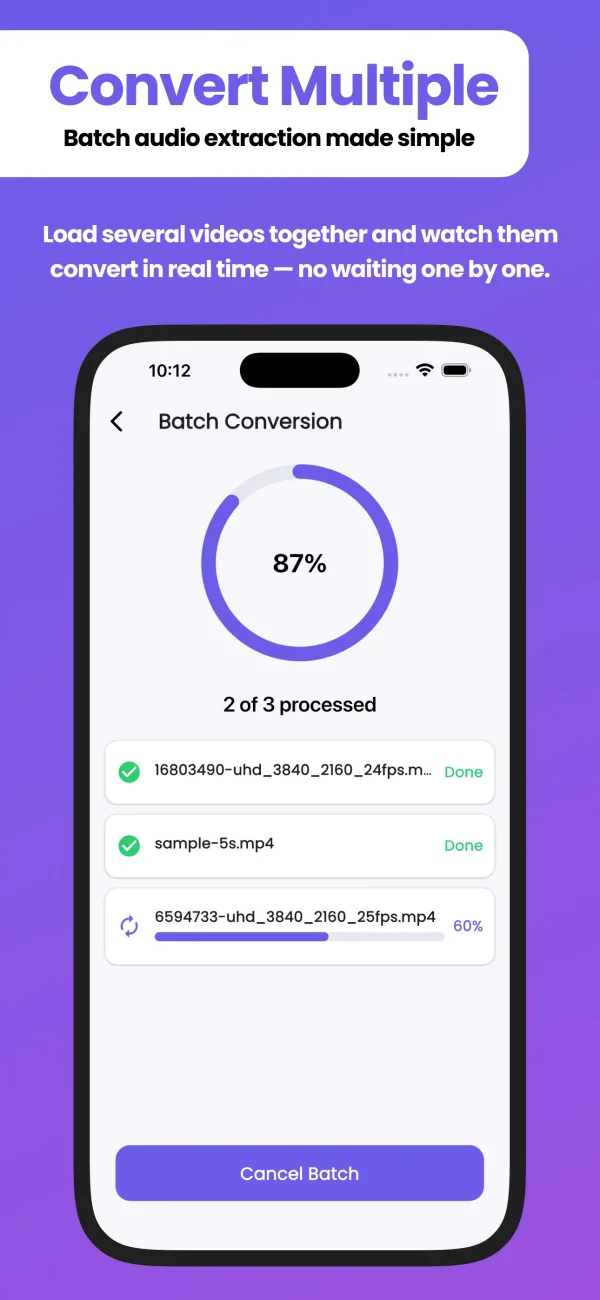
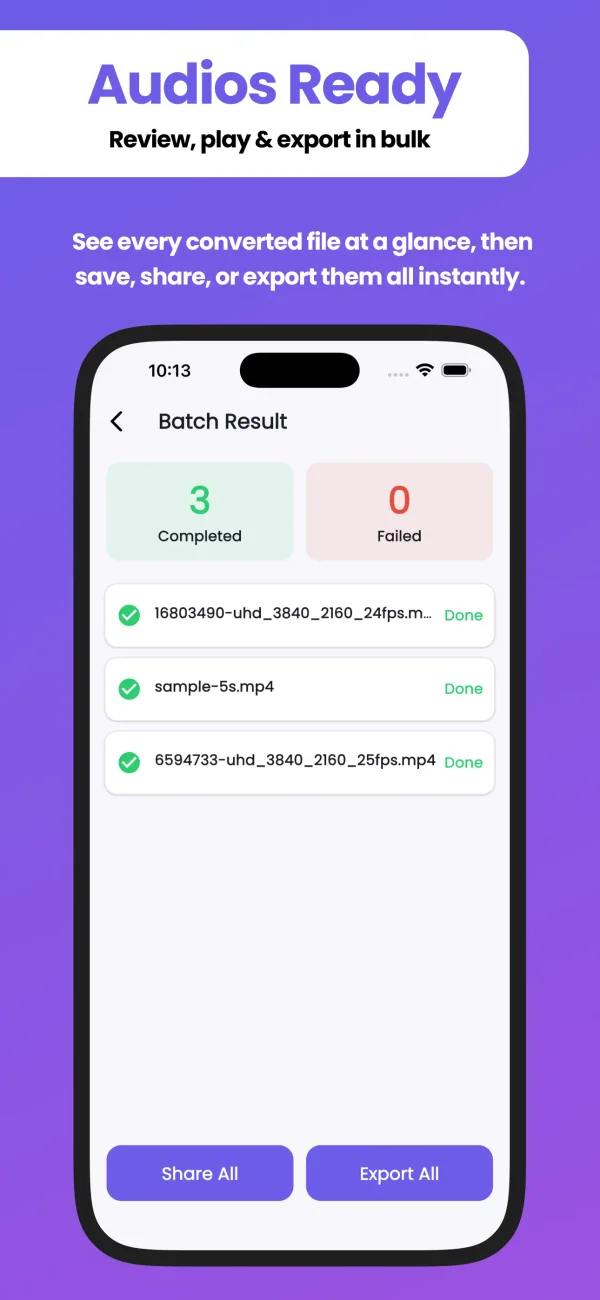
CONVERT MULTIPLE VIDEOS AT ONCE
Select several videos, apply the same format and quality settings, and
convert them together. You'll see an overall progress indicator plus the
real status of every individual file — and if one file can't be converted
(no audio track, unsupported content), the rest of the batch keeps going
instead of stopping.
A COMPLETE AUDIO WORKFLOW
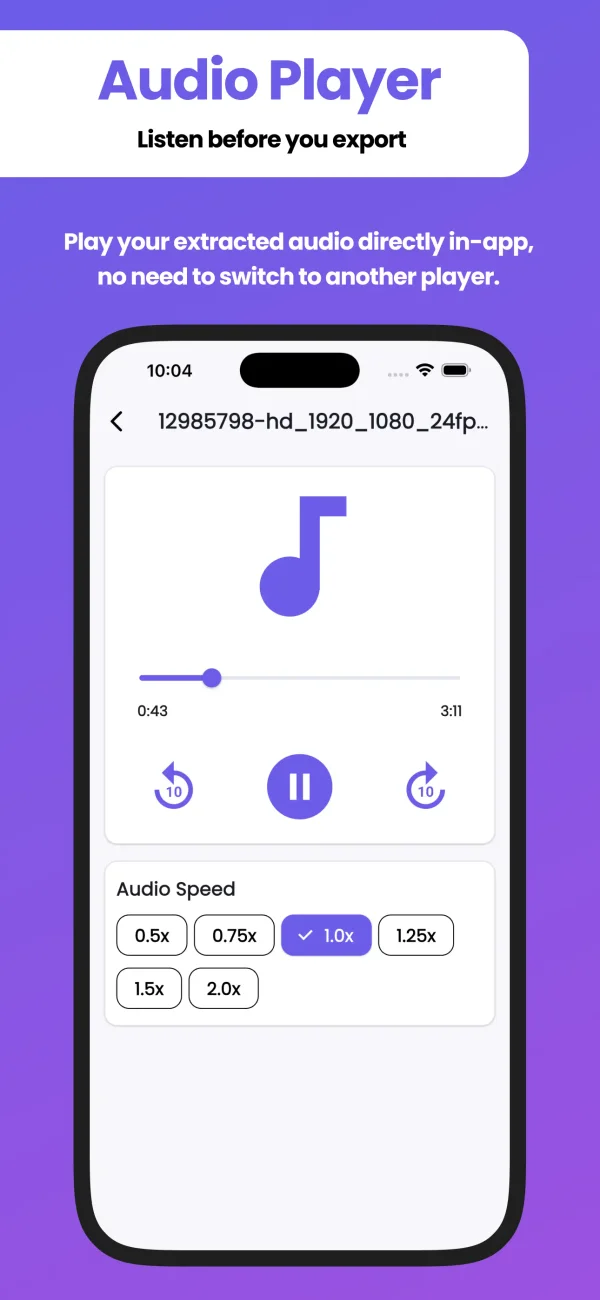
- Built-in player — play any converted file with seek and 10-second skip
forward/back, right inside the app
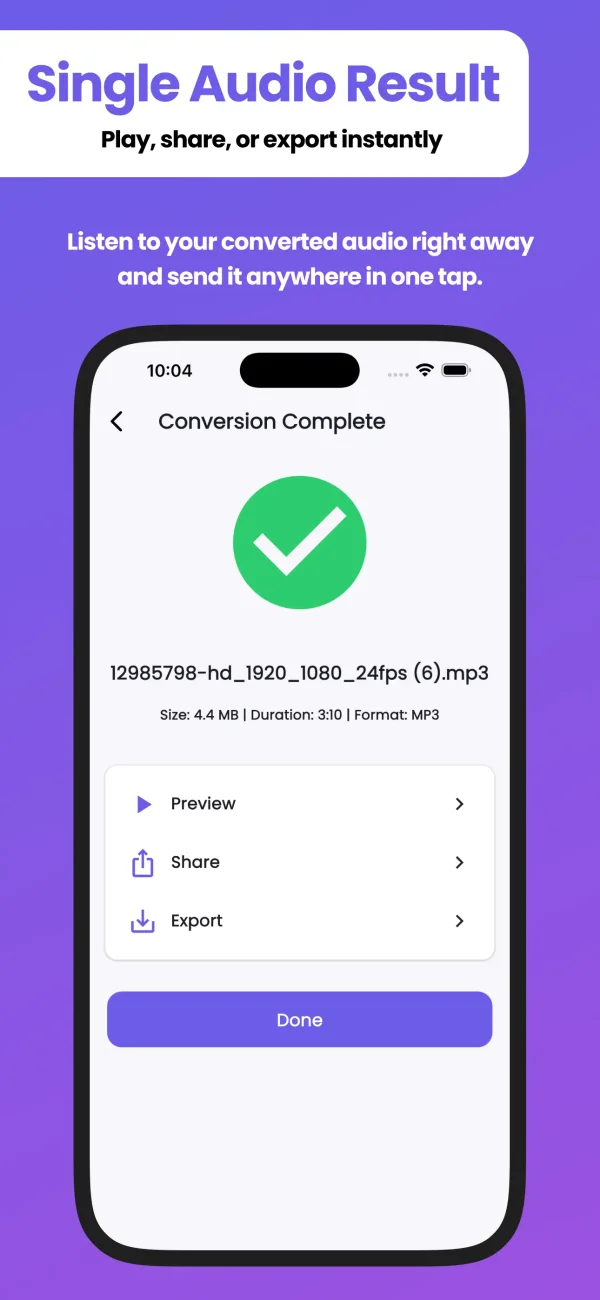
- Share any converted file, or a bundled batch, through the share sheet
- Save converted files to any location you choose
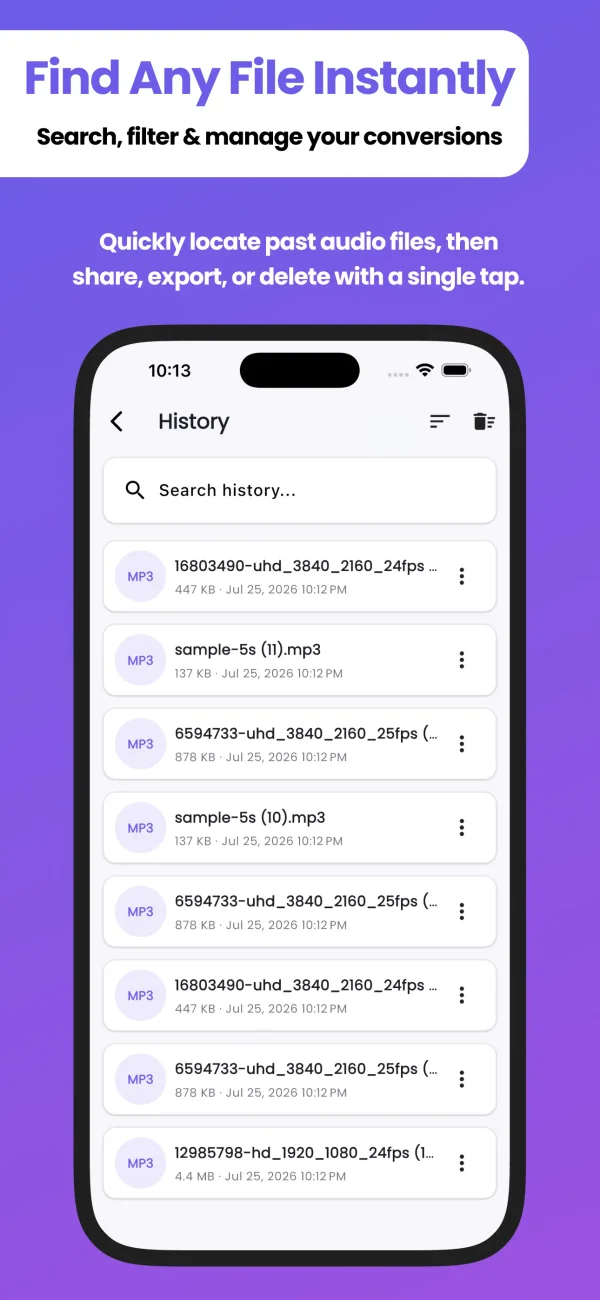
- History — every past conversion, searchable and sortable by date, name,
or size
- Recent conversions shown right on the home screen for quick access
WORKS WITH VIRTUALLY ANY VIDEO
Supports MP4, MOV, AVI, MKV, WMV, FLV, 3GP, WEBM, and M4V as input.
Corrupted or protected files are handled with a clear message instead of a
crash.
CLEAN, SIMPLE DESIGN
Light, Dark, and System theme support. See how much storage your converted
files are using, and clear them in a tap when you want the space back.
WHO IT'S FOR
- Anyone who wants the audio from a video — music, interviews, lectures,
podcasts, voice memos, or clips
- People who need a specific format for compatibility or quality, not a
one-size-fits-all output
- Anyone converting a batch of videos at once instead of one at a time
- Anyone who wants to trim first and convert only the part they need
Download Audio Extractor: MP3 Convertor and turn any video into exactly the
audio file you need — fast, flexible, and entirely on your device.
Terms of use: https://codifyappsprivacy.blogspot.com/p/terms-of-use.html
App privacy
What Muhammad Awais Younas declares on the App Store about how this app handles data.
-
Data not linked to you
May be collected but is not linked to your identity.
- Identifiers
Privacy practices may vary, for example with the features you use or your age.
Information
- Seller
- Muhammad Awais Younas
- Category
- Utilities
- Version
- 1.0
- Updated
- Aug 5, 2026
- Released
- Aug 5, 2026
- Size
- 31.7 MB
- Requires
- iOS 14.0 or later
- Age rating
- 4+
- Price
- Free
- In-app purchases
- Yes
- Languages
- English
- Copyright
- © Muhammad Awais Younas
You might also like
-
 Natural Aloud Reader (TTS)Text to Speech, Any Language
-
 PinyinReadYour Pinyin Reading Helper
-
 Neural Sound - Text to SpeechUtilities
-
 Video to MP3: Audio ExtractConverter · Trim · Offline
-
 Frequency Generator (Ape Apps)Utilities
-
 Touchless BrowserOperation from 6 feet away
-
 Infinity Transcribe RecorderRecord Meetings, Voice to Text
-
 StarryLightUtilities
-
 Album Utility Mass Delete ToolBatch Image Processing
-
 Magnetometer XMetal Detector & Stud Finder