Audio Flashcards App
Make cards. Study hands-free.
Designed for iPhone, iPad, Mac
Free · In-app purchases
- Age rating4+
- CategoryEducation
- DeveloperPeter Mapley
- LanguagesEnglish+ 1 more
- Size99.6 MB
Links to the official App Store page
Download.org hosts no file of Audio Flashcards App. The button opens its official App Store page, published by Peter Mapley. Listing last checked on Nov 24, 2026.
Screenshots


About
Audio Flashcards lets you study without looking at a screen. Each card is a short recording of a question and its answer. You listen to the question, think of the answer, then listen to the answer to check yourself. Grade how well you knew it, and spaced repetition decides when the card comes back.
It works anywhere you can listen: on a walk, in the car, at the gym or while cooking. Use it to learn a language, build vocabulary, prepare for an exam, or memorize anything you need to know.
Review hands-free
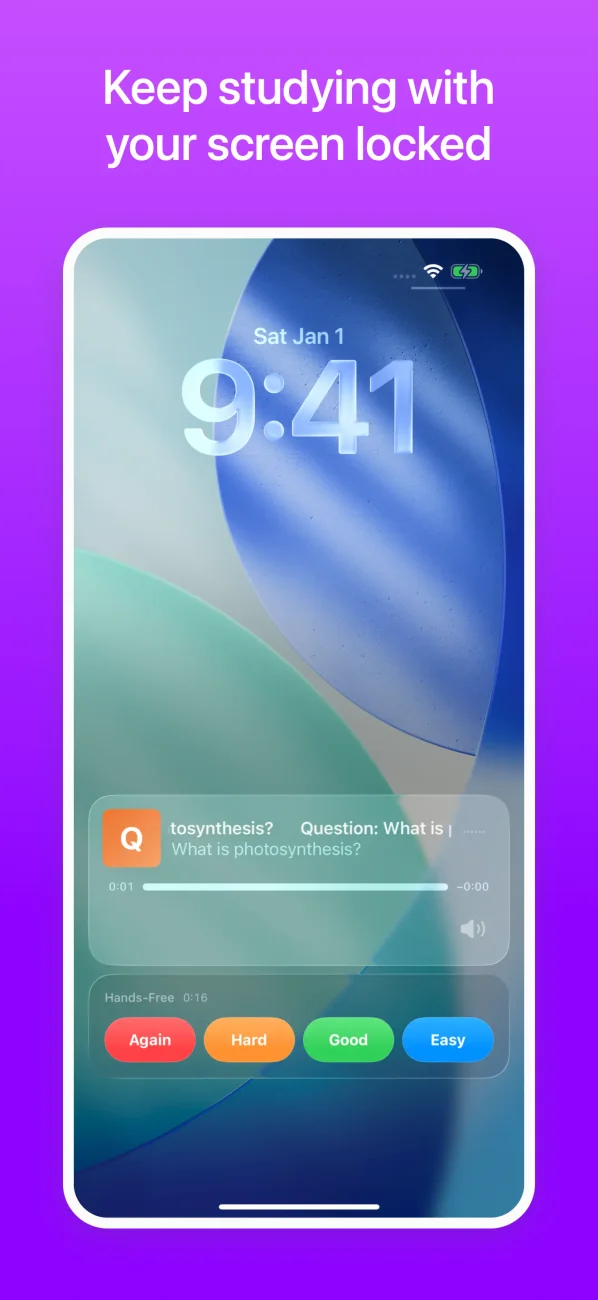
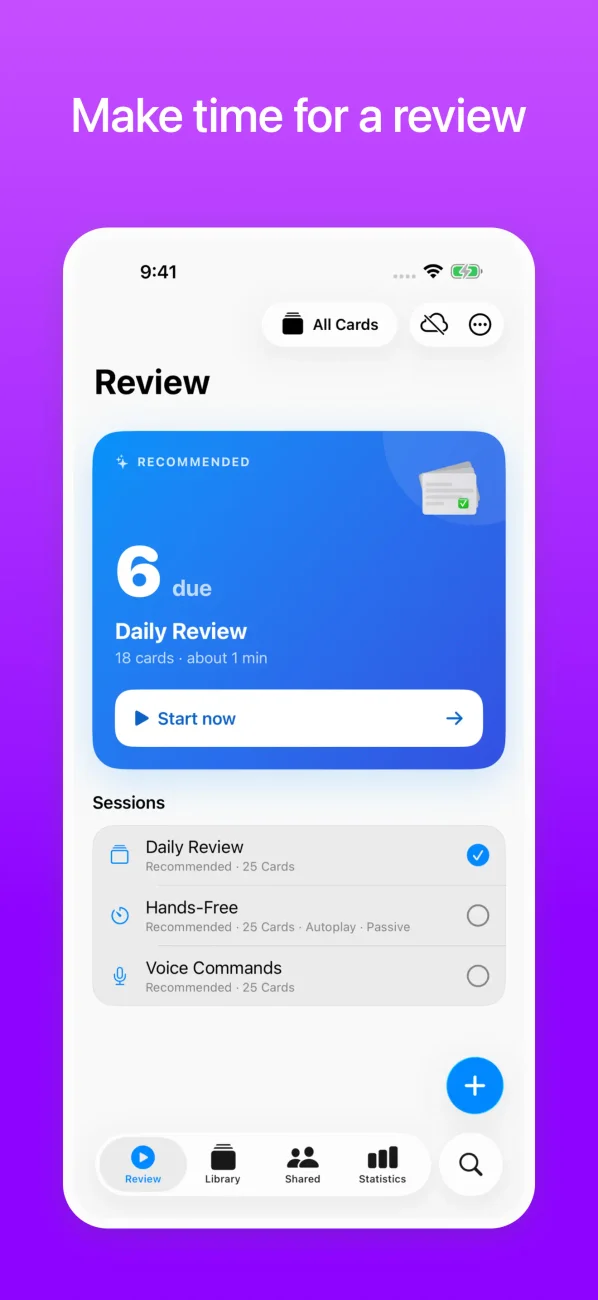
Turn on autoplay and each card plays by itself, with a pause you choose before the answer. Grade cards and move between them with voice commands, in your own language. On iPhone you can also grade from the Lock Screen or the Dynamic Island, and your headphone and car controls work too.
Create cards in minutes
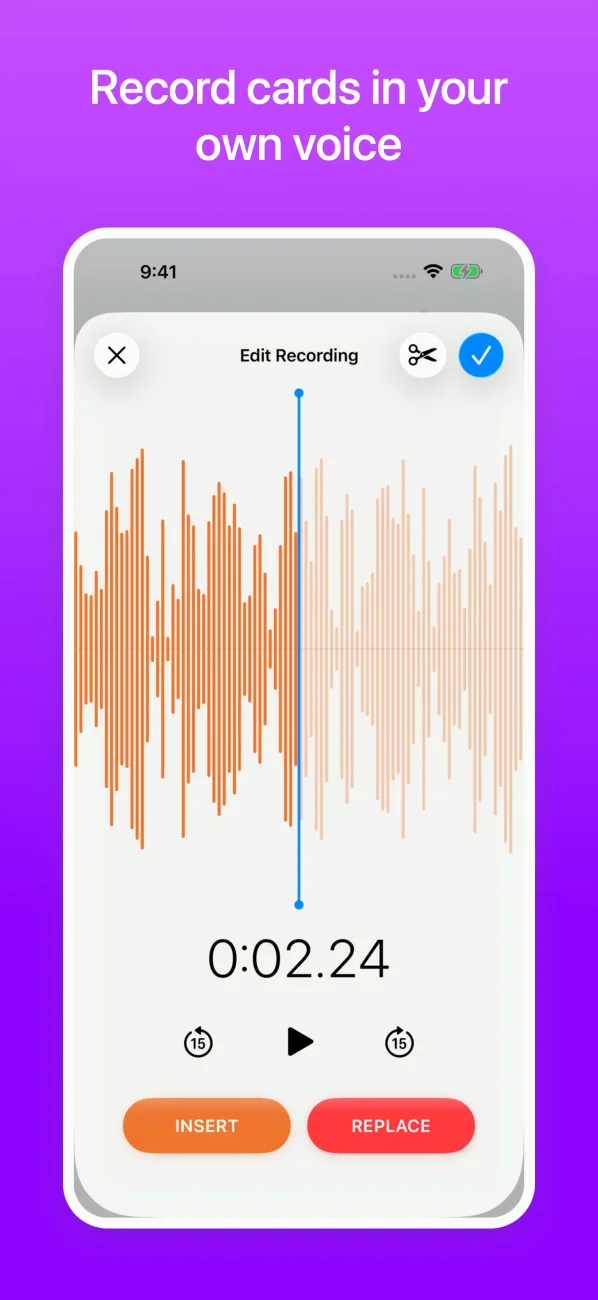
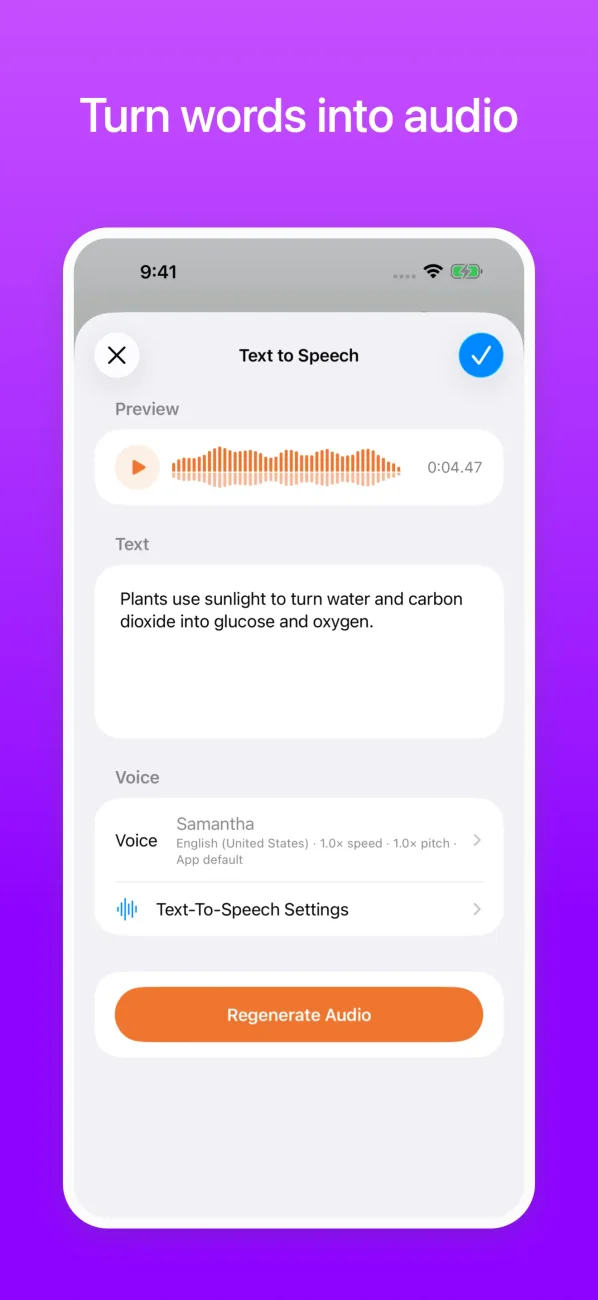
Record the question and the answer in your own voice, then trim or fix any part of the recording. Prefer typing? Choose a voice to read your text aloud: the voices built into your device, natural Kokoro voices that run offline, or Amazon Polly through your own account. You can also import a spreadsheet or a folder of audio files.
Spaced repetition that fits you
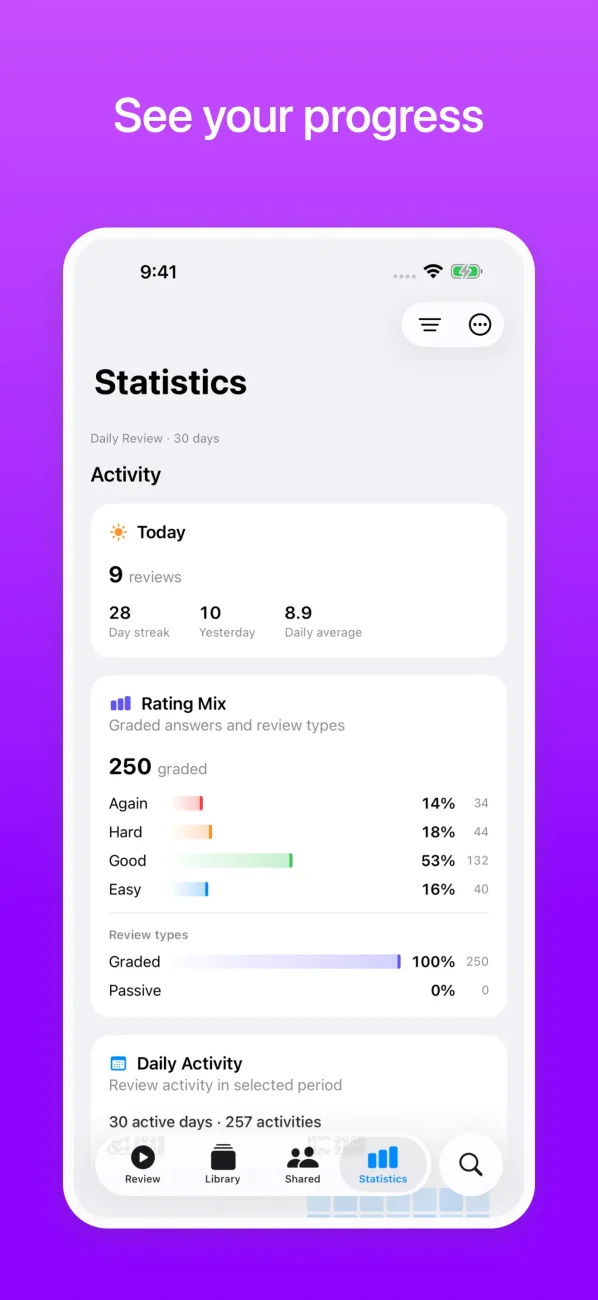
Audio Flashcards schedules reviews with FSRS, a modern spaced repetition algorithm. Grade each card Again, Hard, Good or Easy, choose how much you want to remember, and the app plans every review for you. Practice sessions let you study ahead without changing your schedule, and statistics show your progress and streak.
Your cards on every device
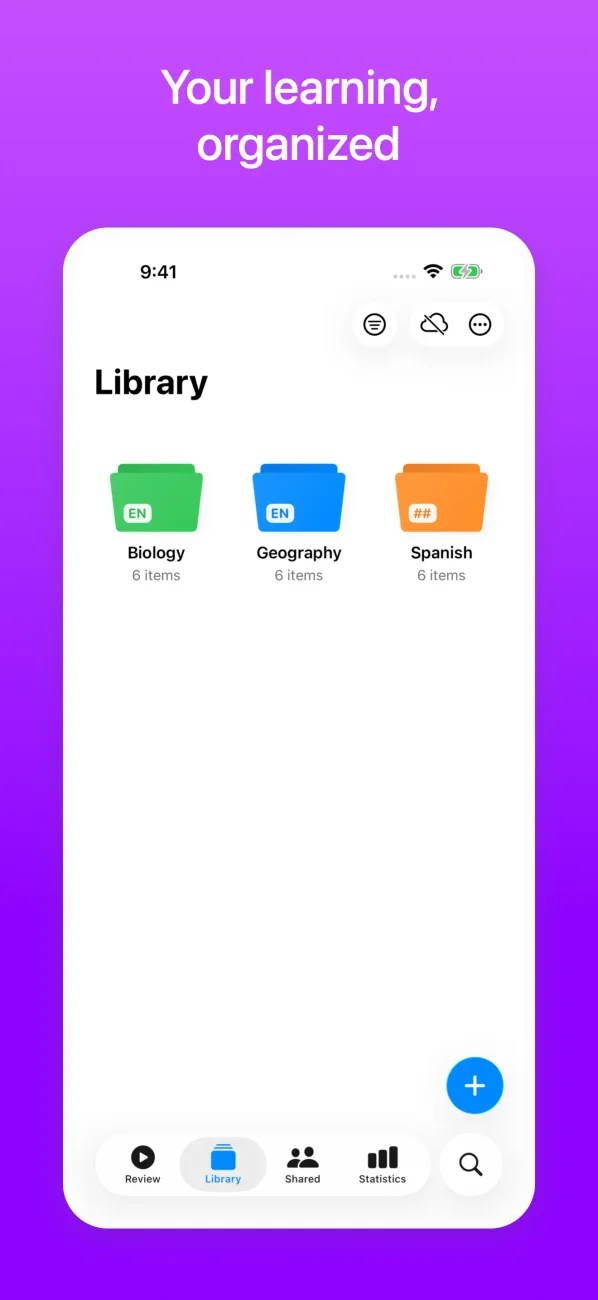
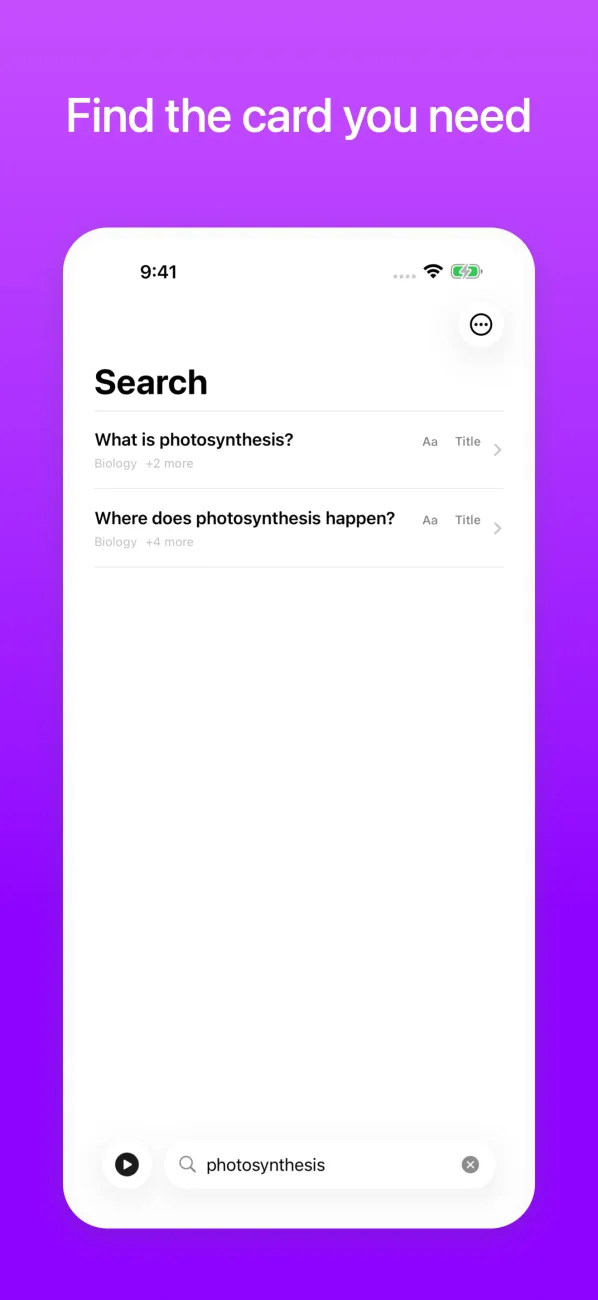
Organize cards into folders, each with its own settings. Transcribe your recordings and search the words you said. iCloud keeps iPhone, iPad and Mac in sync, and the Mac app has a sidebar, menus and keyboard shortcuts.
Shared Cards
Browse collections made by other learners, listen before you download, and keep your progress when a collection is updated. Publish your own for everyone, or share it privately with a link.
Free to use
Audio Flashcards is free with ads on iPhone and iPad. A subscription or a one-time purchase removes them, and the Mac app has no ads. Cloud voices use your own provider account.
Questions or ideas? Contact me in the app under Settings > Contact.
Terms of Use (EULA): https://www.apple.com/legal/internet-services/itunes/dev/stdeula/
What’s new
Version 2.0.6 · Nov 23, 2026
- Minor feature updates, bug fixes and UI/UX tweaks.
App privacy
What Peter Mapley declares on the App Store about how this app handles data.
-
Data used to track you
May be used to track you across apps and websites owned by other companies.
- Identifiers
- Usage data
-
Data not linked to you
May be collected but is not linked to your identity.
- Location
- Identifiers
- Usage data
- Diagnostics
Privacy practices may vary, for example with the features you use or your age.
Information
- Seller
- Peter Mapley
- Category
- Education
- Version
- 2.0.6
- Updated
- Nov 23, 2026
- Released
- Jan 15, 2022
- Size
- 99.6 MB
- Requires
- iOS 16.0 or later
- Age rating
- 4+
- Price
- Free
- In-app purchases
- Yes
- Languages
- English, German
- Copyright
- © 2021–2026 Peter Mapley
You might also like
-
 MemTalk - Audio FlashcardsFast Memorization On The Go
-
 Audio FlashHands-free, audio flashcards
-
 Study Cards Talking FlashcardsAI Creates, You Listen & Learn
-
 VoiceCards - Voice FlashcardsAudio & Speaking Exam Prep
-
 Flashcards Deluxe LiteEducation
-
 HyperLingua: Learn LanguagesLearn faster, speak better.
-
 Lingua Verbum -Learn LanguagesSpanish French Japanese & More
-
 Spaced Repetition SmartCards+Active Recall Flashcard Maker
-
 Flashcards with AudioListen, practice & remember
-
 Memoword: My Words FlashcardsPersonal vocabulary Anki cards