
Audio Lab FX Editor
Stem edit, Effects & Mastering
Designed for iPhone, iPad, iPod touch
Free · In-app purchases
- Age rating4+
- CategoryMusic
- DeveloperSean Ray Dvir
- LanguagesEnglish
- Size36.3 MB
Links to the official App Store page
Download.org hosts no file of Audio Lab FX Editor. The button opens its official App Store page, published by Sean Ray Dvir. Listing last checked on Nov 16, 2026.
Screenshots
About
Audio Lab is a focused tool for turning raw recordings into finished, shareable content. It is built for artists who want a simple way to produce audio without getting lost in complex workflows.
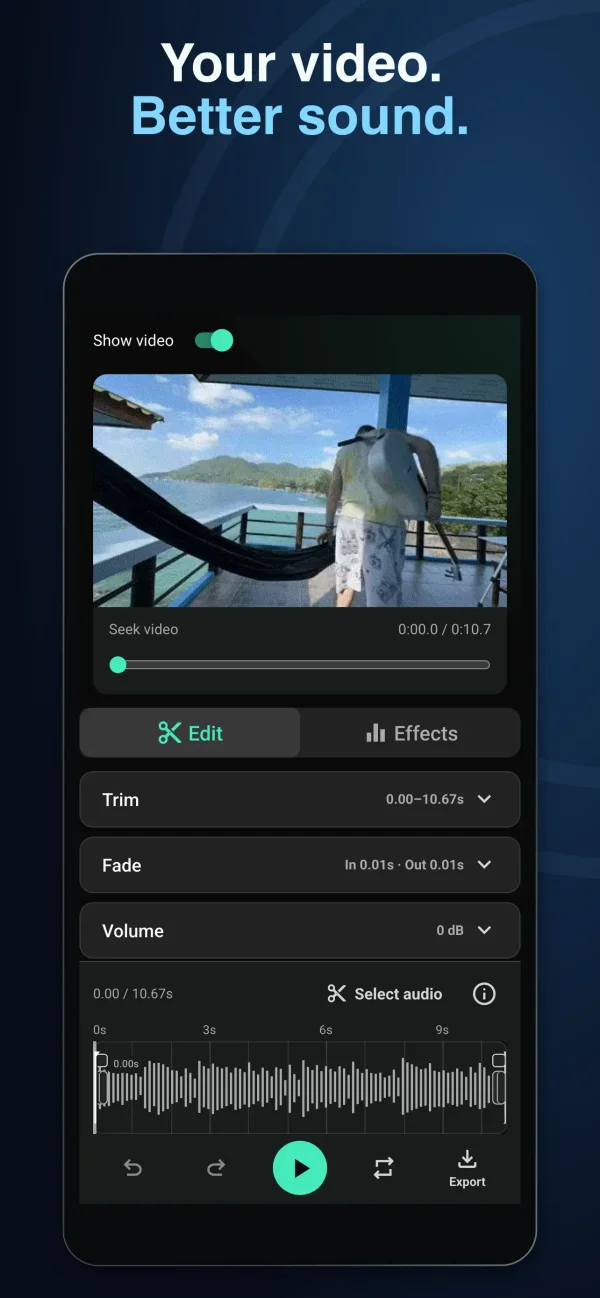
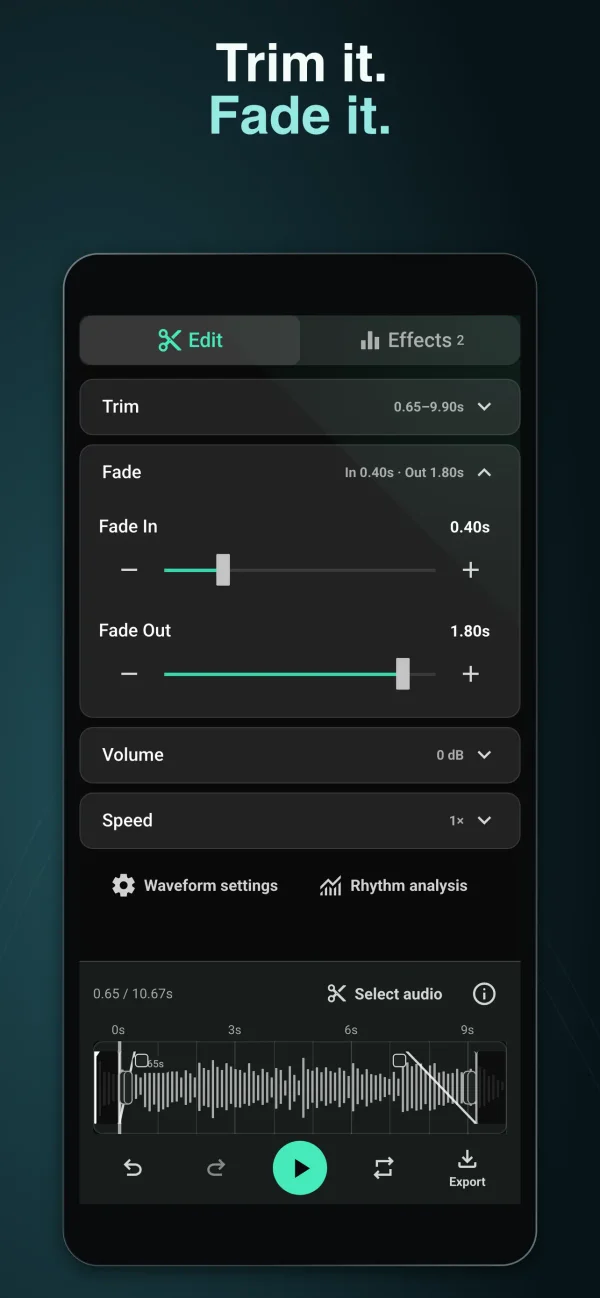
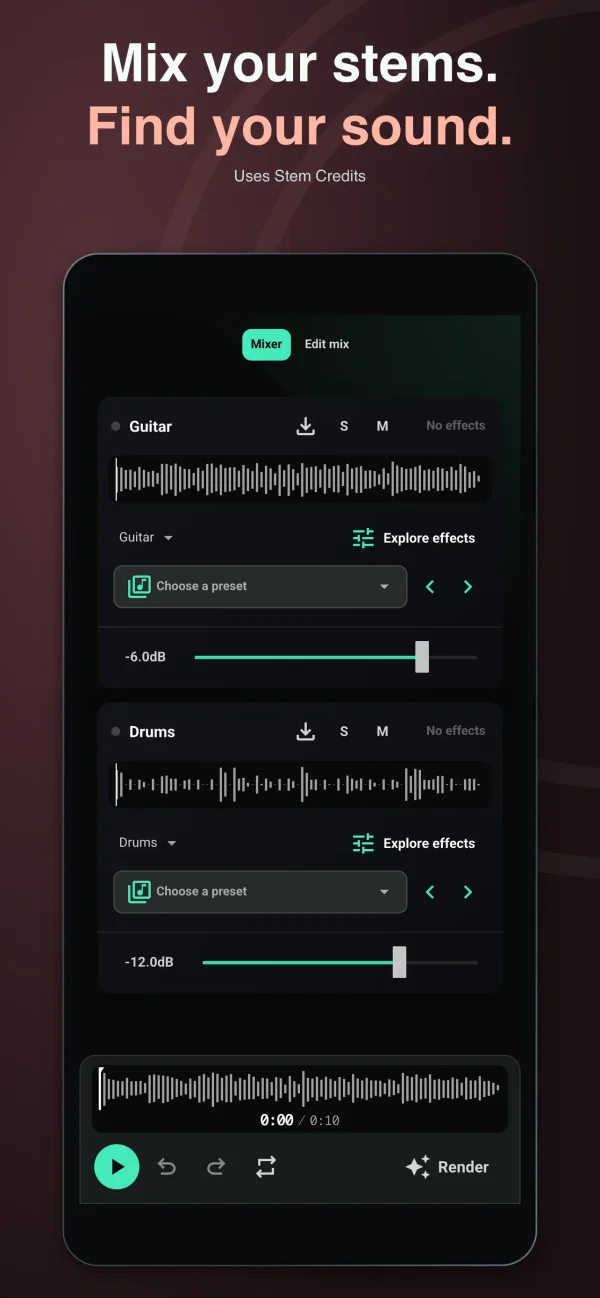
You start by uploading audio or video. From there, you can shape and refine it step by step - mix, add professional effects, automation.
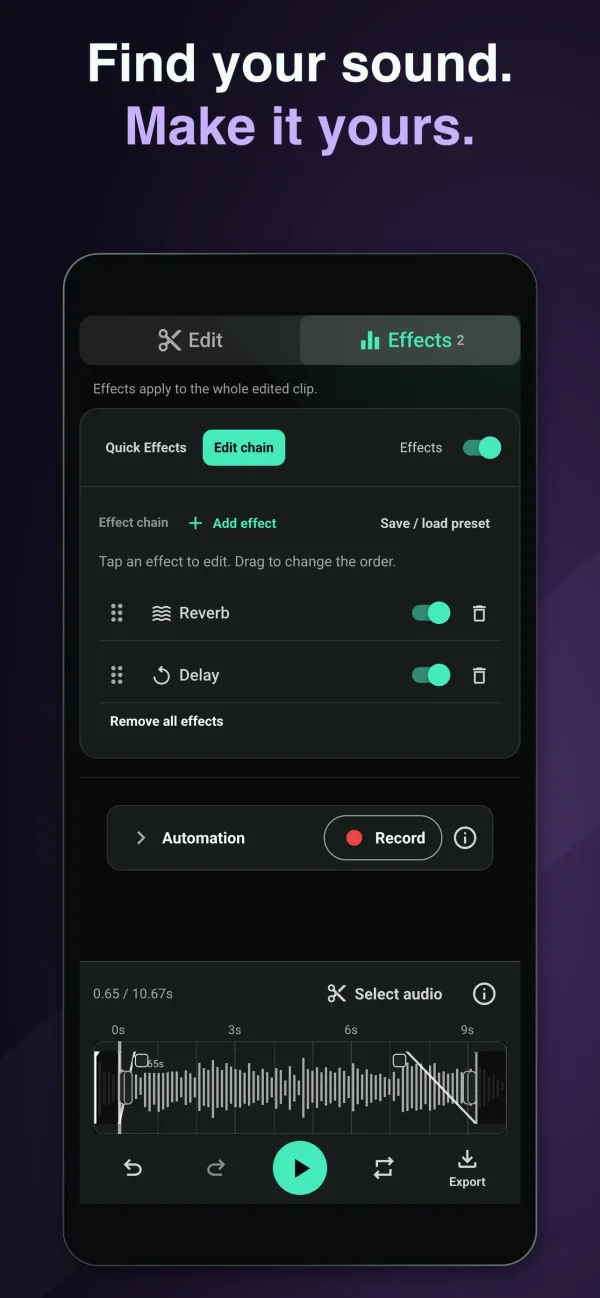
You can record automation in real time for any effect parameter - which gives flexibility and endless possibilities for your production.
You can split vocals and instruments using a stem separation feature - giving you control over each part of the sound. This opens up new possibilities. You can clean up a vocal, remix a track, or focus on specific elements without starting from scratch.
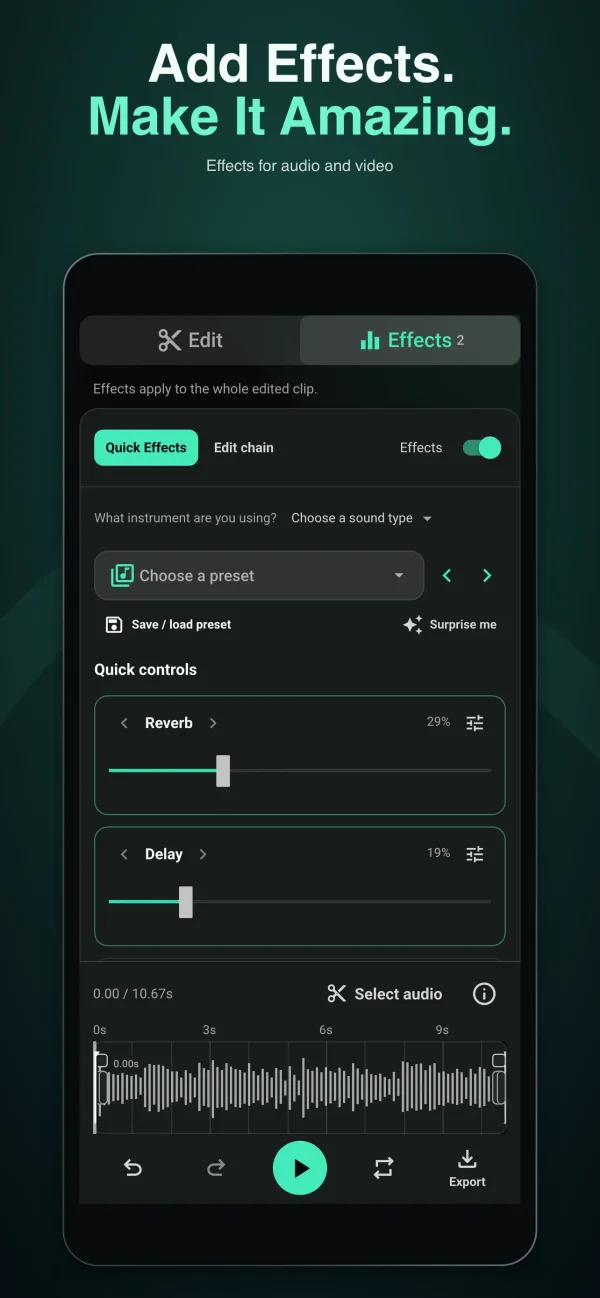
Audio Lab also includes a range of professional effects. You can enhance clarity, adjust tone, and shape the overall sound directly inside the app. The goal is not to overwhelm you with options, but to give you what you need to get a clean, polished result. There are 20+ professional effects, including reverb, delay, compressors, eq and more.
There are also presets for various types of sound - male/female vocals, guitar, bass, drums, piano etc.
Everything happens in a simple, controlled environment - You make changes, hear them immediately, adjust. This keeps the process fast and intuitive, especially if you don’t want to spend time learning a full DAW.
It works for different types of creators. Singers can record and refine vocals. Musicians can process demos. Content creators can improve audio for videos. The tool adapts to different use cases without changing how it works.
There is no complicated routing or setup. No need to manage large projects or timelines. Audio Lab focuses on a single goal: take an existing piece of audio or video and make it sound better.
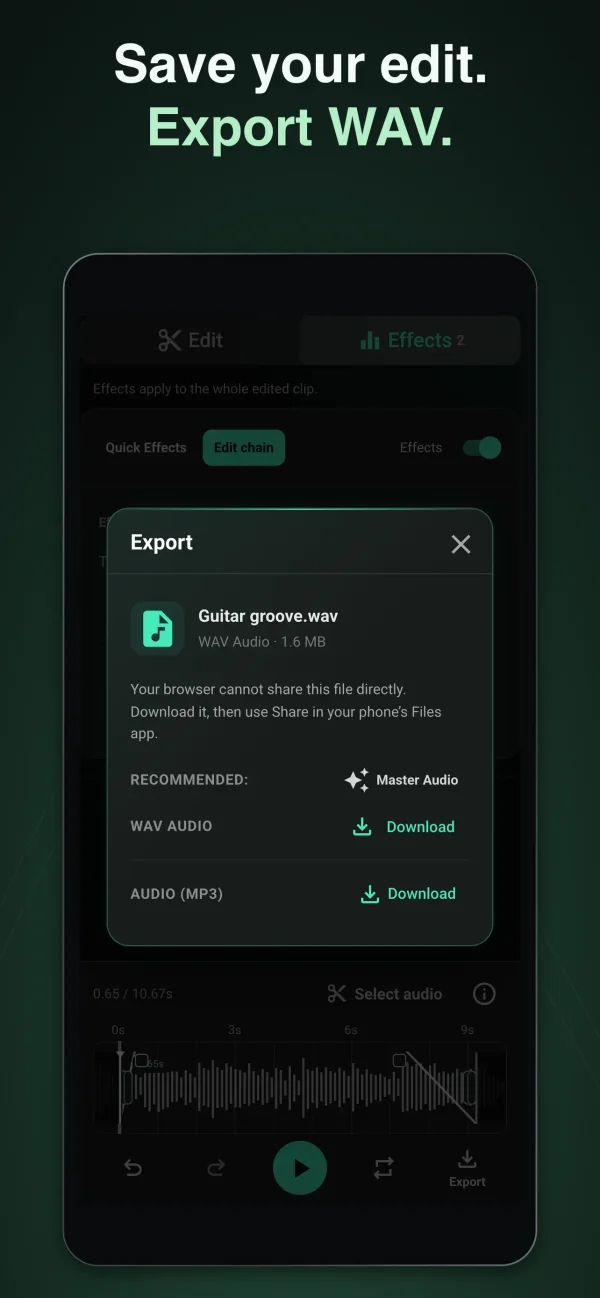
Export is simple. Once you are done, you can export your audio or video and use it anywhere. Share it, upload it, or move it into another tool if needed.
It also includes professional mastering built in - with presets for different styles and genres.
It keeps things clean, removes friction and lets you focus on the result, not the process.
You don’t need to think about how to produce.
You just improve what you already have.
You explore, listen & create - That’s the core idea behind Melodic Mind. Let music feel natural again.
Terms of Use (EULA):
https://www.apple.com/legal/internet-services/itunes/dev/stdeula/
Privacy Policy:
https://melodic-mind.com/privacy-policy
What’s new
Version 1.15 · Nov 9, 2026
New effects and presets to shape your sound.
Twelve video lessons on editing, effects, automation and exporting.
Improved audio and video editing, playback, saving and export.
App privacy
What Sean Ray Dvir declares on the App Store about how this app handles data.
-
Data linked to you
May be collected and linked to your identity.
- Contact info
- User content
- Identifiers
- Usage data
Privacy practices may vary, for example with the features you use or your age.
Information
- Seller
- Sean Ray Dvir
- Category
- Music
- Version
- 1.15
- Updated
- Nov 9, 2026
- Released
- Jul 6, 2026
- Size
- 36.3 MB
- Requires
- iOS 15.0 or later
- Age rating
- 4+
- Price
- Free
- In-app purchases
- Yes
- Languages
- English
- Copyright
- © 2026, Sean Ray Dvir
You might also like
-
 SoundLab - Stem SplitterAudio editor and stem splitter
-
 Ai Audio EnhancerRemove Noise & Boost Voice
-
 Audio Studio_ProAudio Editor & Recorder
-
 Music Remover Audio SeparatorRemove Vocals & Separate Music
-
 Audio Master: Pro Music EditorReverb, Mastering Studio + EQ
-
 Audio Layrs - AI Vocal RemoverAI Stem Splitter & Pitch Fixer
-
 WefixSound – Audio RestorationNoise Removal · Audio Repair
-
 Vocal Remover · Isolate VocalsOne-click fast music separator
-
 Noise Reducer & Audio CleanerRemove Background Noise Down
-
 VoxLab: Smart Vocal TunerVoice Tuner & Video Editor