
Audio Trimmer & Cutter
Silence cleanup, fades & loops
Designed for iPhone
In-app purchases
- Age rating4+
- CategoryMusic
- DeveloperIhar Shaduryn
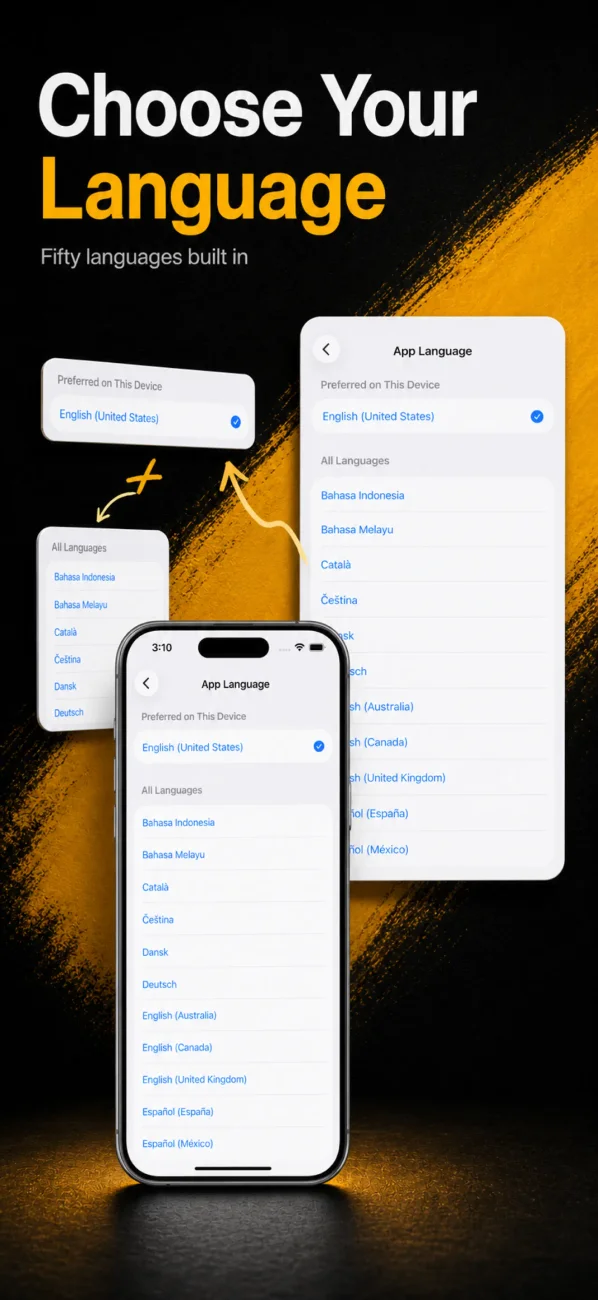
- LanguagesGerman+ 43 more
- Size3.8 MB
Links to the official App Store page
Download.org hosts no file of Audio Trimmer & Cutter. The button opens its official App Store page, published by Ihar Shaduryn. Listing last checked on Nov 12, 2026.
Screenshots



About
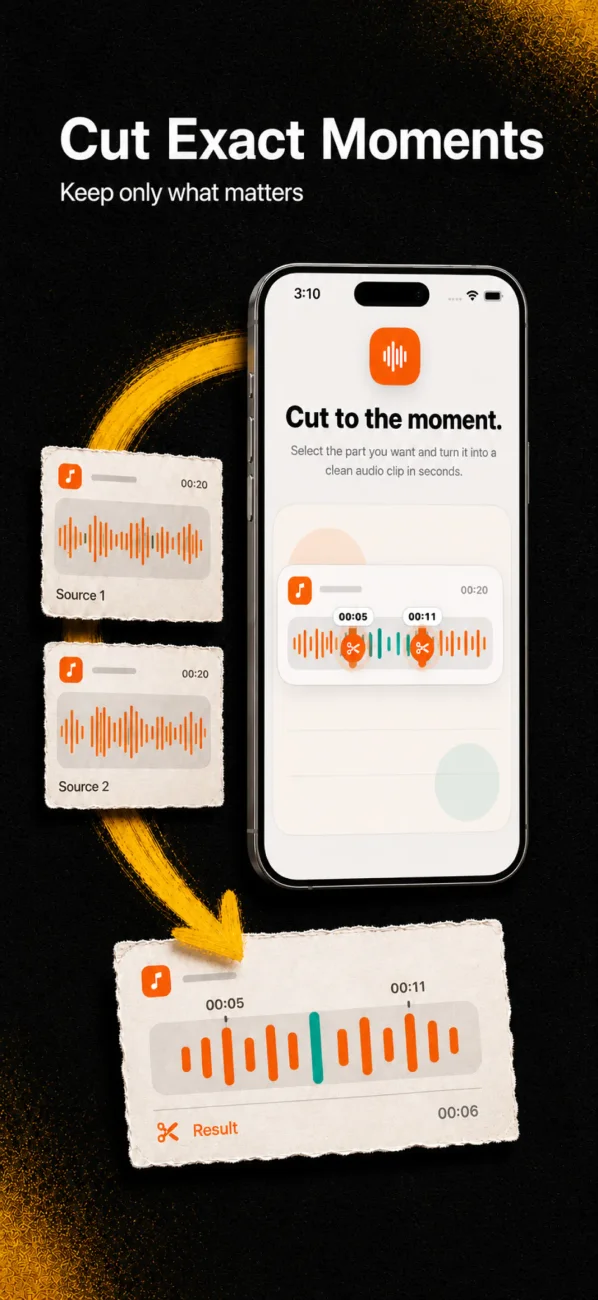
Keep exactly the part you want. AudioTrim: Trimmer & Cutter turns an audio file or a video's soundtrack into a clean, shareable clip through a focused editing workflow.
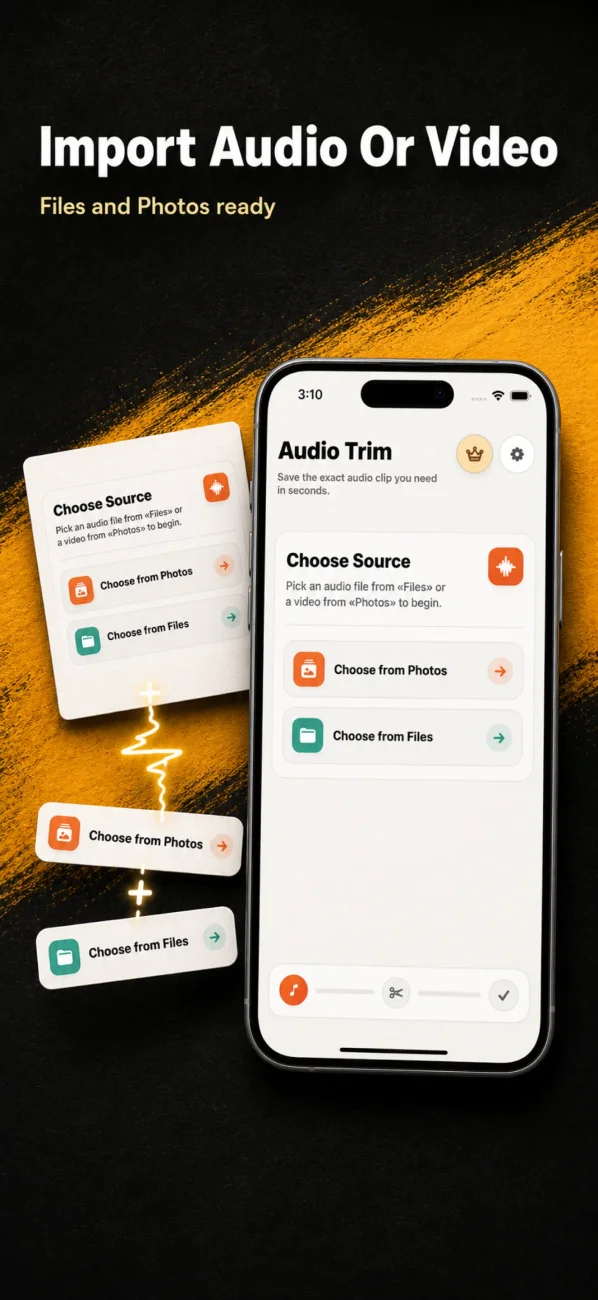
Import audio or video from Files, or choose a video from Photos. The app reads the media locally, identifies its audio track and opens an editor for selecting the section to keep. Your original source remains separate from the exported clip.
SEE THE CUT BEFORE YOU MAKE IT
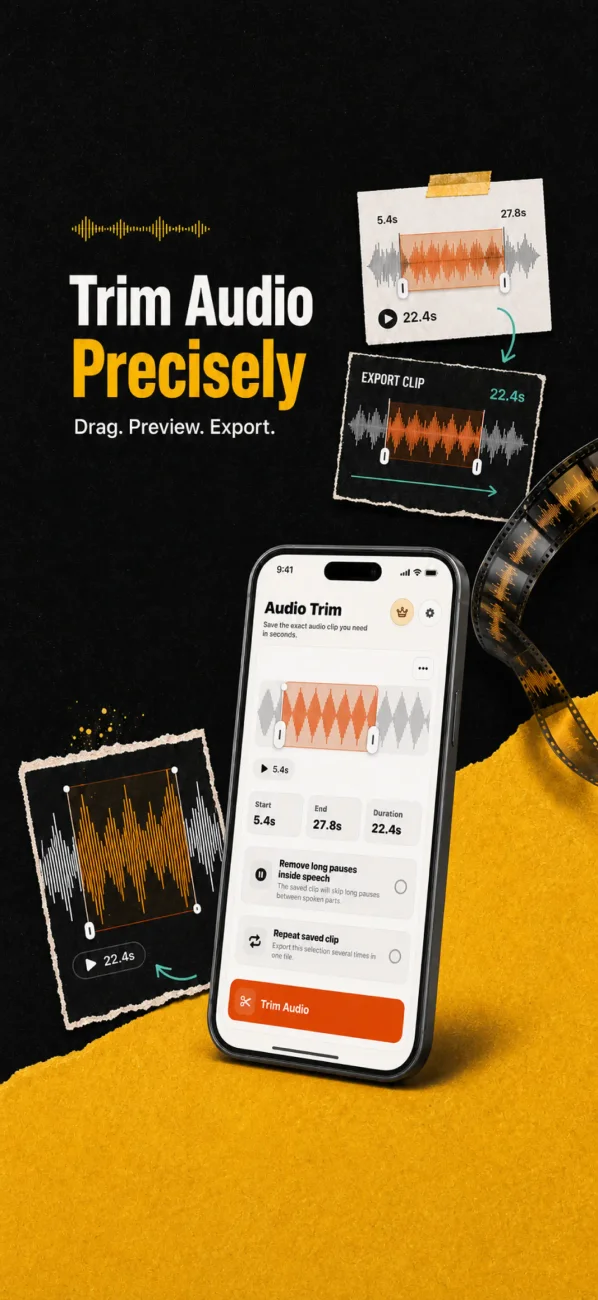
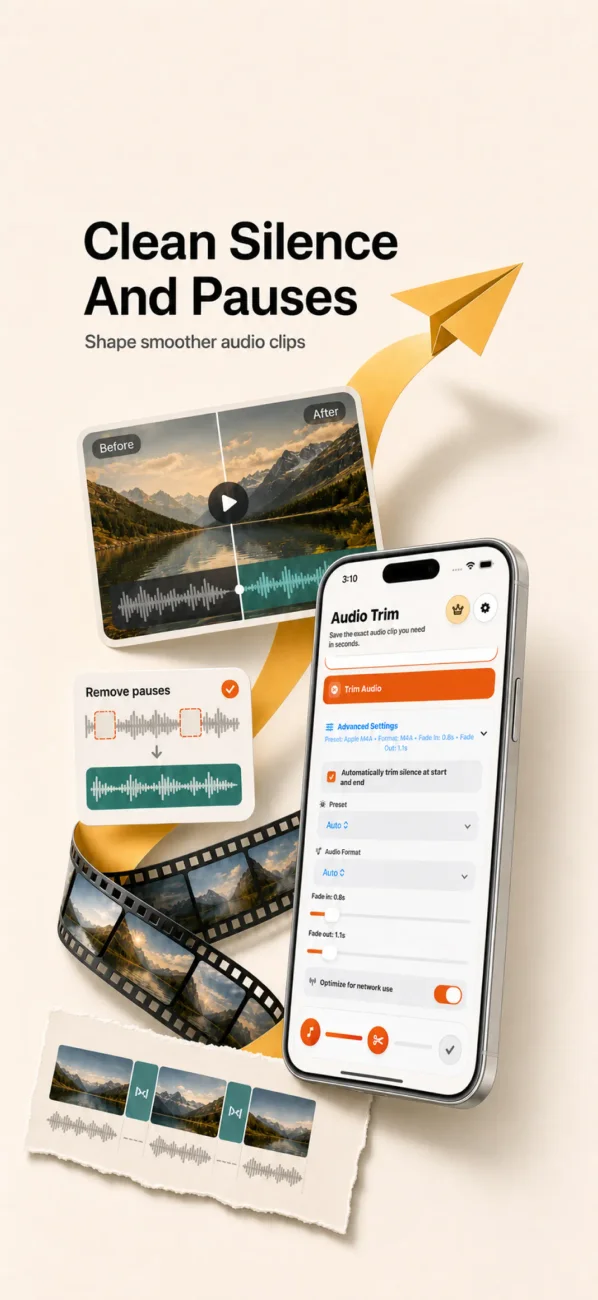
A responsive waveform provides visual context for the entire source. Drag the start and end handles, move the playhead and preview the selected range before exporting. Duration, file size, sample rate and channel count provide useful source details, while clear time labels make your chosen section easy to check.
Adjust either boundary while keeping the other fixed as you listen. AudioTrim: Trimmer & Cutter scales the selection to the source duration and maintains a viable minimum clip length, helping prevent invalid selections. Return to the source screen whenever you want to choose different media.
CLEAN UP SILENCE AND PAUSES
Enable edge-silence cleanup to shorten quiet space at the beginning and end of your selection. For spoken recordings, inner-pause removal condenses longer silent gaps while preserving the audible sections around them. Choose gentle, balanced or stronger sensitivity to suit the source.
SHAPE THE FINISHED CLIP
Add a fade-in, a fade-out or both for a smoother beginning and ending. Repeat the result when you need a loopable cue, practice phrase, reference sound or recurring prompt in one exported file. Preview the range again before committing to the trim. Export choices adapt to the current source.
IMPORT, EXPORT AND SHARE
Start with local audio in Files, a local video containing audio or a video from Photos. Keep a line from a personal video, shorten a recording, save a lecture highlight, isolate a podcast moment, prepare a music reference or create a compact clip from media you already have.
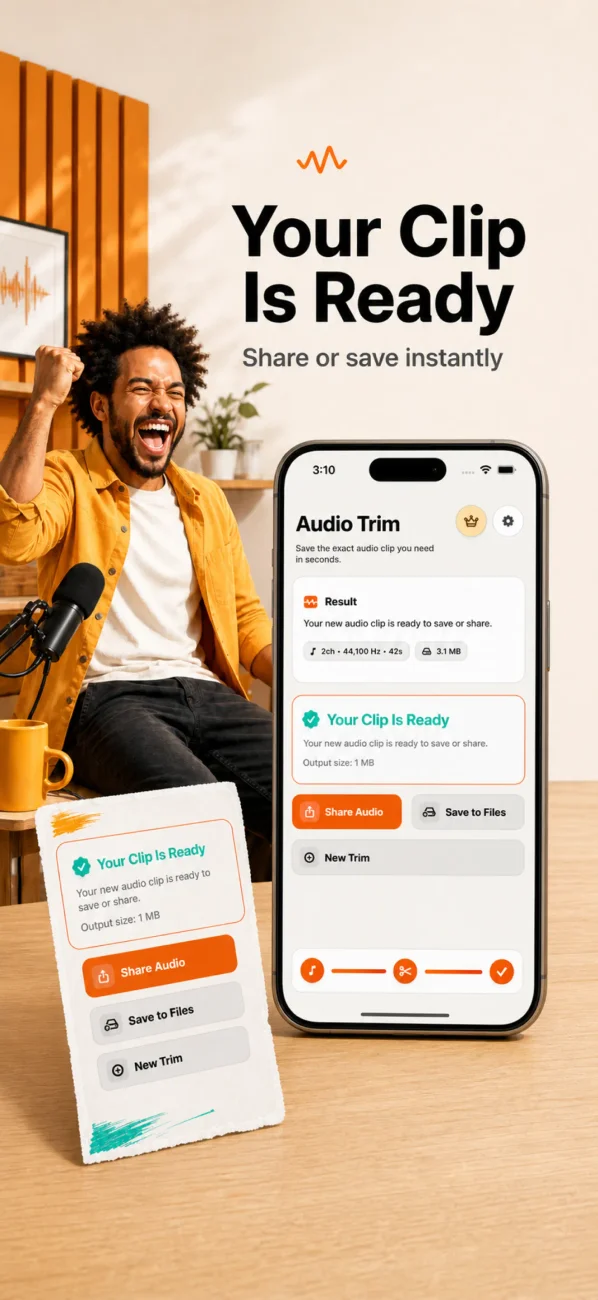
During export, AudioTrim: Trimmer & Cutter displays progress and lets you cancel. When processing finishes, review the result and its file size, then share it or save it to Files. The workflow stays organised around Source, Trim and Result, with no tracks, layers or project bins to manage.
Useful defaults are remembered, including silence cleanup, pause sensitivity, fades, repeat choices, network optimisation and supported export selections. Reset them at any time in Settings.
LOCAL-FIRST BY DESIGN
Media analysis and trimming happen locally. AudioTrim: Trimmer & Cutter is intentionally a focused cutter rather than a multitrack workstation, recorder, merger, ringtone maker or cloud production suite. It provides a direct way to select, clean, shape and export one useful clip while keeping every step compact and easy to follow.
WHY AUDIOTRIM: TRIMMER & CUTTER
• Precise waveform selection and preview
• Edge-silence cleanup
• Adjustable inner-pause removal
• Fade-in and fade-out controls
• Clip repetition in one output
• Source-compatible presets and audio formats
• Audio or video import from Files
• Video import from Photos
• Local media processing
• Export progress and cancellation
• Share or save the finished result
Create a polished clip in one focused workflow.
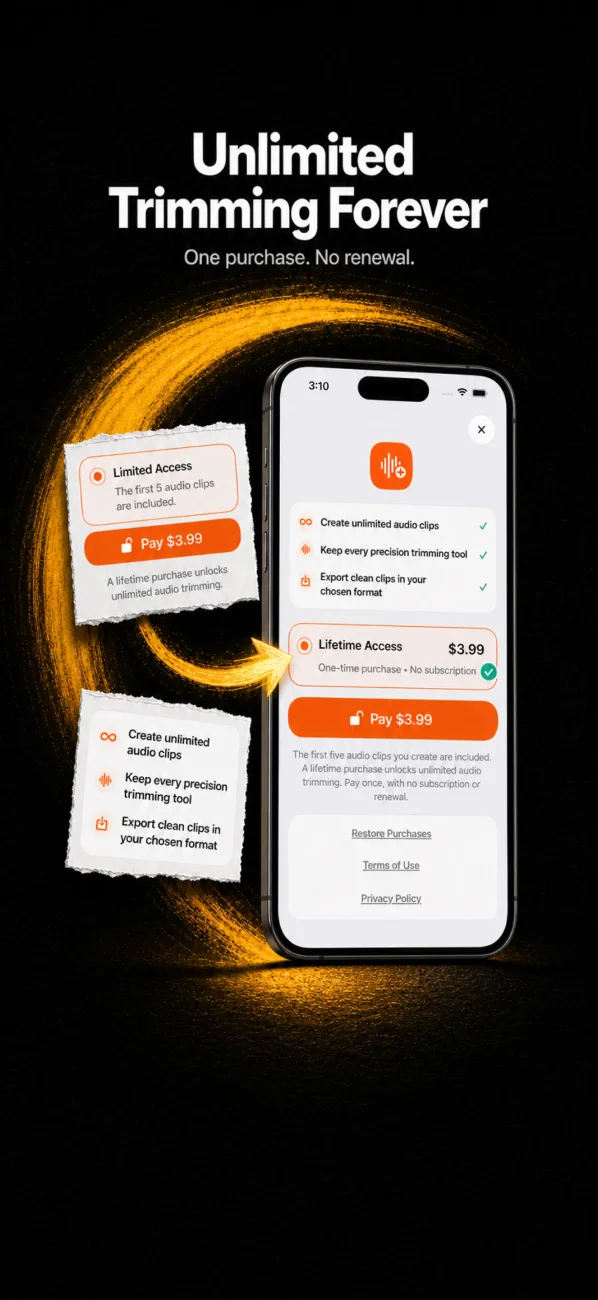
LIFETIME ACCESS:
- The first five successfully completed audio trims are included at no charge in total. Importing media, validation failures, cancellations, and failed exports do not use a trim.
- After the fifth completed trim, Lifetime Access is required for additional trimming. It is a one-time, non-consumable purchase that unlocks unlimited trims. It is not a subscription and does not renew or expire.
- Apple processes the purchase through StoreKit. Restore Purchases is available in Settings for the Apple ID used to buy Lifetime Access.
Terms of Use: https://www.apple.com/legal/internet-services/itunes/dev/stdeula/
Privacy Policy: https://yumcut.com/mobile/privacy
App privacy
What Ihar Shaduryn declares on the App Store about how this app handles data.
-
Data not collected
The developer does not collect any data from this app.
Privacy practices may vary, for example with the features you use or your age.
Information
- Seller
- Ihar Shaduryn
- Category
- Music
- Version
- 1.0
- Updated
- Jul 31, 2026
- Released
- Jul 31, 2026
- Size
- 3.8 MB
- Requires
- iOS 18.0 or later
- Age rating
- 4+
- In-app purchases
- Yes
- Languages
- German, Arabic, Bengali, Danish, English, Finnish, French, Greek, Gujarati, Hebrew, Hindi, Indonesian + 32 more
- Copyright
- © 2026 Ihar Shaduryn
You might also like
-
 Audio Tools - RecoMP3 Cutter & Ringtone Maker
-
 TrimTone - Audio CutterTrim audio, make ringtones
-
 Jnoc AudioRecord, edit & enhance audio
-
 Music Cutter ™Music
-
 SoundPad+ Soundboard MakerCustom sound effects & loops
-
 Running OrderSet times at a glance
-
 Audio Editor: Cut & ConverterMP3, Ringtone Maker, Recorder
-
 SonicForge - Audio EditorConvert, Trim & Mix Music
-
 Audio Editor & Music,Mp3Trim Boost Clean Voice Audio
-
 Reverse Audio Record SoundReverse Singing Challenge