Audia: Audiobook Player
Offline M4B & MP3 with CarPlay
Designed for iPhone, iPad, iPod touch
Free · In-app purchases
- Age rating4+
- CategoryBooks
- DeveloperGuntis Jakovins
- LanguagesEnglish
- Size53.0 MB
Links to the official App Store page
Download.org hosts no file of Audia: Audiobook Player. The button opens its official App Store page, published by Guntis Jakovins. Listing last checked on Nov 28, 2026.
Screenshots



About
Listen to the audiobooks you own, offline. No account, no ads, no subscription.
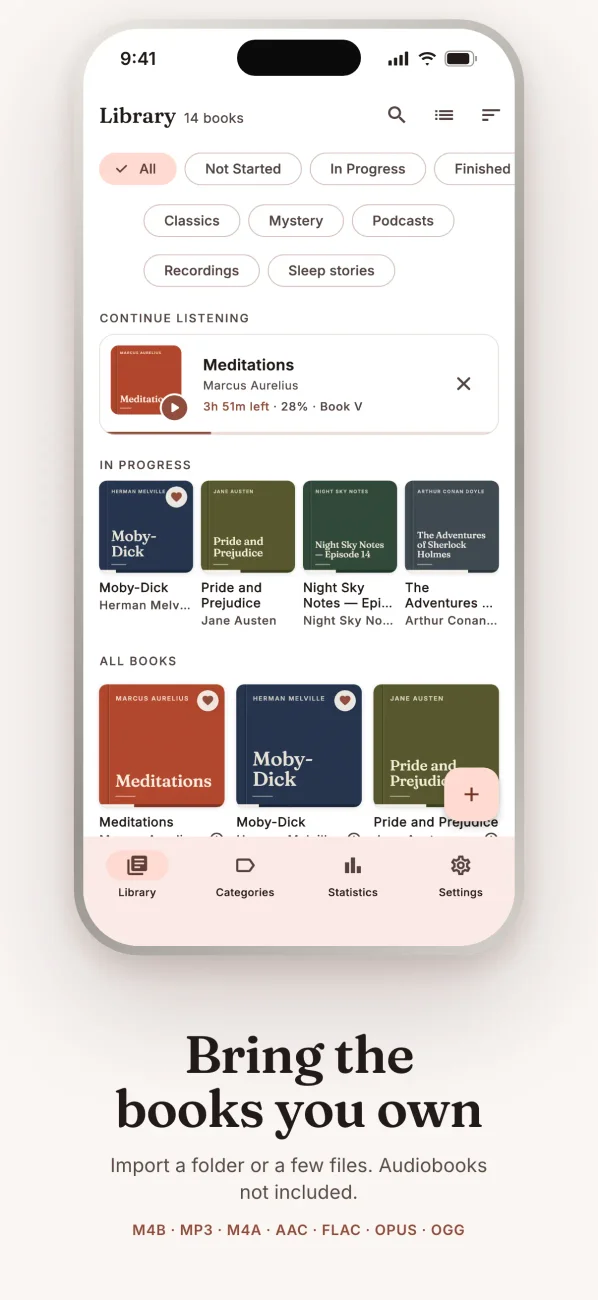
Import a folder or single files (M4B, MP3, M4A, AAC, OPUS, OGG, FLAC) from your iPhone, iCloud Drive or other Files locations. Audia finds chapters, covers, authors and series, and remembers where you stopped in every book.
LISTENING IS FREE
Play, pause, seek, skip and chapters are always free. Every extra tool is unlocked for a 14-day trial; keep them with one purchase if you like them. There is no automatic charge.
MADE FOR LONG BOOKS
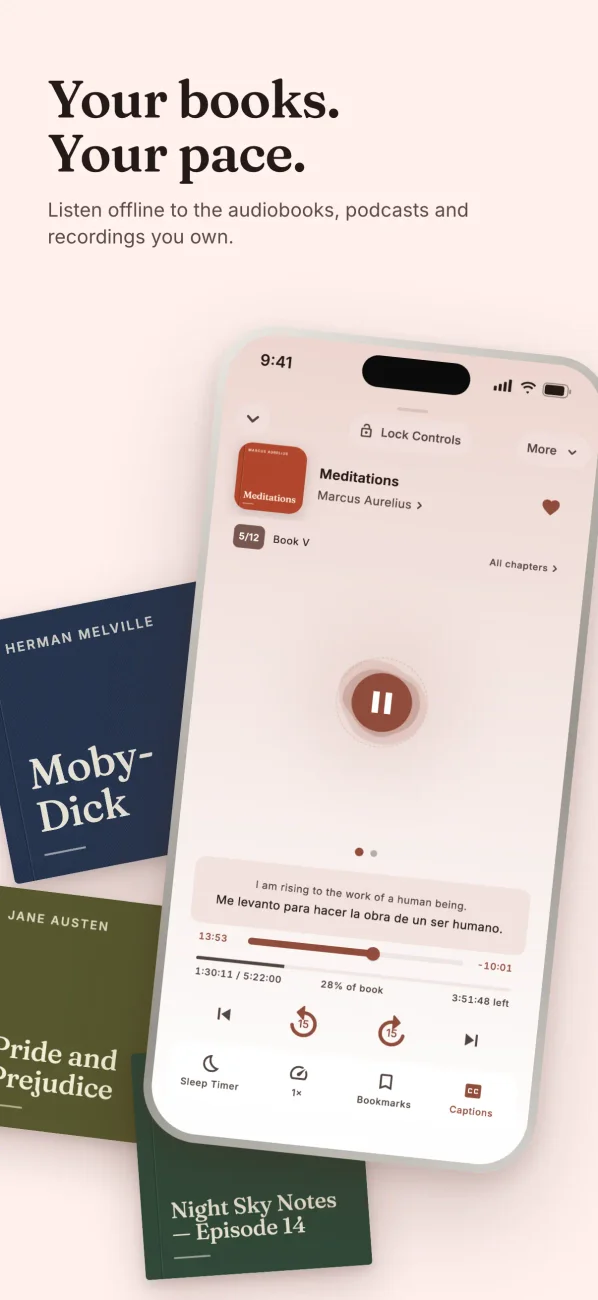
• Speed from 0.5x to 3x, with pitch control
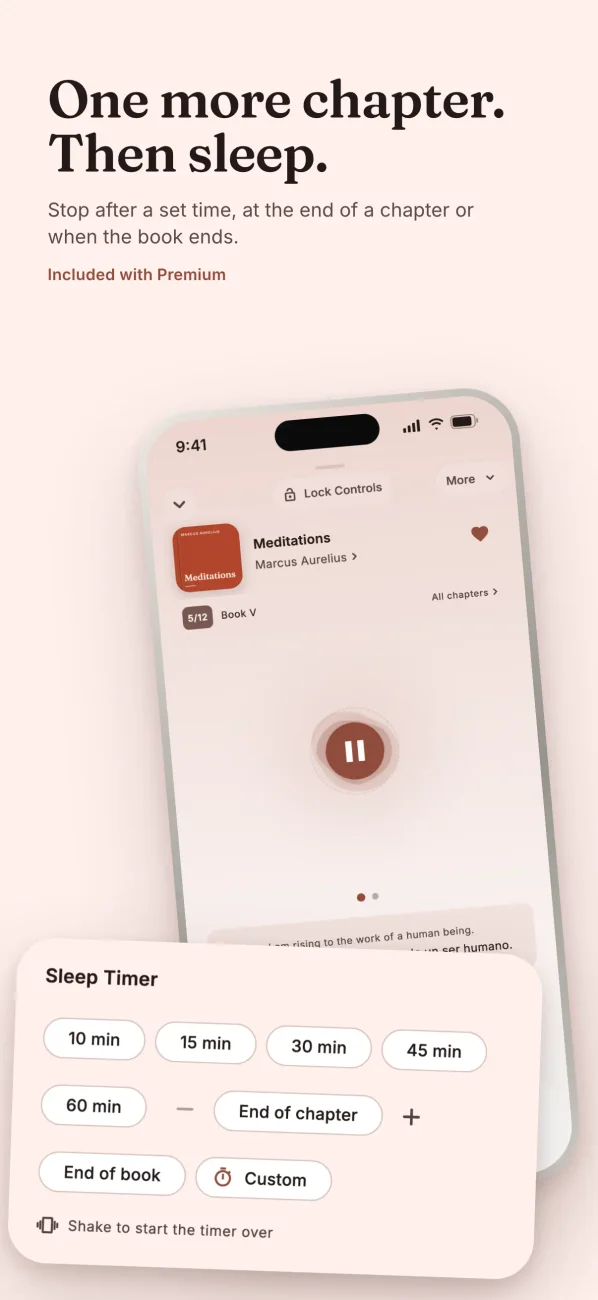
• Sleep timer: minutes, end of one or more chapters or end of book; shake to restart it, or let it start by itself at night
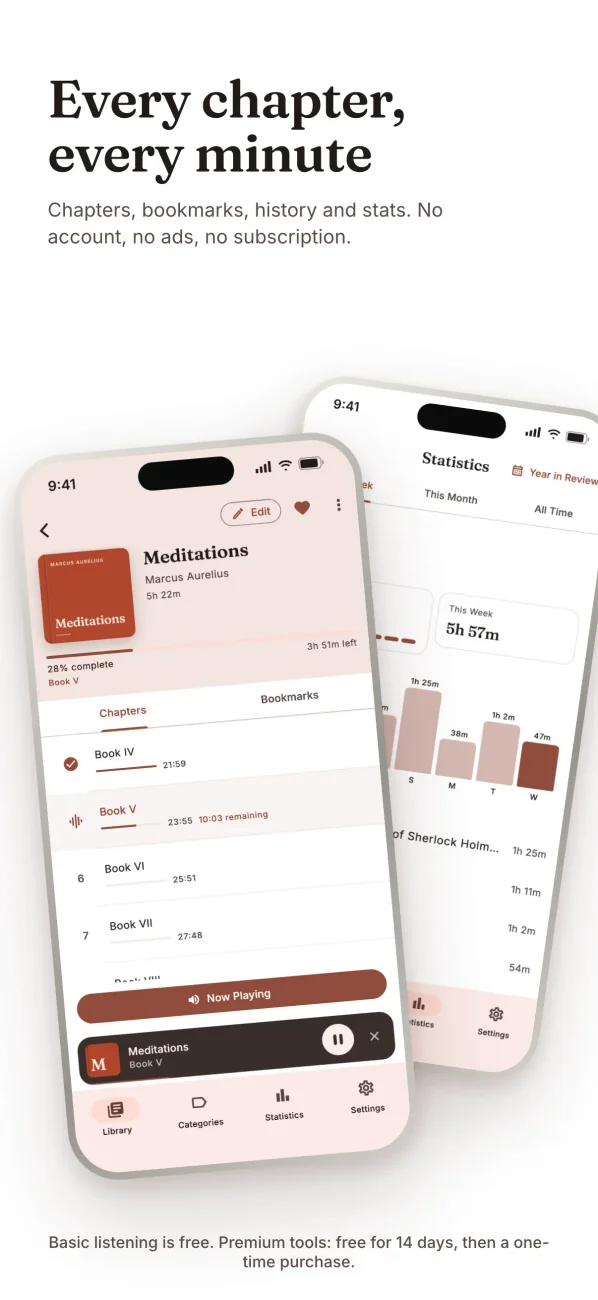
• Bookmarks with notes, nudge them a few seconds, export them; listening history
• "Back to" after any accidental tap or chapter skip
• Auto-rewind after a pause, A/B loop
• Up Next queue and series in order
IN THE CAR AND ON THE GO
• Apple Watch: see what's playing, play, pause, skip, jump to a chapter, set the sleep timer and add a bookmark from your wrist
• CarPlay with chapters, speed and bookmark buttons
• Siri and Shortcuts: "Play Dune in Audia", "Resume my audiobook in Audia", sleep timer, bookmark, go back 30 seconds
• Home-screen widget with cover, progress and play button
• AirPods and lock-screen controls
READ ALONG, PRIVATELY
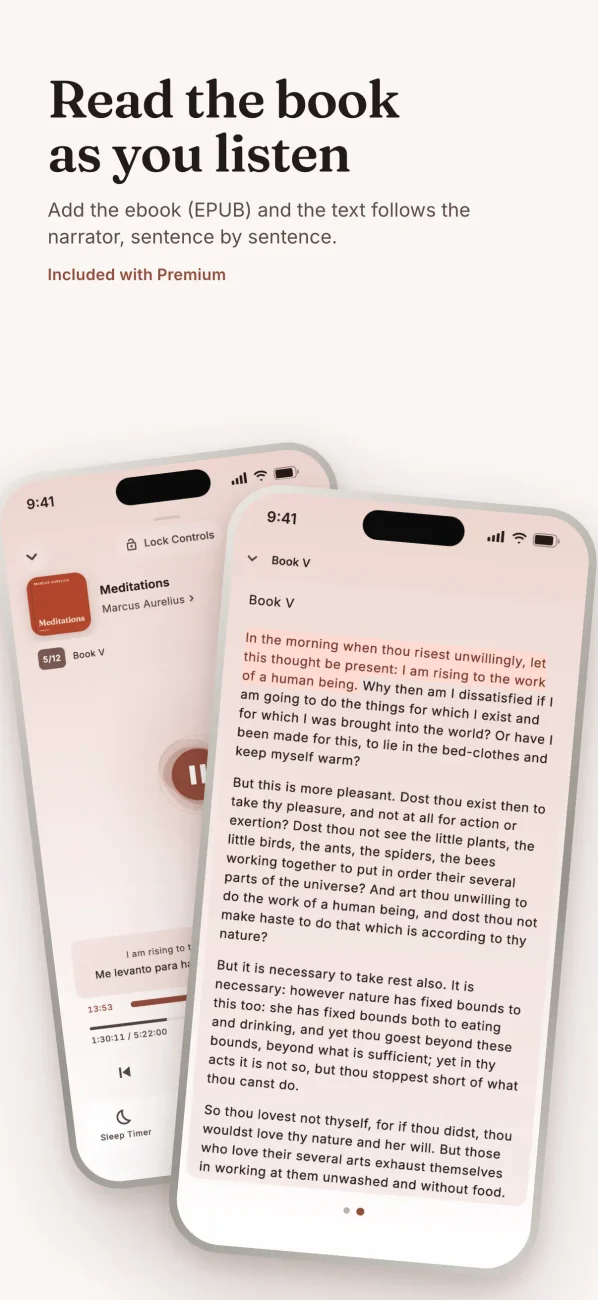
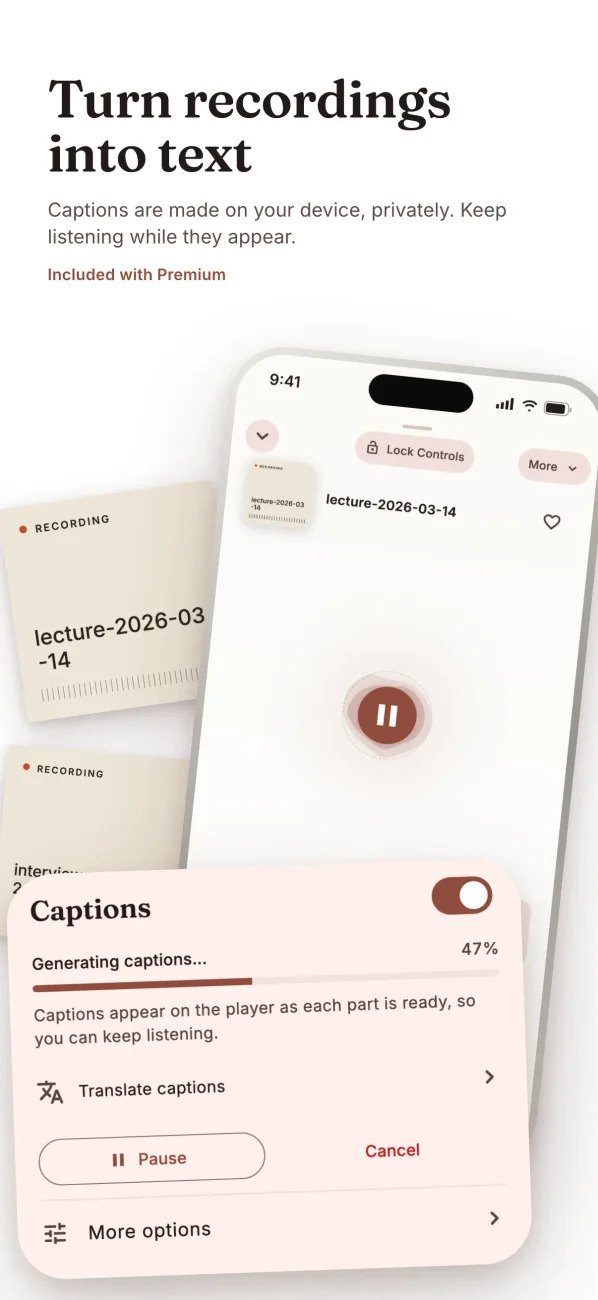
Add the book's EPUB next to the audio and swipe the player to the text: Audia highlights the sentence being read, and a long-press jumps the audio there. Captions are made on your iPhone by speech recognition, starting where you listen; your audio never leaves the device. Your own .srt, .vtt or .lrc caption files work too, free. Translate captions offline into other languages.
YOUR LIBRARY
Search by title, author, narrator or series, categories, favorites, listening statistics and daily goals. Merge parts into one book, rename chapters, and keep booklets (PDF) and descriptions with the book. Back up your library to a file, or sync your place between devices through your book folders in iCloud Drive.
PRIVATE BY DESIGN
No account, no tracking, no ads. If Audia runs into a problem it may ask to send a crash report; nothing is sent unless you tap Send.
Audiobooks are not included: Audia plays your own DRM-free files.
What’s new
Version 1.0.50 · Nov 26, 2026
Small fixes and improvements.
App privacy
What Guntis Jakovins declares on the App Store about how this app handles data.
-
Data not collected
The developer does not collect any data from this app.
Privacy practices may vary, for example with the features you use or your age.
Information
- Seller
- Guntis Jakovins
- Category
- Books
- Version
- 1.0.50
- Updated
- Nov 26, 2026
- Released
- Jul 3, 2026
- Size
- 53.0 MB
- Requires
- iOS 15.0 or later
- Age rating
- 4+
- Price
- Free
- In-app purchases
- Yes
- Languages
- English
- Copyright
- © 2026 Guntis Jakovins
You might also like
-
 Sine: Audiobook Player MP3/M4BListen offline, sleep timer
-
 DeerReader: Audiobook PlayerAudiobook Player & Server
-
 mPlayer - audiobook playerAudiobooks - it's easy!
-
 AurisBook: Offline AudiobooksYour audiobooks, no account
-
 Audiobook Player: MP3 M4A M4BImport, Stream & Play Offline
-
 Audiobook Player Offline BooksOffline MP3/MP4/MOV Uploader
-
 Spine - Audiobook PlayerAudiobooks, finally beautiful
-
 Bloox - M4B Audiobook PlayerTranscripts, recaps, book chat
-
 Novelwave: An Audiobook PlayerOffline player for audiobooks
-
 AudioBooks - MP3 & M4B playerBooks