- Age rating4+
- CategoryUtilities
- DeveloperMINH TIN DUONG
- LanguagesEnglish+ 3 more
- Size6.5 MB
Links to the official App Store page
Download.org hosts no file of AudioGuard. The button opens its official App Store page, published by MINH TIN DUONG. Listing last checked on Nov 19, 2026.
Screenshots


About
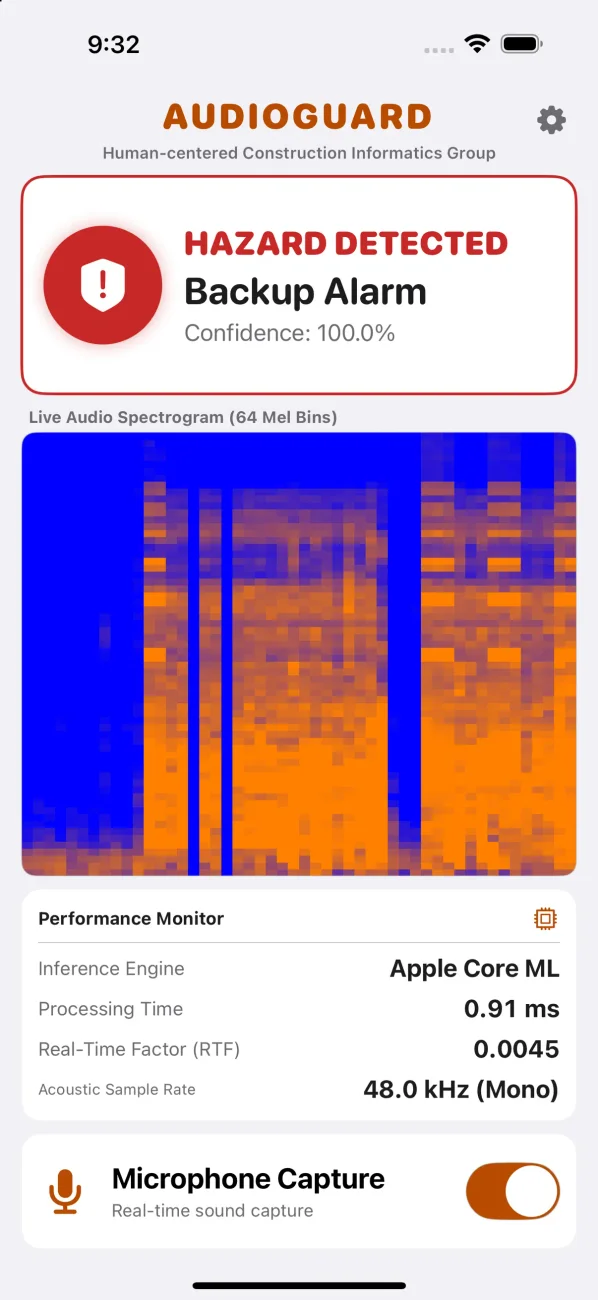
AudioGuard helps construction and work-zone crews notice safety alarms. It listens through your iPhone microphone and alerts you when it detects a backup alarm, a work-zone intrusion alarm, or a shouted verbal warning.
ALERTS
- A clear status banner on your iPhone
- A spoken warning through your speaker or headphones
- A Time Sensitive notification
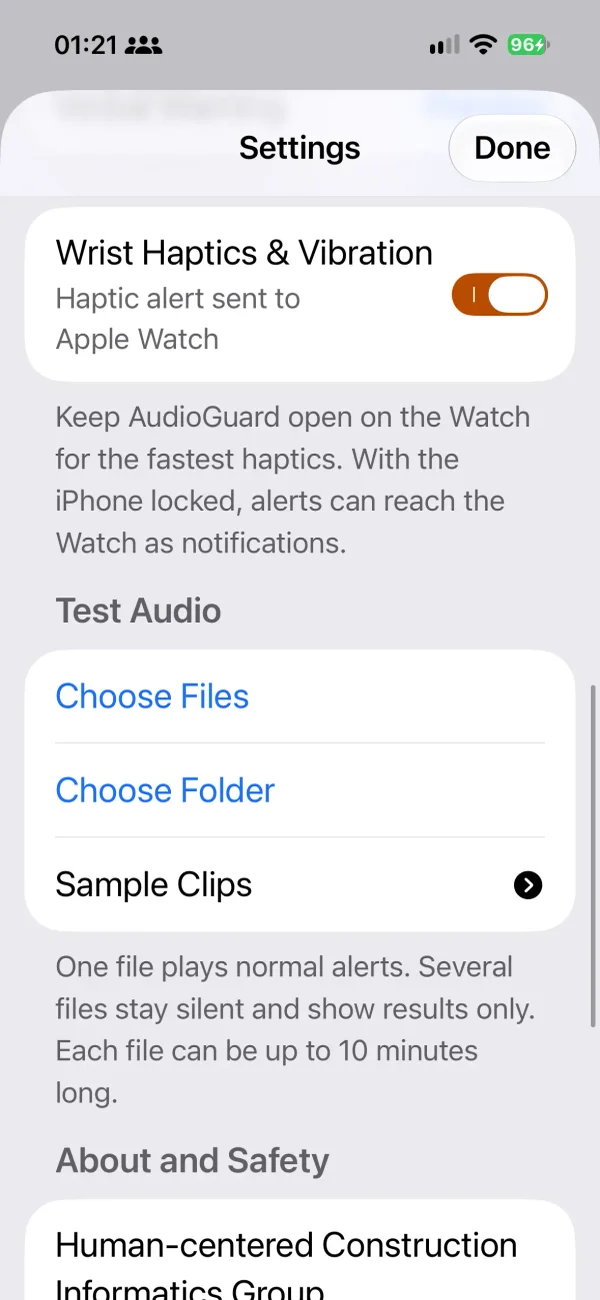
- Haptic alerts on Apple Watch
PRIVATE BY DESIGN
All sound analysis happens on your device. AudioGuard does not save your audio, has no accounts, and collects no data.
MADE FOR THE JOBSITE
- English, Vietnamese, Simplified Chinese, and Spanish
- Light and Dark appearance
- Double or Single detection
- Test with sample clips or your own audio files
APPLE WATCH
Keep AudioGuard open on the Watch for the fastest haptics. With the iPhone locked, alerts can reach the Watch as notifications.
IMPORTANT
AudioGuard is an assistive aid. It can miss alarms or raise false alerts, and it does not replace PPE, spotters, or site safety procedures. Phone calls and other audio interruptions pause detection. If detection cannot resume, AudioGuard notifies you. Stay alert to your surroundings at all times.
App privacy
What MINH TIN DUONG declares on the App Store about how this app handles data.
-
Data not collected
The developer does not collect any data from this app.
Privacy practices may vary, for example with the features you use or your age.
Information
- Seller
- MINH TIN DUONG
- Category
- Utilities
- Version
- 1.1
- Updated
- Nov 11, 2026
- Released
- Nov 11, 2026
- Size
- 6.5 MB
- Requires
- iOS 18.0 or later
- Age rating
- 4+
- Price
- Free
- Languages
- English, Simplified Chinese, Spanish, Vietnamese
- Copyright
- © 2026 Minh Tin Duong