
AudioLift & Audio Extractor
Extract audio from any video
Designed for iPhone, iPad
In-app purchases
- Age rating4+
- CategoryPhoto & Video
- DeveloperCodeNeuron Studios
- LanguagesEnglish
- Size9.9 MB
Links to the official App Store page
Download.org hosts no file of AudioLift & Audio Extractor. The button opens its official App Store page, published by CodeNeuron Studios. Listing last checked on Nov 12, 2026.
Screenshots


About
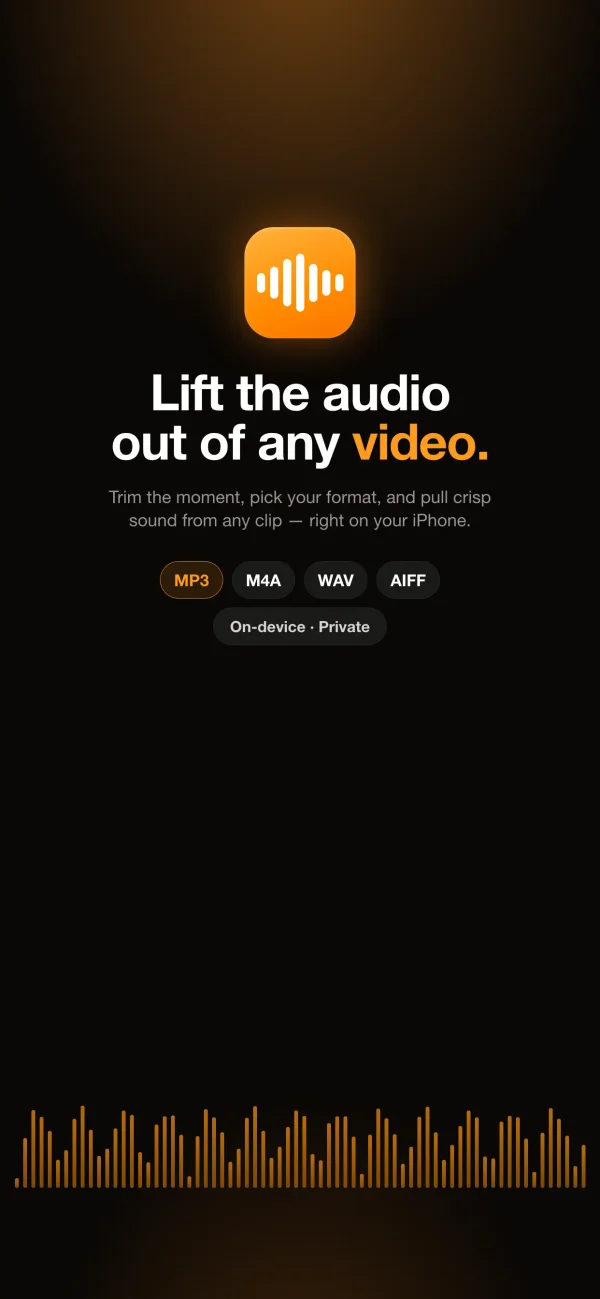
Lift the audio out of any video — right on your iPhone and iPad.
AudioLift is the fastest way to pull clean, high-quality sound out of your videos. Choose a clip, trim the
exact moment you need, pick your format, and export in seconds. Everything runs on-device, so your
files never leave your phone.
Why AudioLift
• One-tap extraction: choose a video from Photos or Files and get audio instantly
• Trim before you export: grab just the part you want
• Pick the right track: got a video with more than one audio track? Choose exactly which one to
extract
• High-quality M4A export, right out of the box
• 100% on-device: private by design, nothing is ever uploaded
• Beautiful player: a live waveform that moves with the sound
Free vs Pro
AudioLift is free to try with 2 audio extractions and M4A export included. Unlock more with a one-time
purchase (no subscription):
• Pro: Unlimited extractions
• Pro+: Everything in Pro, plus MP3, WAV & AIFF export and Batch (extract multiple videos at once)
More Than Extraction
• Record audio live: capture sound straight from your mic with real-time background-noise reduction
— perfect for quick voice notes and interviews
• Add audio to video: drop a new soundtrack or voice-over onto any clip and export a fresh video
• Multi-track aware: videos with several audio tracks let you choose the exact one you want
Built for Real Work
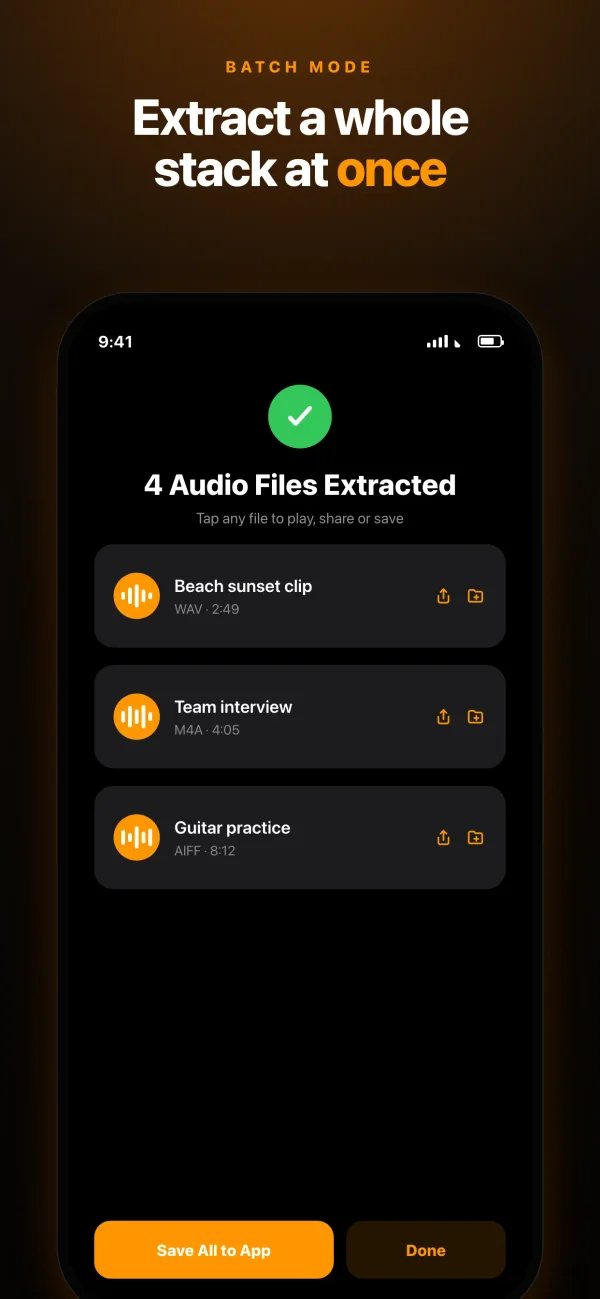
• Batch mode (Pro+): extract a whole stack of videos at once
• Save to Files or share anywhere in a single tap
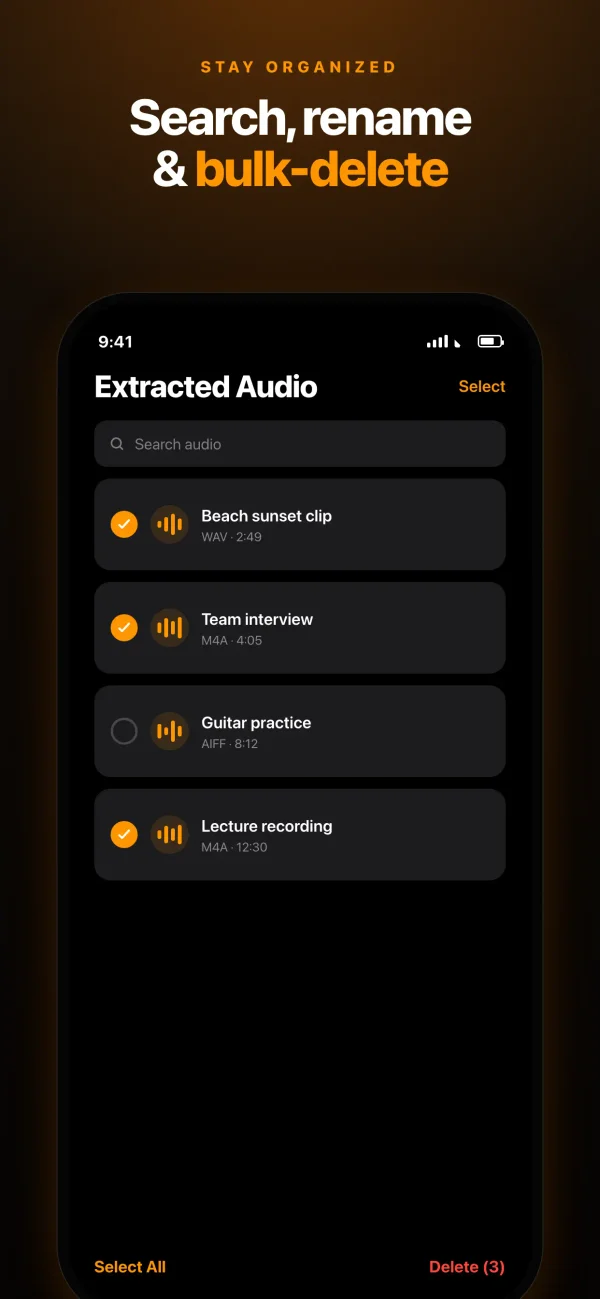
• Smart library: search, rename and bulk-delete your extractions
• Designed for both iPhone and iPad
Perfect For
• Turning interviews, lectures and meetings into clean audio
• Saving music, voice notes and sound from any clip
• Podcasters, musicians, students and content creators
• Making ringtones and samples from a favorite video
Formats
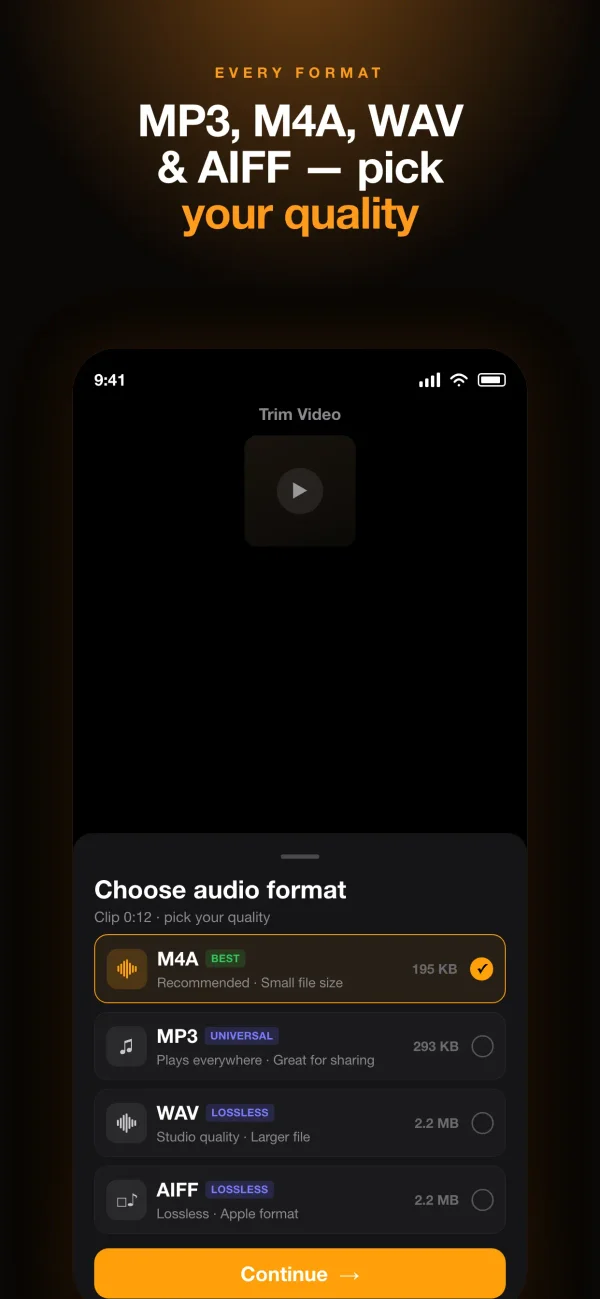
• M4A: small file size, great for sharing (free)
• MP3: universal format, plays everywhere (Pro+)
• WAV: lossless quality, ideal for editing (Pro+)
• AIFF: lossless Apple format (Pro+)
Privacy First
AudioLift processes every video directly on your device. No account, no cloud, no tracking — your
media stays yours.
Download AudioLift and lift the audio out of anything.
What’s new
Version 1.1 · Sep 23, 2026
A big update — AudioLift now does more than extract:
• MP3 export — the universal format that plays everywhere (Pro+)
• Record audio live with real-time background-noise reduction
• Add audio to video — put a new soundtrack or voice-over onto any clip
• Higher-quality output that preserves your video's original sample rate
App privacy
What CodeNeuron Studios declares on the App Store about how this app handles data.
-
Data not linked to you
May be collected but is not linked to your identity.
- User content
- Usage data
- Diagnostics
Privacy practices may vary, for example with the features you use or your age.
Information
- Seller
- CodeNeuron Studios
- Category
- Photo & Video
- Version
- 1.1
- Updated
- Sep 23, 2026
- Released
- Aug 20, 2026
- Size
- 9.9 MB
- Requires
- iOS 17.0 or later
- Age rating
- 4+
- In-app purchases
- Yes
- Languages
- English
- Copyright
- © 2026 CodeNeuron Studios
You might also like
-
 Cutout: BG Remover AIRemove Backgrounds Instantly
-
 SpeakScroll Video TeleprompterScript Reader, Autocue & Edit
-
 AI Voice Changer: EffectsAI Voice & Video Effects
-
 Video to MP3 & Audio ExtractorFast & Easy MP3 Converter
-
 SliceIt: Split Video in PartsClips for WhatsApp Status
-
 Video to MP3: Sound ExtractorAudio Extractor, MP4 Converter
-
 Converter+ Video to MP3Ringtone Maker & Audio Trim
-
 Fliptastic Pro - Video MakerPhoto Slideshow, Music & Reels
-
 Music Remover - Vid SplitterSeparate Audio from Video
-
 RemuxerEnrich your media