- Age rating4+
- CategoryMusic
- DeveloperBenjamin Maderazo
- LanguagesEnglish
- Size4.9 MB
Links to the official App Store page
Download.org hosts no file of AudioLock. The button opens its official App Store page, published by Benjamin Maderazo. Listing last checked on Nov 15, 2026.
Screenshots



About
Music your kids will love. A library you control.
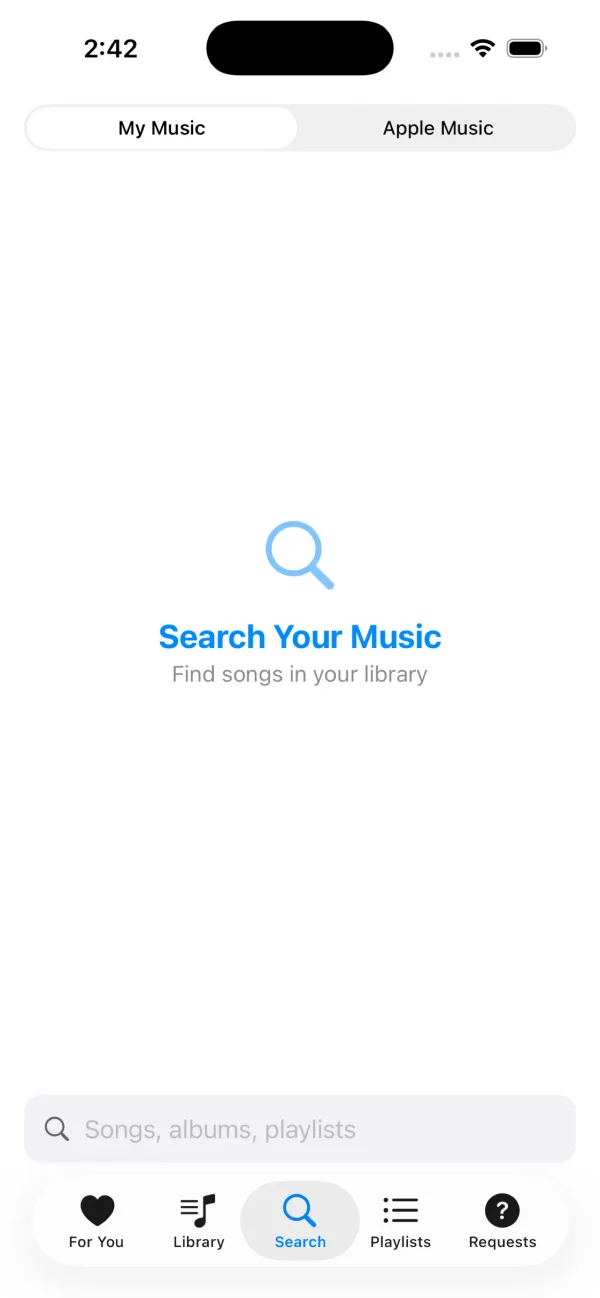
AudioLock gives children a real music player — one where every song has your blessing. They get to browse, play, build playlists, and discover new music. You decide what makes it in. No ads. No explicit lyrics. No surprises.
KIDS MODE
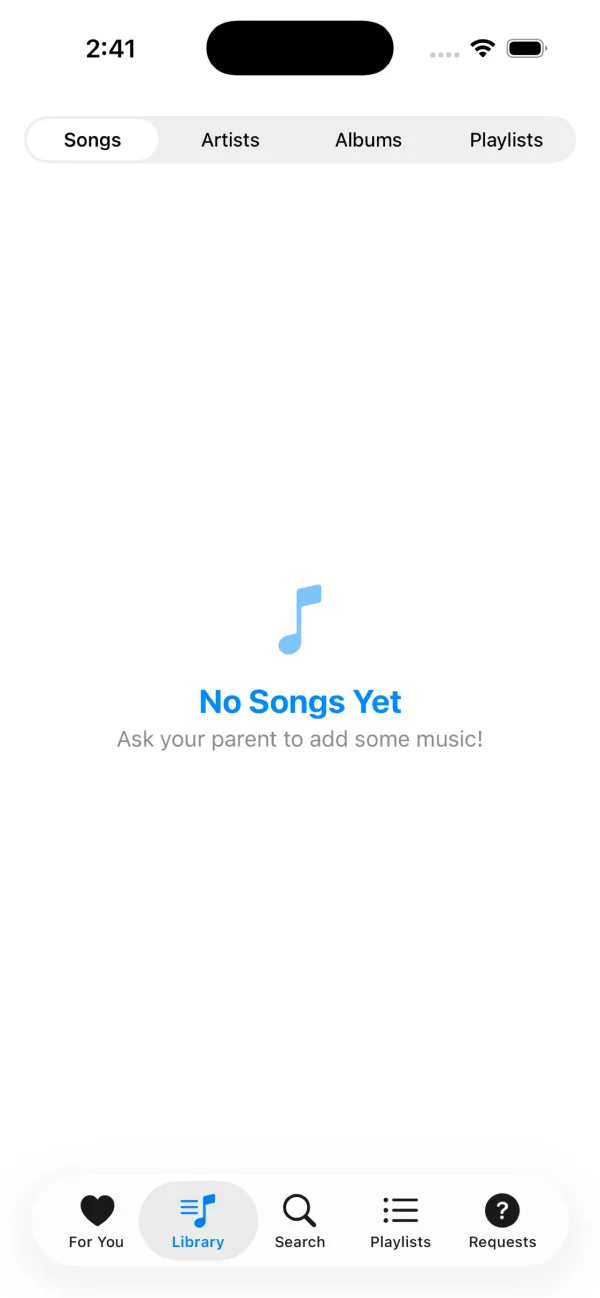
• Play approved songs, albums, and playlists — one tap to Play or Shuffle, or press and hold any album, artist, or playlist to start it instantly
• Search Apple Music to discover and request new songs (optional, you turn it on)
• Build personal playlists from approved music
• Remove songs they're done with — and request them back anytime
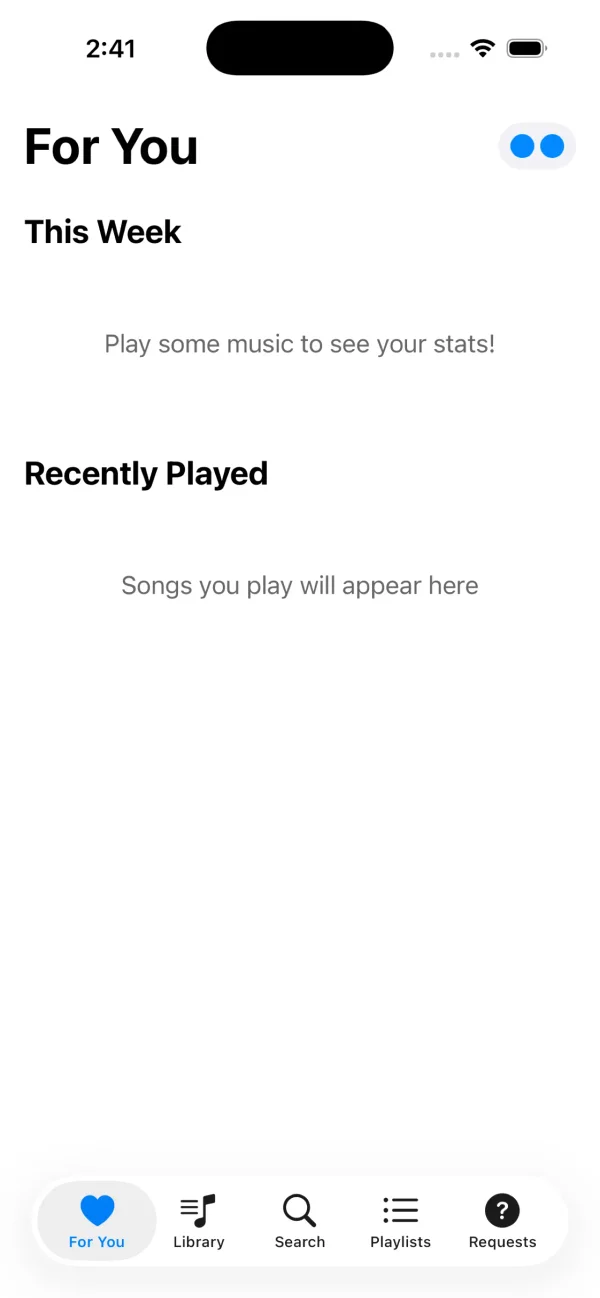
• See weekly listening stats, favorites, and top artists
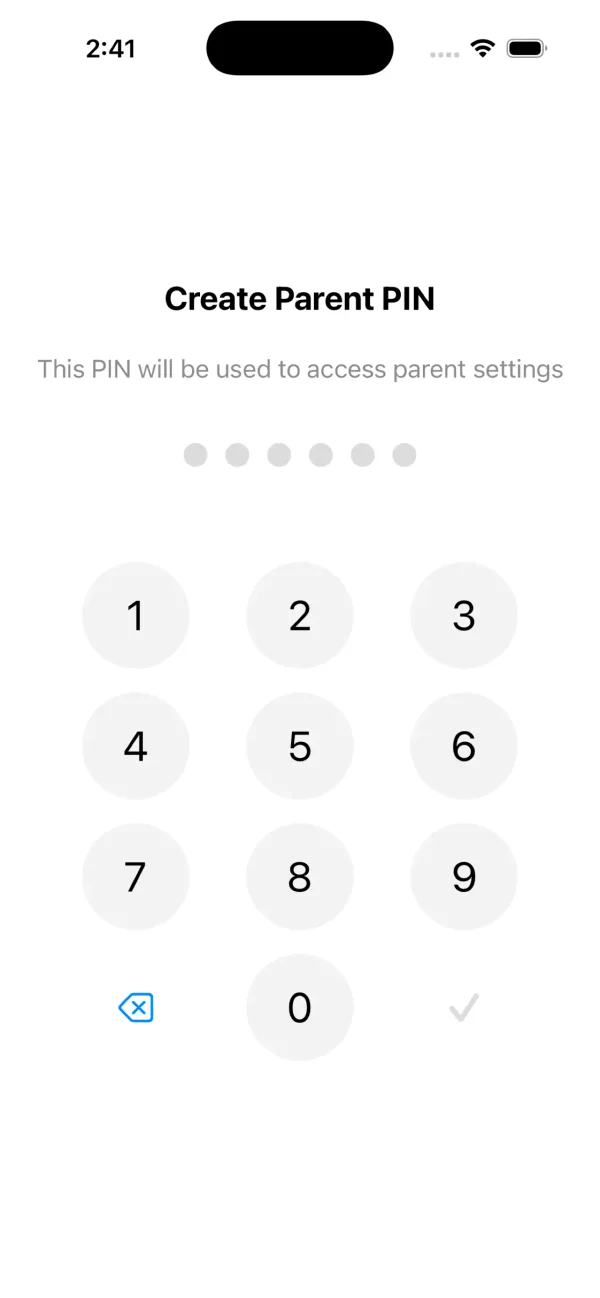
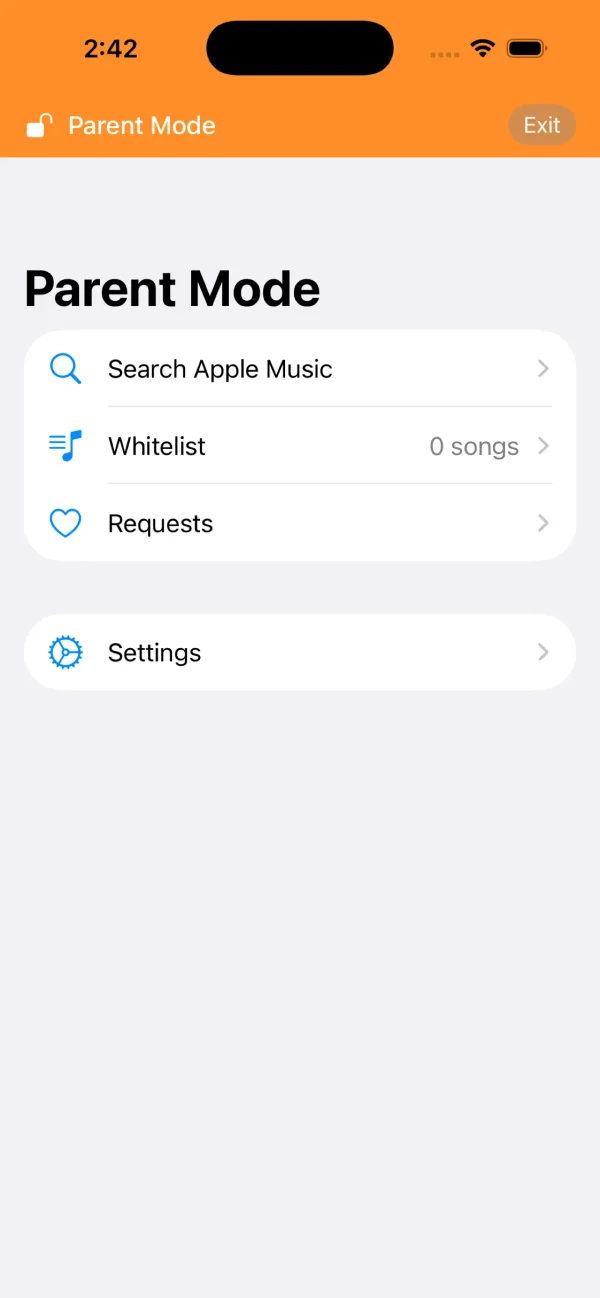
PARENT MODE (PIN protected)
• Approve or deny requests with one tap
• Add songs, albums, or entire playlists to the approved library
• Choose whether kids can search Apple Music
• Explicit content is filtered automatically, everywhere
WHY FAMILIES LOVE IT
The Request & Approve System
Kids find what they want; you decide what gets added. No surprises, and no awkward conversations about lyrics.
Made for Real Listening
Continuous play queues approved music seamlessly. A sleep timer winds down bedtime automatically. AirPlay streams to speakers across your home.
Theirs to Make Their Own
Kids personalize the app with fun color themes — so it feels like their player, because it is.
PERFECT FOR
• Parents who want their kids to enjoy music safely
• Families sharing an Apple Music subscription
• Kids who love discovering new music
• Anyone tired of worrying about explicit content
REQUIREMENTS
• Apple Music subscription required for full functionality
• iOS 15.0 or later
AudioLock bridges independence and peace of mind. Your kids get to feel grown-up exploring music — and you know every song already has your approval.
What’s new
Version 1.1.0 · Nov 1, 2026
A fresh new look, and a way to back up your child's music.
NEW
• Back up your approved music and send the file to yourself with Mail, AirDrop or Files
• Restore a backup on a new device, or merge it with or replace your current list. You'll see every change first, and you can undo it
• Keep your child's plays out of your Apple Music listening history (iOS 26.4 or later)
• Browse Apple Music with Apple's new music picker (iOS 27)
• Optional crossfade between songs (iOS 18 or later)
REDESIGNED
• A brighter For You screen built around album art
• Now Playing takes its colors from the music
• Parent controls show requests first, with a countdown until they lock
IMPROVED
• Too many wrong PIN attempts now lock PIN entry, even if the app is closed
• Parent mode now locks itself after 5 minutes without use
• Explicit songs are now blocked however they're added
• Fixed the Now Playing progress bar, the repeat button, and Change PIN after a wrong entry
App privacy
What Benjamin Maderazo declares on the App Store about how this app handles data.
-
Data not collected
The developer does not collect any data from this app.
Privacy practices may vary, for example with the features you use or your age.
Information
- Seller
- Benjamin Maderazo
- Category
- Music
- Version
- 1.1.0
- Updated
- Nov 1, 2026
- Released
- Jan 20, 2026
- Size
- 4.9 MB
- Requires
- iOS 15.0 or later
- Age rating
- 4+
- Price
- Free
- Languages
- English
- Copyright
- © 2026 Ben Maderazo
You might also like
-
 Dance Radio+Streaming Radio Music Player
-
 Reverse Chord Finder ProIdentify guitar & piano chords
-
 Christian Radio+Streaming Radio Music Player
-
 Ringtones for iPhone: Ring AppRingtone Maker, Custom tones
-
 Spotify KidsMusic for kids
-
 Simple Piano: Play & LearnPlay piano, drums & synth
-
 BPM Detector: Live TempoAuto BPM finder for any song
-
 OnSong 2026Chords, Music, Setlists, MIDI+
-
 Chord ai - Play any song!Chords, beats, lyrics and more
-
 Ukulele Tuner & Lessons: KalaLearn Uke Chords, Songs, Tune