- Age rating4+
- CategoryBusiness
- DeveloperAUIK GmbH
- LanguagesGerman+ 1 more
- Size5.2 MB
Links to the official App Store page
Download.org hosts no file of AUINA – Digital Forms. The button opens its official App Store page, published by AUIK GmbH. Listing last checked on Nov 12, 2026.
Screenshots
About
TEAM TASKS
Manage your own tasks with assignees, deadlines, priority and linked forms. When permitted, create tasks and assign them to your team. Change status and schedule recurring work with quarter-hour deadlines. The dashboard shows your due and total tasks. Choose Compact or Expanded directly below Language in Settings. The three task notification preferences appear under Push and can be changed only when your administrator allows it. With offline access enabled and a valid device grant, loaded tasks and pending changes stay encrypted on the device. They sync when connectivity returns; conflicts remain available for review.
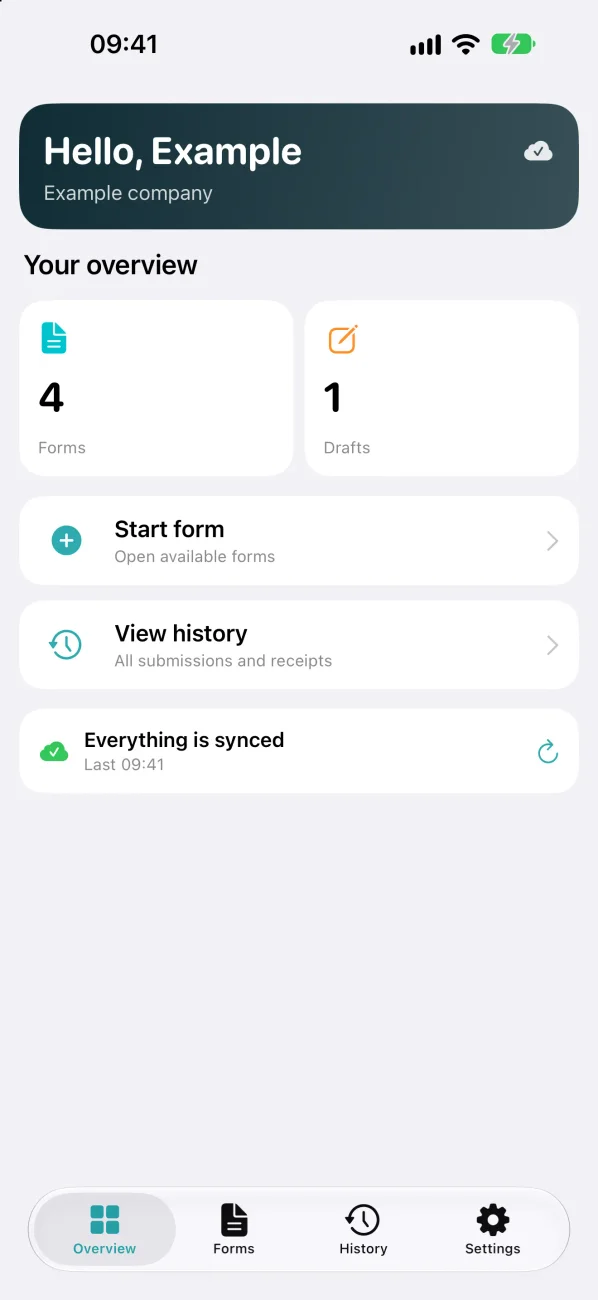
AUINA brings your organisation’s shared forms to iPhone and iPad. The app is exclusively for existing AUINA organisation accounts. You need an existing organisation account or a sign-in QR code provided by your organisation. Accounts cannot be created in the app.
COMPLETE FORMS ON THE GO
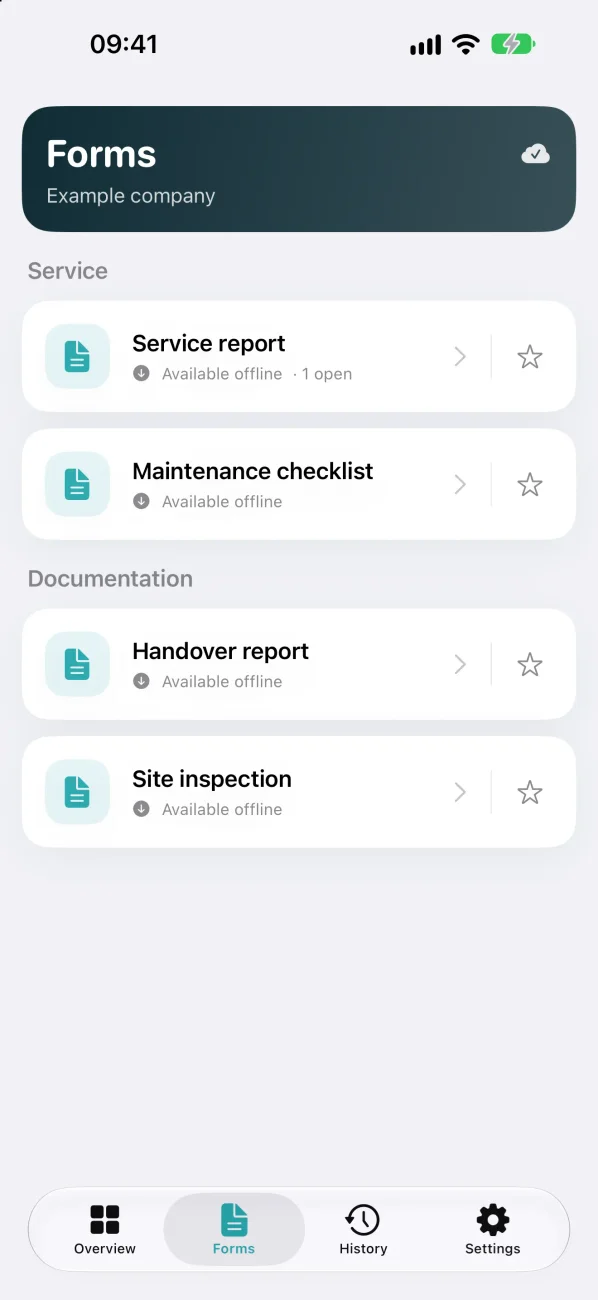
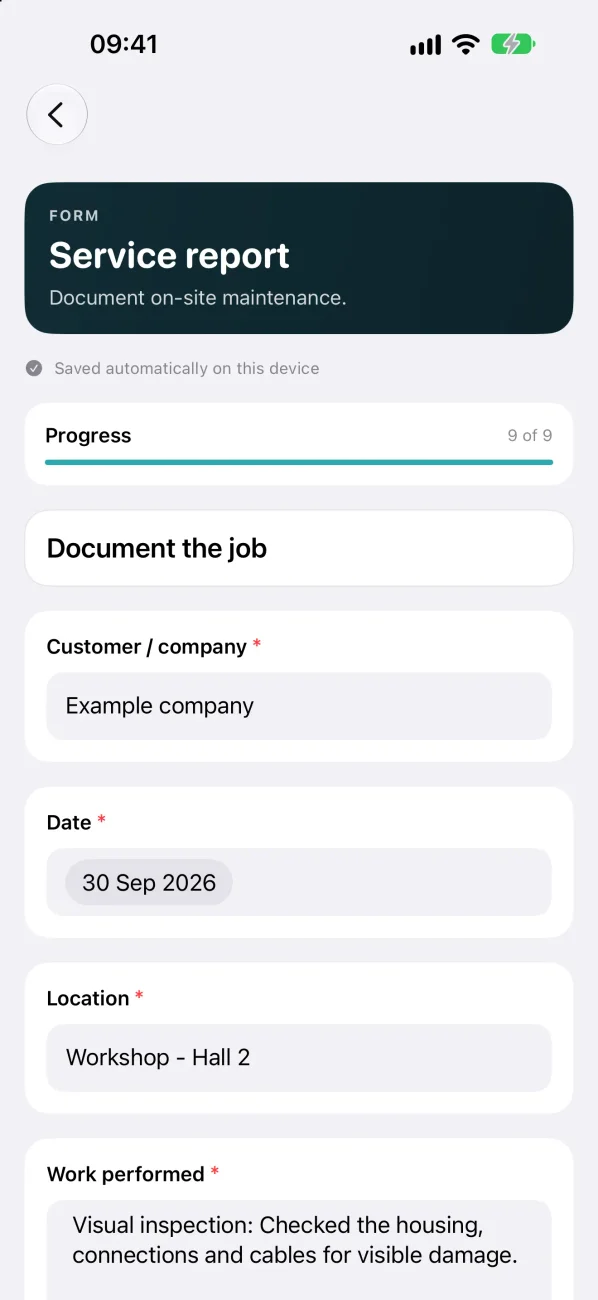
Open the forms shared with you, capture information in a structured way and submit it securely to your organisation.
CONTINUE DRAFTS
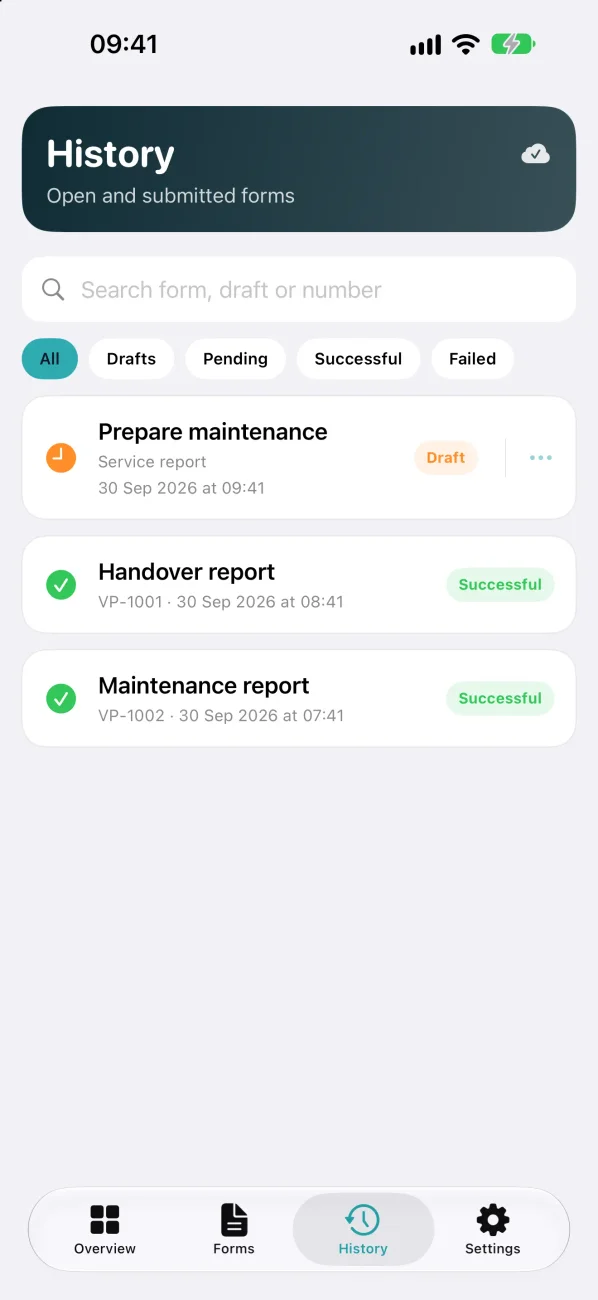
Forms you have started are saved as drafts so you can continue them later.
WORK OFFLINE
Previously synchronised forms can be completed without an active internet connection if your organisation has enabled offline use. When a connection is available again, you can send pending submissions. Sign-in and synchronisation require an internet connection.
GERMAN OR ENGLISH
Choose your language on the welcome screen or in Settings. The app interface, notices, error messages and app legal links follow your selection. Your language preference is saved. Your organisation’s content and your own entries remain unchanged.
SECURE ACCESS AND APP PROTECTION
Sign in with your existing AUINA credentials or use the sign-in QR code provided by your organisation. The QR code signs in an organisation account that already exists; it does not create a new account. Local app protection supports a PIN and the biometric security features available on your device.
FOR ORGANISATIONS
AUINA is a B2B companion app for organisation accounts that are already set up. Purchases, subscriptions, trial activation and account creation are not available in the app.
What’s new
Version 2.1.0 · Oct 19, 2026
New: personal tasks with deadlines, recurring work and linked forms. Two dashboard cards show due and total tasks. Choose Compact or Expanded below Language; task notifications are under Push. With offline access enabled, changes are stored securely and synced later. Also includes sign-in and stability improvements.
App privacy
What AUIK GmbH declares on the App Store about how this app handles data.
-
Data linked to you
May be collected and linked to your identity.
- Location
- Contact info
- User content
- Identifiers
- Usage data
- Diagnostics
Privacy practices may vary, for example with the features you use or your age.
Information
- Seller
- AUIK GmbH
- Category
- Business
- Version
- 2.1.0
- Updated
- Oct 19, 2026
- Released
- Sep 24, 2026
- Size
- 5.2 MB
- Requires
- iOS 17.0 or later
- Age rating
- 4+
- Languages
- German, English
- Copyright
- © 2026 AUIK GmbH