- Age rating4+
- CategoryMusic
- DeveloperAlexander Price
- LanguagesEnglish
- Size2.6 MB
Links to the official App Store page
Download.org hosts no file of Aurora EQ. The button opens its official App Store page, published by Alexander Price. Listing last checked on Nov 12, 2026.
Screenshots
About
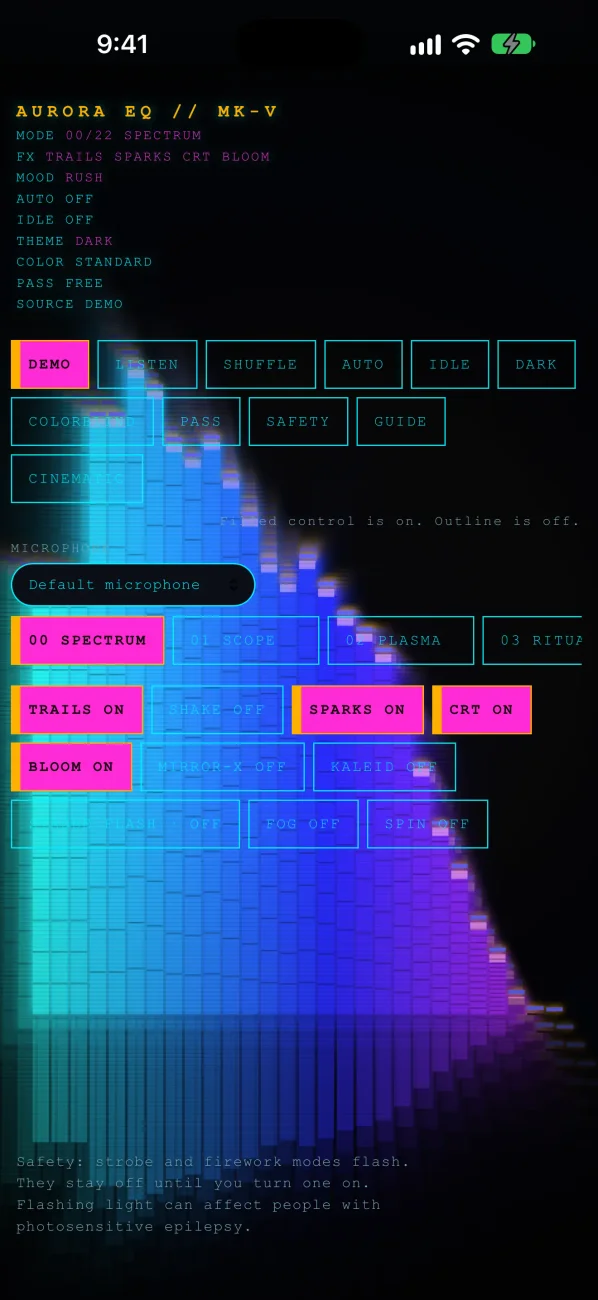
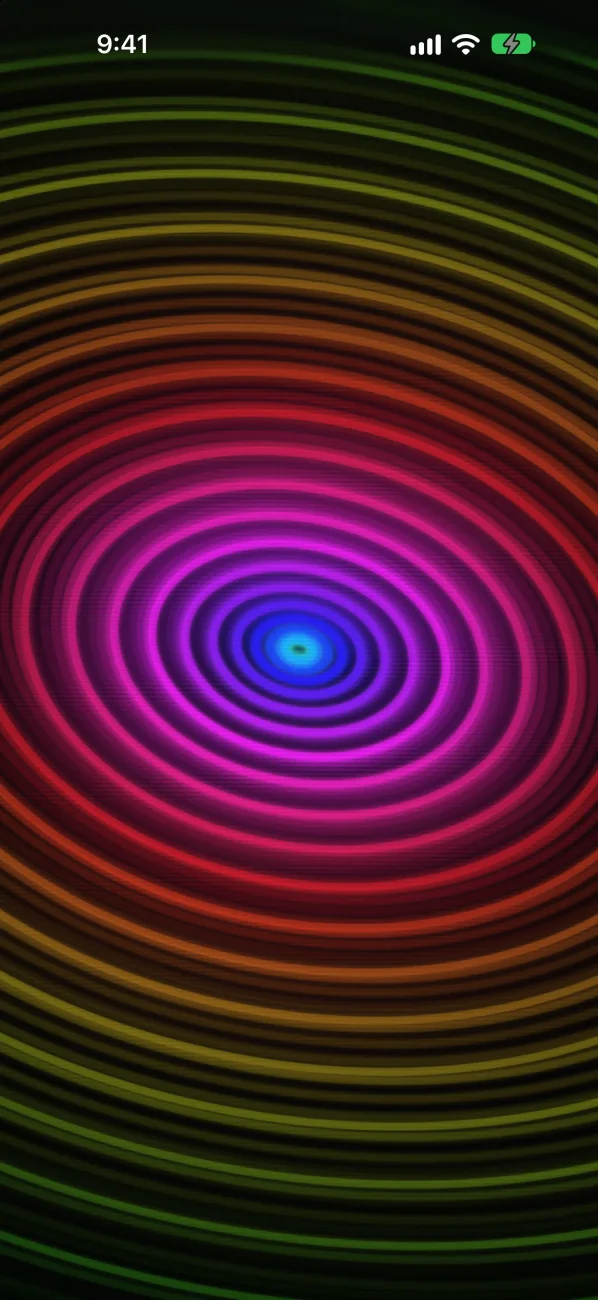
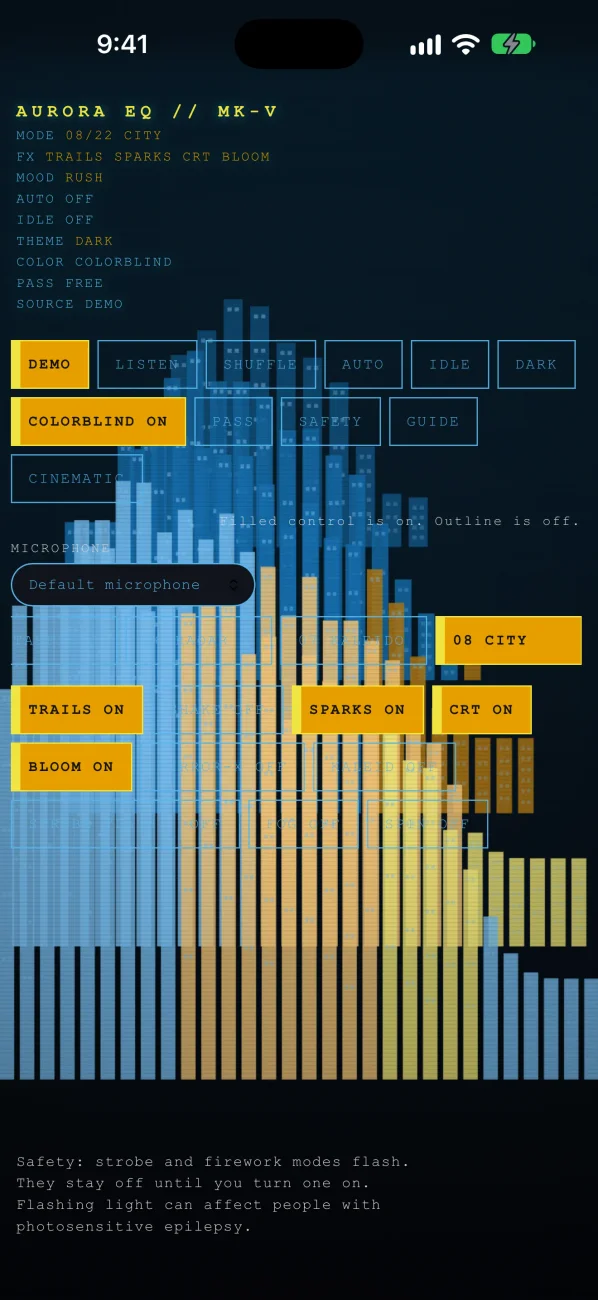
Aurora EQ turns the sound around you into a live, music-synced visualizer. Play a song, tap Listen, and the screen answers every beat with spectrum bars, waveforms, tunnels, starfields, ribbons, a neon skyline and more.
WHAT YOU GET
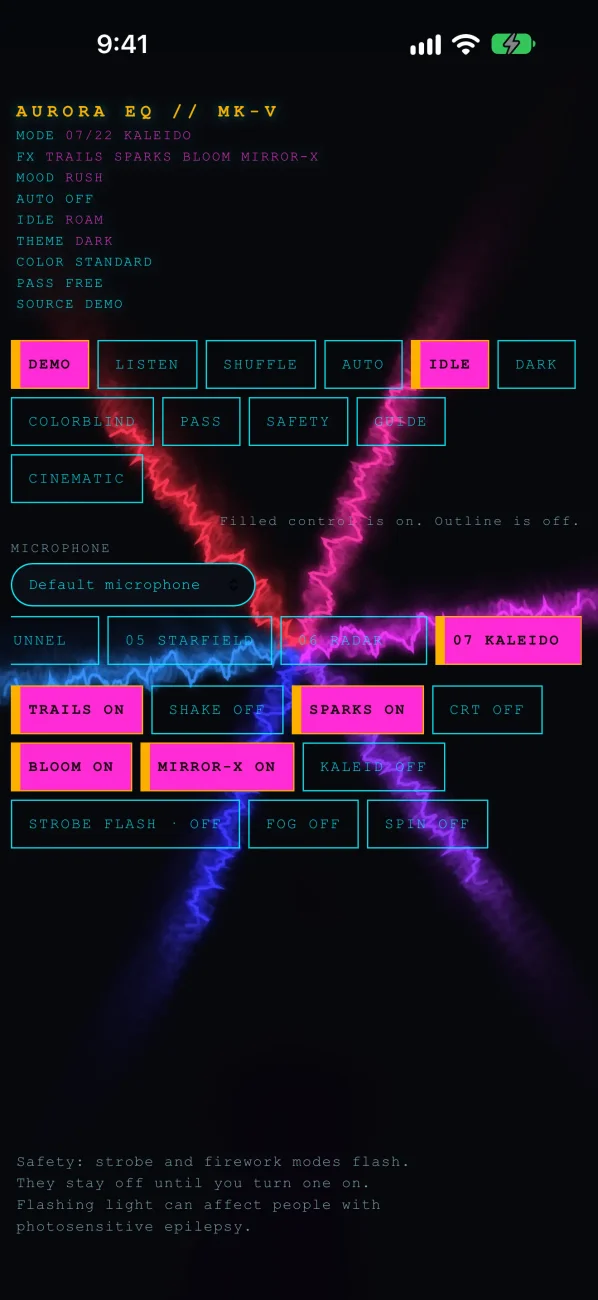
• 22 visual modes, from classic spectrum bars and a scope trace to plasma, tunnel, starfield, kaleidoscope, city and ribbon scenes.
• Effects you can switch on and off: trails, sparks, CRT scan lines, bloom, mirror, kaleidoscope, fog and spin.
• Cinematic mode: one tap hides every control and label so only the visualizer fills the screen. Tap the screen to bring everything back.
• Idle mode: press the Idle button and Aurora EQ roams through modes on its own. It only runs when you turn it on.
• Demo mode: no music playing? A built-in demo signal keeps the visuals moving so you can explore.
• Shuffle and Auto: jump to a random mode, or let the app change modes for you.
• Light and dark themes.
• Colorblind mode: a high-contrast palette designed to be easier to read for people with color vision differences.
• Photosensitivity care: strobe and firework modes that flash are off by default. You see a warning and must choose to turn them on, and you can turn that permission off again from the Safety button.
• A short guide that explains how to get the best result.
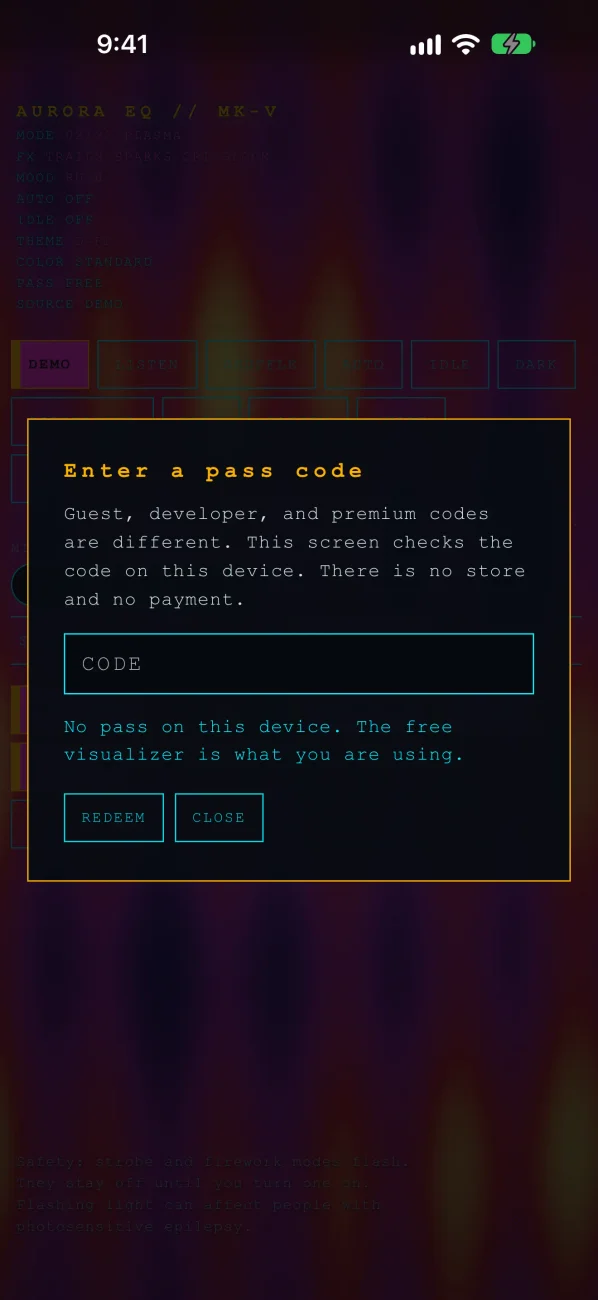
• A pass-code menu where you can enter a code to mark your device. Aurora EQ is free, there is no store and no purchase, and the full visualizer works without a code.
YOUR MICROPHONE AND YOUR PRIVACY
Aurora EQ uses the iPhone microphone only to listen live and draw the visuals. Audio is analyzed on your device as it plays. It is never recorded, saved or sent anywhere. The app collects no personal data, has no ads, needs no account and does not track you. Microphone access is only requested when you tap Listen, and you can change it any time in Settings.
TIPS
• Hold your iPhone near the speaker, or play music on another device nearby, for the strongest response.
• Use Cinematic mode with your iPhone propped up as a mood light at a party, study session or quiet evening.
• Turn on Colorblind mode from the control panel if the default colors are hard to tell apart.
Photosensitivity notice: some optional modes use rapid flashing light, which can affect people with photosensitive epilepsy. They stay off until you choose to enable them.
Privacy policy: https://xclusivexo.com/aurora-eq/privacy/
What’s new
Version 1.0.1 · Nov 6, 2026
Listen on iPhone keeps the song on the loudspeaker. While the microphone is on, playback no longer drops to the earpiece, so the visualizer can follow music playing in the room. Headphones and Bluetooth stay on their own route.
App privacy
What Alexander Price declares on the App Store about how this app handles data.
-
Data not collected
The developer does not collect any data from this app.
Privacy practices may vary, for example with the features you use or your age.
Information
- Seller
- Alexander Price
- Category
- Music
- Version
- 1.0.1
- Updated
- Nov 6, 2026
- Released
- Nov 5, 2026
- Size
- 2.6 MB
- Requires
- iOS 16.0 or later
- Age rating
- 4+
- Price
- Free
- Languages
- English
- Copyright
- © 2026 Alexander Price
You might also like
-
 LH NULLModular Music Creation System
-
 MIDI Host HerderUSB MIDI host and router
-
 Sound Shaper: Shape Your MusicEQ, speed and clips for MP3s
-
 Oxidzr SequencerMIDI step sequencer, 9 modes
-
 WavelaneRecord, make beats, mix
-
 DJFX Looper (AUv3)Free loop effect for audio
-
 Cinescapes ProCinematic Soundscapes
-
 GrainfoldGranular Synth for Any Sound
-
 OFX-1 Texture ReverbTexture and ambient reverb
-
 OneMove AirFree AUv3 high-end enhancer