
Authenticator: 2FA Code & OTP
Password Manager, MFA & Vault
Designed for iPhone, iPad, Mac
Free · In-app purchases
- Age rating17+
- CategoryProductivity
- Developer志兵 袁
- LanguagesEnglish+ 10 more
- Size40.2 MB
Links to the official App Store page
Download.org hosts no file of Authenticator: 2FA Code & OTP. The button opens its official App Store page, published by 志兵 袁. Listing last checked on Nov 20, 2026.
Screenshots


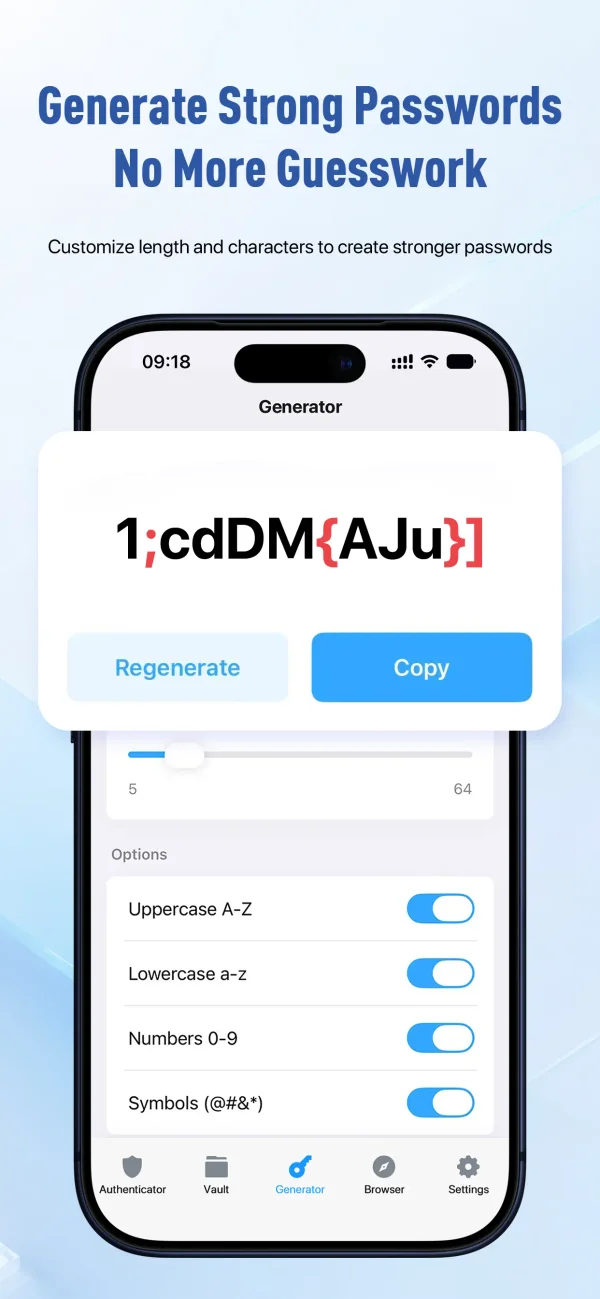

About
Authenticator Pro is your all-in-one account security app — two-factor authentication (2FA), a password vault, a password generator, and a private secure browser, all in one place.
Whether you're protecting your personal logins, running stores on Amazon and Shopify, or managing dozens of developer and company accounts, Authenticator Pro makes account security simple, reliable, and effortless.
CORE FEATURES
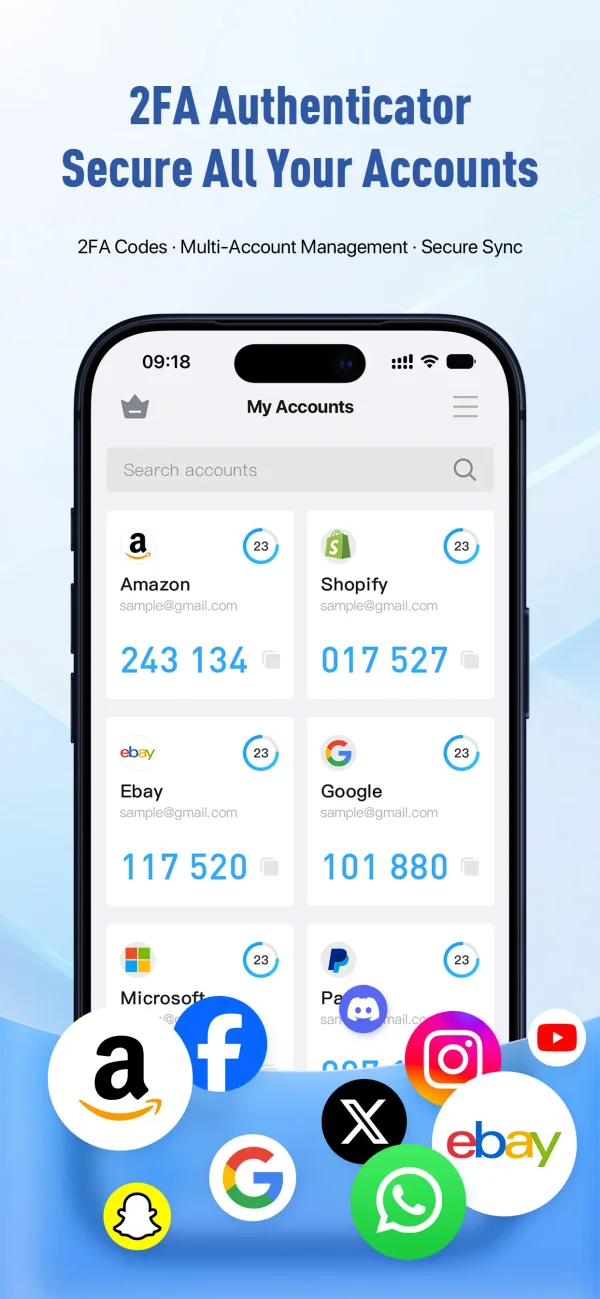
• Two-Factor Authentication (2FA) — your first line of defense
Built on the TOTP standard, Authenticator Pro works with every major service: Google, GitHub, Amazon, Shopify, Microsoft, Dropbox, X (Twitter), Discord, PayPal, Stripe, and any platform that supports two-factor or multi-factor authentication (MFA). Just scan the QR code and you're set up in under 30 seconds. Your one-time codes (OTP) refresh every 30 seconds, so even if your password leaks, no one can sign in without the code.
• Password Vault — stop using one password everywhere
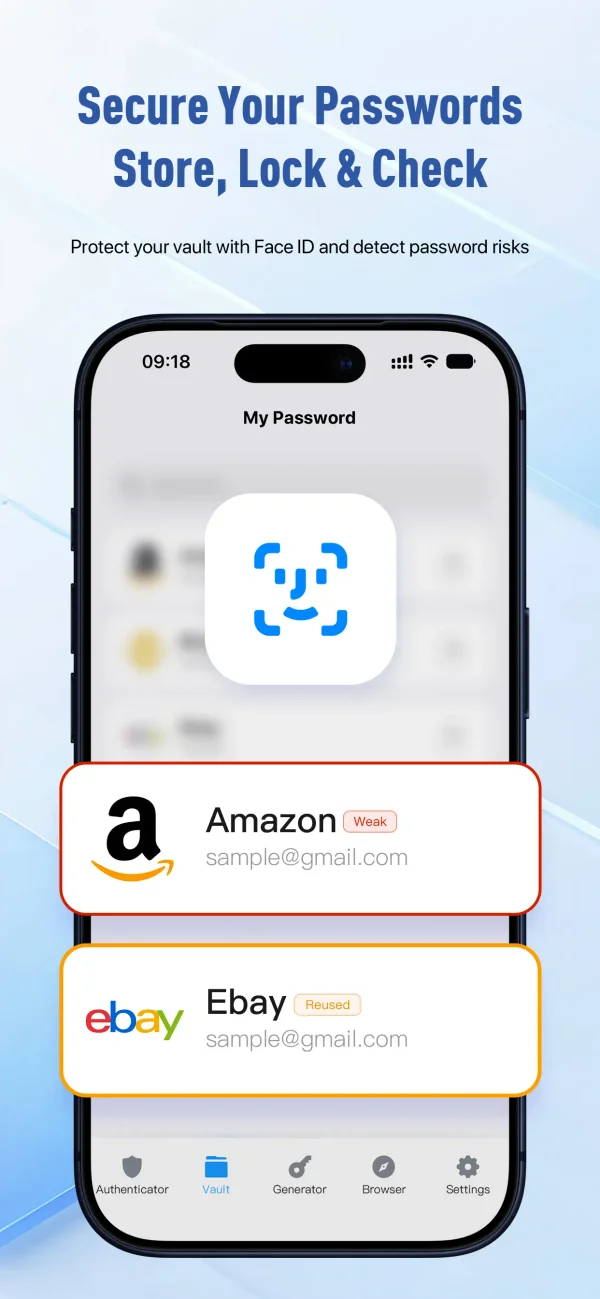
80 accounts, 80 different passwords — impossible to remember, and you don't have to. Every username and password is encrypted and stored locally on your device, ready to copy with a single tap. No more digging through notes, sticky notes, or chat history — and no more endless "forgot password" resets.
• Password Generator — strong passwords in seconds
Create high-strength passwords with custom length (5–64 characters) and any mix of uppercase, lowercase, numbers, and symbols. The result would take trillions of years to brute-force. Signing up for something new, or forced to rotate a password? Generate, copy, done — in five seconds.
• Built-in Secure Browser — your last line against phishing
Phishing is one of the most common ways accounts get stolen, and fake login pages are nearly impossible to spot. The built-in secure browser runs in an isolated sandbox that blocks third-party ad tracking and cookie monitoring. Switch on private mode and all history and local data are wiped the moment you leave — no trace left behind. Smart autofill even recognizes login pages and fills in your saved credentials with one tap.
• iCloud Sync & Cloud Restore — switch phones with zero stress
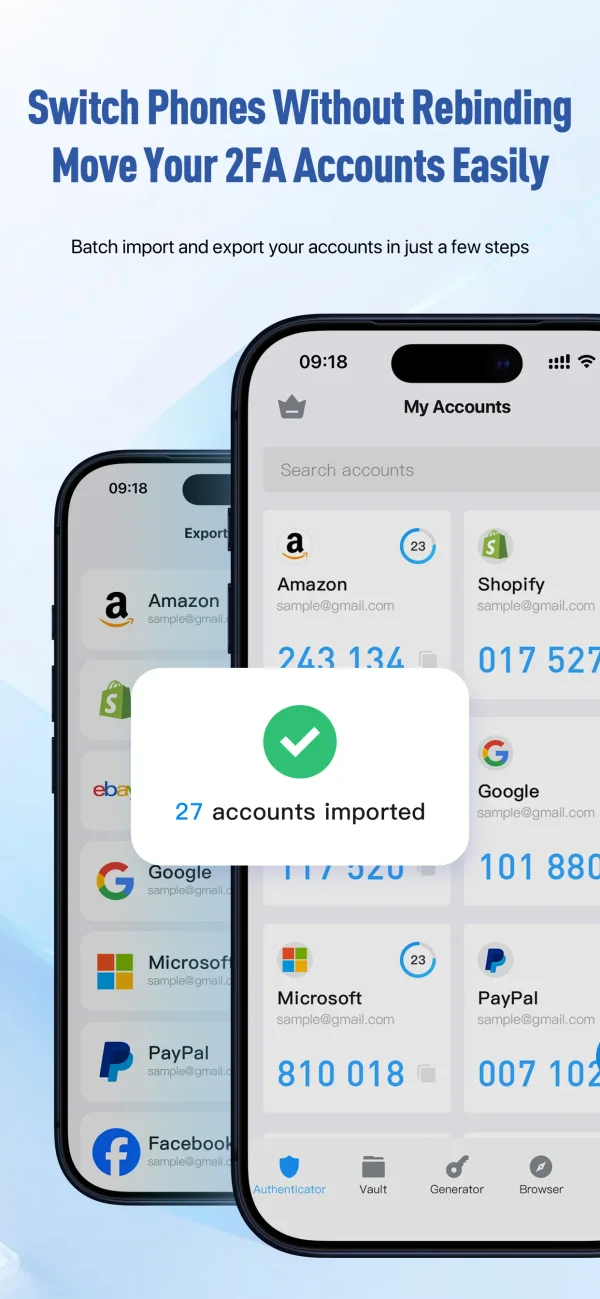
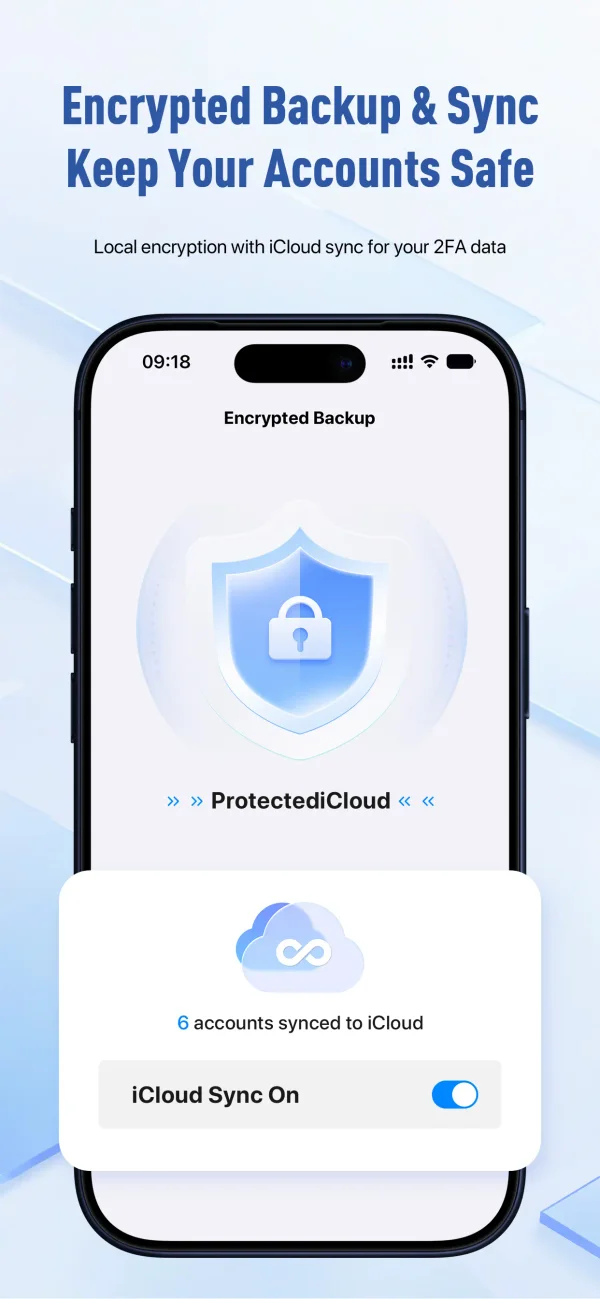
Losing every code when you get a new phone is a nightmare too many people know. With iCloud sync on, your accounts are automatically encrypted and backed up to your private iCloud. Install the app on your new phone and restore everything in 30 seconds.
• Apple Watch — codes on your wrist
Phone not handy? Just raise your wrist and read your verification codes right on your Apple Watch.
• Face ID / Passcode Lock
With app lock enabled, Authenticator Pro asks for Face ID or your passcode every time it opens — so even if someone gets hold of your phone, your accounts stay safe.
WHO IT'S FOR
• Everyday users — protect your email, social, banking, and shopping accounts
• E-commerce sellers — keep your Amazon, Shopify, and eBay store accounts safe, especially before peak season
• Developers — manage GitHub, AWS, GitLab, and cloud accounts in one place
• Crypto traders — secure your Binance, exchange, and wallet logins
• Gamers — protect Steam, Riot, Epic, and other game accounts
• Teams — centralize accounts and hand them off seamlessly with iCloud sync
Account security isn't something to handle "after something goes wrong." Download Authenticator Pro today, set up in five minutes, and put every account in the vault.
Downloading indicates agreement to Apple's Standard EULA: https://www.apple.com/legal/internet-services/itunes/dev/stdeula/
What’s new
Version 1.19 · Nov 17, 2026
1. Live codes on wrist & home widgets, synced with iPhone
2. Clean bulk import: skips duplicates, avoids overwrites
3. Tap refresh to view codes; alerts for missing keys
【Everyday Experience】
- Tap refresh in the list to reveal new codes right away without extra steps
- Clear reminders in lists and details when a secret key is missing, with easy recovery
- Refined iPad & foldable split-screen layouts and clearer local subscription pricing
【Security & Performance】
- Upgraded sync protection so your codes and progress stay safe across devices
- Enhanced privacy controls, lower battery drain, and general stability fixes
App privacy
What 志兵 袁 declares on the App Store about how this app handles data.
-
Data not linked to you
May be collected but is not linked to your identity.
- Purchases
- Identifiers
- Usage data
- Diagnostics
- Other data
Privacy practices may vary, for example with the features you use or your age.
Information
- Seller
- 志兵 袁
- Category
- Productivity
- Version
- 1.19
- Updated
- Nov 17, 2026
- Released
- Jun 16, 2026
- Size
- 40.2 MB
- Requires
- iOS 17.0 or later
- Age rating
- 17+
- Price
- Free
- In-app purchases
- Yes
- Languages
- English, French, German, Italian, Japanese, Korean, Portuguese, Russian, Simplified Chinese, Spanish, Traditional Chinese
- Copyright
- Copyright © 2026 zhibing yuan. All rights reserved.
You might also like
-
 Idea Think: Thought OrganizerMind Map & Idea Organizer
-
 Habit Tracker: Planner RoutineBuild Good & Quit Bad Habits
-
 App Blocker OffKitStop doomscrolling. Block apps
-
 Privli: Nearby File ShareOffline cross-device sharing
-
 Spokn: Expenses & RemindersOrganize life with your voice
-
 Habit Road - Habit TrackerBuild Habits That Last
-
 MarkdownSnapMarkdown 3:4 Image, Card & PDF
-
 TimeTill: Countdown WidgetTrack Events & Count Up Days
-
 Transcription ProSpeech to Text · Offline
-
 Finishly -Beat ProcrastinationTask Reasons That Motivate