
Authenticator App++
Secure Sign in Your Accounts
Designed for iPhone, iPod touch
Free · In-app purchases
- Age rating4+
- CategoryUtilities
- DeveloperWuHan ChongYue Future Technology Co., Ltd.
- LanguagesEnglish+ 32 more
- Size27.7 MB
Links to the official App Store page
Download.org hosts no file of Authenticator App++. The button opens its official App Store page, published by WuHan ChongYue Future Technology Co., Ltd. Listing last checked on Nov 14, 2026.
Screenshots
About
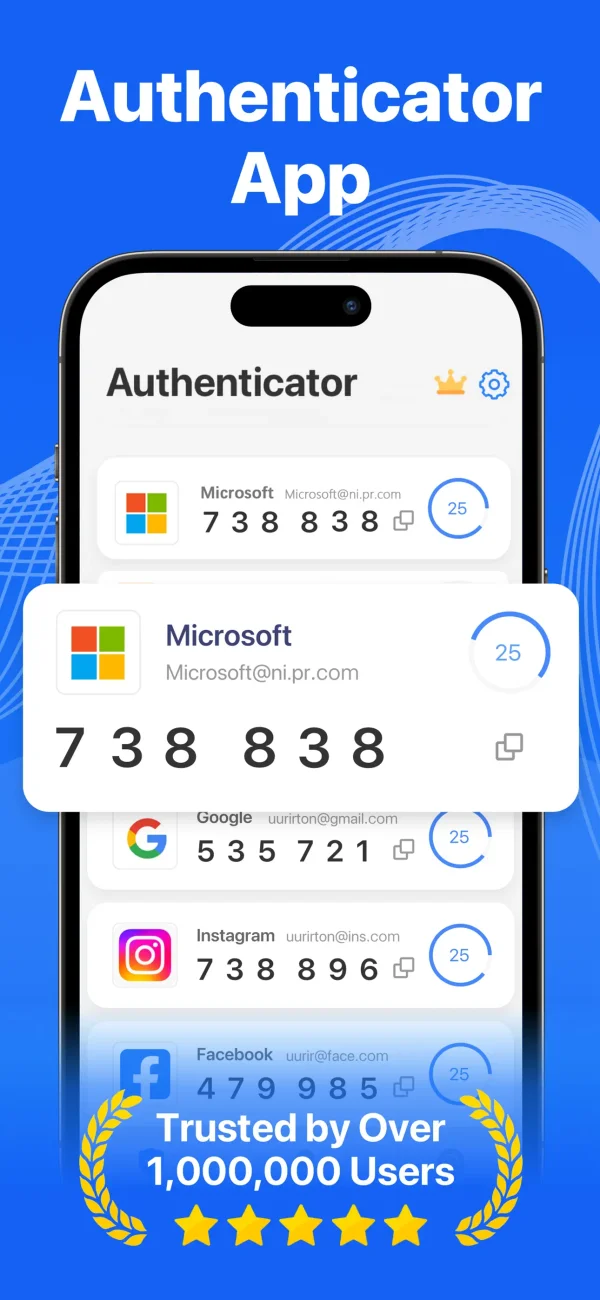
The 2FA Authenticator app tool helps you protect your account from hackers by adding a layer of security.
Two Factor Authenticator is a simple and safe application for mobile authentication apps (2FA Authenticator) that generates Time-based One-time authentication Passwords (TOTP). Apps that work with two-factor verification apps could be used for securing your multiple accounts on different platforms such as Social Media, the Internet, and many such 1000+ services!
Key Features:
- Two Factor Authentification
Authenticate 2FA doubles the account's security by requiring a regular password and a Time-based One-time Password (TOTP). Authenticator App generates TOTP on the user’s device.
- Easy to Scan QR Code:
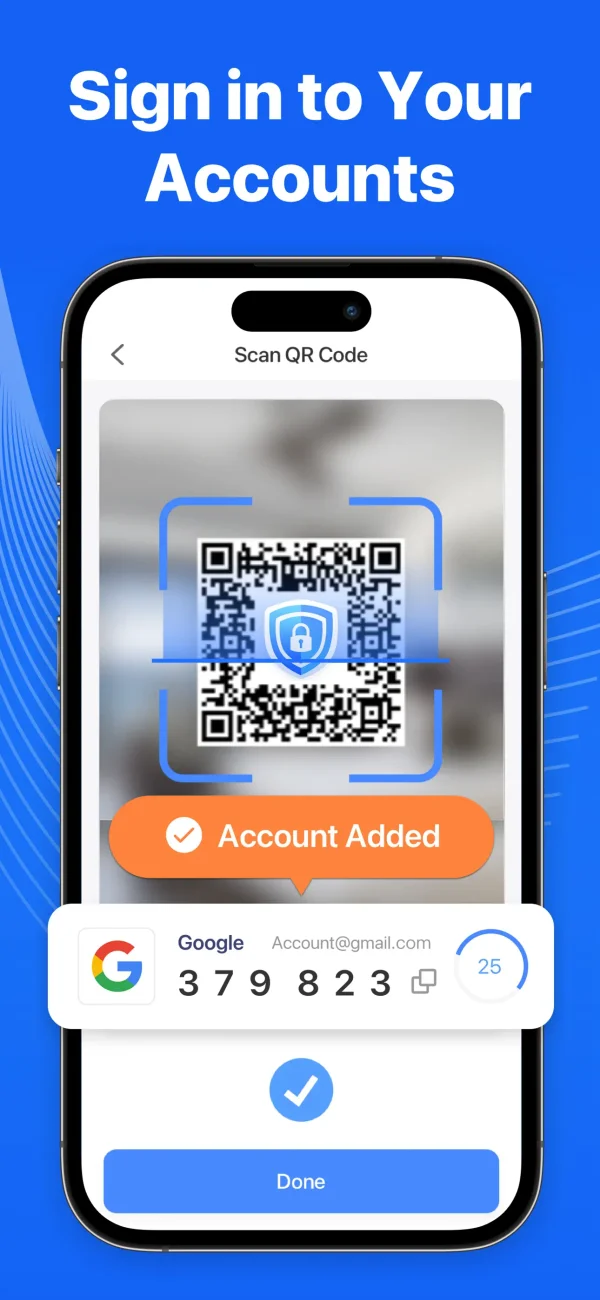
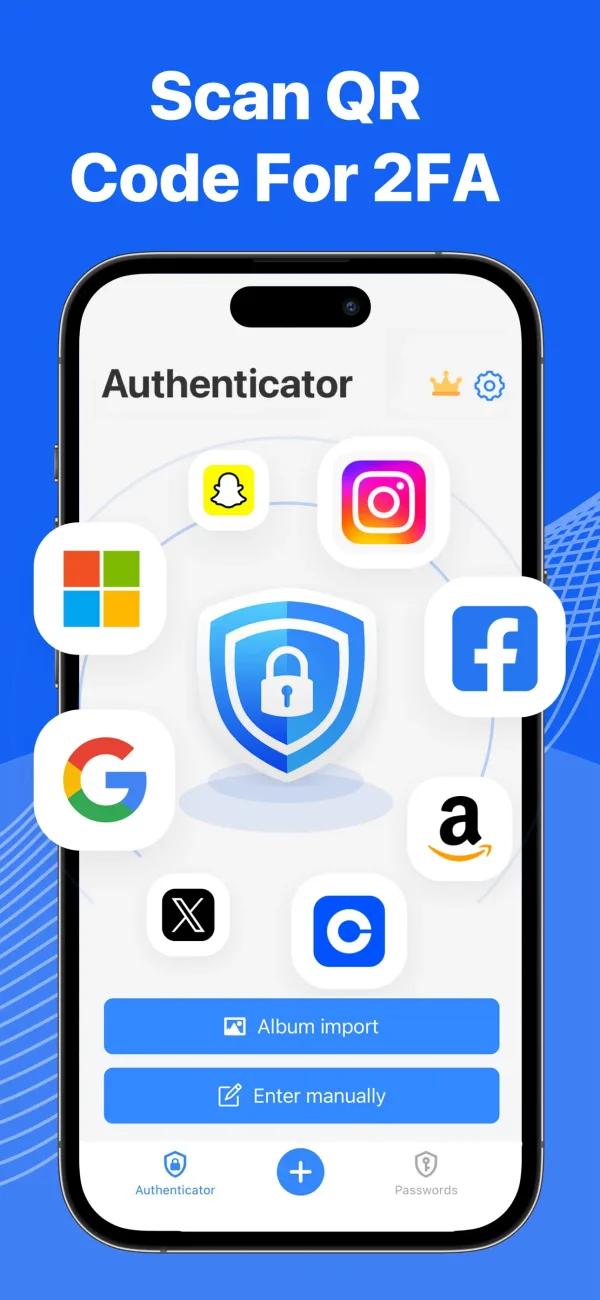
Just one tap QR scan for easy access and hassle-free registration and get a one-time password.
- Secure & Private
All data stored in Authenticator is always encrypted that you are the only one who can access your data with 2step authorization.
- Manage your passwords
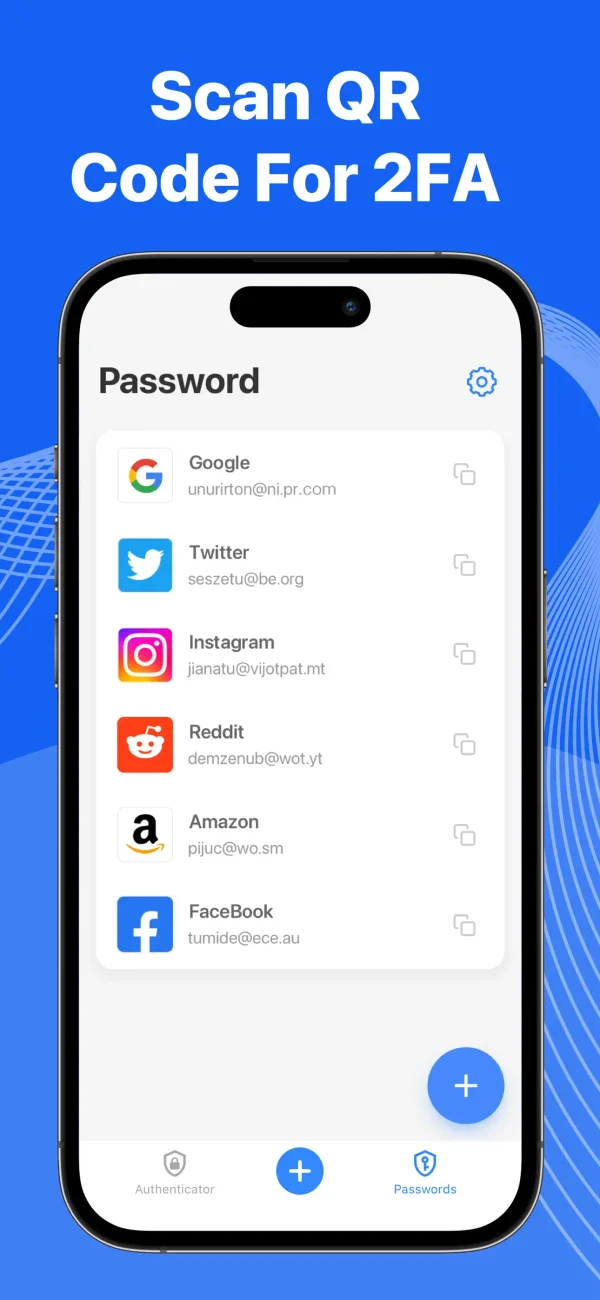
Manage & Storage your account passwords, and keeps them safe and secure behind the one password that only you know.
- Secure use TouchID & FaceID
Confirm your identity with the application using Touch ID or Face ID.
TERMS OF SUBSCRIPTION:
– Payment will be charged to iTunes Account at confirmation of purchase.
– Subscription automatically renews unless auto-renew is turned off at least 24 hours before the end of the current period.
– Account will be charged for renewal within 24 hours before the end of the current period. The cost depends on the selected plan.
– Subscriptions may be managed by the user and auto-renewal may be turned off by going to the user's Account Settings after purchase.
Privacy Policy: https://www.nrhapp.top/html/PrivacyPolicy.html
Terms of Use: https://www.nrhapp.top/html/Terms.html
What’s new
Version 1.2.5 · Nov 17, 2025
Authenticator Updates:
Optimized the verification process to improve security and stability
Optimized interface details and multi-language display
Fixed known issues and improved overall performance
App privacy
What WuHan ChongYue Future Technology Co., Ltd. declares on the App Store about how this app handles data.
-
Data not linked to you
May be collected but is not linked to your identity.
- Purchases
- Identifiers
- Diagnostics
Privacy practices may vary, for example with the features you use or your age.
Information
- Seller
- WuHan ChongYue Future Technology Co., Ltd.
- Category
- Utilities
- Version
- 1.2.5
- Updated
- Nov 17, 2025
- Released
- Jun 16, 2024
- Size
- 27.7 MB
- Requires
- iOS 15.1 or later
- Age rating
- 4+
- Price
- Free
- In-app purchases
- Yes
- Languages
- English, Arabic, Bulgarian, Croatian, Czech, Danish, Dutch, Finnish, French, German, Greek, Hebrew + 21 more
- Copyright
- © WuHan ChongYue Future Technology Co., Ltd.
You might also like
-
 Authenticator App ‘Two factor authentication, 2fa
-
 Authenticator App -2FA SecureSecure Sign into Your Accounts
-
 Authenticator App #1Sign In to All Your Accounts
-
 Authenticator App *2FA Two Factor Authentication
-
 Authenticator App ¹2FA, MFA & TOTP Code Generator
-
 Authenticator 2FA: OTP CodesTwo Factor Auth, OTP & MFA
-
 Authenticator app - 2FA, MFATwo Factor Authentication, OTP
-
 Authenticator App†2FA Authentication MFA OTP
-
 Authenticator App ™Two Factor Authentication
-
 Authenticator App-2FA・MFA・OTPTwo Factor Authentication・TOTP