
Authenticator © App 2FA
OTP Code Generator & MFA Auth
Designed for iPhone, iPad
Free · In-app purchases
- Age rating4+
- CategoryUtilities
- DeveloperManimau Studios Pte Ltd
- LanguagesEnglish+ 5 more
- Size17.5 MB
Links to the official App Store page
Download.org hosts no file of Authenticator © App 2FA. The button opens its official App Store page, published by Manimau Studios Pte Ltd. Listing last checked on Nov 16, 2026.
Screenshots



About
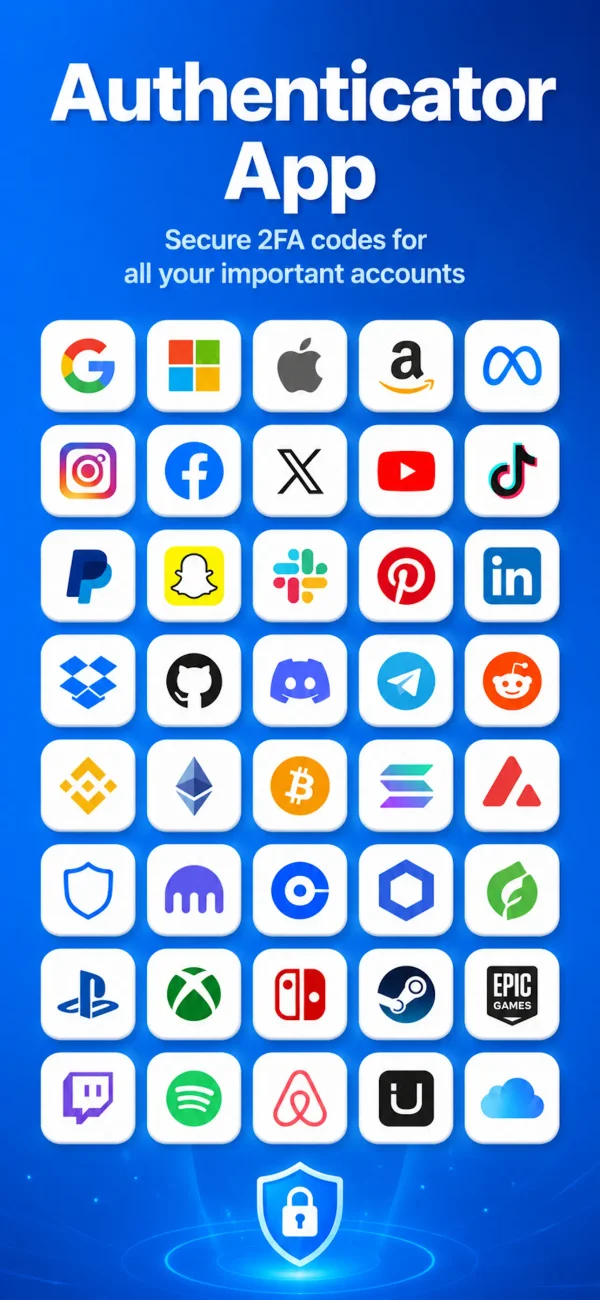
Authenticator is a secure 2FA Authenticator, Password Manager, and Secure Vault that protects your online accounts and sensitive information. Generate TOTP and OTP verification codes, securely manage passwords, recovery codes, secret keys, API keys, wallet seed phrases, and secure notes—all in one private app.
Easily switch from Google Authenticator, Microsoft Authenticator, or another authenticator app by importing supported accounts and continuing to protect your accounts with industry-standard two-factor authentication.
Two-Factor Authentication (2FA)
• Generate secure TOTP and OTP verification codes
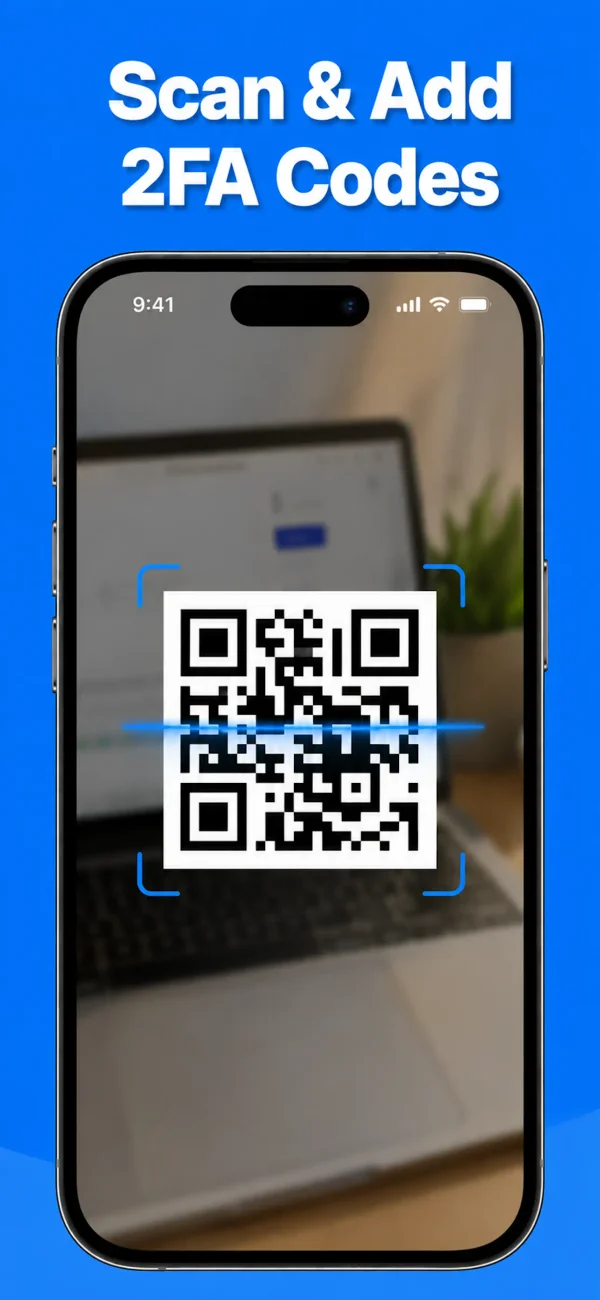
• Scan QR codes to add accounts instantly
• Add accounts manually
• Import supported authenticator export files
• Copy verification codes with one tap
• Works with thousands of services supporting two-factor authentication
Password Manager & Secure Vault
• Generate strong, unique passwords
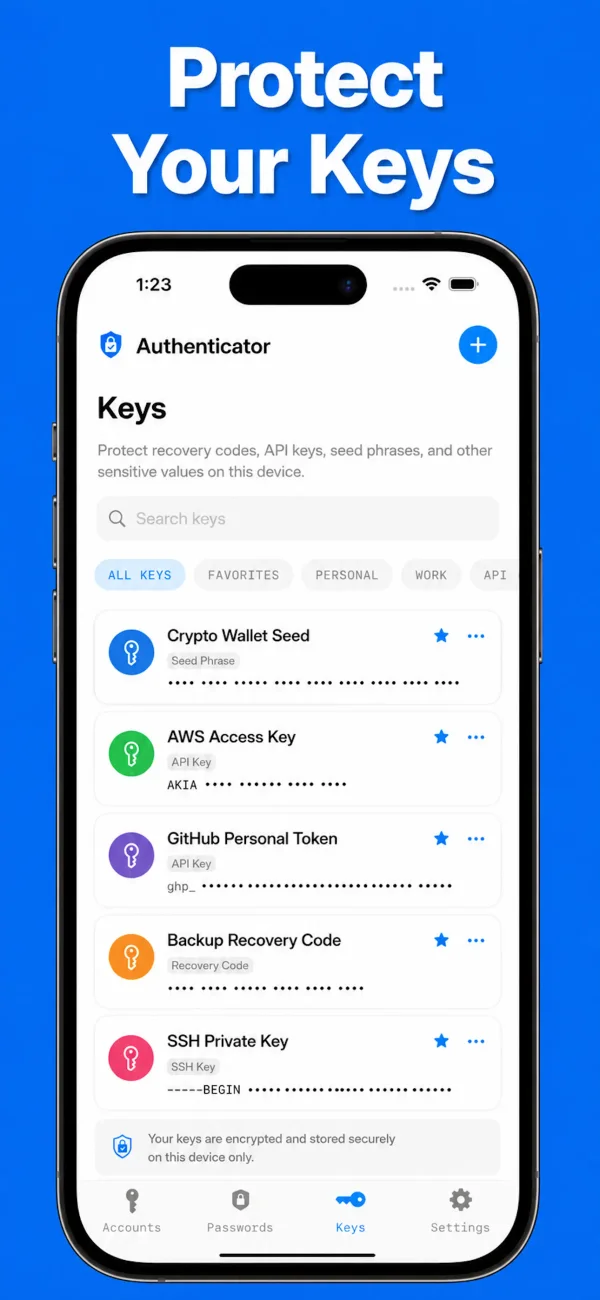
• Securely store passwords and recovery codes
• Save secret keys, API keys, wallet seed phrases, and secure notes
• Organize everything into folders
• Quickly search your saved accounts and records
Password Health
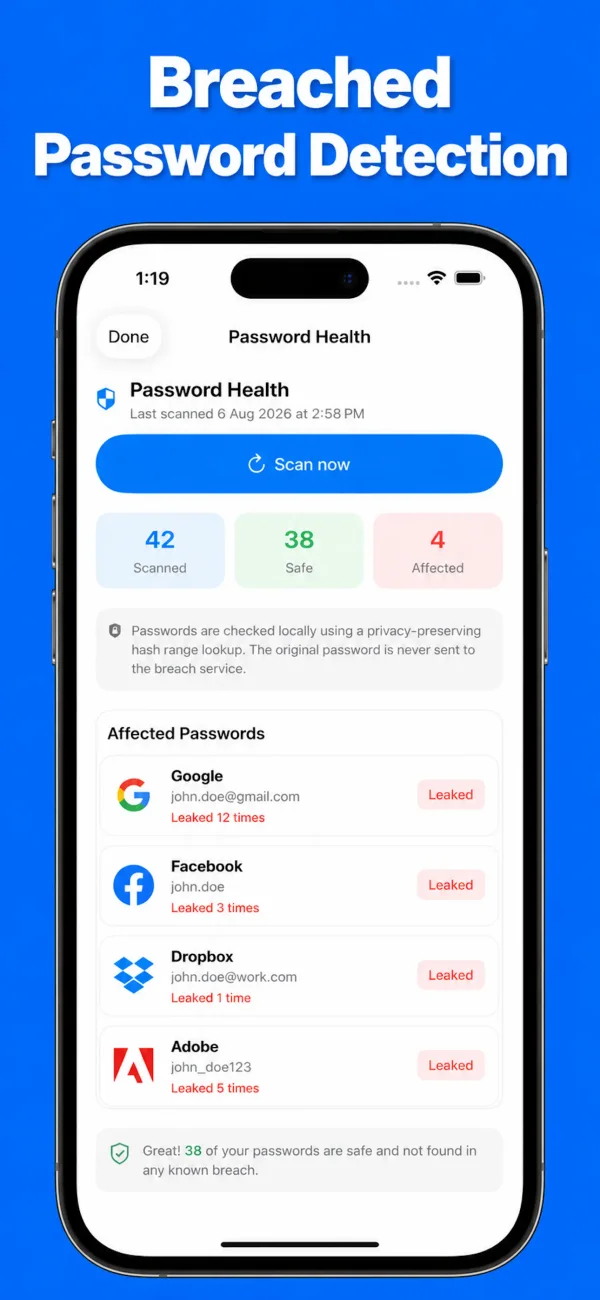
• Check passwords against known data breaches
• Find weak, reused, and compromised passwords
• Improve your overall password security
Privacy & Security
• Protect your vault with Face ID, Touch ID, or a passcode
• Automatically lock the app after inactivity
• Choose Light Mode, Dark Mode, or System Appearance
• Securely store your data using the iOS Keychain
Your passwords, authentication codes, recovery codes, secret keys, API keys, wallet seed phrases, and secure notes remain securely stored on your device. Password Health uses a privacy-preserving process that never sends your original passwords to the breach-checking service.
Protect your digital life with secure 2FA authentication, password management, Password Health, and a private encrypted vault—all in one powerful Authenticator app.
Subscription
Unlock all premium features with an auto-renewing subscription. Payment will be charged to your Apple Account at confirmation of purchase. Your subscription renews automatically unless canceled at least 24 hours before the end of the current billing period. You can manage or cancel your subscription anytime in your App Store Account Settings.
Privacy Policy:
https://manimaustudios.com/authenticator/privacypolicy.html
Terms of Service:
https://manimaustudios.com/authenticator/termsofservice.html
App privacy
What Manimau Studios Pte Ltd declares on the App Store about how this app handles data.
-
Data not linked to you
May be collected but is not linked to your identity.
- Purchases
- Location
- Usage data
- Diagnostics
Privacy practices may vary, for example with the features you use or your age.
Information
- Seller
- Manimau Studios Pte Ltd
- Category
- Utilities
- Version
- 1.0
- Updated
- Aug 20, 2026
- Released
- Aug 20, 2026
- Size
- 17.5 MB
- Requires
- iOS 18.0 or later
- Age rating
- 4+
- Price
- Free
- In-app purchases
- Yes
- Languages
- English, French, German, Japanese, Korean, Spanish
- Copyright
- © Manimau Studios Pte Ltd.
You might also like
-
 Authenticator: 2FA,MFA & OTPScan QR & Secure Backup
-
 HotKey OTP: 2FA Authenticator2FA codes in your menu bar
-
 Authenticator App 2FASecure Authentication MFA, OTP
-
 Authenticator app: TOTPLYSecure ID - 2FA, MFA & TOTP
-
 Receber SMS - Temp numbers OTPReceive SMS online
-
 Totem: 2FA AuthenticatorEncrypted verification codes
-
 Raiders Map & CompanionInteractive Map
-
 Authenticator: OTP Code & 2FATwo Factor Auth & MFA Token
-
 RentlyUtilities
-
 Medalock2FA Vault & Account Recovery