
Authenticator App | 2FA Auth
Secure 2-Factor Auth Manager
Designed for iPhone, iPad
Free · In-app purchases
- Age rating4+
- CategoryUtilities
- DeveloperMAXLABS COMPANY LIMITED
- LanguagesEnglish+ 76 more
- Size113.5 MB
Links to the official App Store page
Download.org hosts no file of Authenticator App | 2FA Auth. The button opens its official App Store page, published by MAXLABS COMPANY LIMITED. Listing last checked on Nov 22, 2026.
Screenshots


About
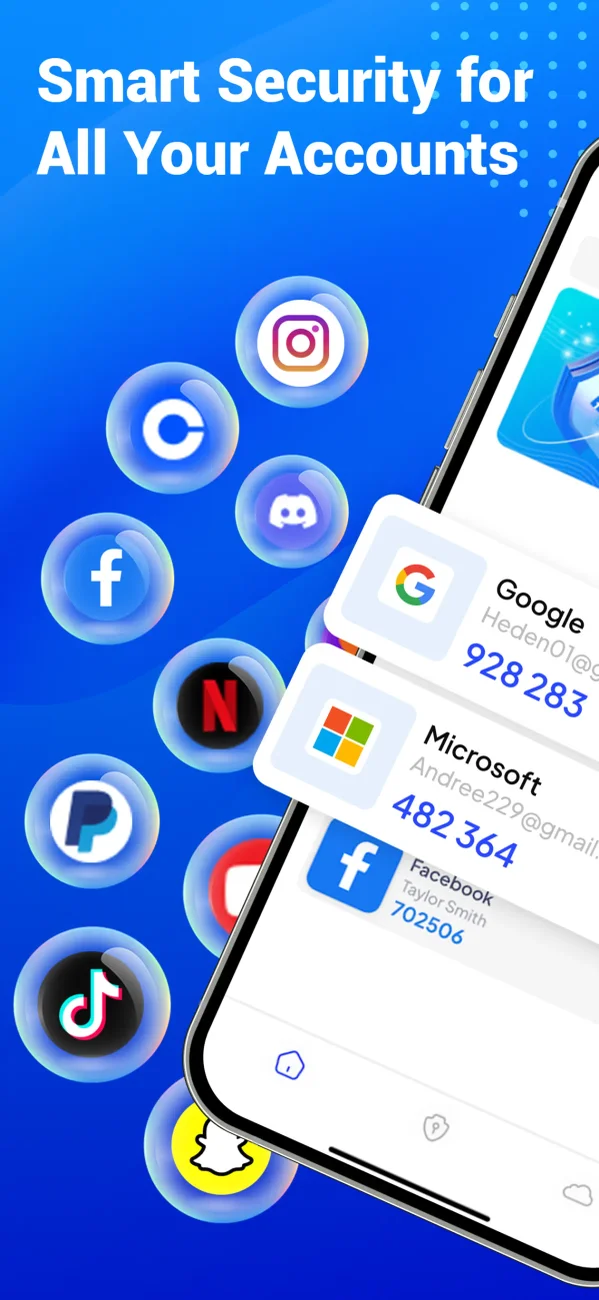
Feeling overwhelmed by keeping your online accounts secure? Authentication is a perfect two-factor authentication (2FA) solution for all your accounts. Very easy to use and 100% secure.
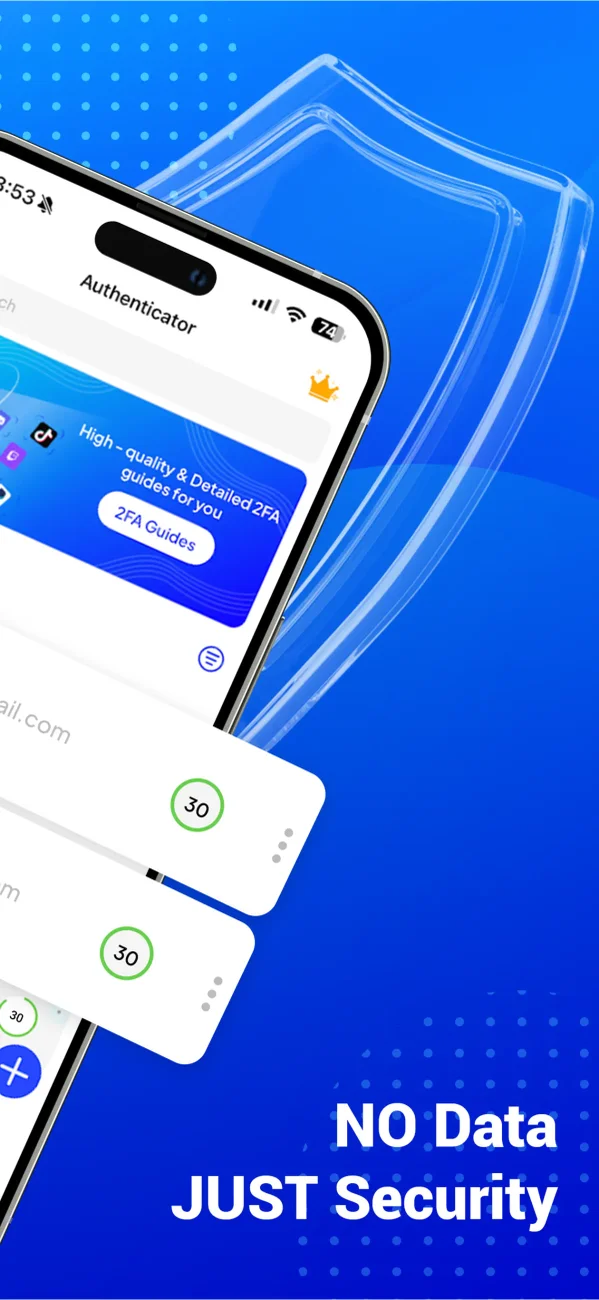
Two-factor authentication (2FA), adds an extra layer of security to your online accounts. Authenticator employs a cutting-edge security method called Time-Based One-Time Password (TOTP) to generate unique codes. These codes change every 30 seconds, ensuring that even if someone intercepts one code, they cannot use it to gain access. This two-step autentication significantly reduces the risk of unauthorized access, even if your password is compromised.
Key Features:
- Strong Two-Factor Authentication (2FA): Safeguard your accounts with the industry-standard TOTP method.
- Offline Capability: Continue to protect your accounts even without an internet connection.
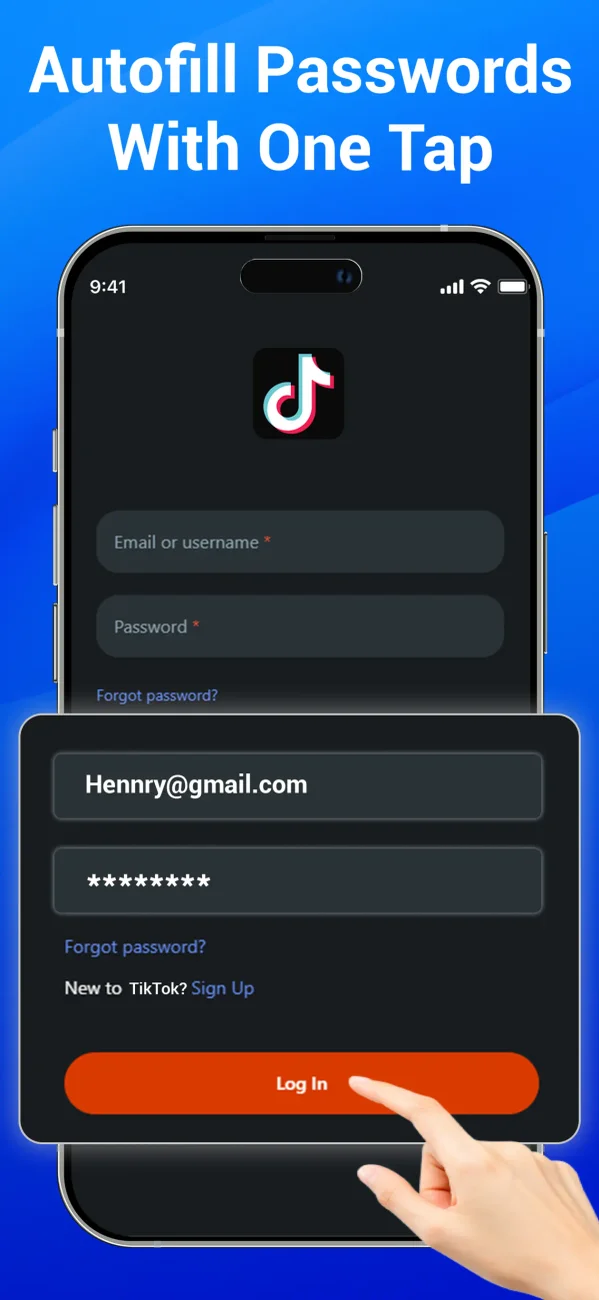
- Password Management: Securely store and autofill your passwords for effortless logins.
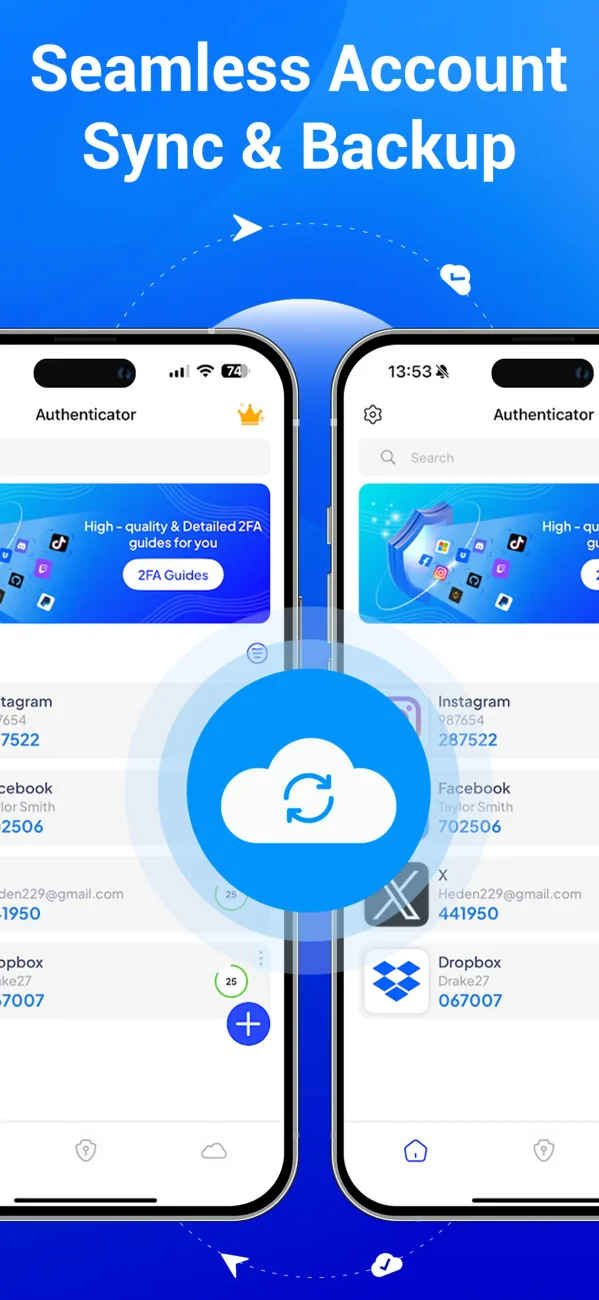
- Import/Export Accounts: Easily manage your 2FA accounts through QR codes or private keys.
- Wide Compatibility: Works with thousands of popular online services.
Why Choose Authenticator?
- Enhanced Security: secures all your online accounts on your device by 2-step verification. It generates a unique time-based one-time password (TOTP) for each login, ensuring that only authorized users can access your account.
- Convenience: Save time and frustration by eliminating the need to remember complex passwords. Authenticator's password management feature securely stores your credentials for quick and easy logins.
- Flexibility: Whether you're at home, work, or on the go, Authenticator's offline functionality ensures uninterrupted protection.
- Data Protection: Your account information is securely stored and encrypted, safeguarding your privacy.
- Time-Saving: Quickly add new accounts by scanning QR codes or entering private keys. You can authenticate your identity quickly, allowing you to access your accounts without unnecessary delays.
- Universal Compatibility: Enjoy peace of mind knowing Authenticator works seamlessly with your favorite online services. Whether you use Google, Instagram, Facebook, Twitter, LinkedIn, Dropbox, Snapchat, Github, Tesla, Coinbase, or even manage your Bitcoin wallet, Authenticator’s 2FA tokens are universally accepted.
- Free: Authenticator is completely free to download and use. The app is designed to be accessible to everyone, ensuring that you don’t have to compromise on security due to cost.
Why you should use Authenticator's TOTP?
Authenticator utilizes Time-Based One-Time Password (TOTP) technology, offering several advantages over traditional SMS-based 2FA: the secret key input for TOTP is only shared once and the method does not rely on the telephony network, which helps reduce the attack surface. TOTP has stronger proof of possession than SMS, which can be legitimately accessed via multiple devices and may be susceptible to SIM swap attacks.
Don't compromise your online safety. Join the millions of users who trust Authenticator to safeguard their online accounts. Download now and experience the peace of mind that comes with knowing your information is protected.
[Disclaimers]
All copyrights are duly respected and reserved to their respective owners.
If you observe any content in our app that violates copyrights, kindly notify us, and we will promptly rectify the issue.
Term of Use: https://www.maxlabs.hk/authenticator/terms-of-use
Privacy Policy: https://www.maxlabs.hk/authenticator/privacy-policy
Apple Terms of use (EULA) :
https://www.apple.com/legal/internet-services/itunes/dev/stdeula/
Connect with Us:
Reach out to us at ios-support@maxlabs.hk
What’s new
Version 3.2.5 · Nov 19, 2026
Bug fixes and performance improvements
App privacy
What MAXLABS COMPANY LIMITED declares on the App Store about how this app handles data.
-
Data used to track you
May be used to track you across apps and websites owned by other companies.
- Identifiers
- Usage data
-
Data not linked to you
May be collected but is not linked to your identity.
- Purchases
- Contact info
- Identifiers
- Usage data
- Diagnostics
Privacy practices may vary, for example with the features you use or your age.
Information
- Seller
- MAXLABS COMPANY LIMITED
- Category
- Utilities
- Version
- 3.2.5
- Updated
- Nov 19, 2026
- Released
- Sep 13, 2024
- Size
- 113.5 MB
- Requires
- iOS 16.0 or later
- Age rating
- 4+
- Price
- Free
- In-app purchases
- Yes
- Languages
- English, Afrikaans, Albanian, Amharic, Arabic, Armenian, Azerbaijani, Basque, Belarusian, Bengali, Bosnian, Bulgarian + 65 more
- Copyright
- © MAXLABS COMPANY LIMITED
You might also like
-
 Authenticator App-2FA・MFA・OTPTwo Factor Authentication・TOTP
-
 BlazeAuth - MFA AuthenticatorTOTP Two Factor Authentication
-
 T-VPN ProTurbo VPN Fast & Private
-
 Authenticator App · 2FA2FA: Two Factor Authentication
-
 Authenticator ·2FA, Two Factor Authentication
-
 VPN Cat ultra 2027VPN Super, VPN Unlimited
-
 Jump VPN - wind v2box wirehapp plus outline secure fast
-
 Authenticator App - 2FA ◦ MFATwo Factor Authentication: OTP